Zotero Deep Linker
 bionux21 downloads
Visually search Zotero and insert links to items, PDFs, and annotations.
- Overview
- Scorecard
- Updates2
中文版 | English
An Obsidian desktop plugin that searches the local Zotero library and inserts Markdown links to a bibliographic item, a PDF attachment, or one specific PDF annotation.
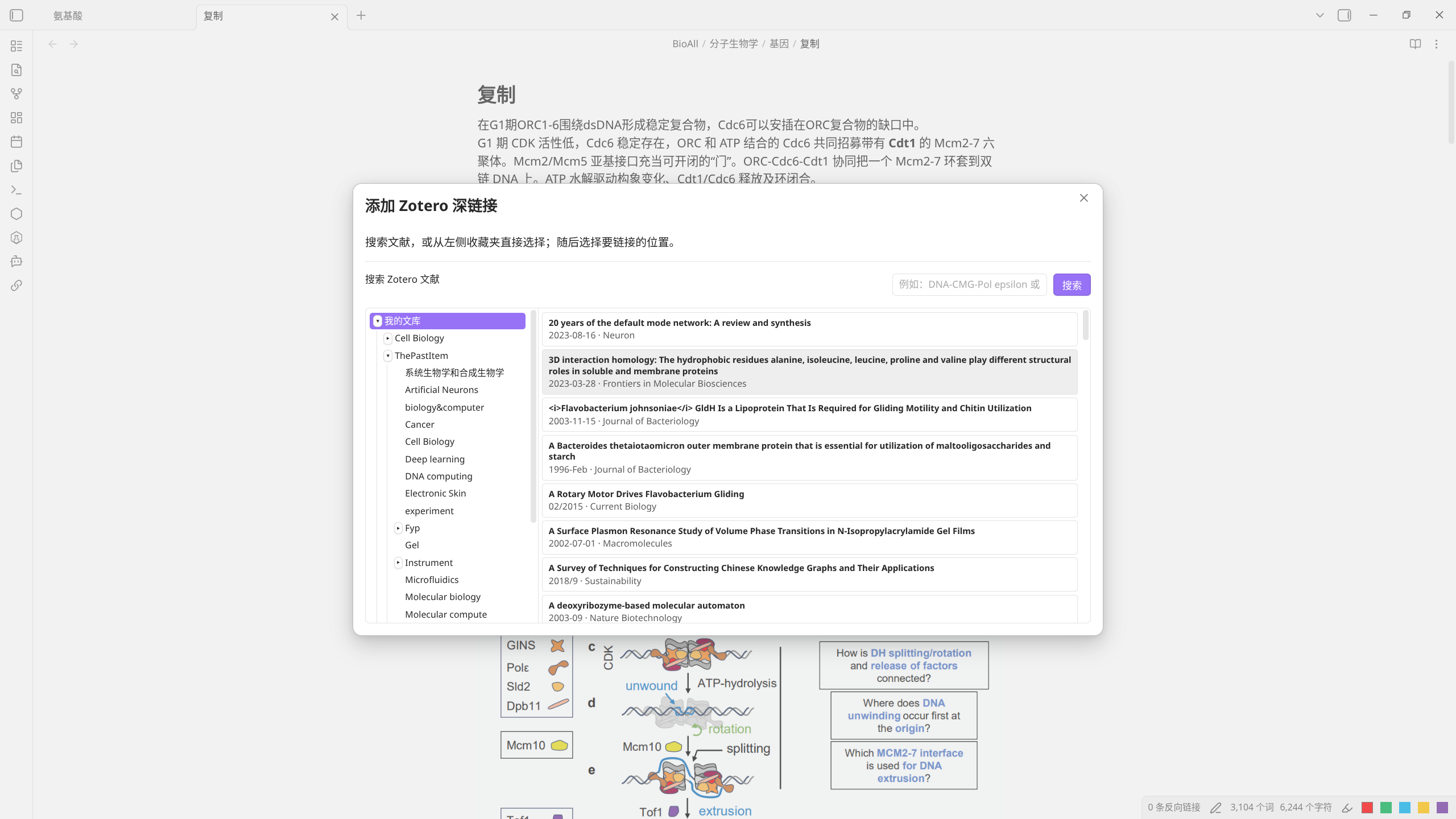
Use
- Keep Zotero running and enable Settings → Advanced → API → Enable local API (default port 23119, i.e.
http://127.0.0.1:23119). - In an Obsidian Markdown note, run Zotero Deep Linker: Add Zotero Deep Link from the command palette, or use the chain-link ribbon button.
- Search by title, author, DOI, or keyword, or select a Zotero collection in the tree beside the results to browse it directly. Both are available in the same window.
- Choose Item, or choose a PDF and then a concrete Annotation.
The inserted targets have these forms:
[Zotero Item](zotero://select/library/items/ITEM_KEY)
[Open PDF](zotero://open-pdf/library/items/PDF_KEY)
[Open PDF Annotation](zotero://open-pdf/library/items/PDF_KEY?page=PAGE&annotation=ANNOTATION_KEY)
The plugin never changes Zotero items, PDFs, or annotations. It only reads the local API and inserts a link into the current Obsidian editor.
Requirements
- Obsidian ≥ 1.8.0 (desktop only)
- Zotero desktop running with Local API enabled
(Settings → Advanced → API → Enable local API, defaulthttp://127.0.0.1:23119) - No other Obsidian plugins required
- No Zotero plugins/extensions required
Settings
The default Zotero Local API address is http://127.0.0.1:23119. Change it
from Settings → Community plugins → Zotero Deep Linker only if your Zotero
setup uses a different local address.
The same settings page includes Collection Column Min Width. Its default is 150 px and it can be increased when your collection names are longer.
Language
UI language follows Obsidian's language setting:
- English (default)
- Chinese (when Obsidian language is set to Chinese)
Development
npm install
npm run build
License
MIT