
- Overview
- Scorecard
- Updates24

Zhihu on Obsidian
Features
This plugin allows you publish your markdown file directly to Zhihu, a Chinese question-answer platform. The main features include:
- create and publish Zhihu articles
- create and publish Zhihu answers
- submit your article to Zhihu question.
- browse customized Zhihu recommendations, followings and hot lists.
Usage
Install
Search Zhihu in community plugin, click the first plugin and install.
Login to Zhihu
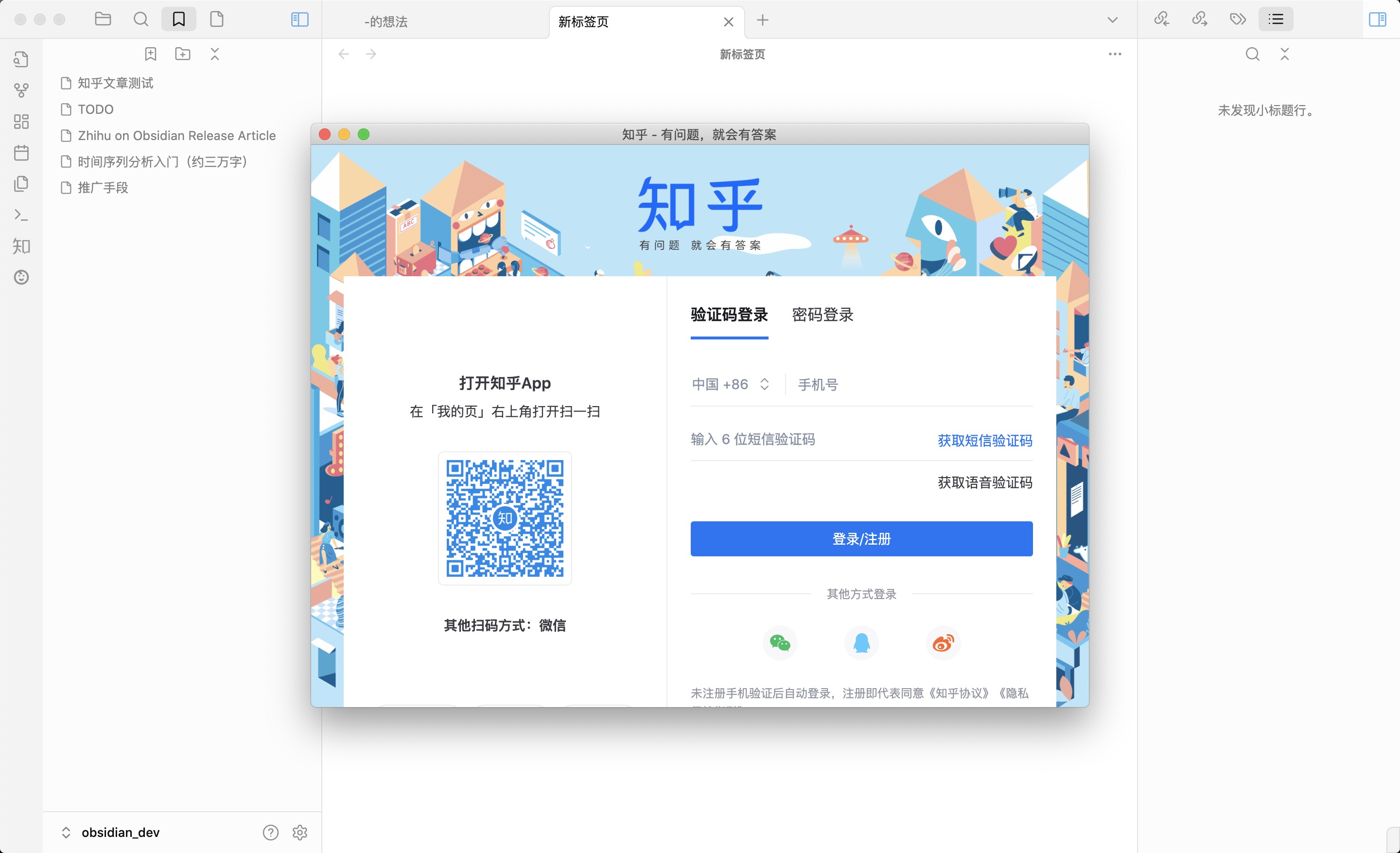
The login feature requires Obsidian core plugin: web viewer, which is disabled by default. You should enable it in settings-Core plugins before login.
You can login to Zhihu by the command Zhihu: Web login, then you will see a web login page. Open Zhihu app and scan it, the plugin will fetch all cookies and user data automatically. (The plugin will never, ever upload your information)
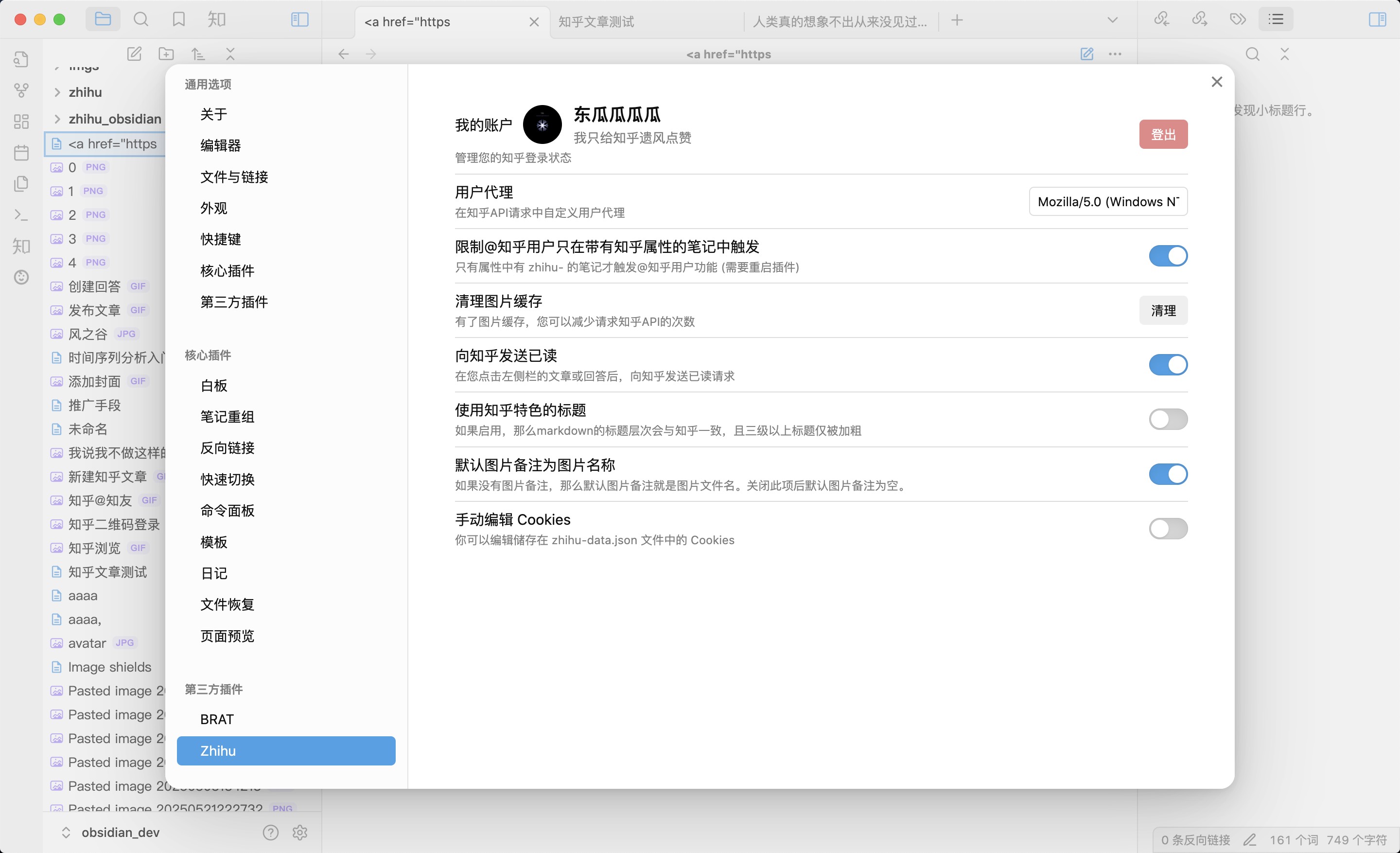
Open the settings->Zhihu Obsidian, an account and avatar indicates that the login is successful.
Publish Articles
After you login, you can publish answers and articles to Zhihu. Here is the process:
Open command palette, type Zhihu: Create new article, the plugin will automatically create a zhihu article draft and a markdown file.
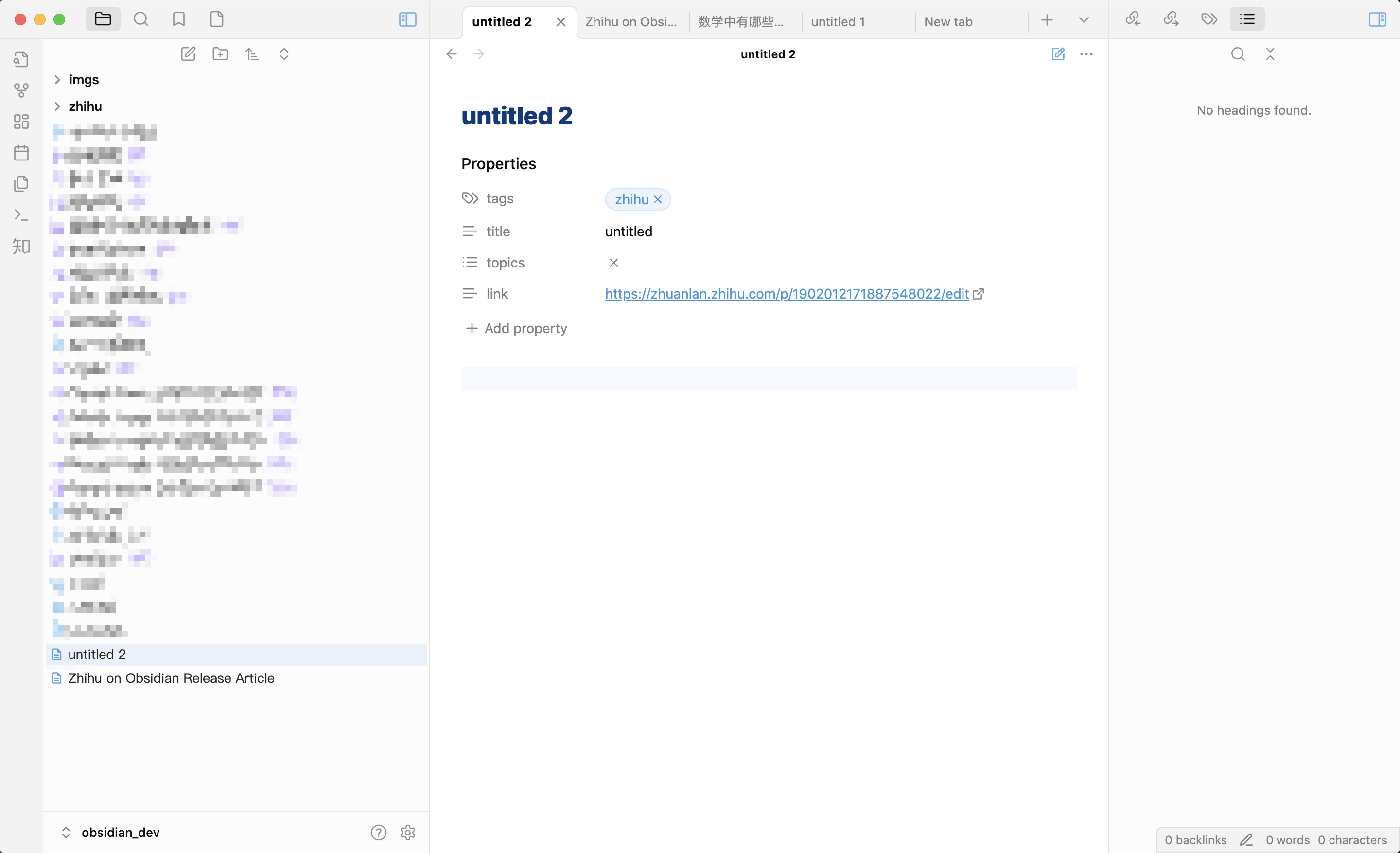
The created markdown file have three frontmatters:
zhihu-title: defaultuntitled, you may change it before publish.zhihu-topics: default none, you should add some, it is also required.zhihu-link: URL to your draft or articles
After you typed some markdown and ready to publish, you can run command Zhihu: Publish current article. After doing that, the plugin will translate your markdown to Zhihu featured HTML, and publish it to Zhihu. You may wait a few seconds before you can actually see the article on Zhihu.
Publish answers
Open command palette, type Zhihu: Create new answer, the plugin will ask you to enter the question link. For example, you would like to answer question https://www.zhihu.com/question/1900539734356390396. Type the link to the modal and press enter, a new answer draft will be created.
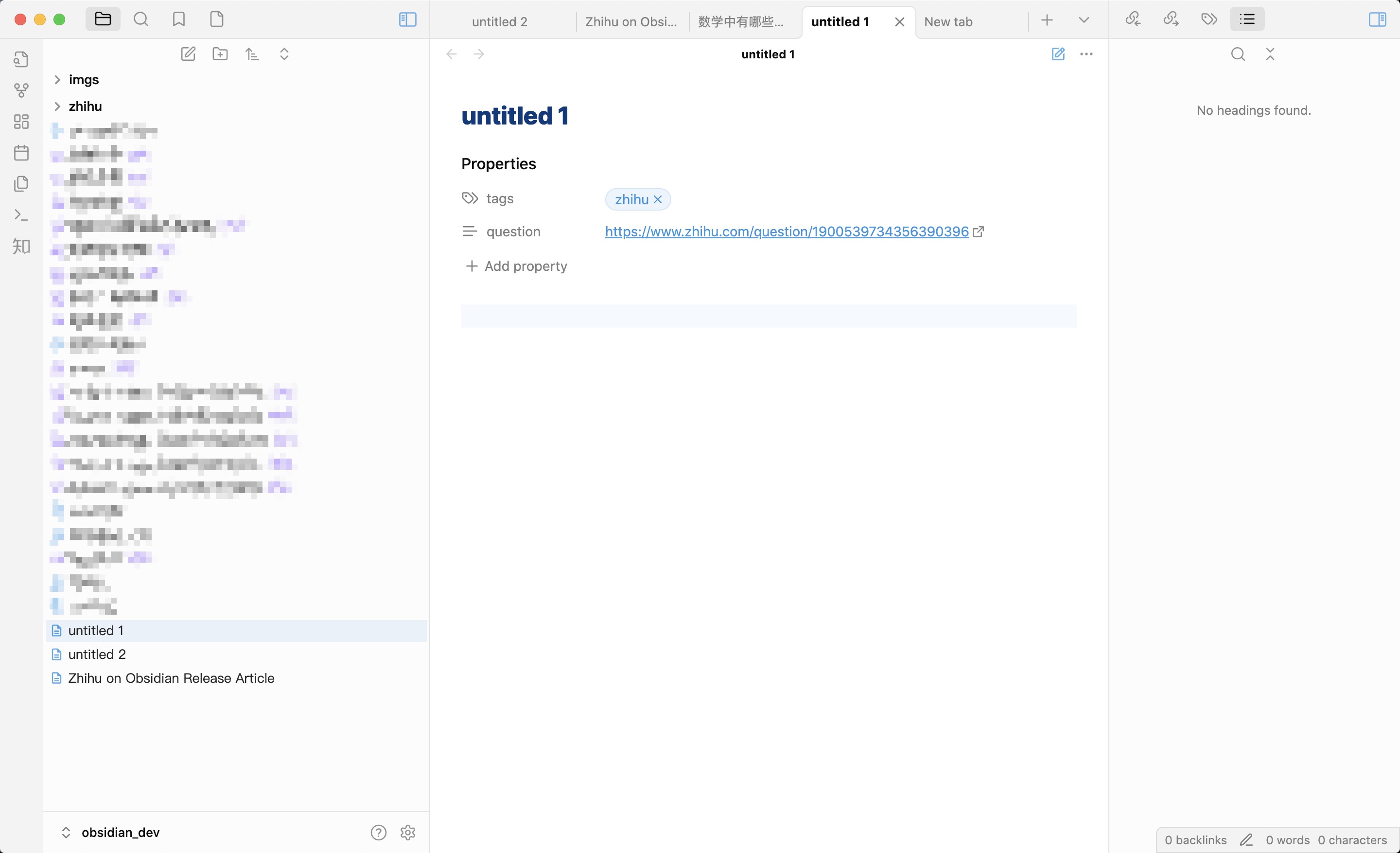
There are no properties you should fulfill, just type your thoughts or experience and run command Zhihu: Publish current answer. That's it, the answer URL then appear in the zhihu-link property. You can also edit your answers anytime with the same command.
It is worth mentioning that you can't create two answers in one question, witch means that if you've created an answer (or answer draft) for a question, you can't create it again. In this situation, you should manually edit properties: zhihu-question and zhihu-link. Then run publish command will update your answer.
Browsing
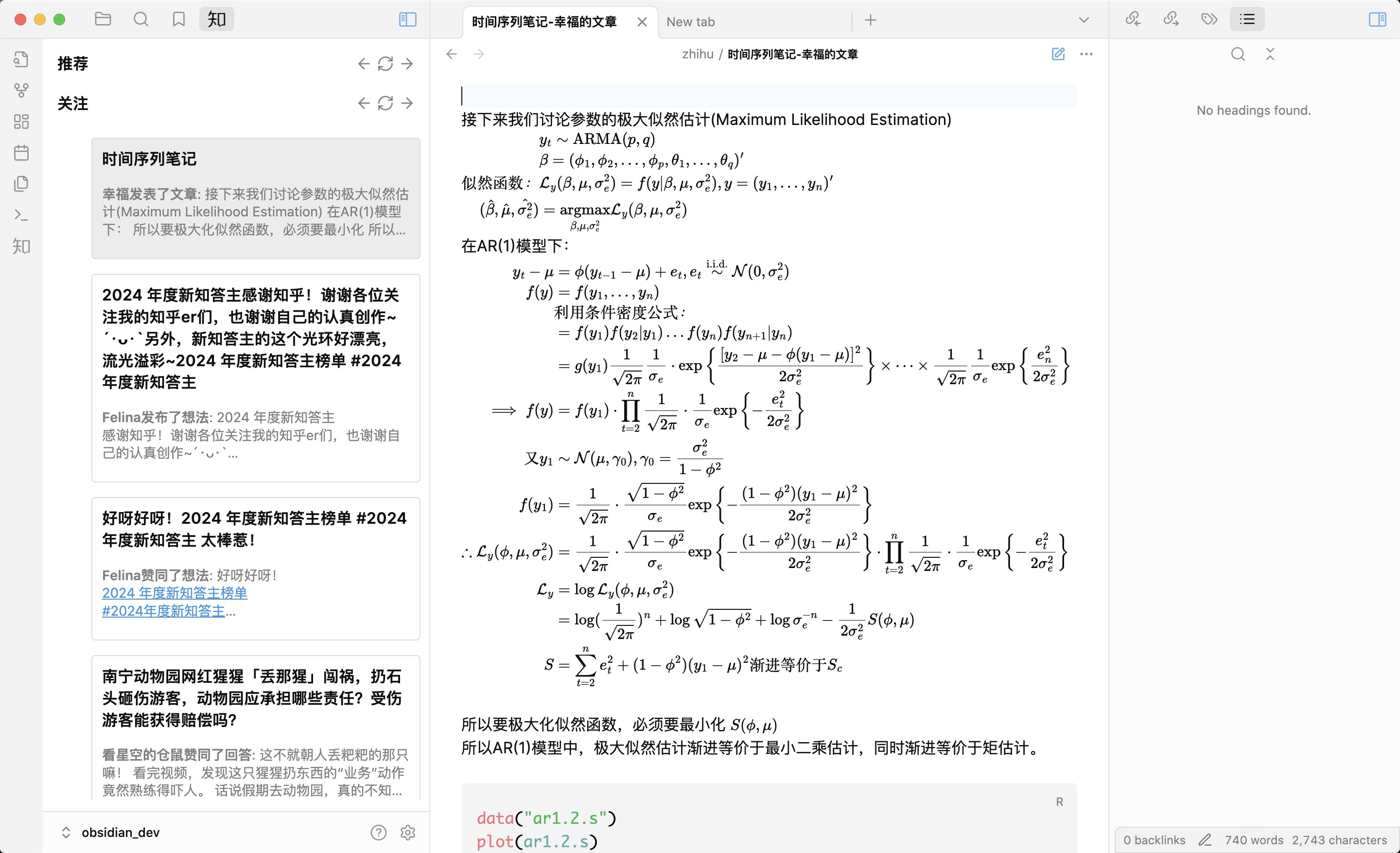
The plugin can also browse Zhihu recommendations, followings and hot lists. By clicking left side Zhihu icon (Chinese character 知), you can directly view answers or articles in Obsidian. The markdown file will saved in vault/zhihu/
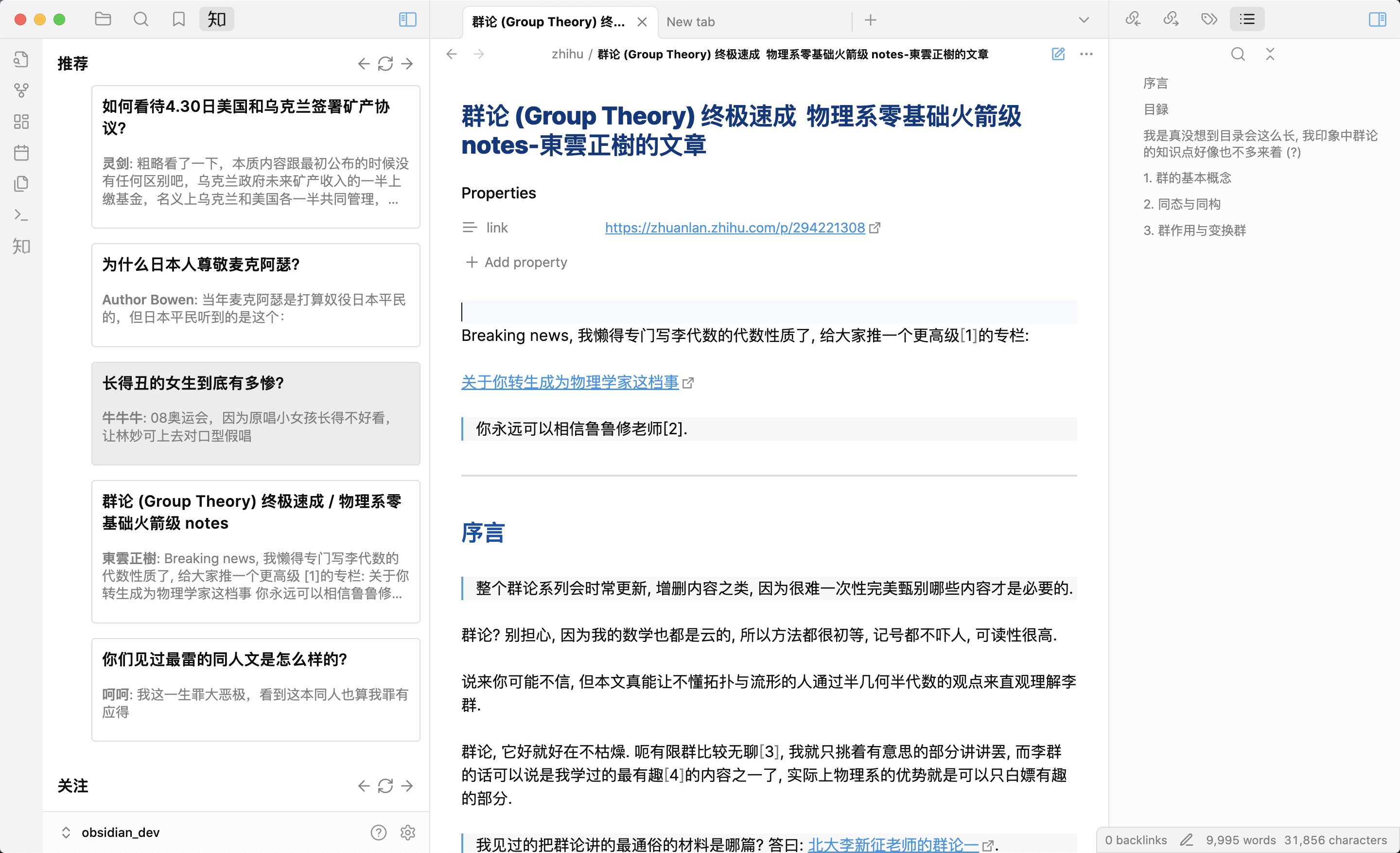
The LaTeX syntax is shown natively.
Syntax
At Zhihu members
Just type @ and magic appears. You can select anyone by press enter or just click on it. Click the @ link can bring you to the homepage of the zhihu member.

The syntax of at link is [@name](https://www.zhihu.com/member_id "member_mention + hash")
Card links
It also dead easy to change your link into card. For example, you can use that to change GitHub link into a card titled Github.
[Github](https://github.com/ "card")
The result:

Images
Just insert your images with markdown syntax, and the plugin will do the rest. If the images are local, use the Obsidian flavored ![[image|caption]] syntax. If the images are online, use GFM syntax: . The plugin will automatically download the URL and upload to Zhihu.
Please DO NOT use the  syntax for local images, or they may not be uploaded properly.
Article cover
The plugin also support adding your favorate cover to the article. Just add zhihu-cover entry to properties and select pictures using [[img]] syntax. Like that
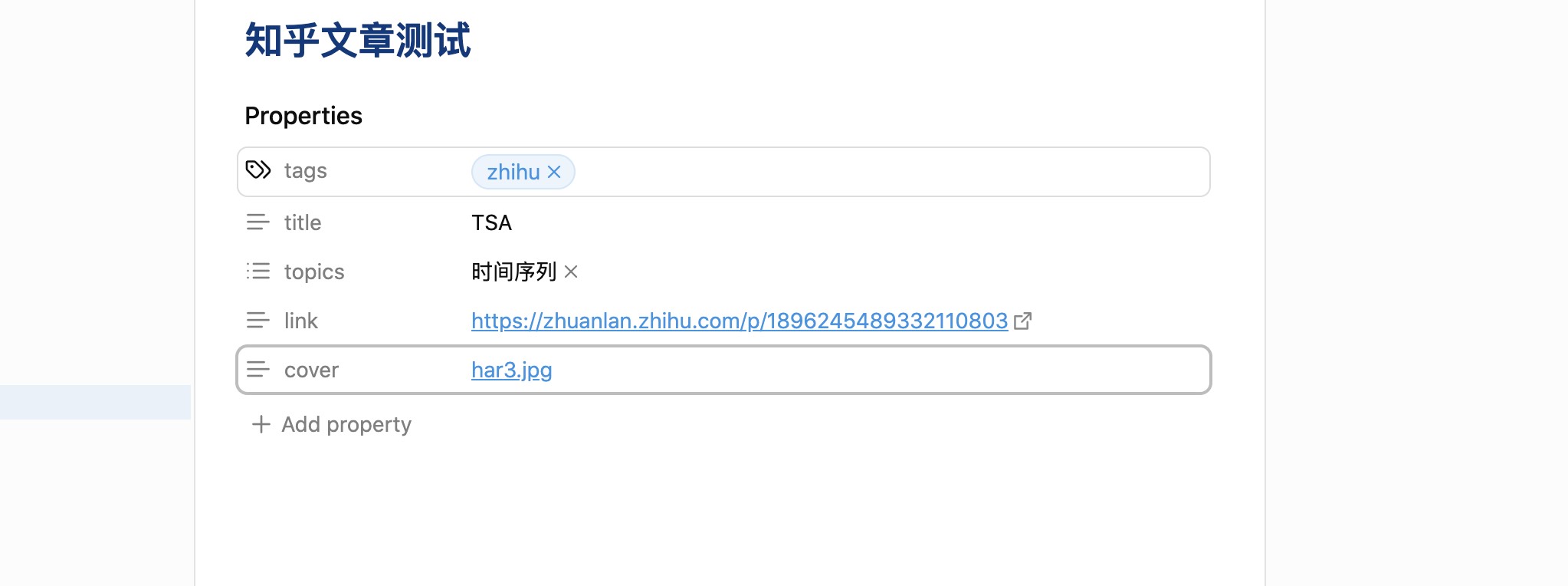
Table of contents
Add zhihu-toc entry to frontmatter, and ensure it is not empty, then table of content will be generated.
For example, zhihu-toc can be True or 1.
If you don't add zhihu-toc, then the table of content will not be generated.
Contribution
Any PRs are welcome.
You can fork this repo to vault/.obsidian/plugins, make sure your NodeJS is at least v16
npm ioryarnto install dependencies.npm run devto start compilation in watch mode.npm run buildto build a release.
TODO
- add: mermaid support
- add: desmos-graph support
- add: reference syntax
- add: view upvotes number in status bar
- add: view comments
- add: upload your images on cloud
- add: publish articles to your column
Support
You can support me by star⭐ the repo!