
- Overview
- Scorecard
- Updates4
Veilbit masks secret values in your Obsidian notes and lets you reveal or copy them when needed. In Live Preview and Reading view, secrets are replaced with a configurable mask.
Installation
Install Veilbit from Settings → Community plugins → Browse.
Important: secret storage
Veilbit does not keep a separate password store and does not send secrets to any external service. Secret values are included in the Markdown note as reversible base64url-encoded text; this is encoding, not encryption. Anyone who can access the note can decode or reveal its secrets. Sharing, syncing, or transferring a note may expose its secrets to other people. Do not use Veilbit as secure password storage.
Usage
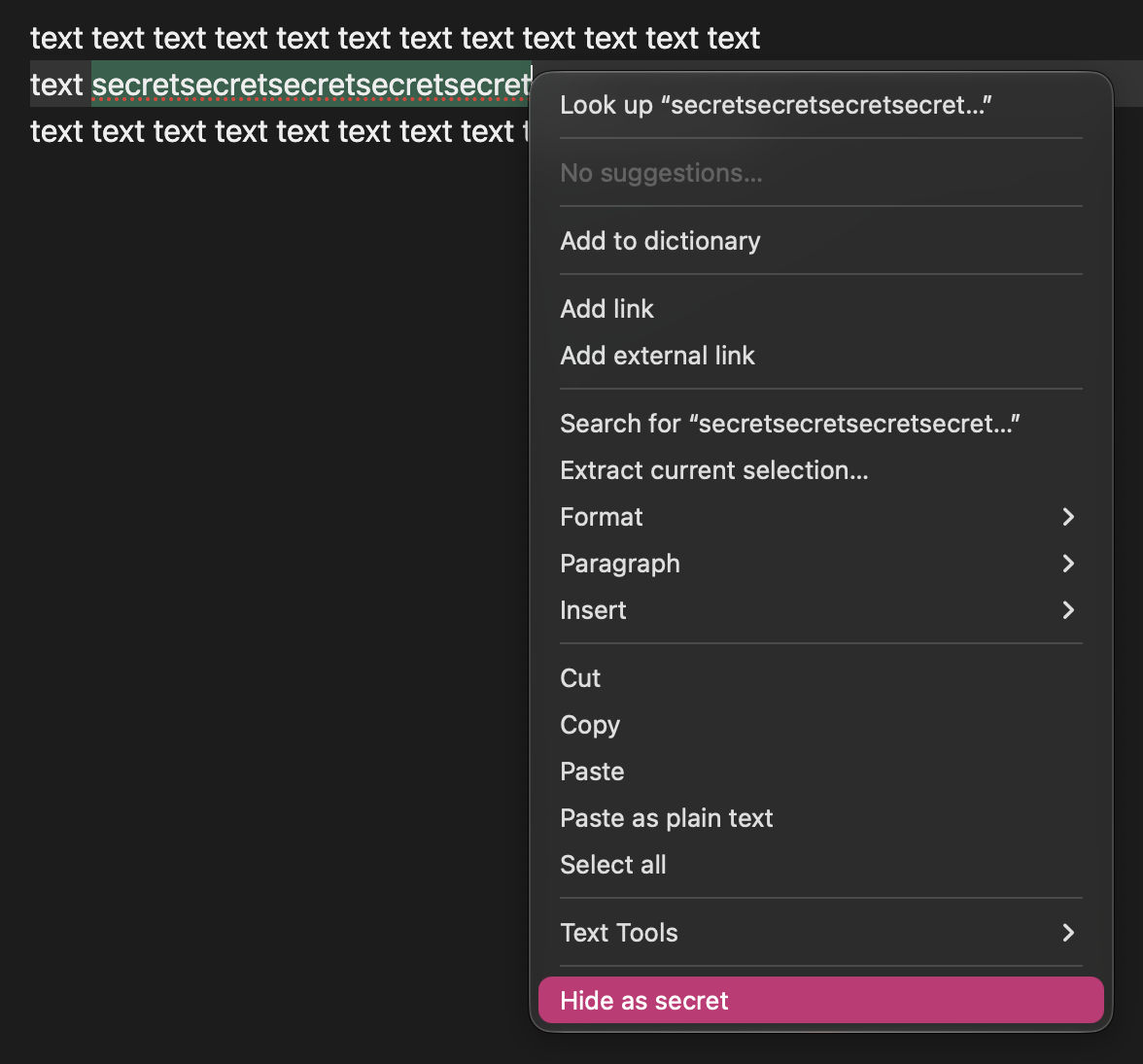
Select text in the editor and open the context menu, then choose Hide as secret.
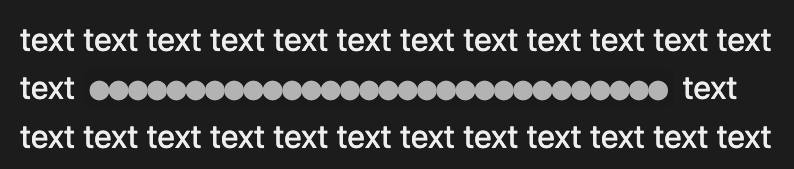
The selected text is replaced with a mask in Live Preview.
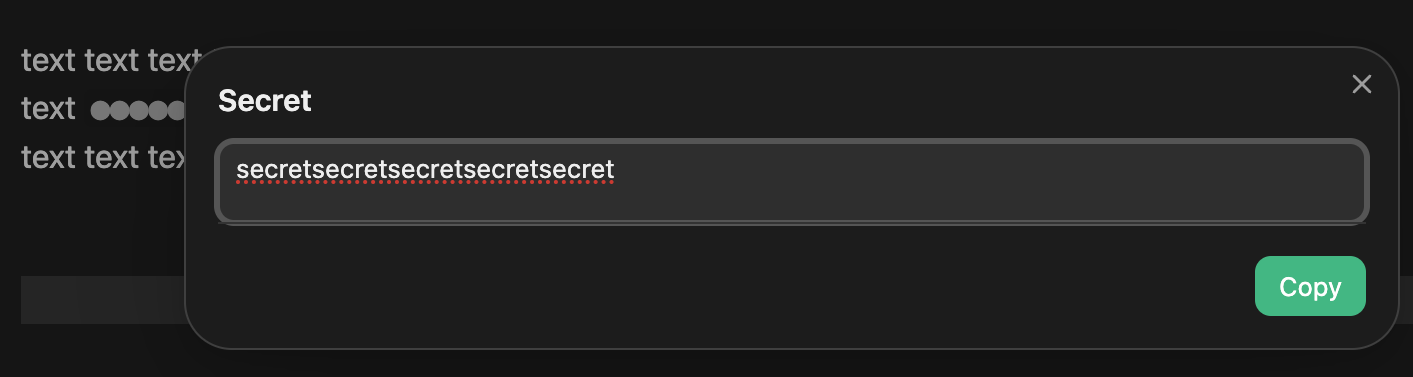
Click the masked value in Live Preview to open the secret. Edit the value if needed; changes are saved to the note when you close the dialog. Select Copy to copy the current value to your clipboard.
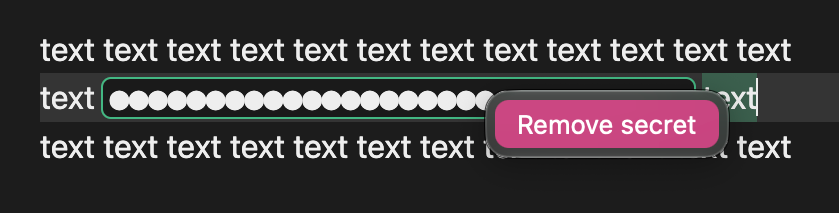
To restore the original text, right-click the masked secret and choose Remove secret.
You can also run Hide selected text as secret from the Command Palette.
Copycel copies the secret text instead of the mask when you copy a table cell that contains one.
Settings
- Mask symbol — the character used to display a masked secret. Defaults to
●. - Mask length — set to
0to show one mask character per character in the secret, or enter a positive number for a fixed mask length.