Vault Galaxy
 Samer Jaber755 downloads
View your vault as a living galaxy: your most-linked notes become suns, hubs orbit them, and every note orbits what it links to — with grabbable, link-coupled spring physics.
- Overview
- Scorecard
- Updates7
See your Obsidian vault as a living galaxy. Your most important notes are suns at the center; hub notes orbit them as orange stars; every other note orbits whatever it's most linked to. Orbit distance means something: the more links a note shares with its parent, the tighter its orbit. Everything moves — and everything you see is your real link structure.
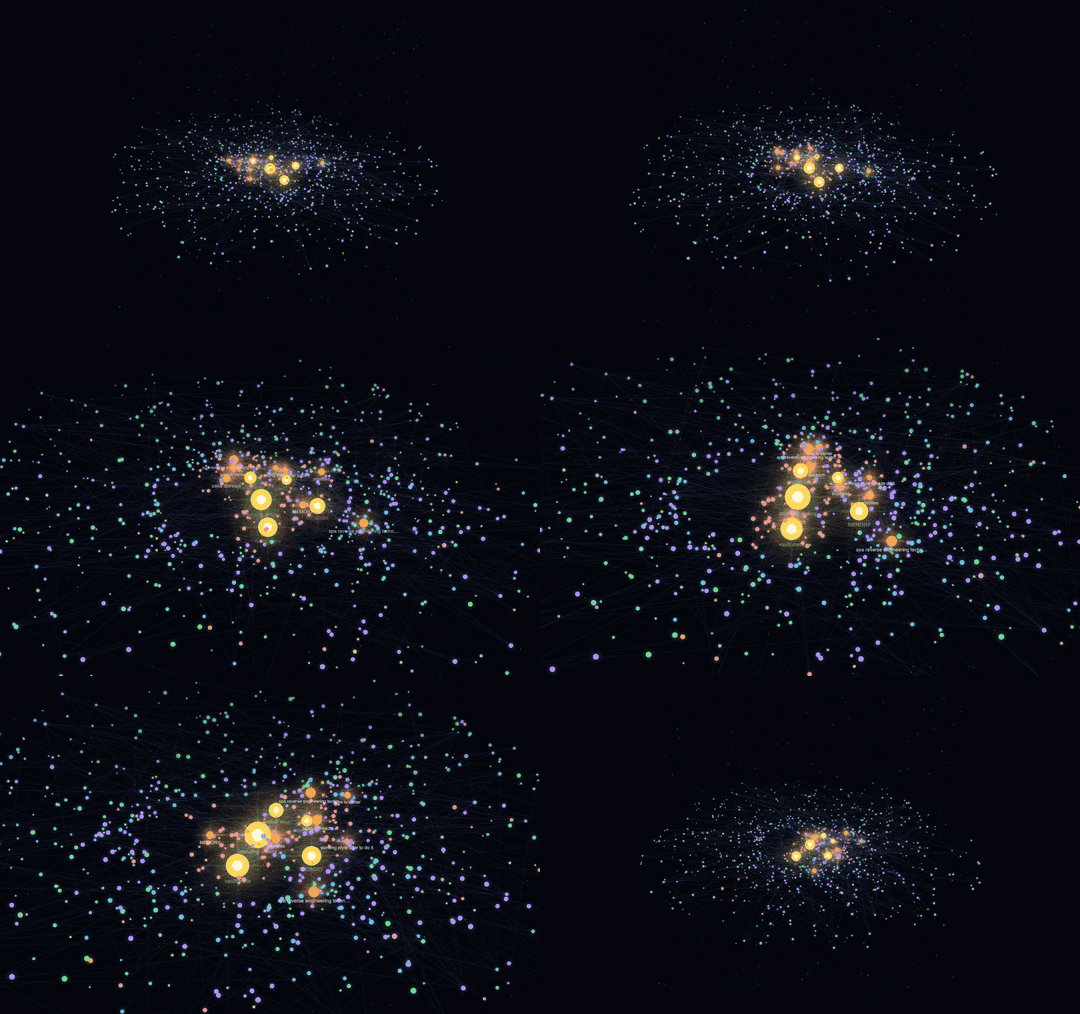
The tilted view, coronas on — from the whole galaxy down to the suns and their orbiting notes.
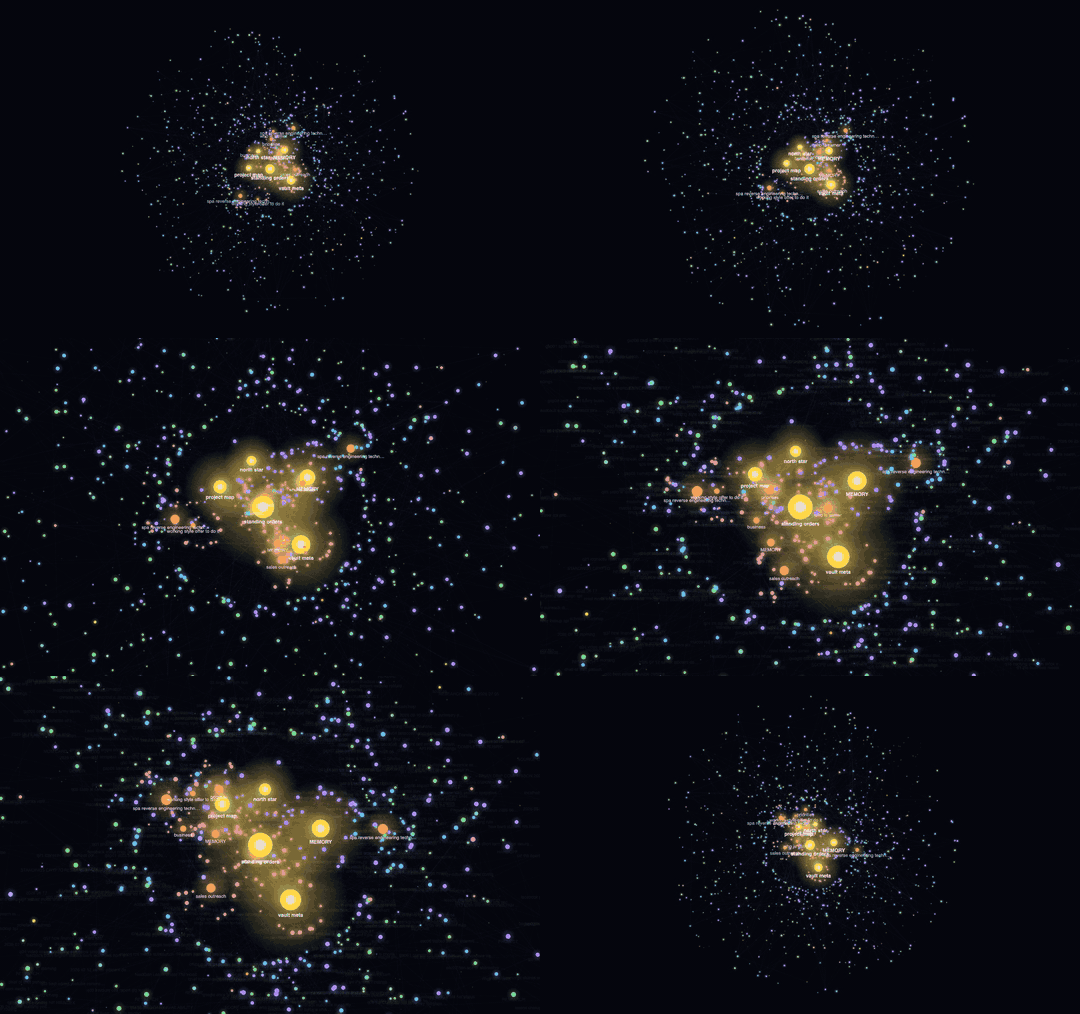
The classic top-down view — exactly what a fresh install looks like.
Highlights
- Two view modes — galaxy (default): unlinked notes fill a rotating spiral disc around the core, arms shearing under Kepler-style differential rotation. expand: each folder becomes its own labeled satellite cluster for browsing by category.
- Tilted camera + coronas — cycle the camera from flat to two cinematic pitches (the simulation stays 2D; only the camera tilts), and flare the suns and hubs with layered, spiked coronas. A Planets node style renders every leaf note as a shaded planet lit by the stars around it.
- Physics you can feel — grab any node and drag it: its linked neighbors are tugged toward it (coupling strength scales with link weight), second-order neighbors less, and the whole disturbed web springs back and re-neutralizes when you let go. Unlinked notes don't budge — what ripples is your link graph.
- Content-weighted sizes — within each tier, node size ranks by file size. A hierarchy rule keeps it readable: the fattest note never outgrows the smallest hub, and no hub outgrows a sun.
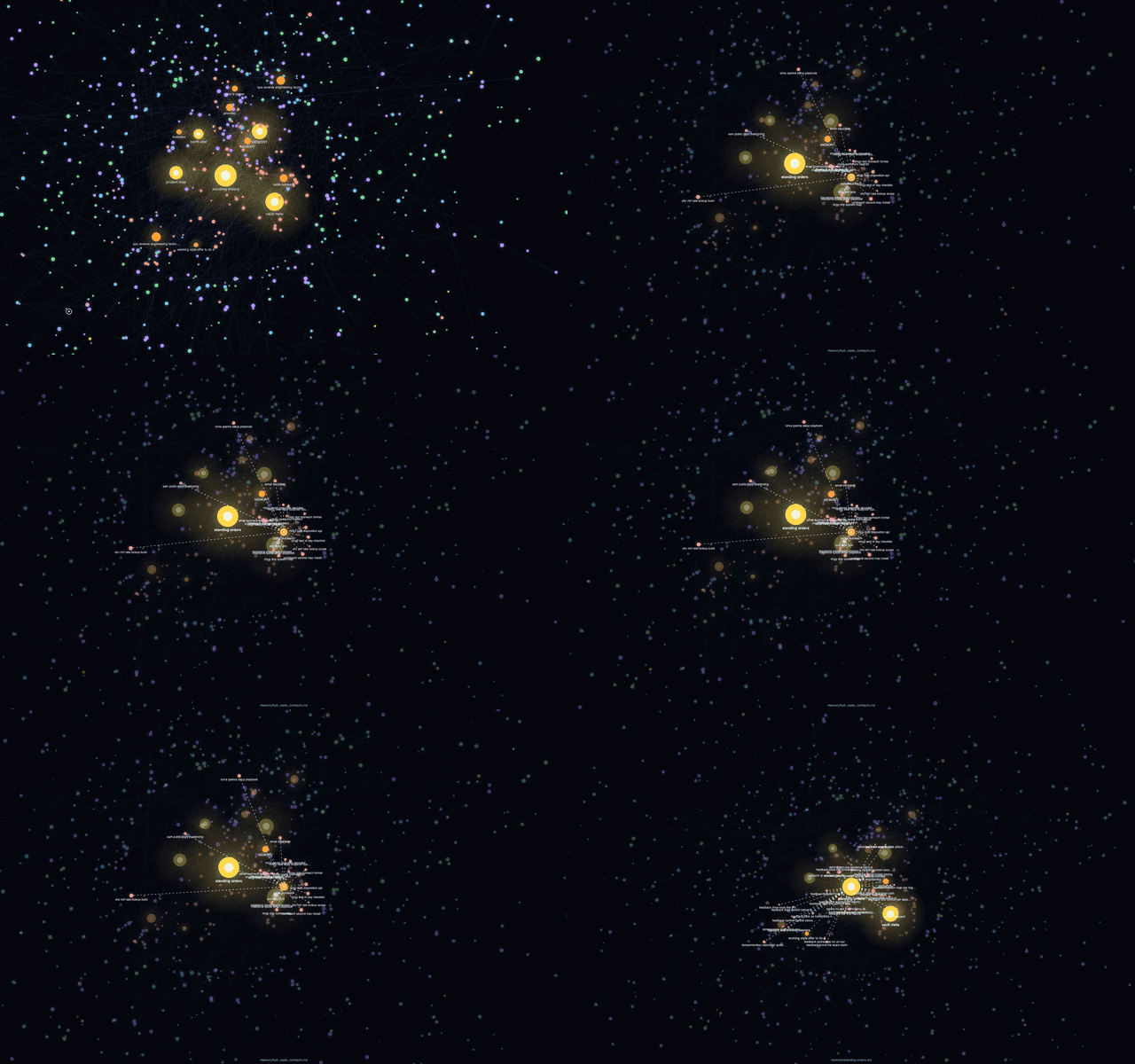
- Constellations — links draw as faint lines; hover a note to light up its constellation, slow time, and see neighbor names. Click to open the note.
- Fully tunable — gravity (contracts every orbit, Kepler-consistently speeding them up), rotation speed, spiral arm count, node size, glow, link thickness/brightness, label fade threshold, and per-group colors — all live, from the ⚙ panel in the view.
Grab a sun
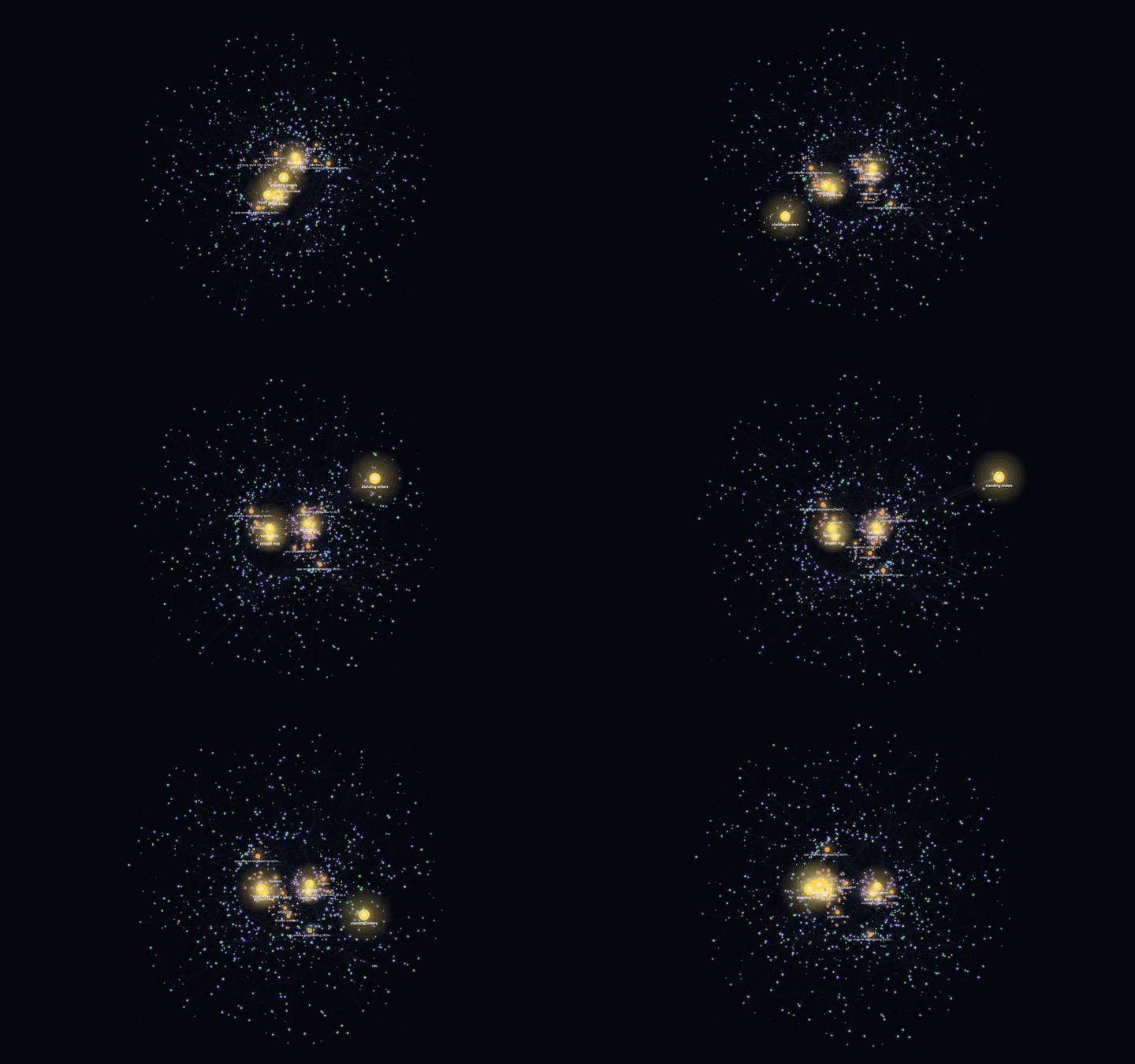
Every node is grabbable. Pull a sun off-orbit and its whole linked web is dragged along, then rings back like a pendulum when you let go:
Hover: the web answers
Hover any note — time slows, its constellation lights up, and every linked neighbor names itself:
In the app
The real thing — Obsidian, settings panel open, a live vault's core:
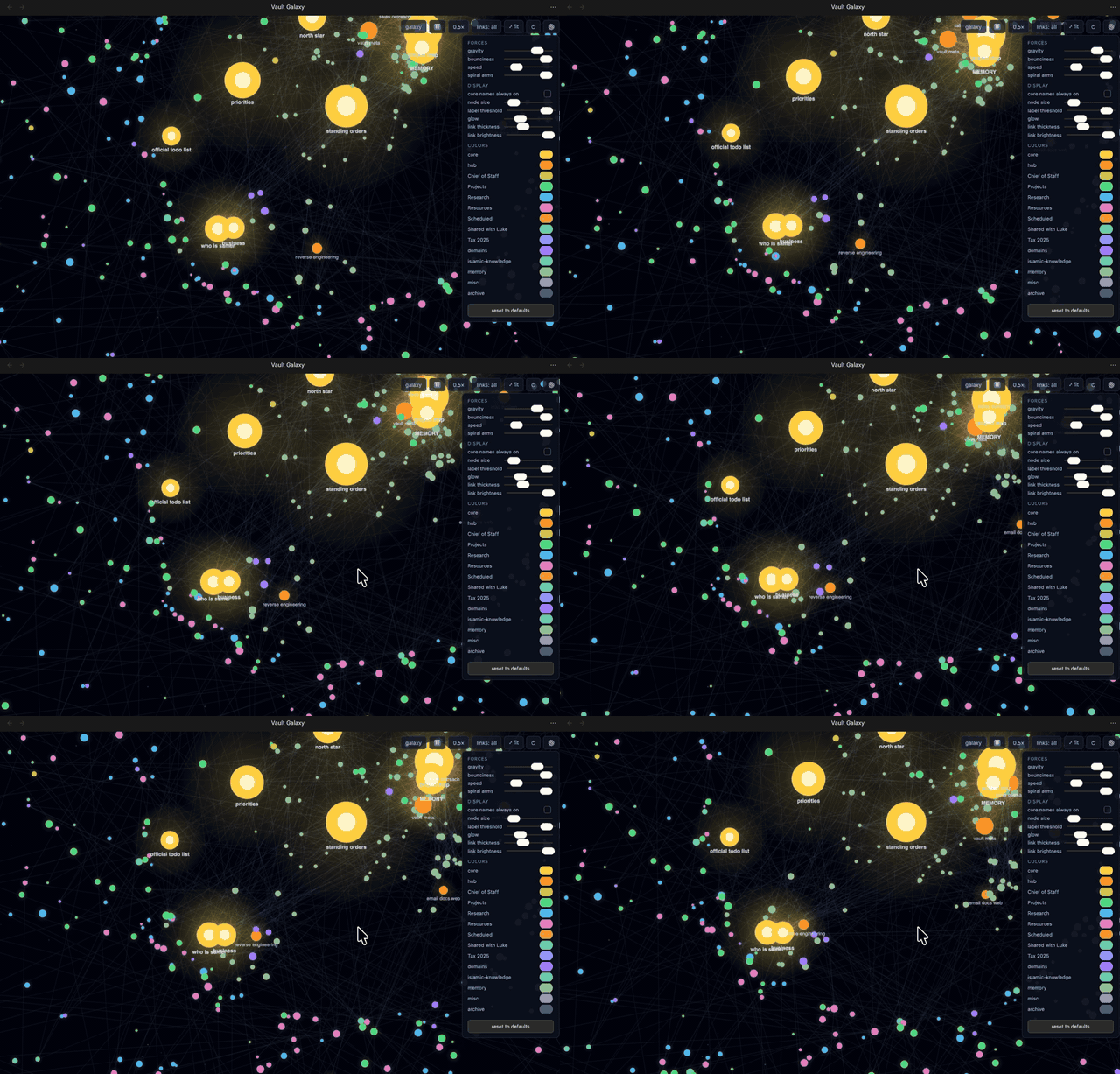
At speed
Orbits are Kepler-style — inner notes lap outer ones — so the disc keeps churning and never settles into a static picture:
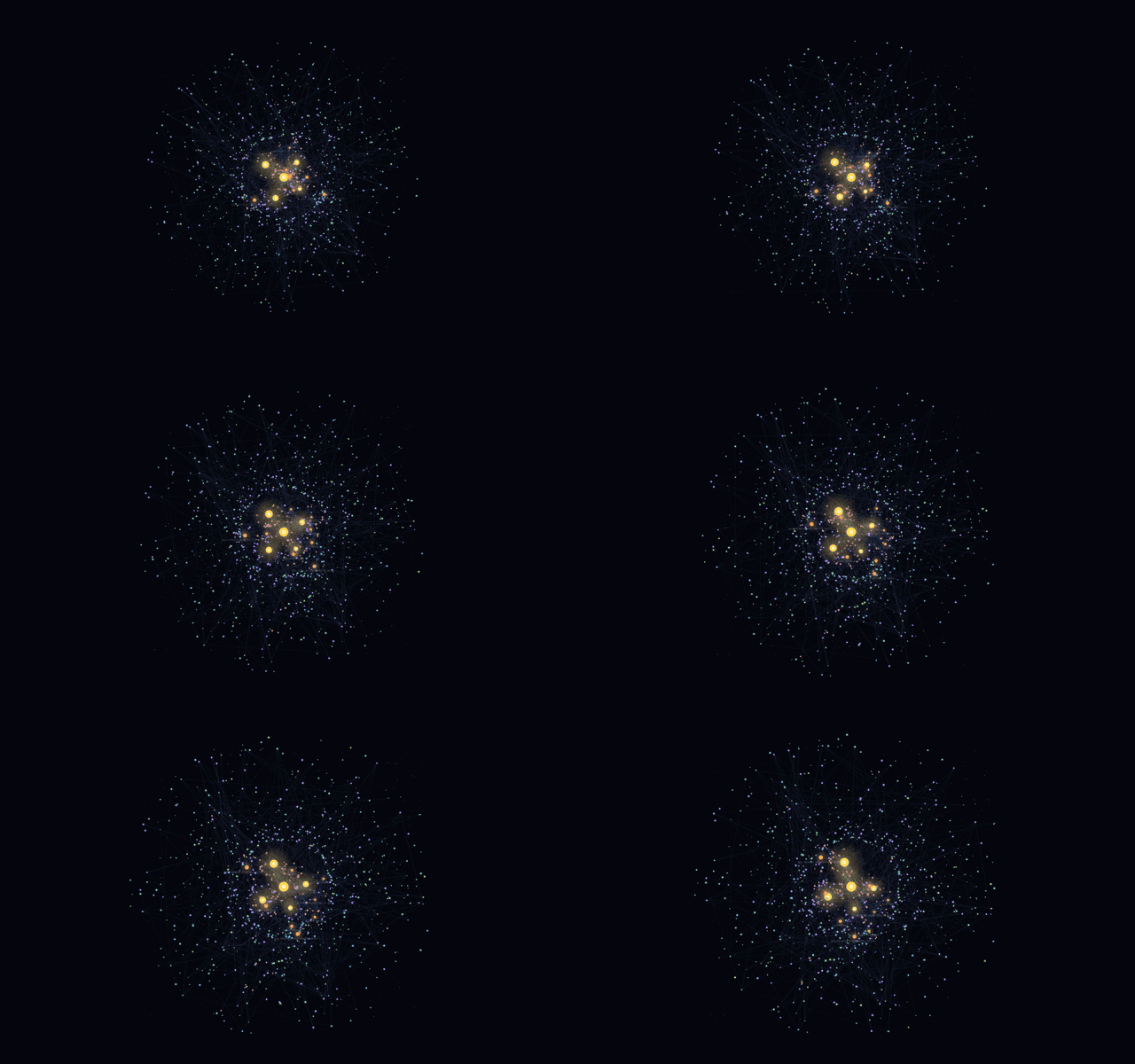
🎬 Watch the full playground video — 36s of zooming, hovering, flinging a sun, and the speed-ramp finale.
Screenshots
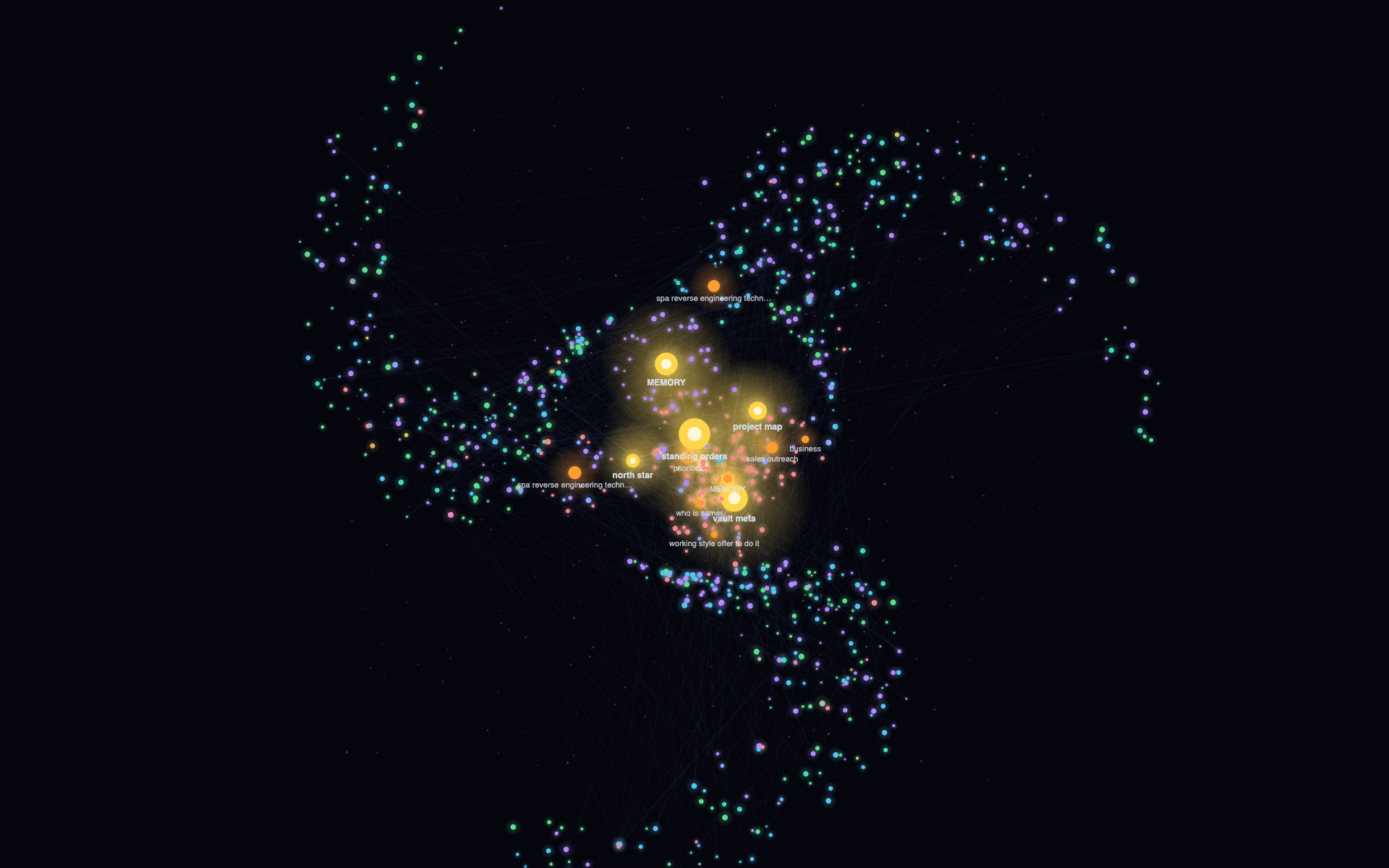 The galaxy: suns, spiral arms, constellation links The galaxy: suns, spiral arms, constellation links |
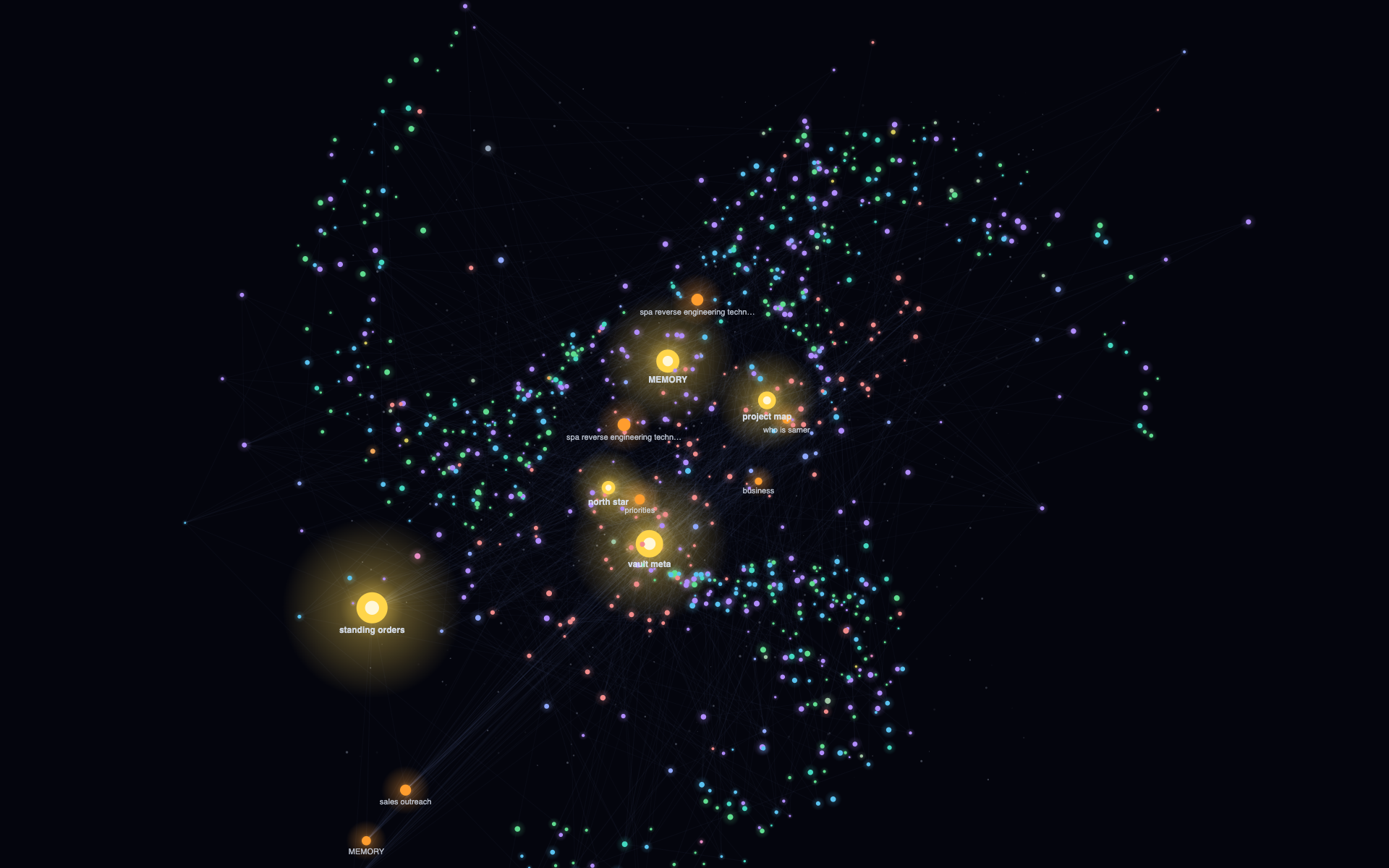 A flung sun mid-flight — the linked web reacts A flung sun mid-flight — the linked web reacts |
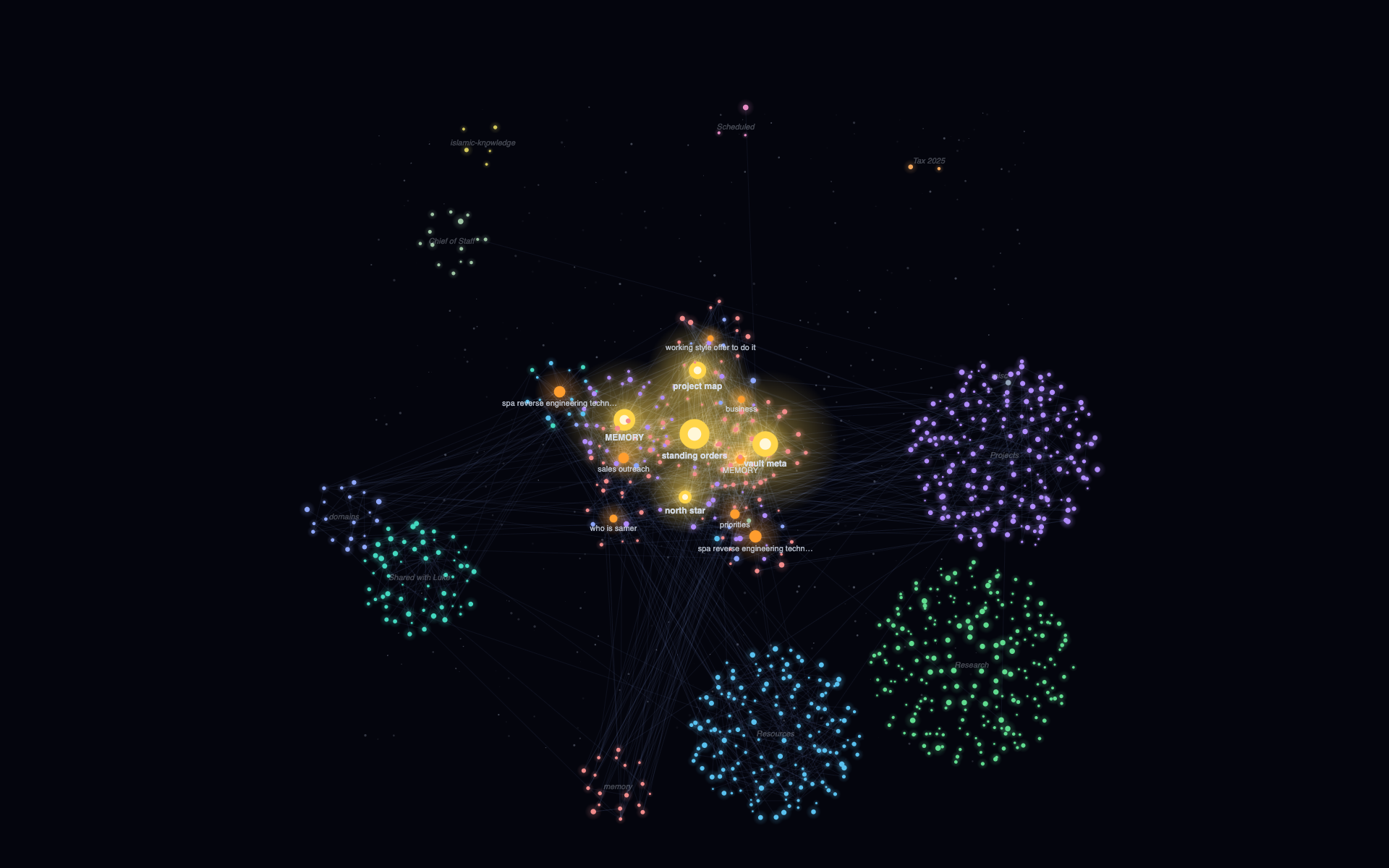 Expand mode: each folder is its own satellite cluster Expand mode: each folder is its own satellite cluster |
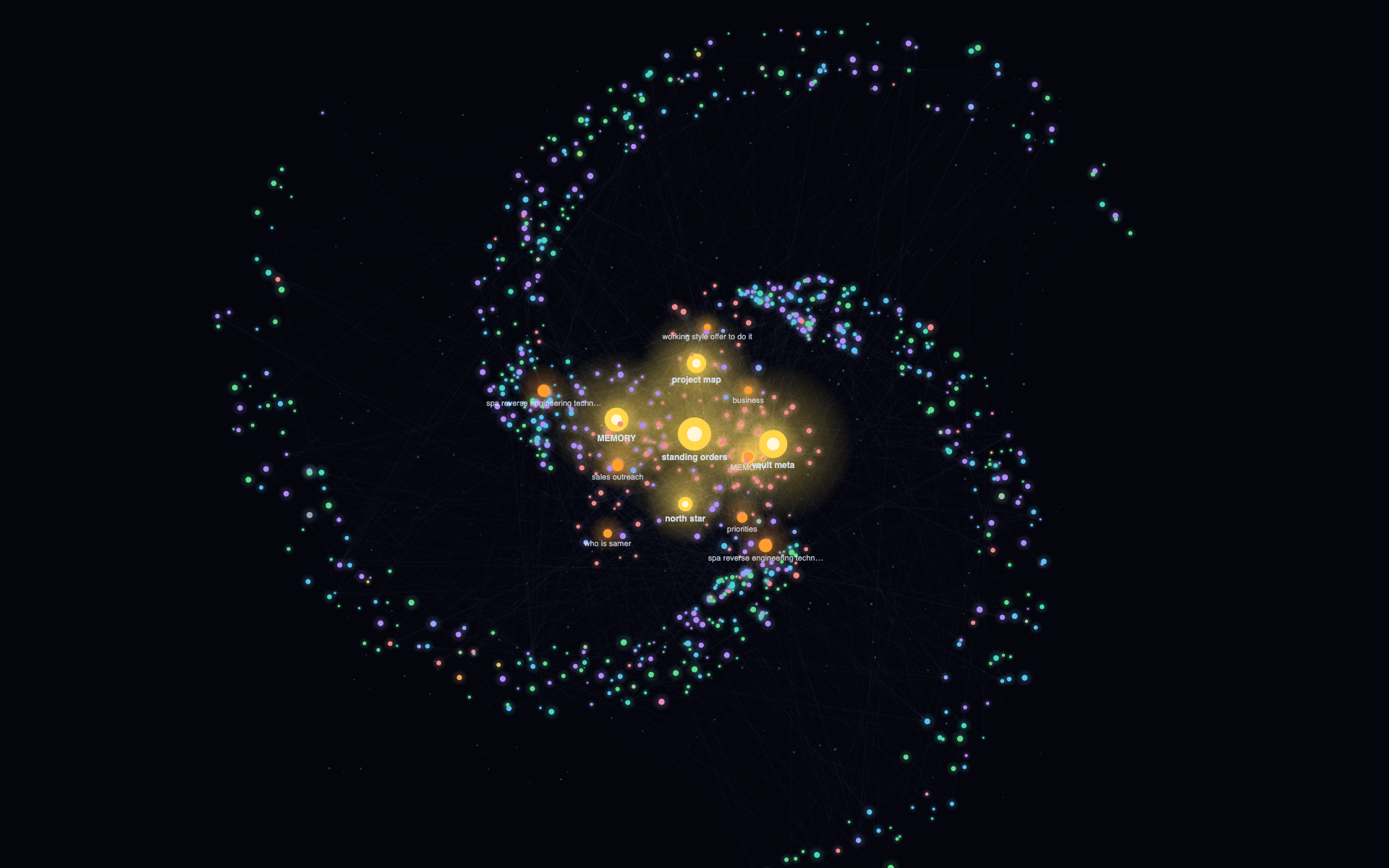 Zoomed into the core: hubs and their moons, labeled Zoomed into the core: hubs and their moons, labeled |
Zero-config start
Install, open the galaxy (ribbon icon or command palette), done. With no configuration the plugin auto-detects structure:
- your 5 most-linked notes become the suns,
- the next most-linked become hubs,
- top-level folders become the colored groups.
Make it yours (Settings → Vault Galaxy)
If your vault has conventions, tell the galaxy about them (one pattern per line, * matches anything):
| Setting | What it becomes | Example |
|---|---|---|
| Core notes | Gold suns at the center | MOCs/*, home.md |
| Hub notes | Orange stars orbiting suns | MOCs/sub-* |
| Archive folders | Dim debris at the rim | archive |
| Folder groups | Colored clusters | Projects, Areas (empty = auto top-level) |
Controls
| Control | Action |
|---|---|
| drag empty space / wheel | pan / zoom |
| hover a node | light its constellation, slow time |
| click a node | open the note |
| drag a node | pull it off-orbit and disturb its linked web; release to watch it re-neutralize |
| mode button | galaxy ⇄ expand |
| ⚙ | forces, display, colors |
Design notes
Orbits are choreographed, not simulated: each node gets a deterministic parent, radius, speed and phase (seeded by file-path hash, so your galaxy is stable across sessions), which makes the motion physical-feeling yet impossible to destabilize. The interactive physics is a separate displacement field layered on top — home-springs plus link-coupling springs — that wakes when you grab a node and sleeps when the web comes to rest, so idle cost is zero.
No network calls, no telemetry, no dependencies — one canvas, plain JavaScript.
Install (until/unless you use the community store)
Copy main.js, manifest.json, and styles.css into <vault>/.obsidian/plugins/vault-galaxy/, then enable Vault Galaxy in Settings → Community plugins. Or install via BRAT pointing at this repo.
Development
harness/ contains a browser dev harness that runs the untouched plugin code against a mock Obsidian API with your real link graph: node harness/gen-data.js (set VAULT=/path/to/vault), serve the repo root, open harness/index.html.
MIT © Samer Jaber