Translucent BG
 MellowMarsh1k downloads
Translucent window backgrounds on Windows — acrylic blur, mica, and theme-aware tint overlays.
- Overview
- Scorecard
- Updates3
An Obsidian plugin for Windows that applies native Windows 11 background materials (Mica, Acrylic, Tabbed) to the Obsidian window. Works with any color theme and gives you precise control over how the translucency looks.
Windows only. Requires Obsidian as a native desktop app on Windows 10/11 with an Electron version that supports
BrowserWindow.setBackgroundMaterial.
[!NOTE] Inspiration & Credits Inspired by and partially based on pseudo mica (MIT).
Preview
| Mica — plugin-managed | Acrylic — plugin-managed |
|---|---|
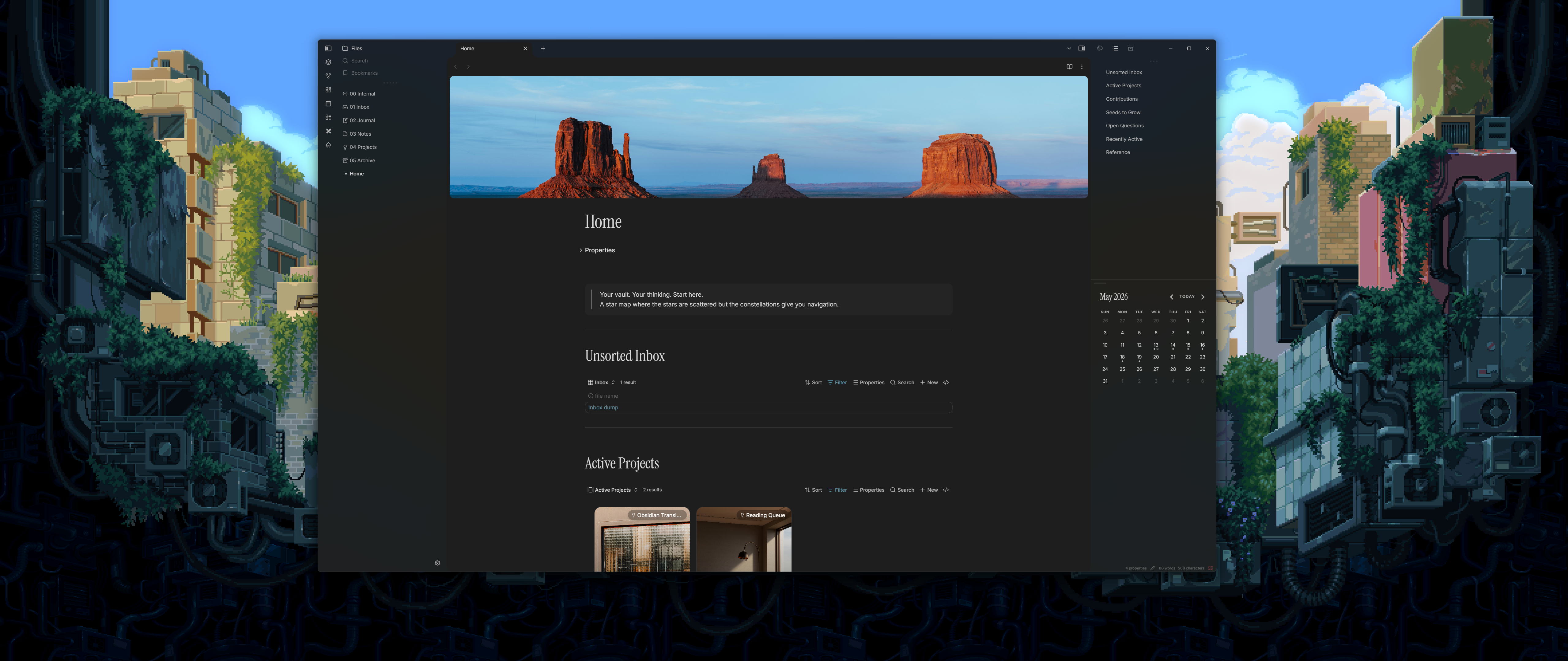 |
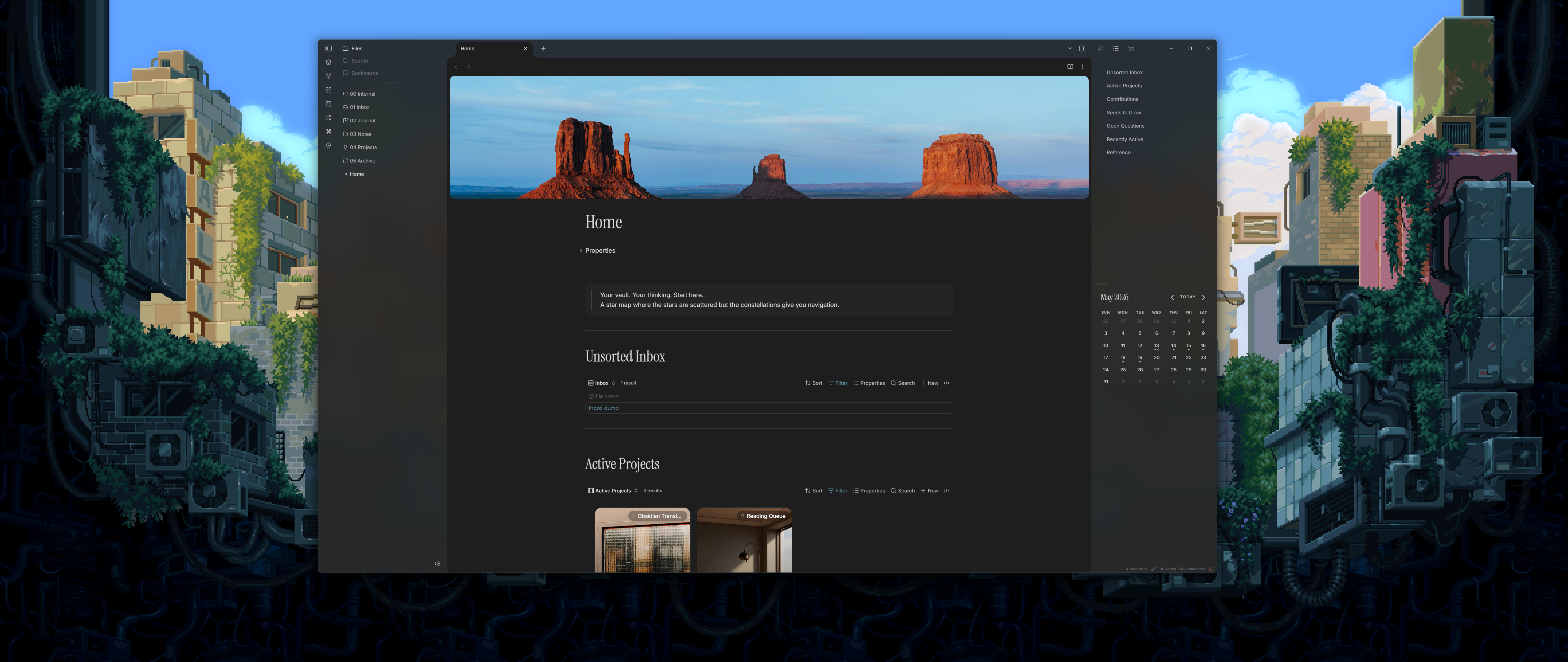 |
Theme-managed — tint adapts automatically when you switch themes:
| Default | Catppuccin | Everforest |
|---|---|---|
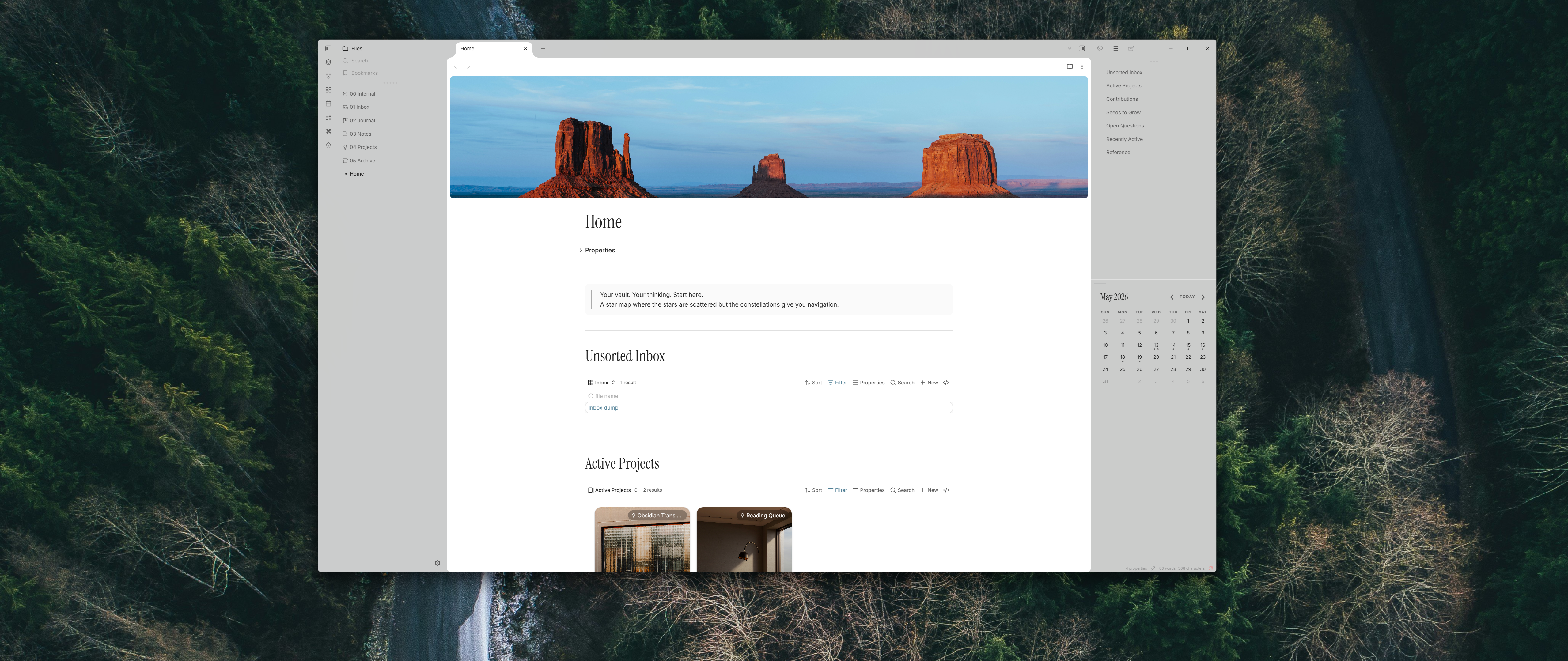 |
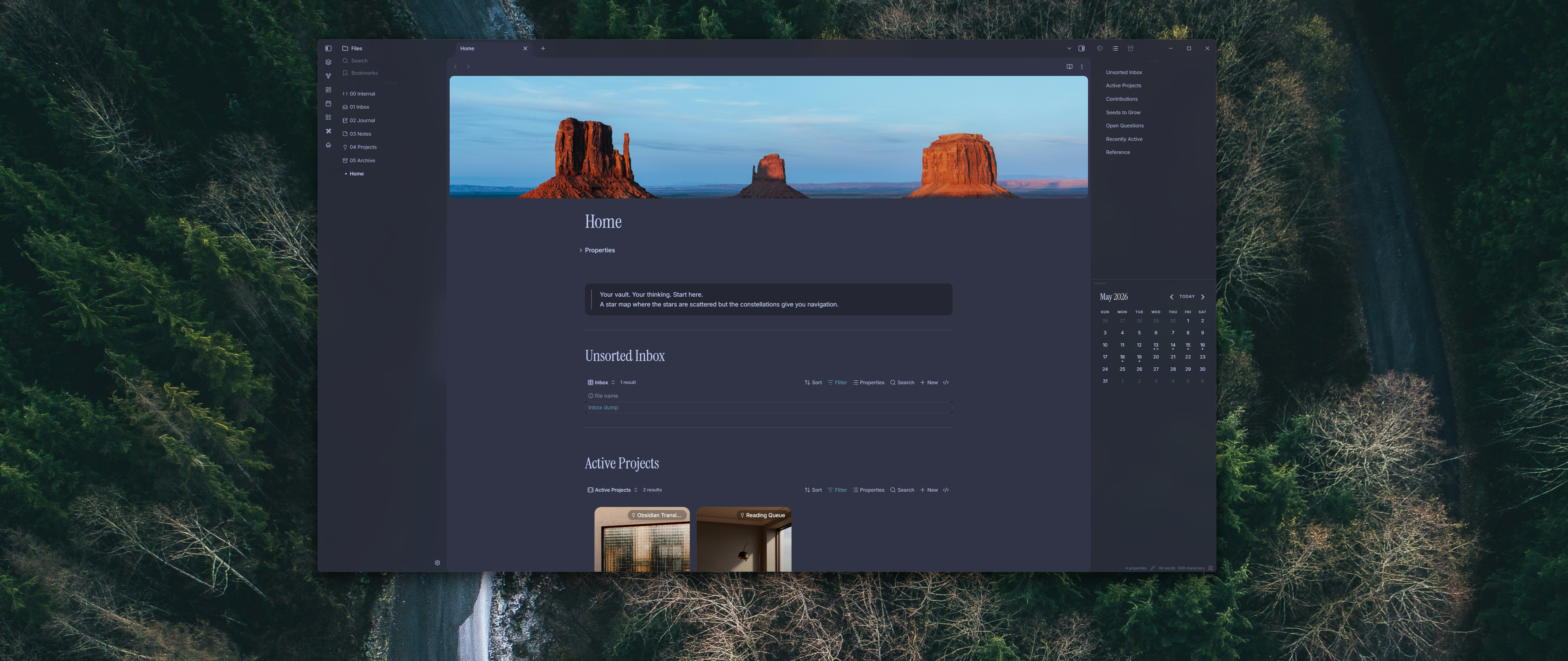 |
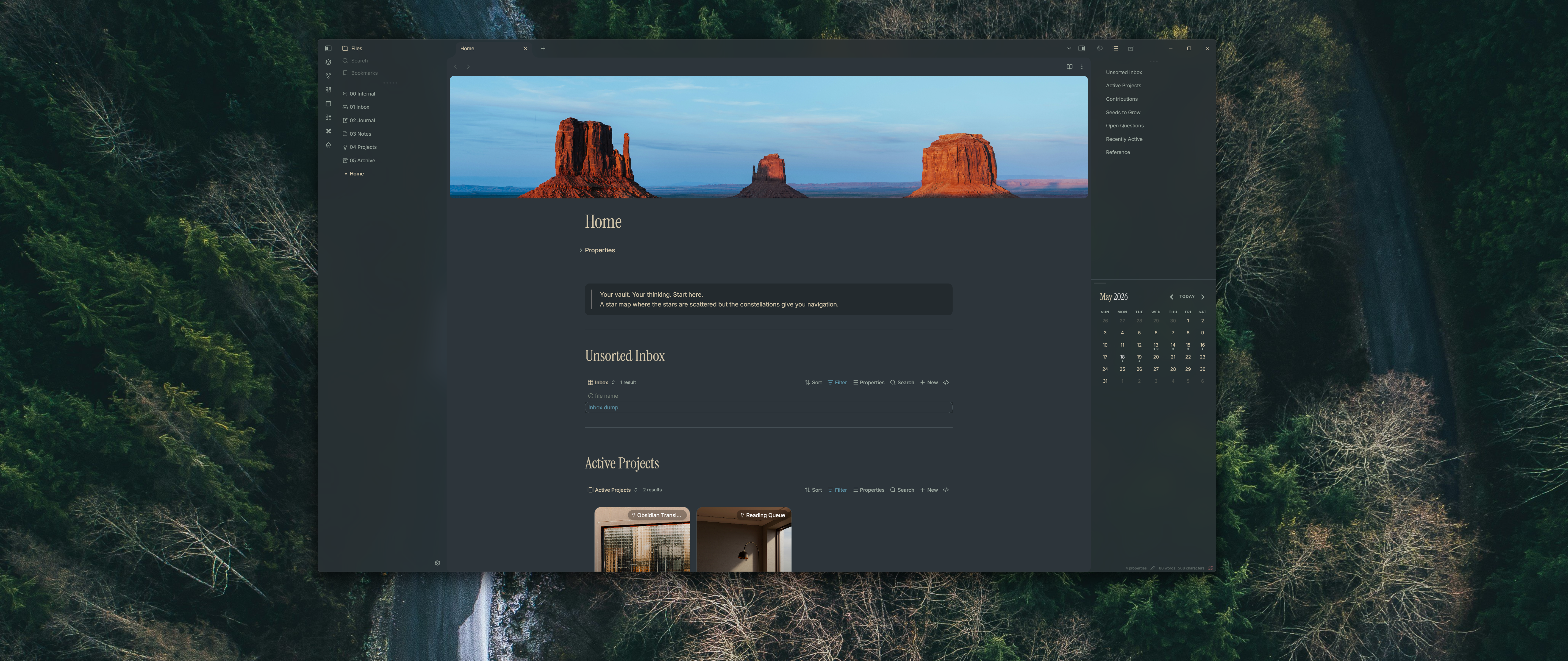 |
Features
- Three Windows 11 materials — Mica, Acrylic, and Tabbed via the native Electron API
- Independent tint and opacity controls — manage color and opacity yourself, or defer either (or both) to your active theme
- Theme compatibility — when both theme toggles are on, produces the exact
--workspace-background-translucentexpression Obsidian themes use natively - Auto theme switching — tint updates instantly when switching between light and dark mode
- Cycle command — ribbon icon and keyboard command to cycle materials without opening settings
- Clean unload — all CSS changes reversed when the plugin is disabled
Installation
Manual
- Download the latest release from the Releases page.
- Copy
main.js,styles.css, andmanifest.jsoninto your vault at:<vault>/.obsidian/plugins/translucent-bg/ - Enable the plugin in Settings → Community plugins.
From source
git clone https://github.com/MellowMarsh-Git/Obsidian-Translucent-BG.git
cd Obsidian-Translucent-BG
npm install
npm run build
Copy the output files into your vault's plugin folder as above.
Commands
| Command | Description |
|---|---|
Translucent BG: Cycle background material |
Cycles Mica → Acrylic → Tabbed → None → Mica |
Translucent BG: Open Translucent BG settings |
Opens the plugin's settings tab directly |
A ribbon icon (stacked layers) also triggers the cycle command.
Documentation
See DOCS.md for a full breakdown of settings, tinting modes, how the plugin works internally, and guidance for theme authors.
Building
npm run dev       # watch mode (source maps, rebuilds on change)
npm run build     # production build (minified, no source maps)