Terminal Workbench Cursor
 Real-Fruit-Snacks118 downloads
A cursor engine for the Terminal Workbench family: gliding carets, torch spotlight, and a Ghost Trail that peels the Terminal Workbench Pet ghost off your text as you type.
- Overview
- Scorecard
- Updates8
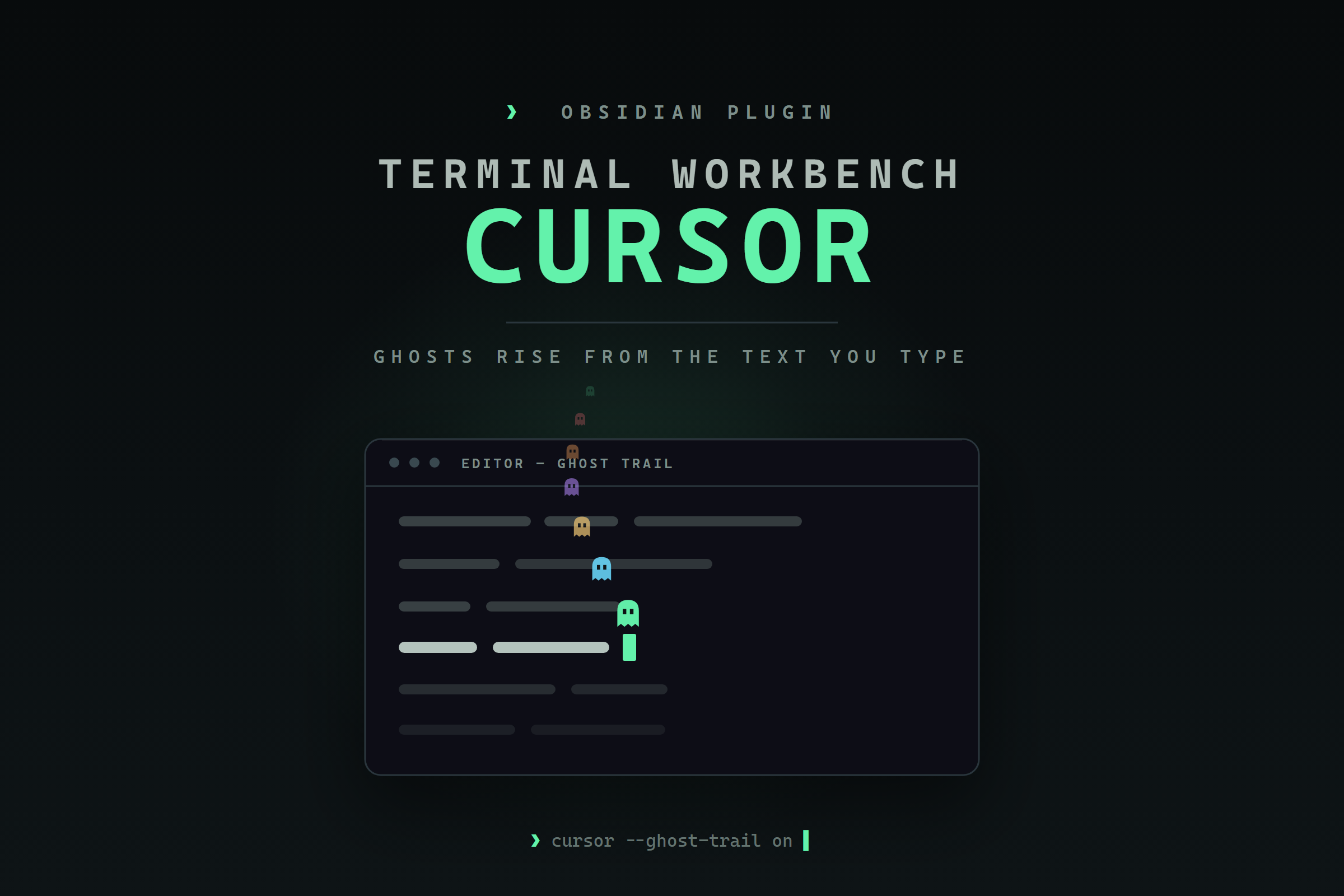
A cursor engine for the Terminal Workbench family — box, line, and underline carets, a torch spotlight, and a Ghost Trail that peels a little ghost off the text as you type.
Part of the Terminal Workbench family — one repo with the design spec, CSS tokens, every port, and the official monospace font.
Overview
Terminal Workbench Cursor replaces Obsidian's editor caret with a small canvas engine. Choose a box, line, or underline cursor; give it smooth gliding motion, a blink, or a glow; carry a torch spotlight around the workspace; and layer on effects — a fading pixel trail, motion smear, a CRT trail, an energy beam.
Its headline addition to the family is the Ghost Trail: a miniature Terminal Workbench Pet ghost peels off the text as you type — and, if you like, off the caret as it moves — then rises, drifts, and fades. Colours come from the Terminal Workbench accent ramp, and every effect is individually toggleable in settings.
Features
- Ghost Trail — the signature effect, on out of the box: a Terminal Workbench Pet ghost spawns from typed characters and, optionally, cursor movement; it rises, drifts, and fades in multicolour. Triggers, density, size, rise speed, drift, lifetime, opacity, and colour mode (cycle palette / accent / match cursor) are all adjustable.
- Cursor styles — Box, Line, and Underline, with smooth gliding motion, adjustable width, opacity, glow, and blink.
- Torch spotlight — dim the workspace and follow the caret or pointer with a soft pool of light; runs alongside any cursor style.
- More effects — popping letters, a fading pixel trail, motion smear, a cursor trail (afterimage), and an energy beam, each independently tunable.
- Terminal Workbench integration — cursor and ghost colours resolve from the
--twb-*accent ramp, with graceful hex fallbacks when the theme is absent, so it looks native under the theme and clean without it. The settings panel is restyled in the terminal idiom. - Focused defaults — a fresh install shows the ghost and nothing that competes with it; every effect is individually toggleable, so you decide exactly how much motion you want.
- Light on weak hardware — the render loop sleeps whenever nothing is animating, caret measurements are cached, and a one-switch Performance mode calms every ambient animation for low-end machines.
Ghost Trail
On by default — just type. Tune it under Settings → Terminal Workbench Cursor → Ghost Trail: choose whether ghosts spawn on typing, on cursor movement, or both; set the density, size, rise speed, drift, lifetime, and opacity; and pick a colour mode — cycle the palette (default), hold one accent, or match your cursor. Turn the toggle off for a plain caret.
Install
Community plugins (recommended) — in Settings → Community plugins → Browse, search for Terminal Workbench Cursor, then install and enable.
Manual — download main.js, manifest.json, styles.css, and
versions.json from the
latest release,
place them in <vault>/.obsidian/plugins/terminal-workbench-cursor/, and enable
Terminal Workbench Cursor under Settings → Community plugins.
BRAT — add the beta plugin Real-Fruit-Snacks/terminal-workbench-cursor in
BRAT, then enable it.
The Terminal Workbench family
- Terminal Workbench design system — the shared theme spec and
--twb-*tokens. - Terminal Workbench Pet — the floating ghost companion whose sprite the Ghost Trail borrows.
Development
The plugin is plain JavaScript with no build step — a single self-contained
main.js. The pure Ghost Trail helpers (ghost SVG, palette resolution, physics,
throttle) are mirrored in ghost-core.js, which is the unit-tested reference for
that logic:
npm test
Continuous integration runs those tests on every push and also verifies that the
copies of those helpers inlined in main.js stay identical to the reference in
ghost-core.js, so the two can never silently drift apart.
Credits
Forged from cursor-smith by Sadsnake1
(MIT). The Ghost Trail renders the ghost from
Terminal Workbench Pet.
See docs/CREDITS.md and LICENSE.
License
MIT © 2026 Real-Fruit-Snacks. Portions © Sadsnake1 (cursor-smith), MIT.