Beautitab
 andrewmcgivery66k downloads
Creates a customizable new tab view with beautiful backgrounds, quotes, search, and more.
- Overview
- Scorecard
- Updates21
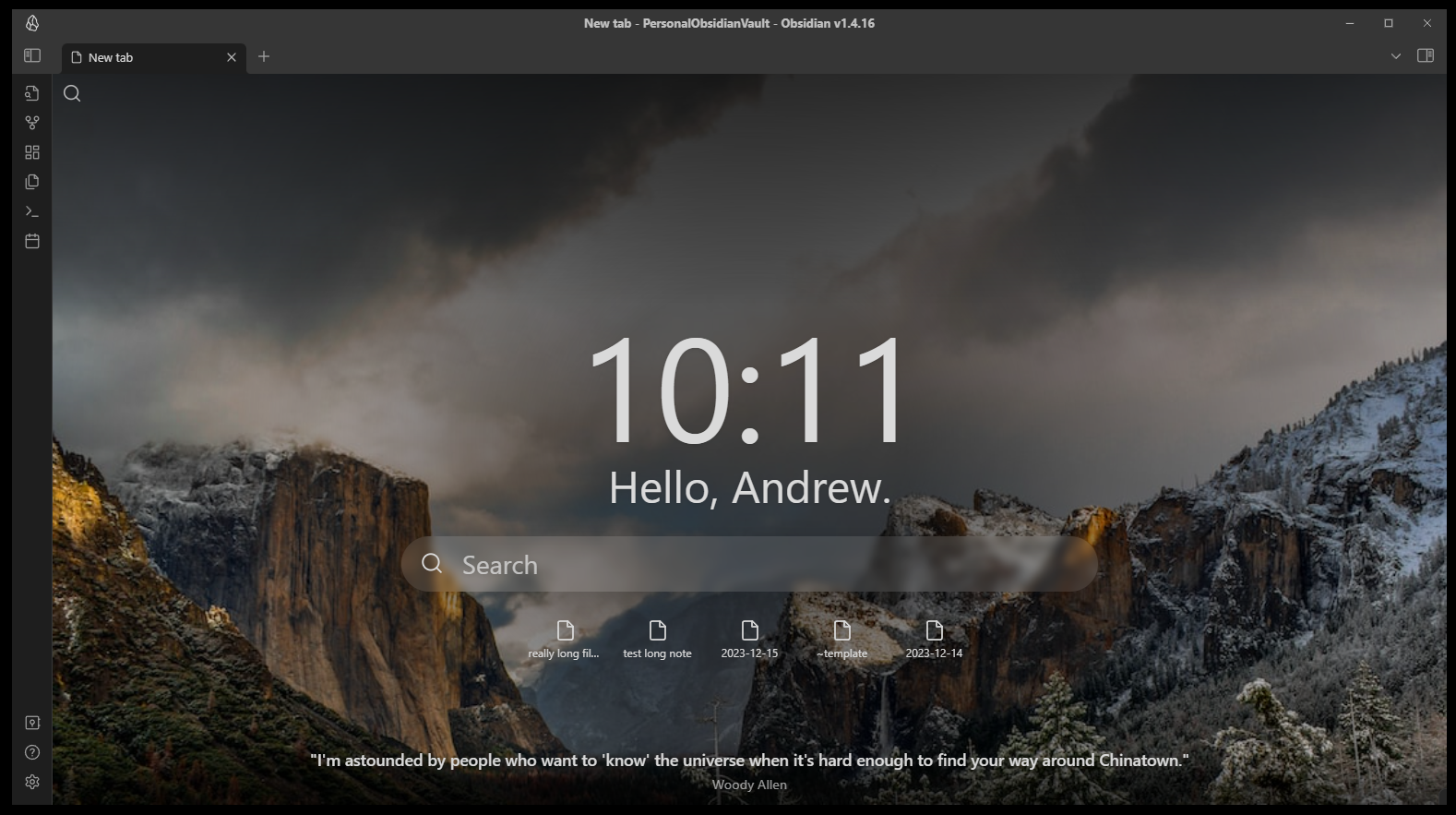
A plugin for Obsidian.MD that creates a customizable new tab view with beautiful backgrounds, quotes, search, and more.
How to install
Plugin can be installed via the official community plugins.
Features and customizations
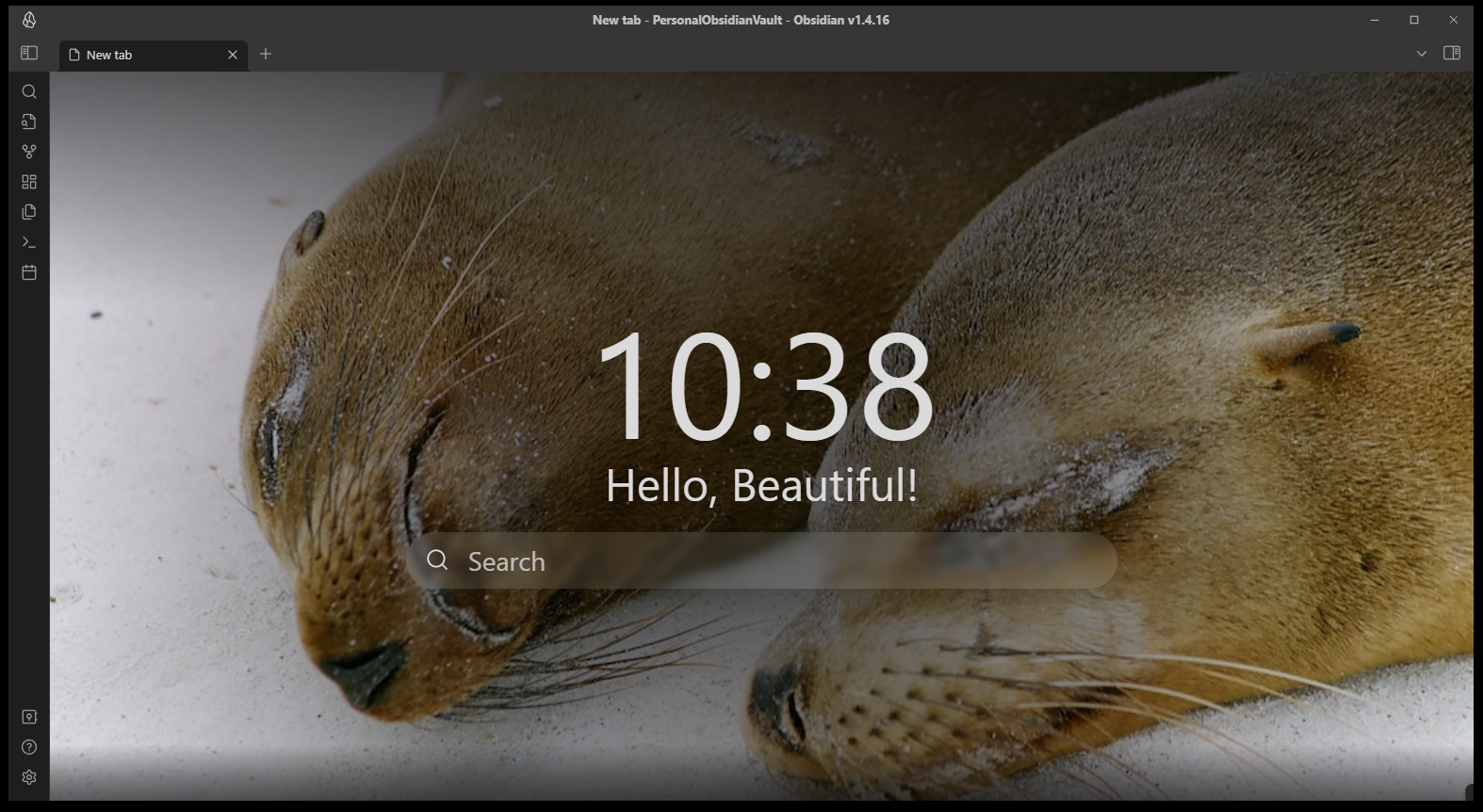
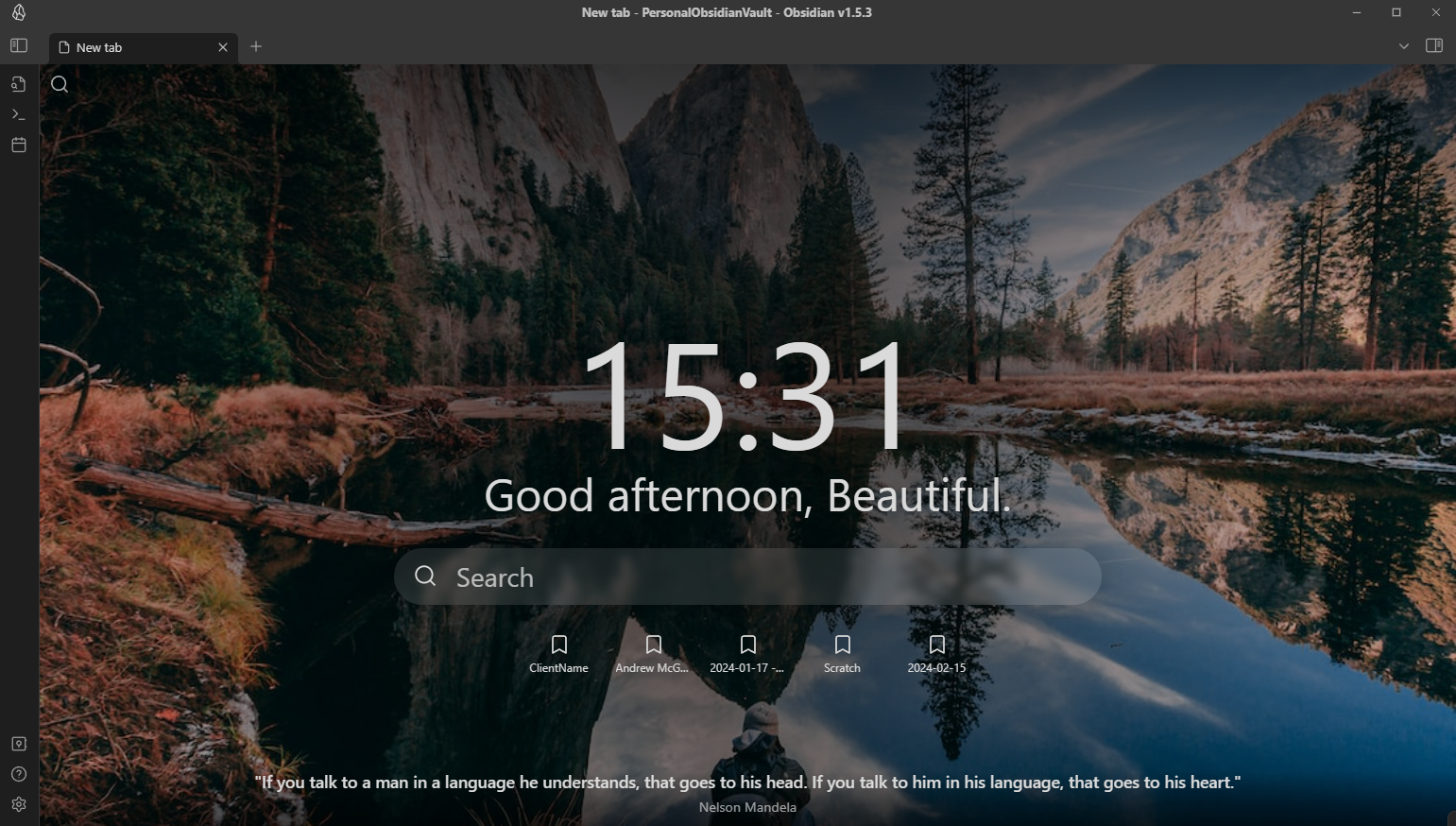
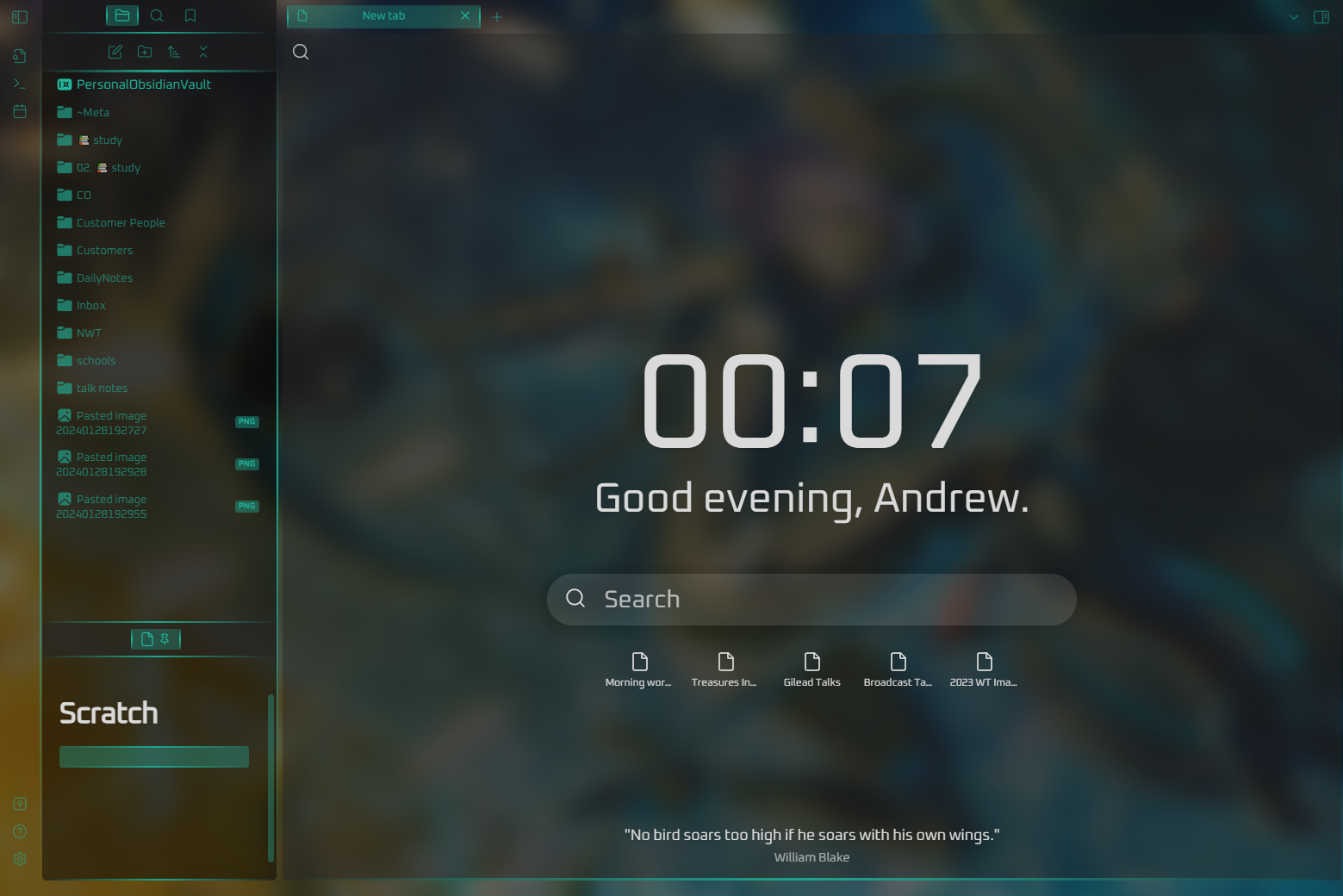
Beautitab is built to be very customizable with every elements being able to be hidden or shown at the users discretion. This includes customization of the rotating backgrounds.
Top left search
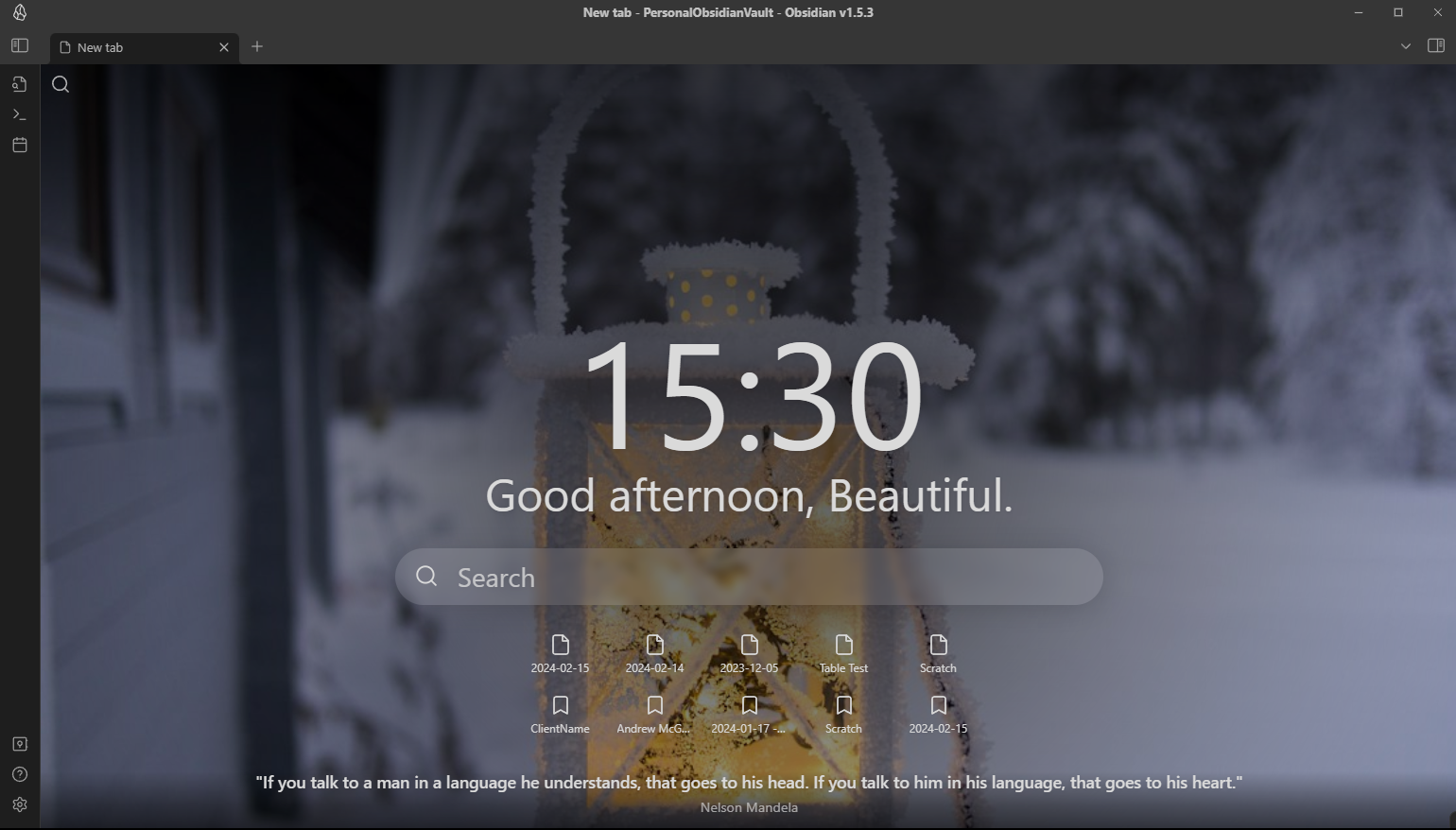
When the top left search icon is clicked, this button opens a search.
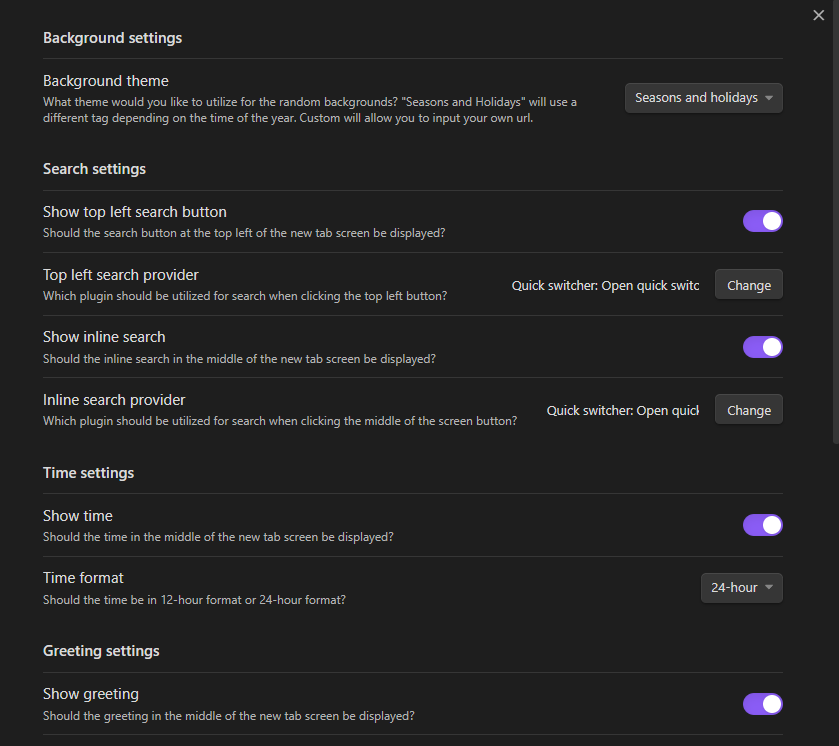
The top left search icon can be shown/hidden via settings. Additionally, the behaviour of what occurs when the button is clicked can be configured to open one of a number of plugins.
[!TIP] Another plugin you'd like to see as a provider? Open an issue!
Time
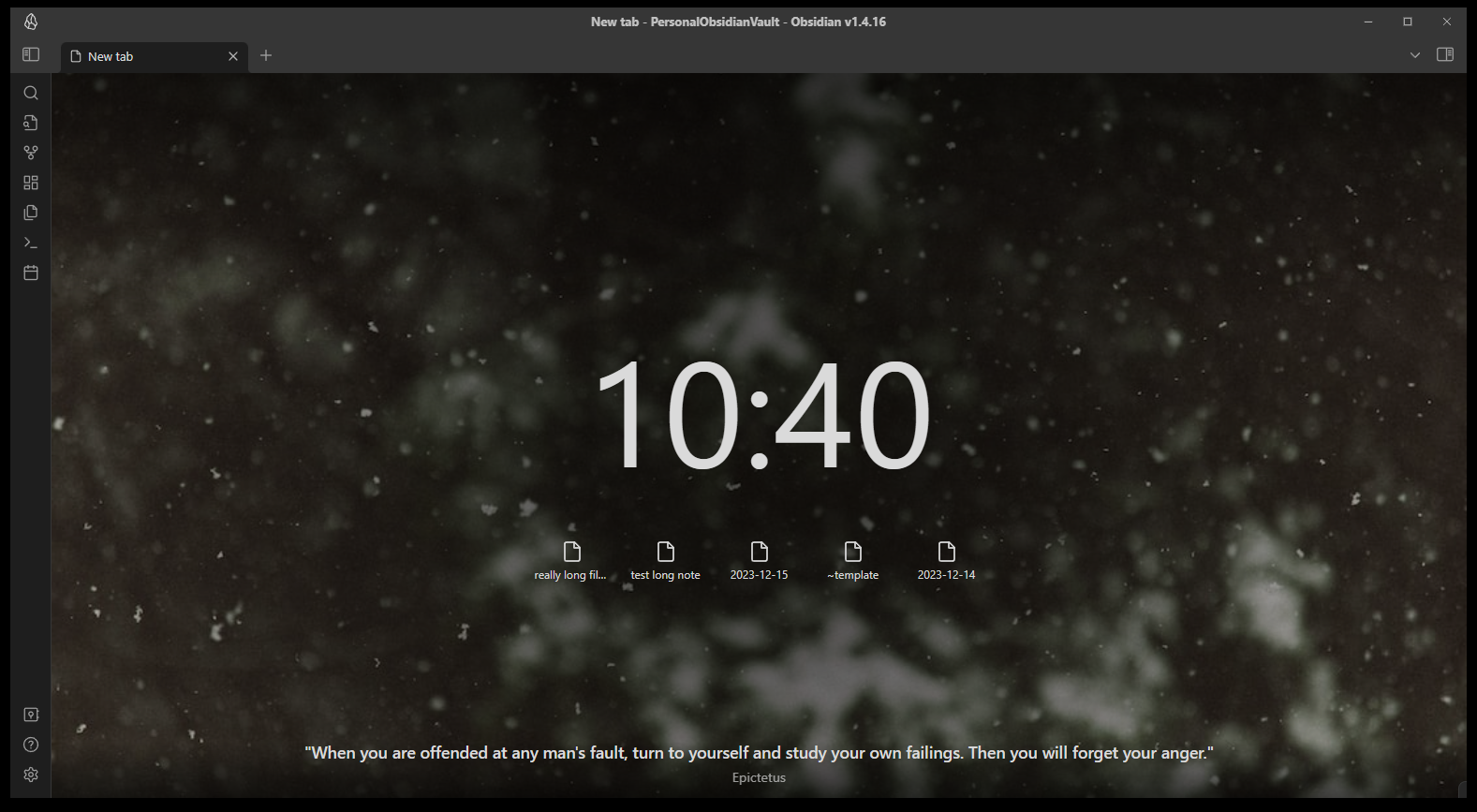
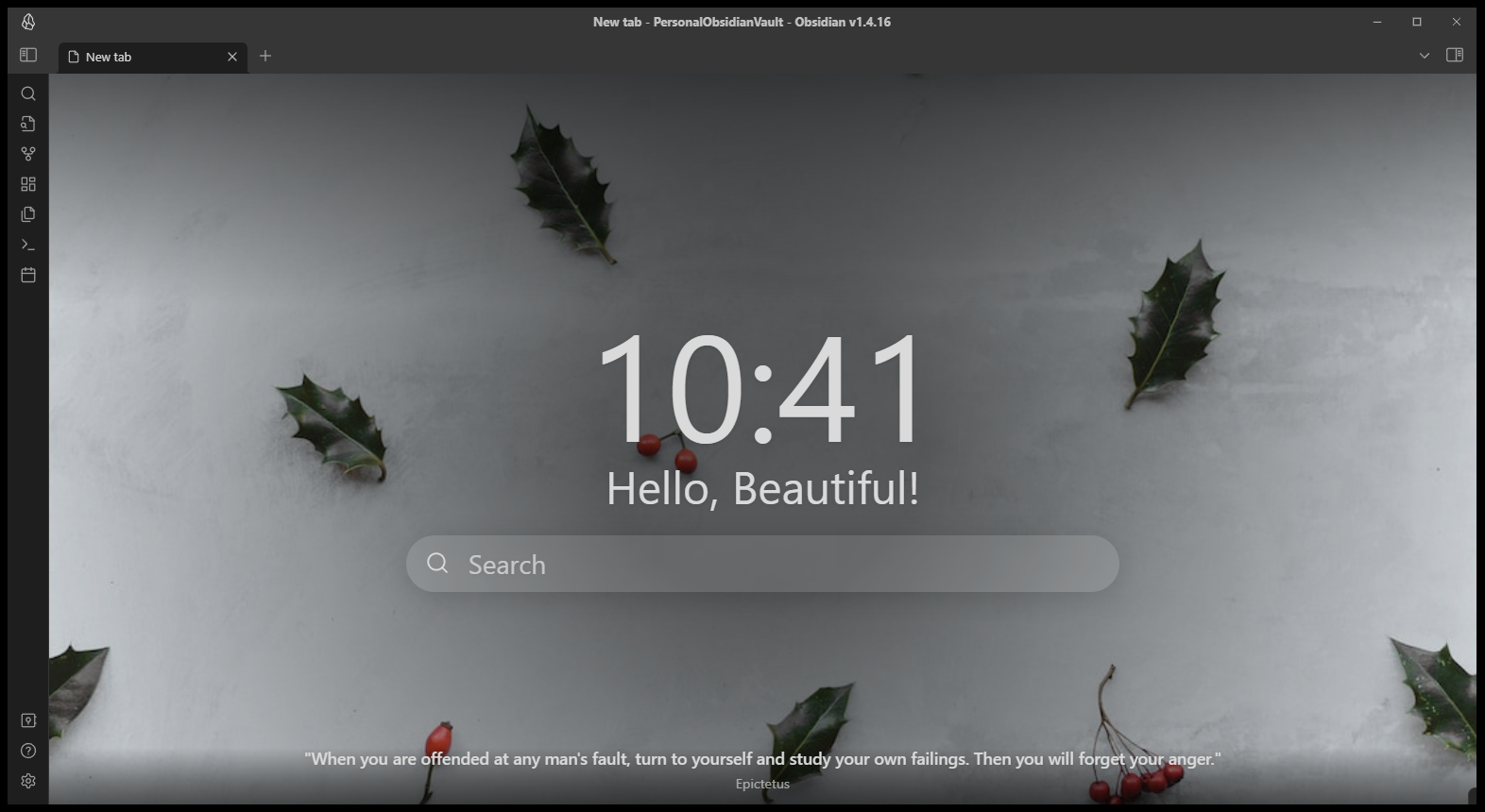
Displays the current time in the middle of the screen and updates as time passes.
The time can be shown/hidden via settings and configured to show in 12-hour format or 24-hour format.
Greeting
Displays a greeting in the middle of the screen.
The greeting can be customized via settings or shown/hidden.
Inline search
When the search box in the middle of the screen is clicked, this button opens a search.
The inline search can be shown/hidden via settings. Additionally, the behaviour of what occurs when the button is clicked can be configured to open one of a number of plugins.
[!TIP] Another plugin you'd like to see as a provider? Open a discussion!
Recent files
Shows your 5 most recently updated files in the middle of the screen.
The recent files list can be shown/hidden via settings.
Bookmarks
Shows 5 bookmarks in the middle of the screen, either from all bookmarks or from a specific bookmark group.
The bookmarks list can be shown/hidden via settings.
Quote
Shows a random quote at the bottom of the screen.
The quote can be shown/hidden via settings. It can also be configured to use the built in quotes, your own custom quotes, or a mix of both.
Background
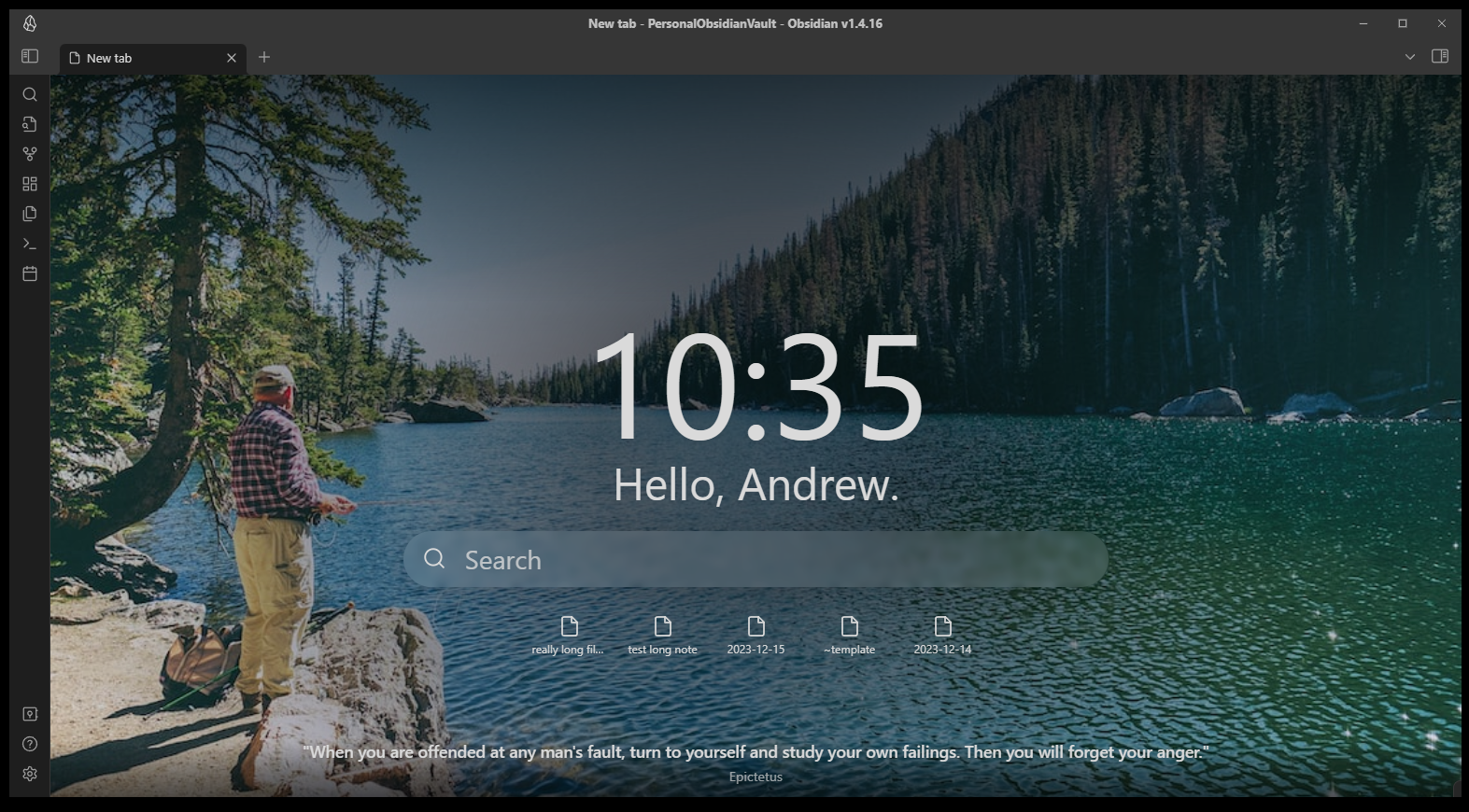
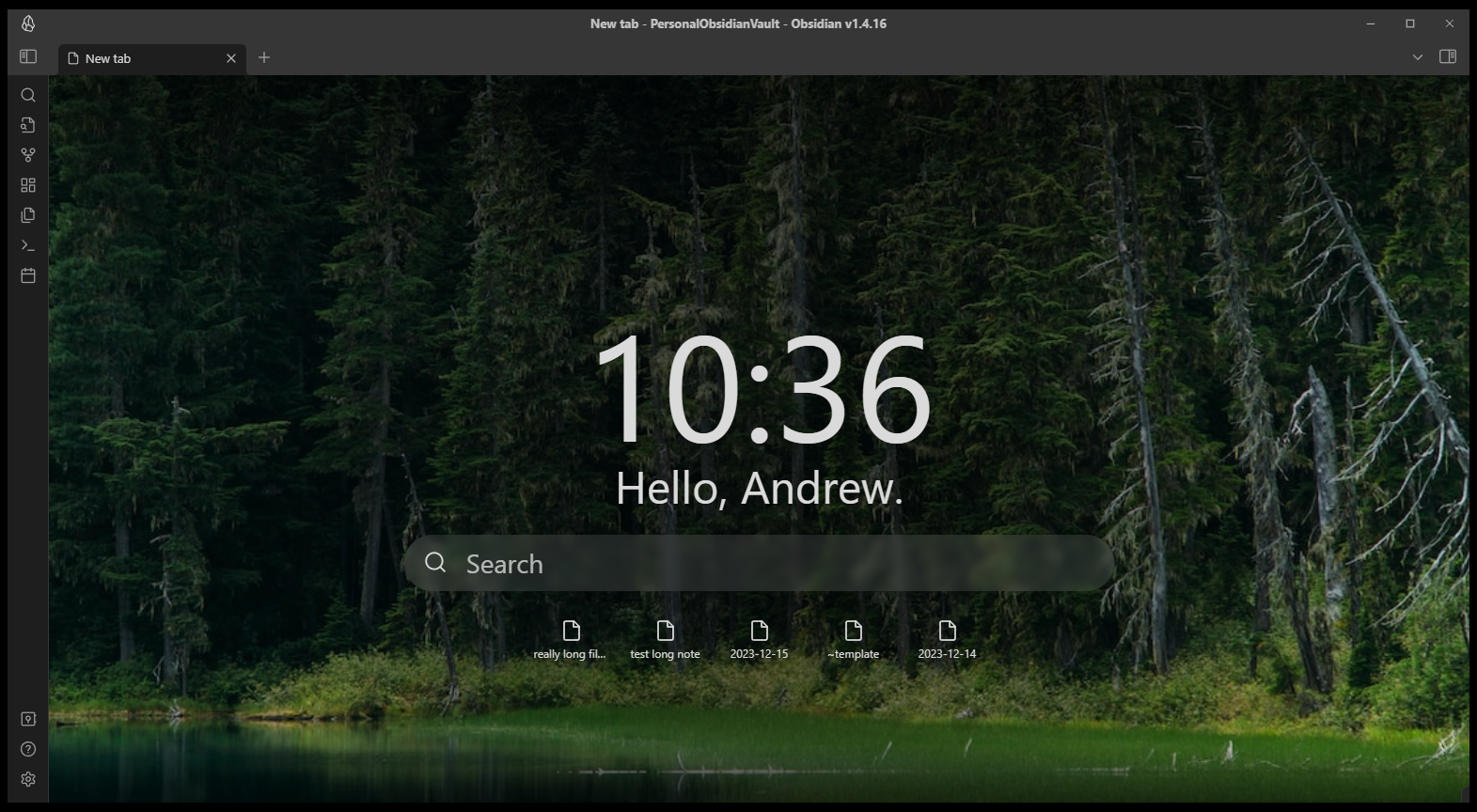
A random background is displayed on the Beautitab screen. This background will remain the same for the remainder of the day or when Obsidian is reloaded/relaunched. Various themes can be selected in settings.
In addition to the built in themes, you can provide your own images from your local computer (desktop only) or from your vault.
You may also select "transparent" or "transparent with shadows" mode if you would like your theme's background to show through Beautitab.
Seasons and holidays (Recommended)
This special theme will show diferent images depending on the time of the year. For example, will show fireworks on news years, pumpkins in the fall, and holiday images in December.
[!TIP] If there is a theme you feel we should celebrate in the Seasons and holidays theme, open a discussion!
Custom
Will display a new box to provide the URL to your own image.
Settings
All customizations can be completed within the settings screen.
Screenshots and examples
Reporting issues
If you run into any issues with this plugin, please open an issue and incude as much detail as possible, including screenshots.
Credits
- Images are pulled from http://www.unsplash.com
- Quotes are pulled from the quoteable API: https://github.com/lukePeavey/quotable
- Inspired by the excellent Chrome extension Momentum: https://momentumdash.com/