Task Deck
 Ismail Ivanov860 downloads
Trello-style task boards with Markdown-backed cards, labels, dates, and checklists.
- Overview
- Scorecard
- Updates24
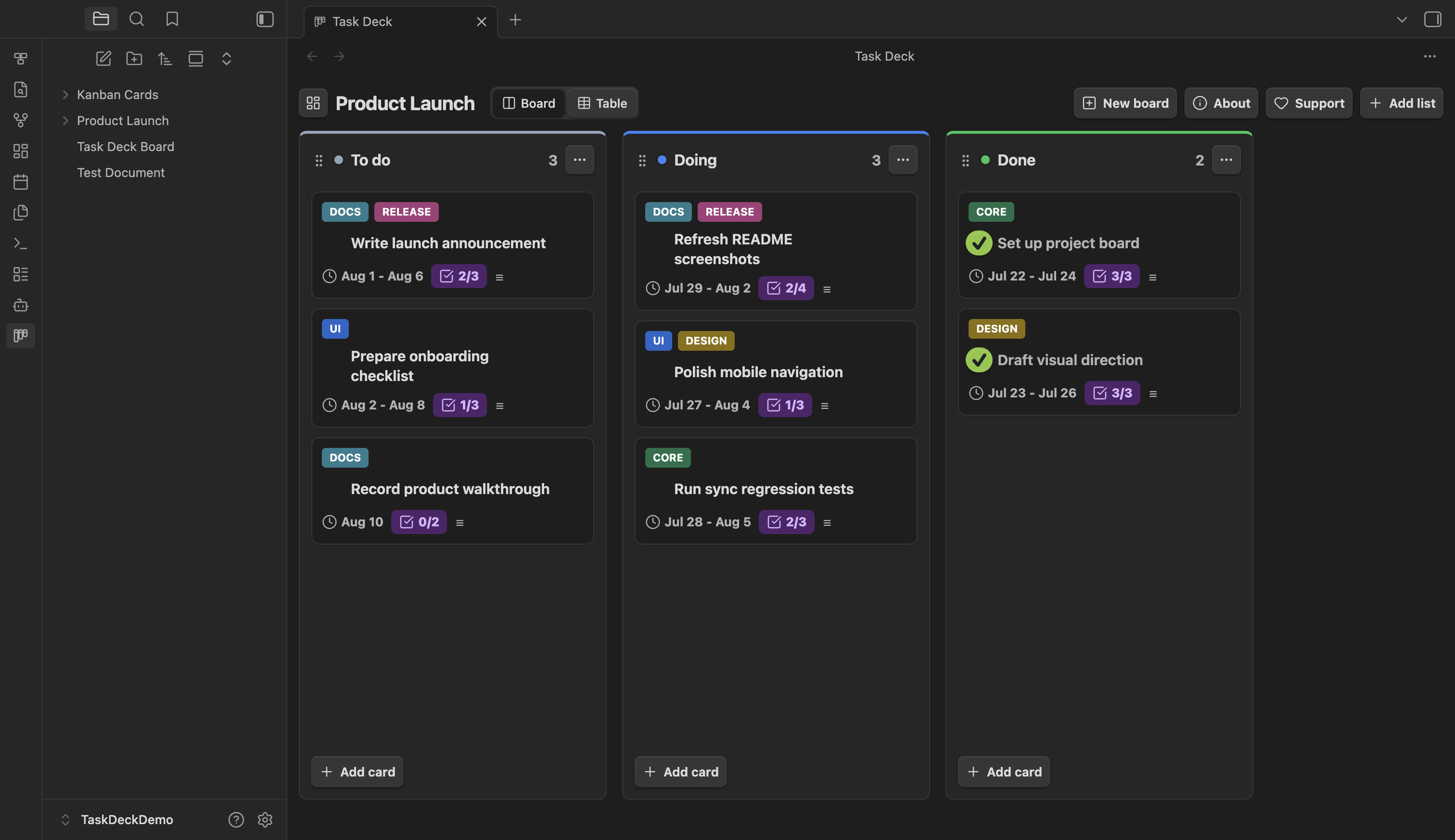
Task Deck is a focused kanban and table view for Obsidian. Every card stays a real Markdown note in your vault, so your tasks remain searchable, linkable, portable, and editable outside the board.
Use it locally with as many boards as you need, or pair it with Sync Deck for cross-device sync, shared vaults, member assignment, and live presence.
Card details
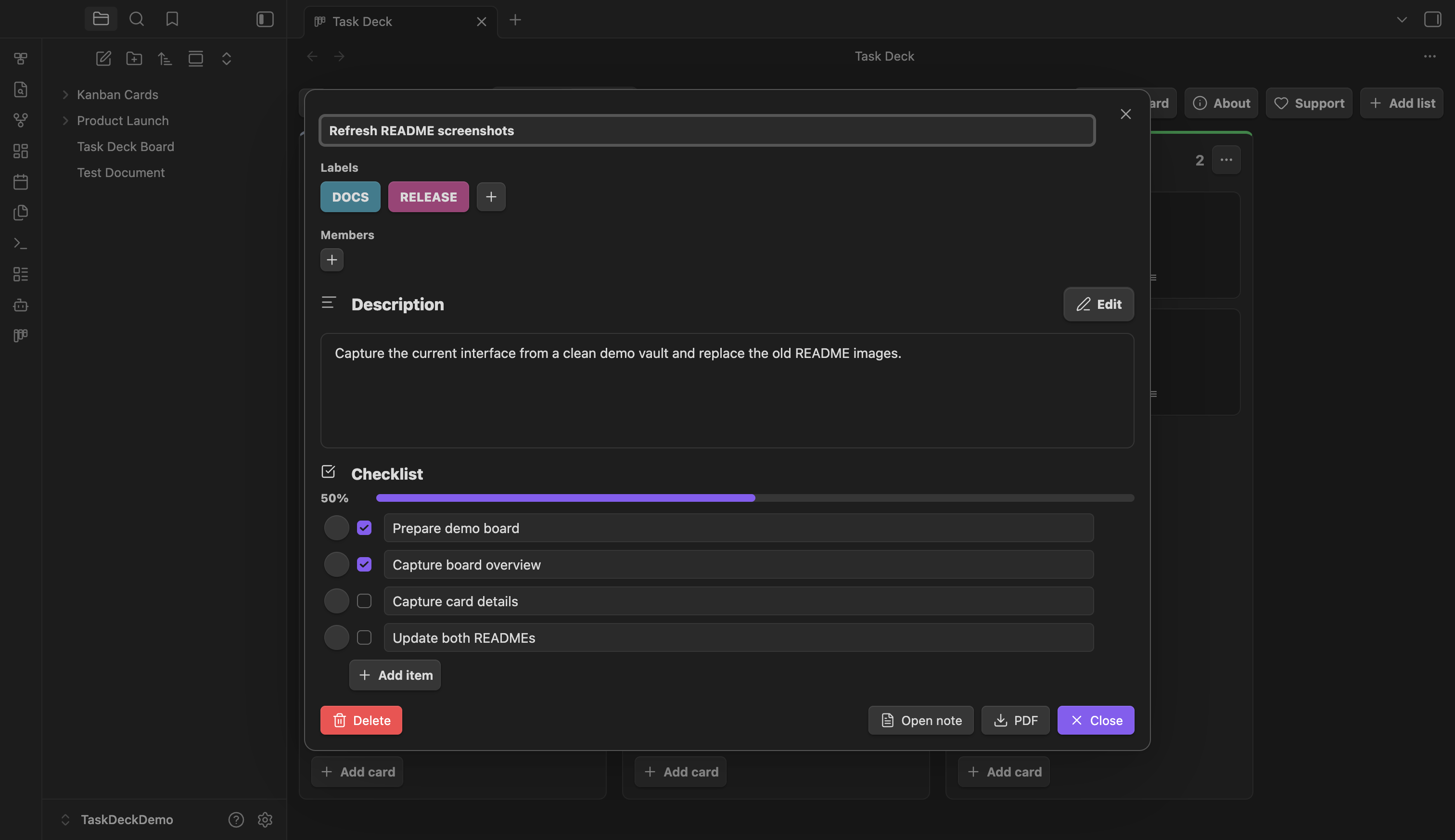
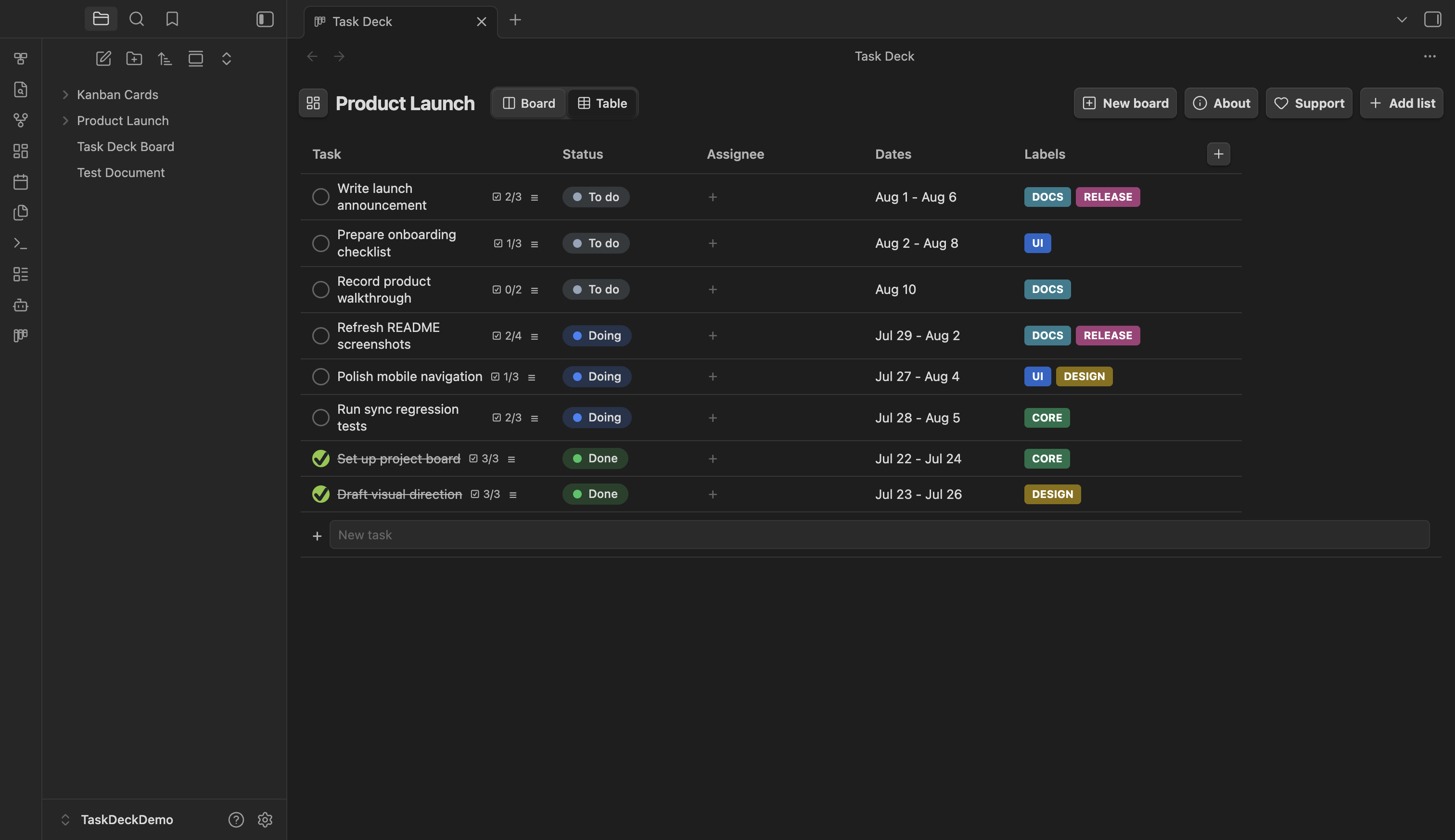
Table view
Screenshots were captured from a clean demo vault using Task Deck 0.3.7.
Features
- Board and table views for the same set of Markdown-backed tasks.
- Drag-and-drop workflow for cards and list ordering.
- Fast editing with inline card creation, renaming, quick status changes, and undo while the Task Deck view is active.
- Rich cards with colored labels, start and due dates, Markdown descriptions, images, and checklists.
- Multiple boards with independent folders, lists, colors, and cards.
- Normal Obsidian notes that remain searchable, linkable, visible in graph view, and editable from the file explorer.
- Automatic note discovery for compatible Markdown cards created or edited outside Task Deck.
- Optional collaboration through Sync Deck, including shared boards, member assignment, and live presence.
Quick start
- Open Task Deck from the ribbon or run
Task Deck: Open boardfrom the command palette. - Create a board. New boards start with To do, Doing, and Done lists.
- Add cards inline, then drag them between lists as work moves forward.
- Open a card to add labels, dates, a Markdown description, images, and checklist items.
- Switch to Table when you want a compact overview across every list.
Use Open note in the card editor whenever you want to work directly in the underlying Markdown file.
Markdown storage
Each board lives in its own readable folder:
Product Launch/
├── Product Launch.md
├── cards/
│   ├── Prepare onboarding checklist.md
│   └── Write launch announcement.md
└── attachments/
The board index keeps list order and graph links connected. Card metadata lives in frontmatter, while the description and checklist remain ordinary Markdown. The plugin folder stores the local UI state; your task content stays in the vault.
Sync across devices and teams
Task Deck works fully offline and does not require an account. To sync boards, install Sync Deck, sign in, and open or create a synced vault.
Sync Deck carries the board index, cards, and attachments across your devices. New and upgraded Sync Deck vaults end-to-end encrypt those files, their paths, and the board/card identifiers used for presence and locks; account and activity metadata still remain visible to the service. In shared vaults it also provides member assignment and live presence, so teammates can see who is viewing or editing a card. See Sync Deck's E2EE threat model for the exact boundary. The Free plan syncs one Task Deck board; Pro syncs unlimited boards. Local-only Task Deck usage remains unlimited.
Install
Until Task Deck is available in the Obsidian community plugin directory:
- Download
main.js,manifest.json, andstyles.cssfrom the latest release. - Put the files in:
Your Vault/.obsidian/plugins/task-deck/
- Enable Task Deck in Obsidian under Settings → Community plugins.
Development
Source files live in src/. After changing them, run:
node build.js
Obsidian loads the generated main.js file.
Support
If Task Deck is useful for your workflow, you can support the project: Buy me a coffee.
License
MIT © Ismail Ivanov