Tab Title Customization
 Bridger Herman69 downloads
Provides customization options for tab titles, including truncation, adding file extensions, and paths.
- Overview
- Scorecard
- Updates2
This plugin provides a means to customize the tab titles in the Obsidian editor.
Obsidian provides a "breadcrumb" path inside each file. But, this is not particularly useful for disambiguating multiple files with the same name and different paths. In my case (using Obsidian to create university course websites), I have many files named the same thing across my vault; for example:
class1/documents/Syllabus.mdclass2/documents/Syllabus.mdclass3/documents/Syllabus.mdclass4/documents/Syllabus.md
In my workflow, I found it annoying to double-check the breadcrumbs in files, so I created this plugin!
Related Plugins and Posts
This exact request seems to be rare in the Obsidian community. There have been a few posts that ask for this feature, and few related plugins but none that actually address the core issue.
- Posts
- Is tab title alterable within the Obsidian API? - Reddit post with no comments on this exact request
- Obsidian forum post requesting the window title to be editable
- Related Plugins
- obsidian-hierarchy - this seems close to the desired outcome, but the tab title customization doesn't seem to work as expected (only applies to one tab, then disappears)
- obsidian-show-file-path - shows the file path in the status bar, not the tab title
- obsidian-path-title-plugin - shows the file path in the title area (instead of the breadcrumbs), not the tab title
Screenshots
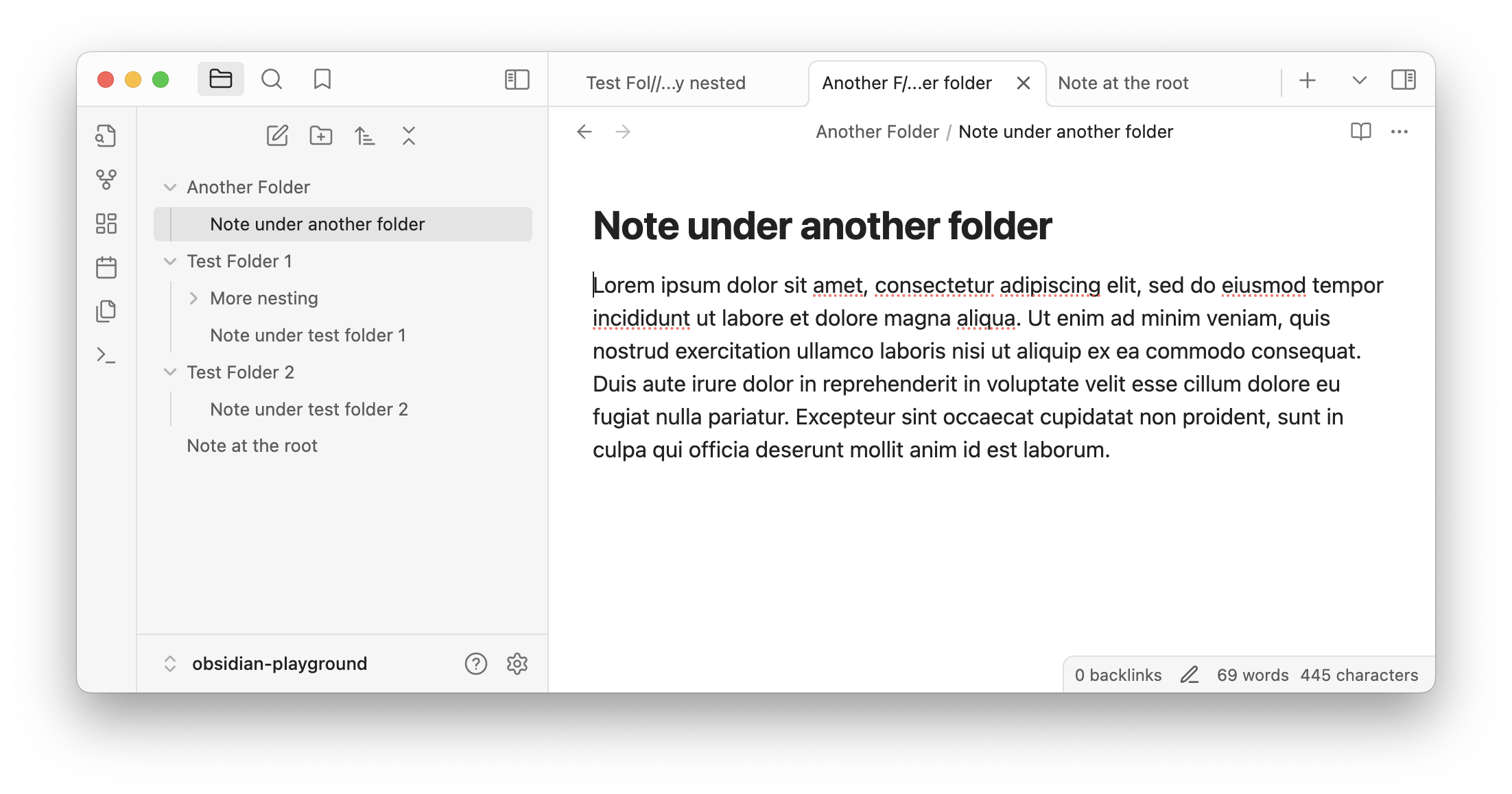
Screenshot of Obsidian with the Tab Titles plugin enabled and using default settings:
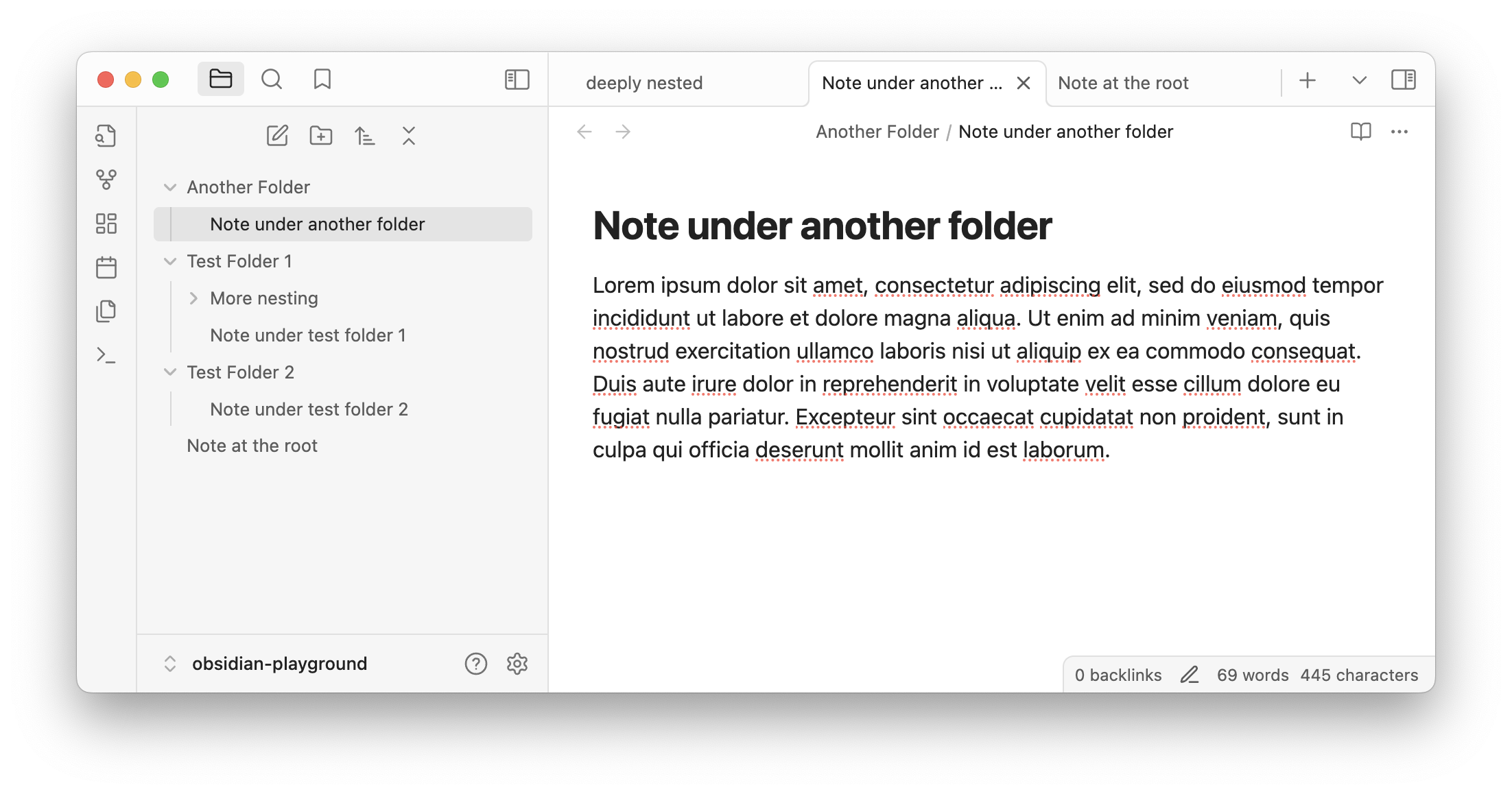
Without the plugin enabled:
Plugin Settings
To adjust the settings, open Obsidian settings and go to the settings for the "Tab Titles" plugin under "Community Plugins".
- Show File Extensions: Show file extensions in the tab titles in addition to the full file path.
- Show Leading Slash: Show the leading slash for paths displayed in tab titles.
- Enable Truncation: Enable or disable truncating tab titles at a specific number of characters. This replaces Obsidian's default truncation behavior, which truncates tab titles at the end of the title.
- Max Tab Title Chars: Maximum number of characters in tab title. Any titles longer will be truncated.
- Truncation Join Char: Character(s) to use when joining the front and back halves of a truncated title.
- Show Path Separator in Truncation: Show the path separators as a part of the truncation characters
Installation (developer)
Follow the steps below to install the plugin (requires npm).
npm install
npm run dev