Structurizr Diagrams
 kdas49 downloads
Embed interactive Structurizr views in Obsidian notes with local rendering.
- Overview
- Scorecard
- Updates3
This desktop plugin embeds interactive Structurizr views in Markdown notes. It reads workspaces and exports diagrams on your computer. It does not send notes or workspace data to a public service.
Install
Community plugins
After the plugin appears in the Community plugins directory:
- In Obsidian, open Settings → Community plugins → Browse.
- Search for Structurizr Diagrams. Select Install, then Enable.
- Install the Structurizr CLI and Graphviz. Graphviz supplies automatic layout for DSL views that use
autoLayout. - Set Default workspace to a vault-relative
.dslor.jsonfile.
Manual install
- Download
main.js,manifest.json, andstyles.cssfrom the latest release. - Copy the files into
<vault>/.obsidian/plugins/structurizr-diagrams/. - Enable Structurizr Diagrams in Obsidian's Community plugins settings.
- Install the Structurizr CLI and Graphviz. Set Default workspace in plugin settings.
Build from source
Run npm ci, npm test, and npm run build:release. Copy the installable/structurizr-diagrams folder into the vault plugins folder. The release build also creates installable/structurizr-diagrams.zip. Tagged GitHub releases build and attest the release assets from source. The plugin requires desktop Obsidian because it starts a local Node.js HTTP server and runs the Structurizr CLI.
Select a workspace
Set Default workspace in plugin settings for notes without a workspace property. The path can point to a .dsl or .json workspace file inside the vault.
A note can select another workspace with either structurizr-workspace or structurizrWorkspace.
---
structurizr-workspace: architecture/payments/workspace.dsl
---
When both files exist beside the selected DSL file, the plugin uses the matching .json file for manual positions. If the DSL differs from the DSL saved inside that JSON file, the plugin exports the current DSL and reapplies saved positions and relationship vertices by element ID. New elements can need manual placement. Set Structurizr CLI command if the executable is not named structurizr. Set Structurizr local URL for the local workspace URL used by the open-view control.
Add diagrams to a note
Use the existing Structurizr Markdown image syntax. The key identifies a view in the selected workspace.
## System context

## Request flow

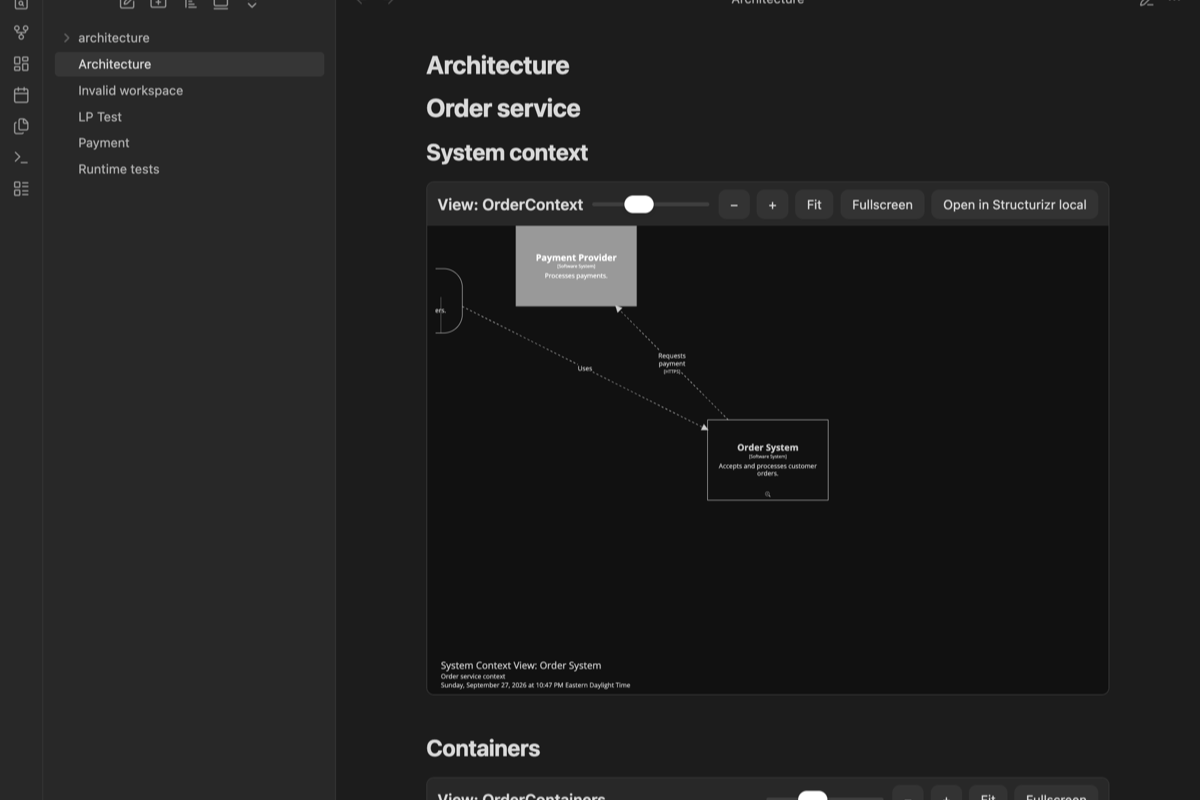
A note can contain multiple embeds. The plugin replaces these embeds in Reading view and Live Preview. In Live Preview, click Edit Markdown to edit the source line. Other Markdown remains editable. The diagram key stays in the note and remains visible in Git.
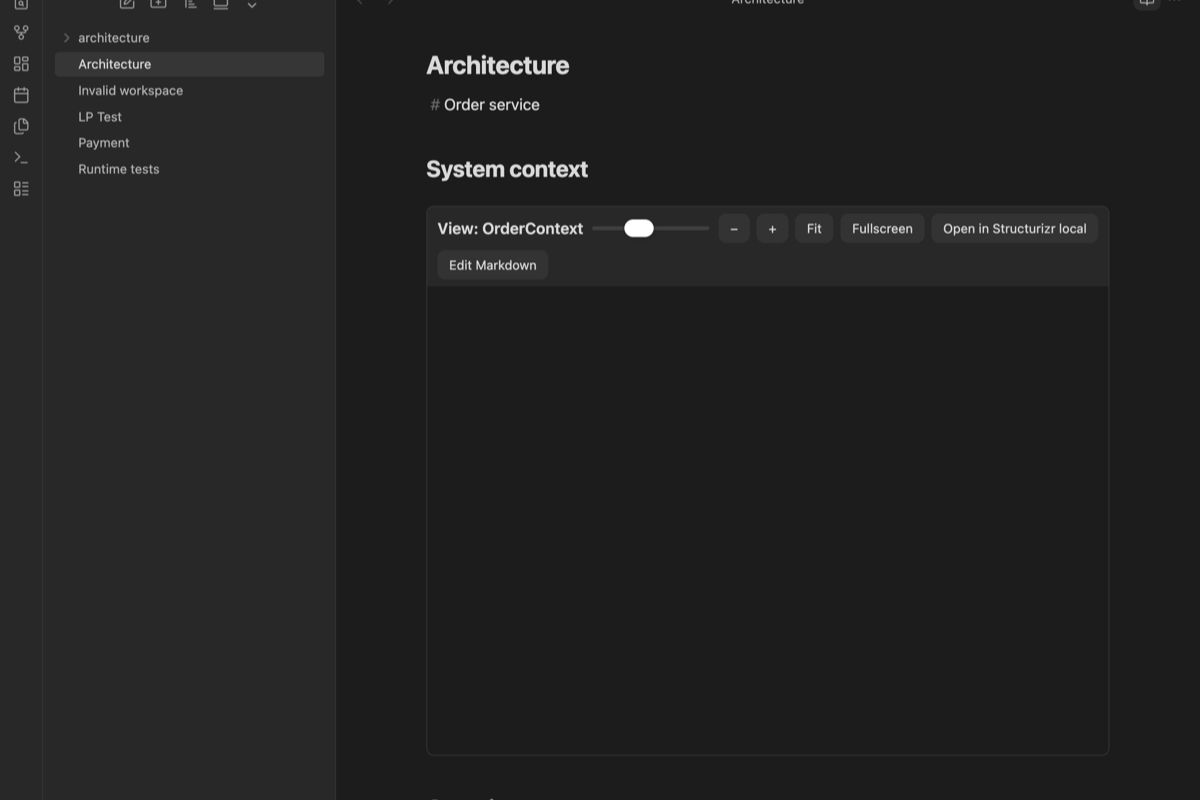
Each diagram has a height slider, zoom-in and zoom-out buttons, a fit-to-content button, a fullscreen control, and an action to open the view in Structurizr local. Use the tooltips and navigation controls inside the frame. Keyboard users can tab to the toolbar and diagram iframe. The static export supports double-click navigation between related views.
Local operation and refresh
The plugin runs structurizr-cli export -workspace <workspace> -format static -output <temporary-folder> when a diagram first loads. Set Structurizr CLI command if your installation uses another executable name. A local HTTP server binds only to 127.0.0.1 on an available port. The exporter and viewer run on the same computer as Obsidian.
The plugin watches the DSL and matching JSON file for changes. It re-exports changed workspaces and reloads their open diagrams. Use Refresh Structurizr diagrams from the command palette to request a refresh. Export files live in the plugin's generated folder and the plugin deletes that folder when it stops. The .gitignore excludes generated files.
The static export keeps zoom and scrolling, the diagram key, tooltips, perspectives, animation, descriptions, metadata, and quick navigation. Structurizr documents that static export removes documentation and decision records. Manual layouts require the workspace JSON file. Structurizr local itself does not support iframe or image embeds.
The static export normally contacts static.structurizr.com to load optional themes. The plugin removes that remote theme loader from its temporary copy before serving the page. Built-in light and dark themes remain available. This keeps workspace data on the computer and prevents public theme requests.
Local access and permissions
The plugin uses Node.js filesystem APIs to read the selected workspace and write exports under its generated folder. The Structurizr CLI can also read files that the workspace references.
The plugin runs the configured CLI executable with execFile and an argument list. It does not pass those arguments through a shell. The CLI runs with the same operating-system permissions as Obsidian. Choose a trusted CLI executable and workspace.
The local HTTP server binds only to 127.0.0.1. It does not listen on an external network interface.
Example vault
Open example-vault as a vault to see two primary notes, two workspaces, multiple embeds, a note-level workspace property, and linked context, container, and dynamic views. The order workspace includes workspace.json with manual coordinates. Set architecture/order/workspace.dsl as the default workspace.
Known limits
- The plugin needs the Structurizr CLI. It reports a missing workspace, an unknown view key, invalid JSON, or a failed export in the note.
- The plugin reports unknown DSL syntax through the CLI export error. Structurizr CLI versions can vary in command availability and output.
- The Structurizr local open action uses the configured local URL and the view key. Local URL routing can differ between Structurizr versions.
- Obsidian's built-in Markdown post processor serves Reading view. The plugin uses a CodeMirror 6 decoration widget for Live Preview.
- A Git comparison viewer is not implemented. A future viewer can use
git archiveto extract a selected revision's workspace directory into a temporary folder. That copy preserves relative includes and manual-layout JSON without changing the working tree. This checkout has no.gitmetadata, so revision loading could not be tested.
Validation status
The plugin was tested in Obsidian desktop 1.13.7 with Structurizr CLI 2025.11.09 and Graphviz 16.1.0. Reading view and Live Preview rendered three interactive diagrams in one note. Live Preview kept the Markdown source editable. Tests covered a manual-layout JSON workspace, another note-level workspace, a missing key, invalid DSL, and refresh after DSL and JSON changes. DSL edits kept saved positions for existing elements. npm test passed all four CLI export tests. Screenshots in evidence/ show the note in dark and light themes.