Skill Switchboard
 SigiL38 downloads
Maintain skills in Obsidian and distribute complete, managed copies to local agents.
- Overview
- Scorecard
- Updates8
Skill Switchboard
Maintain skills in Obsidian. Distribute complete local copies.

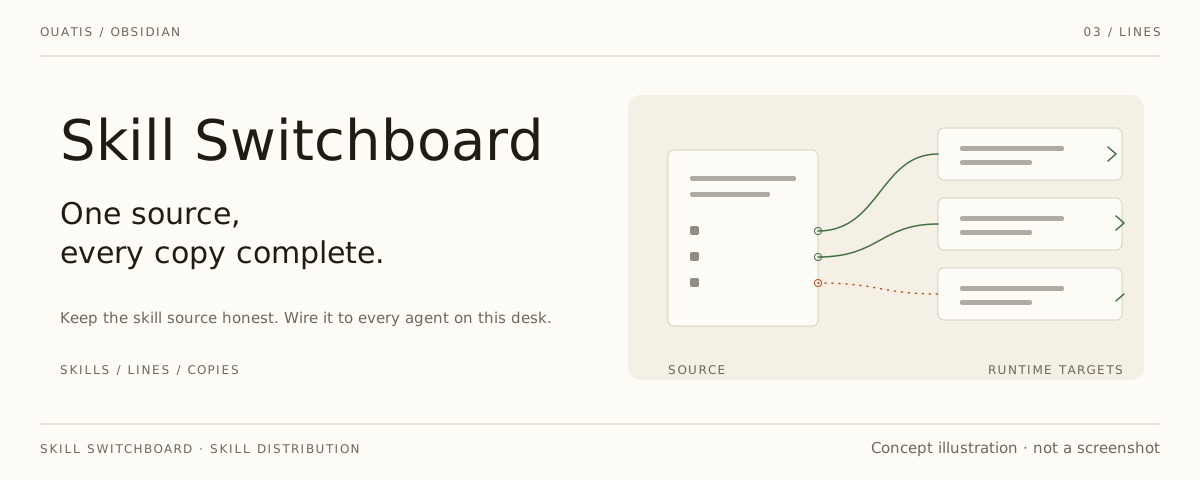
An Obsidian desktop plugin for keeping one canonical skill source in a synced vault and distributing complete packages to this computer's agents. Your existing vault sync carries the source between computers; Switchboard handles local files. It provides no cloud service, makes no network requests and collects no telemetry. All reads and writes stay inside the folders you configure — the skill source in your vault, your agent target folders, and the plugin's own folder for snapshots and status; nothing else on disk is touched.
Quiet panels and thin rules share a visual rhythm with Desk Lamp, Scriptorium and Collate. The interface follows your Obsidian theme. English and Simplified Chinese are available.
Install
Requires Obsidian 1.7.2 or newer on desktop. For a published version, download
main.js, manifest.json and styles.css from the
releases page,
place them in <vault>/.obsidian/plugins/skill-switchboard/, then enable the plugin.
For unpublished changes, build from source using the Development steps below.
One source, complete installations
- Keep skills in a visible vault folder, normally
skills/. Each standard skill is a directory with aSKILL.mdcontainingnameanddescription, plus its required references, scripts and assets. Standard directories are discovered without a hand-written manifest. - Sync the source with your existing vault sync arrangement. Select it under Distribution source on each computer.
- Add the local agents you use under Runtime targets. Paths such as
~/.codex/skillsresolve on this computer. Targets must stay outside the vault and must not overlap the source. - Run Check skills, then Repair all. Missing packages are installed and differing copies are replaced from the source after one confirmation. Checks are read-only. Background writes require the separate local opt-in below.
The installed SKILL.md contains the instructions themselves, not a thin wrapper
that asks the model to read the real instructions elsewhere. Required files are
copied with the package. Runtime-specific metadata is added where needed; existing
agents/openai.yaml in a standard source package is preserved.
Codex, Hermes, WorkBuddy, OpenCode, Antigravity and current DSH directory packages are supported. Copying files does not install runtimes, dependencies or commands, change an agent's permissions, or prove that a running session loaded a skill.
The source is authoritative
Optional automatic distribution
Automatic distribution is off by default. Enable it in settings and approve the displayed source and Agent folders once on this computer. This write grant is stored only in the machine-local vault settings, never in synced preferences. Changing the selected source, manifest, enabled targets, or resolved paths revokes the grant; enabling it again requires a new confirmation. Overlapping Agent roots cannot be authorized.
While Obsidian is running, background checks wait for a two-second quiet window and a second matching source snapshot before distributing. A manual Check skills remains read-only. Missing or unsafe resources block that skill; independent healthy packages still update. The quiet window reduces partial-sync risk; it is not proof that another machine finished syncing or that an Agent loaded a skill.
Transient filesystem refusals get at most three attempts (150/450 ms delays). Successful runs update the board quietly. An unchanged persistent failure alerts once per plugin session and is not retried every five minutes without a changed source/target state; use Repair all for an explicit retry. Closing Obsidian, disabling automation, changing its scope, or unloading the plugin cancels queued work and prevents subsequent package swaps. The source-authority and no-history- backup rules below apply to automatic runs too.
The Distribution plan shows four states per agent: Not installed, Replace from source, Matches source, and Blocked. Blockers expand first and show their reasons without requiring the raw log. Counts describe agent copies, not unique source skills. One Repair all confirmation lists every install and overwrite, with names and paths.
- A same-name target package is a disposable output of the selected source. Local edits and older installations are overwritten, not merged or kept as conflicts. There is no second takeover workflow or ownership database; checks compare the complete expected package directly against the actual files and executable modes.
- No history backups are created. Discarded local edits cannot be recovered through this plugin after a successful overwrite. Make a wanted change in the canonical source before distributing.
- No Agent edit is written back to Obsidian. Other skills not named by the source remain untouched. Removing a source or target does not silently uninstall old copies; a zero-skill source is not reported as success.
- A complete new directory is prepared and verified beside the destination. Source additions, removals and file changes invalidate the prepared snapshot. A target change during preparation aborts the swap. The old directory is moved aside only for the transaction: a failed swap attempts to restore it, and a successful swap deletes the temporary old directory. It is not a retained backup.
- Invalid sources, unreadable files, links inside packages and resource failures block the affected skill. Independent skills can still be installed; partial results are never presented as complete success. Filesystem locks prevent two repairs from replacing the same package simultaneously. A crash can leave a lock or temporary directory. Restoration or cleanup failures report the remaining paths and are not presented as successful repair.
New installations do not write .skill-switchboard.json receipts. An obsolete
package-root receipt is removed with the next replacement; a same-named file in
a resource subdirectory remains ordinary package content.
Existing installations and external packages
Version 0.5 replaces thin-wrapper generation with complete packages. Old
wrapper and symlink settings normalize to copy configuration only; loading
settings never rewrites installed skills. Existing wrappers are replaced in the
same Repair all operation. Links at a destination are refused rather than
followed. An old DSH <name>.md is removed as its directory package is installed
in that same operation, without a history backup or duplicate entries.
A sibling skills-manifest.json remains supported for existing Markdown-card
sources, runtime selection and metadata. shared_file can name a relative card
or folder/SKILL.md. Legacy cards are packaged with their full body and local
reference closure; declared package_path resources are bundled too. This is
not an arbitrary Markdown interpreter: missing or escaping local references block
distribution, and vault-specific prose or absolute paths must be made portable
by the author. An explicitly selected missing manifest is an error, not a fallback.
In a legacy card, relative Markdown file links and package-relative resource paths
declare required bundled files. Use Obsidian [[wikilinks]] for vault notes used
as working context: they stay in the text and are not copied into Agent packages.
The plugin does not verify those context notes or make a vault-specific skill
standalone. Missing or escaping required resource links still block distribution.
A skill can instead declare an external package_id. Its toolkit is not copied
into each Agent folder or downloaded automatically. Each machine maps IDs to
local paths in ~/.skill-switchboard/packages.json; optional schema-v1 resource
inventories check file hashes. External paths and tools do not travel through
Obsidian Sync and remain explicit runtime dependencies.
Sources, targets and enabled agents are machine-local, per vault checkout, in
~/.skill-switchboard/vaults/<vault-id>/settings.json. Display preferences can
sync with Obsidian settings. Existing connections migrate without a
separate configuration-history backup; new computers configure their own connections. The source and optional manifest
stay in the vault; there is no second private content database.
The hidden .skill-switchboard-status.json in the vault records this installation's
version, build ID and check/repair outputs. It is not another computer's health
report. Diagnostic text can include local paths; review it before sharing.
Development
npm install
npm run build
npm run lint
npm run test:native
Run the other test:* scripts in package.json as well. Native tests use isolated
temporary vaults and Agent folders, never live installations. To exercise the new
UI in an existing Obsidian host without replacing its installed plugin, run
node scripts/test-package-ui-live.mjs <obsidian-cli> <host-vault>.
No release, deployment or live Agent migration is performed by these tests.
Created by @ouatis.