Search...Search plugins and themes...
⌘K
Sign in
  • Get started
  • Download
  • Pricing
  • Enterprise
  • Account
  • Obsidian
  • Overview
  • Sync
  • Publish
  • Canvas
  • Mobile
  • Web Clipper
  • CLI
  • Learn
  • Help
  • Developers
  • Changelog
  • About
  • Roadmap
  • Blog
  • Resources
  • System status
  • License overview
  • Terms of service
  • Privacy policy
  • Security
  • Community
  • Plugins
  • Themes
  • Discord
  • Forum / 中文论坛
  • Merch store
  • Brand guidelines
Follow us
DiscordTwitterBlueskyThreadsMastodonYouTubeGitHub
© 2026 Obsidian

Select current line

gokulk16gokulk164k downloads

Select the current line where the cursor is placed. Press 'ESC' key to select.

Add to Obsidian
  • Overview
  • Scorecard
  • Updates1

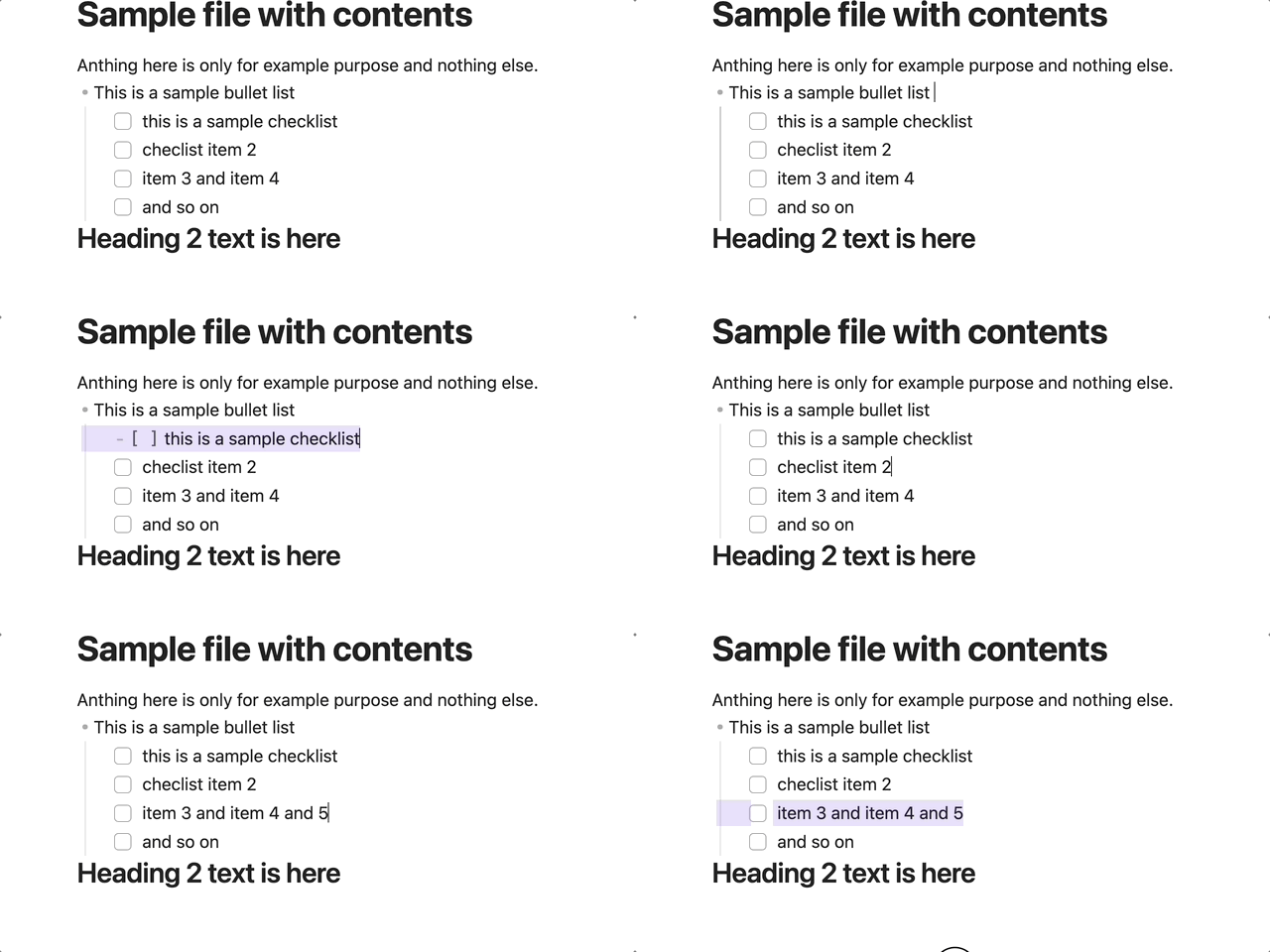
Apr-13-2023 15-22-57

A simple plugin. When you press the ESC button on your keyboard, the current line selects. From the beginning to the end of the line. Note: Can change the hotkey to another specific key combination after installation.

Also supported in the mobile app via commands

68%
HealthFair
ReviewSatisfactory
About
Select the current line by pressing Esc, highlighting from the start to the end of the line. Change the hotkey to a different key combination or invoke the same command on mobile.
EditingHotkeysCommands
Details
Current version
1.0.0
Last updated
3 years ago
Created
3 years ago
Updates
1 release
Downloads
4k
Compatible with
Obsidian 1.0.0+
Platforms
Desktop, Mobile
License
MIT
Report bugRequest featureReport plugin
Author
gokulk16gokulk16
github.com/gokulk16
GitHubgokulk16
  1. Community
  2. Plugins
  3. Editing
  4. Select current line

Related plugins

Code Editor Shortcuts

Add keyboard shortcuts (hotkeys) commonly found in code editors such as Visual Studio Code (VS Code) or Sublime Text.

Emoji Toolbar

Quickly search for and insert emojis into your editor.

Paste URL into selection

Paste URL "into" selected text.

Tray

Run Obsidian from the system tray for customisable window management and global quick notes.

Leader Hotkeys

Add leader hotkey support to any command (like tmux or vim).

Vimrc Support

Auto-load a startup file with Vim commands.

Slash Commander

Customize the slash command list, assign each command an icon.

Doubleshift

Open the command palette by pressing Shift (or any other key) twice like in IntelliJ and create your own shortcuts.

Advanced Tables

Improved table navigation, formatting, and manipulation.

Quick Switcher++

Enhanced Quick Switcher, search open panels, and symbols.