Ribbon Bookmarks
 Bryan Monge6 downloads
A bookmark bar in the left ribbon: web links, any file, nested folders, separators, drag and drop, and monochrome icons.
- Overview
- Scorecard
- Updates3
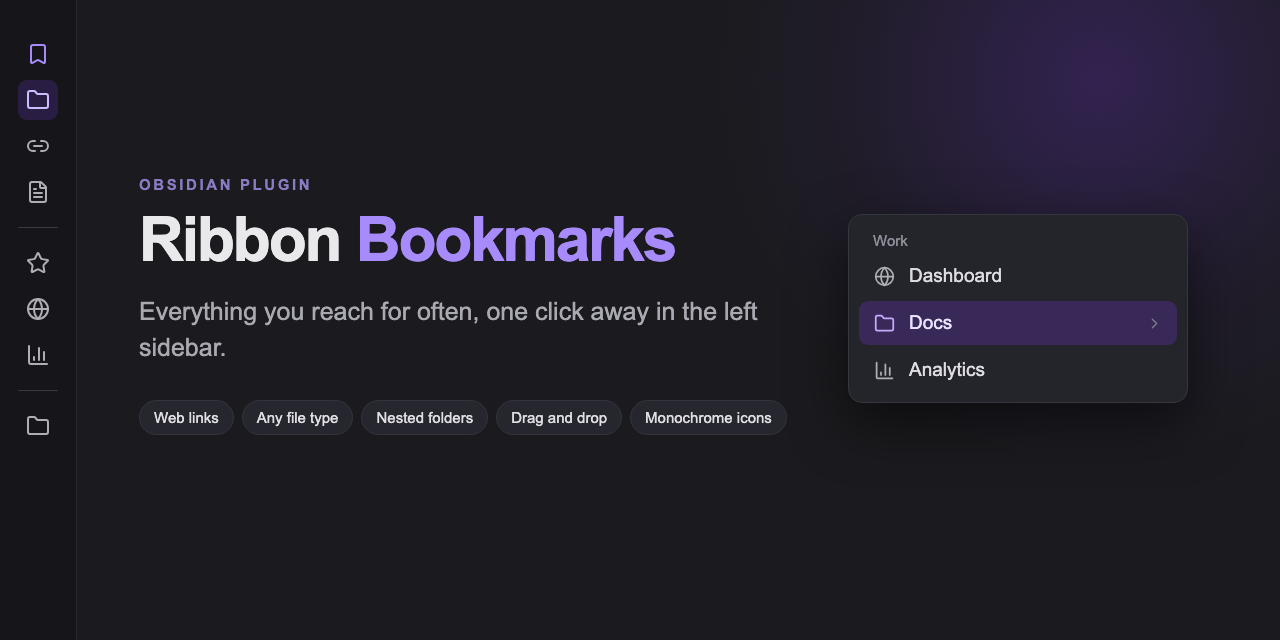
Everything you reach for often, one click away in the left sidebar.
Screenshots
Features
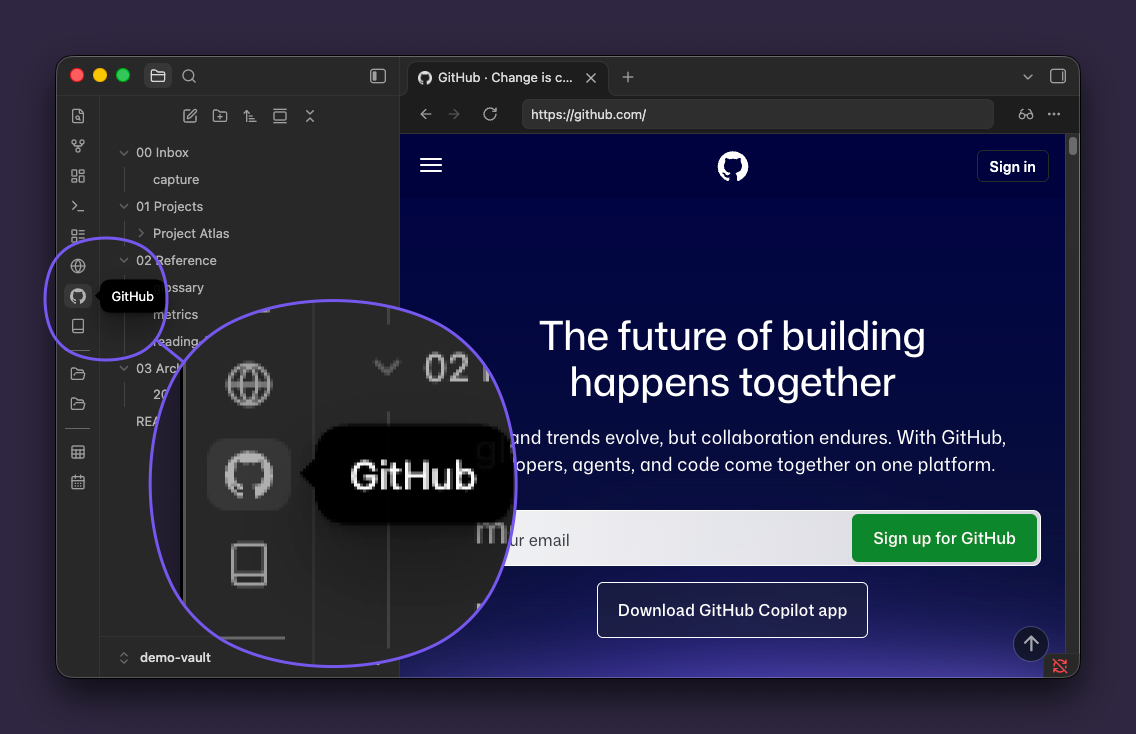
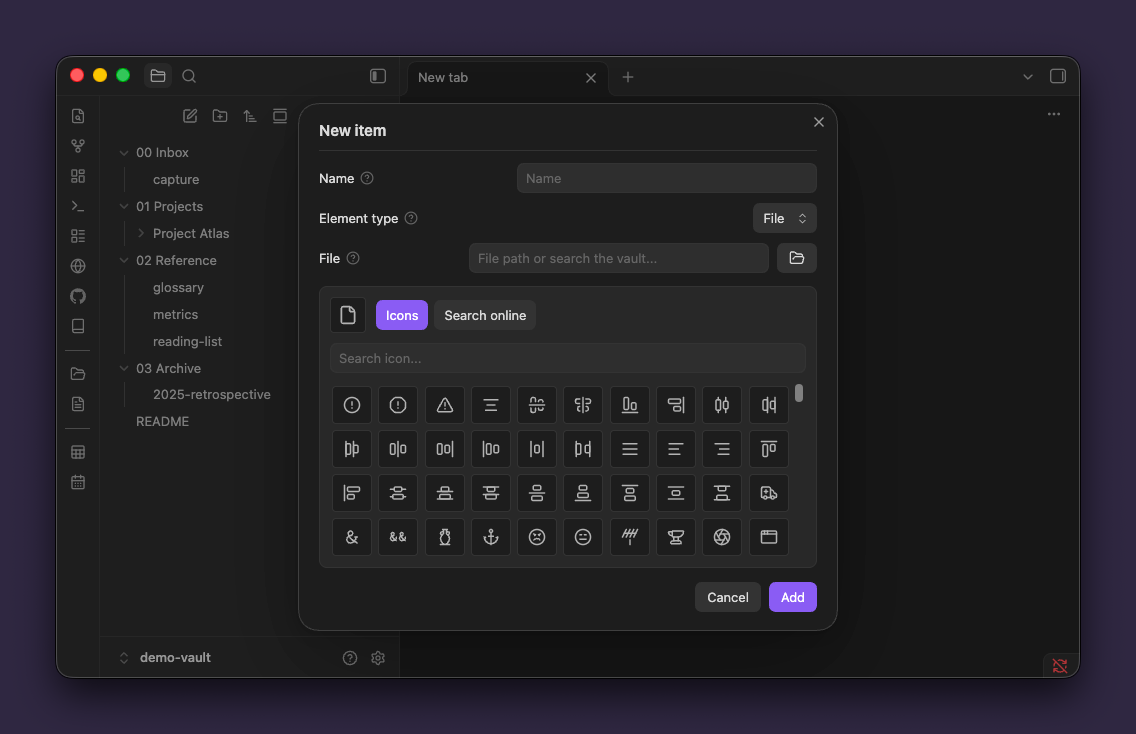
- Web links and any file type — notes, PDFs, canvas, Excalidraw, Office documents, video, audio and archives.
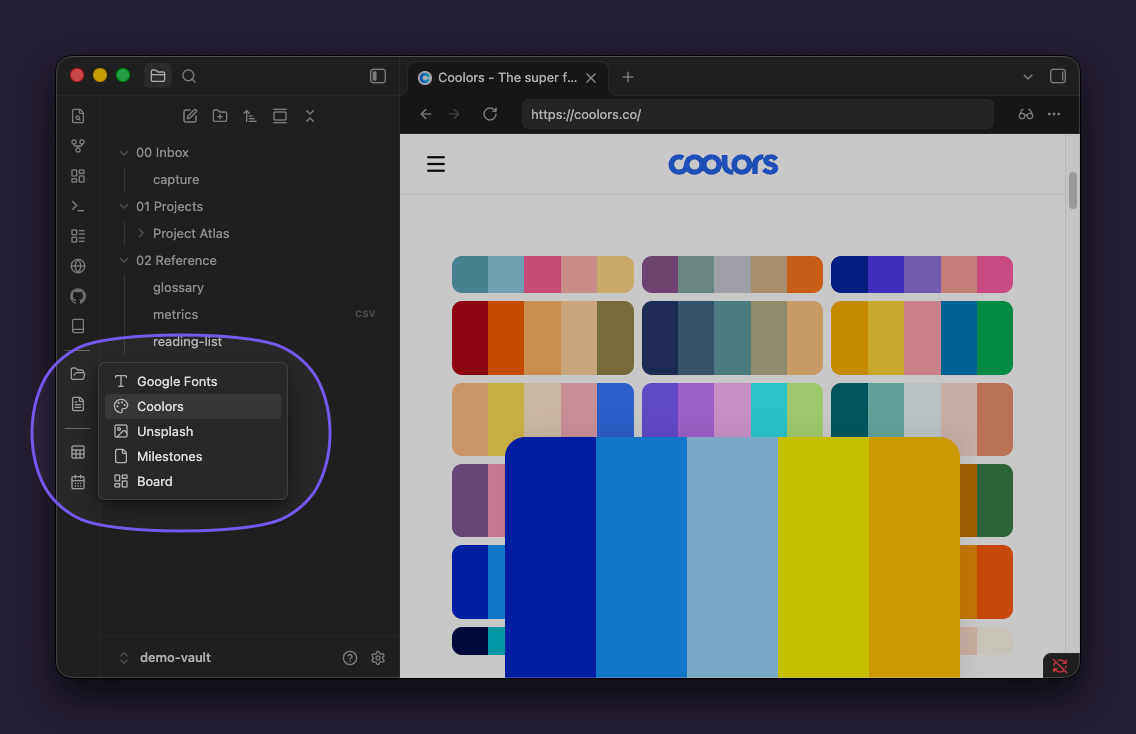
- Nested folders — drop an item on another to group them. Folders open in cascading side menus and nest without limit.
- Drag and drop — drag a tab, a link, or files and folders straight onto the ribbon.
- Flat monochrome icons — Lucide, built-in brand logos, an online SVG search, or your own
.svgfiles, always tinted by the current theme. - No lock-in — it opens links in whichever browser is already enabled in the vault, and follows whatever tab behavior you have configured.
Installation
From the community directory
With BRAT — for testing a version that is not in the directory yet:
- Install BRAT and run BRAT: Add a beta plugin for testing.
- Enter
bryanmongesolano/obsidian-ribbon-bookmarks.
Manually — copy main.js, manifest.json and styles.css from the latest release into .obsidian/plugins/ribbon-bookmarks/.
Usage
| Action | Result |
|---|---|
| Left click | Opens the item |
| Middle click | Opens it in a new tab |
| Left click a folder | Shows its contents |
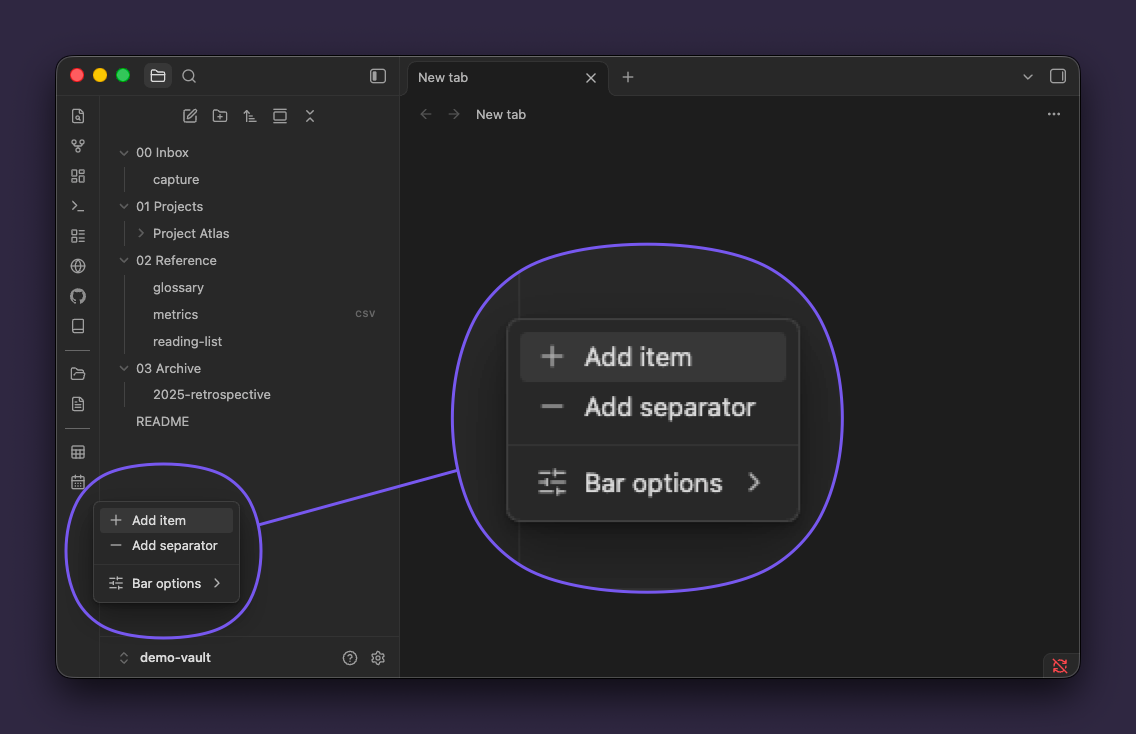
| Right click the ribbon | Add an item or a separator, plus the native ribbon options |
| Right click an item | Open in new tab, open externally, modify, delete |
| Drag onto another item | Groups them into a folder |
| Drag between two items | Reorders, with a line showing where it will land |
Settings
Language: automatic (follows the app), English or Spanish.
Compatibility
- Requires Obsidian 1.13.0 or later.
- Tab behavior and browser rendering are inherited from the vault: Surfing → Web viewer → system browser, and Open Tab Settings when it is installed.
- No telemetry. The only network requests are the optional icon search and the site logo lookup, both started by you.
Development
npm install
npm run dev      # watch build
npm run lint     # ESLint + Stylelint with Obsidian's official rules
npm run build    # type check + production build
npm run deploy   # build, then copy into a local vault
npm run deploy needs the target vault:
OBSIDIAN_VAULT_PLUGINS="/path/to/vault/.obsidian/plugins" npm run deploy
License
Support
Ribbon Bookmarks is free and open source. If it earns a place in your sidebar, you can support its development:
HealthExcellent
ReviewPassed
About
Add a bookmark bar to the left ribbon for web links, files, nested folders and separators. Pin notes, PDFs, canvases, media, Office files and archives; drag & drop tabs or files; open links in the vault's active browser integration; and display flat monochrome icons from Lucide, Iconify, brand SVGs or custom SVGs. Support English and Spanish.Details
Current version
1.3.1
Last updated
4 hours ago
Created
11 hours ago
Updates
3 releases
Downloads
6
Compatible with
Obsidian 1.13.0+
Platforms
Desktop, Mobile
License
MIT
Sponsor