PDL Habit
 luongpd33 downloads
A calm, Markdown-first habit tracker for Obsidian: flexible schedules, streaks, a month calendar and focused insights.
- Overview
- Scorecard
- Updates3
A calm, Markdown-first habit tracker for Obsidian.
Every habit is a plain note; every check-in is one line of frontmatter. Nothing is locked inside the plugin, and the whole thing works offline.
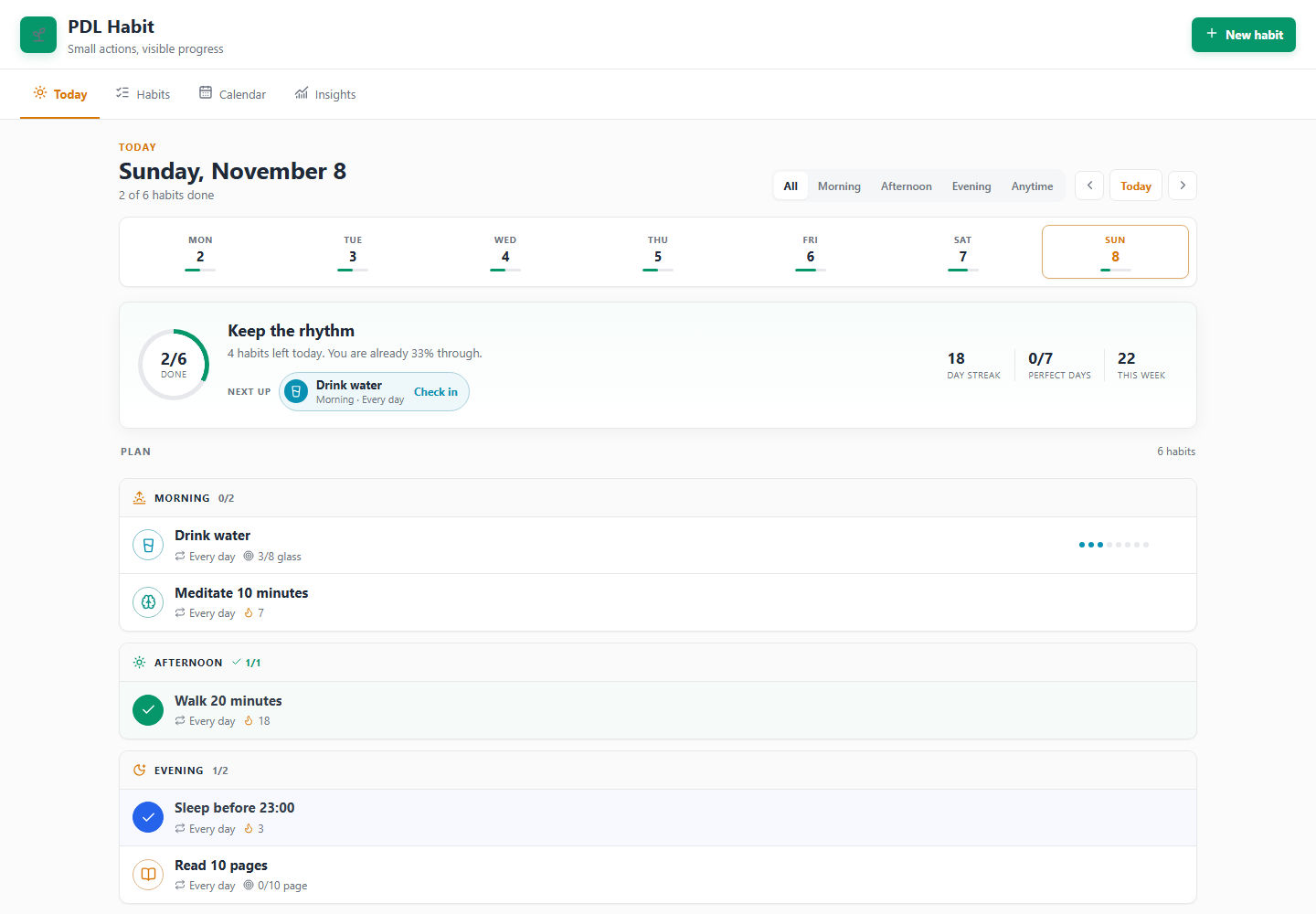
Version 1.0.1 · Obsidian 1.5.0+ · desktop and mobile · English / Tiếng Việt
Why another habit tracker?
- Your notes stay yours. A habit is
<folder>/Drink water.mdwith frontmatter — no database, no sync service. - Four tabs, one job each. Today for doing, Habits for finding, Calendar for seeing, Insights for noticing.
- Quiet by default. No points, no badges, no guilt. Progress is shown as a ring, a streak and a month calendar.
Highlights
Capture
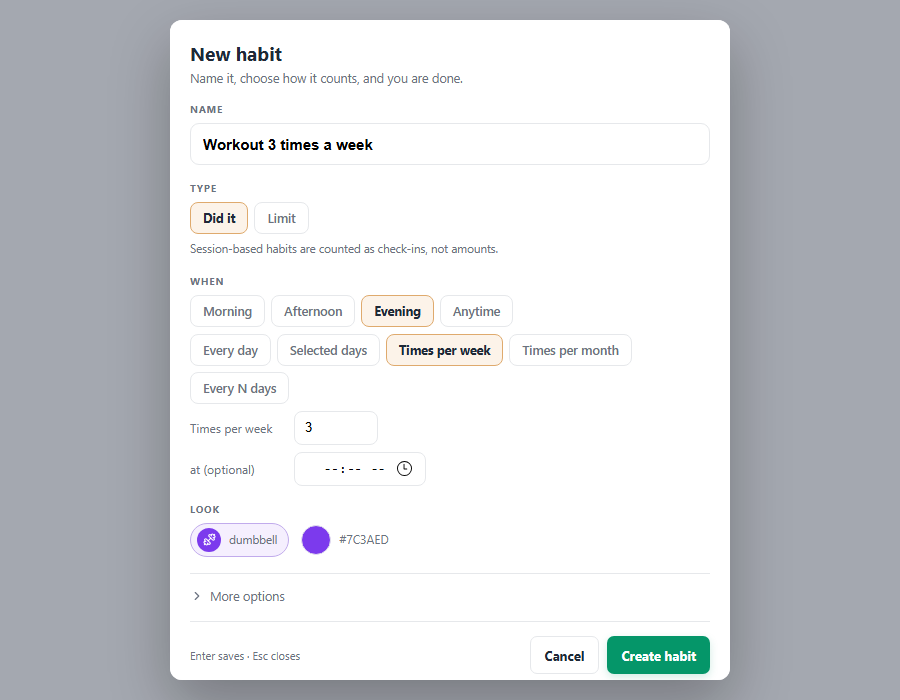
- Compact habit form: name it, pick Did it / Count / Limit, choose when — done. Everything optional hides behind More options, and Enter saves.
- Five schedules: daily, selected weekdays, times per week, times per month, every N days, plus an optional exact time of day.
- Build or limit: grow a behaviour or cap one you want less of.
Check in
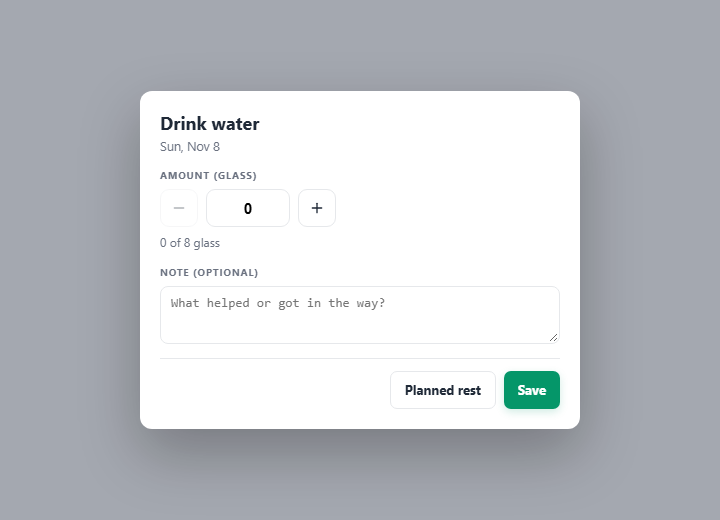
- Counted habits start at 0 with − / + buttons and a live
0 of 3 lyhint; binary habits get a Done / Not done switch instead of a meaningless amount. - Undo anything — every check-in, planned rest and clear raises a toast with Undo for eight seconds that restores the previous frontmatter exactly.
- Planned rest never breaks a streak.
Review
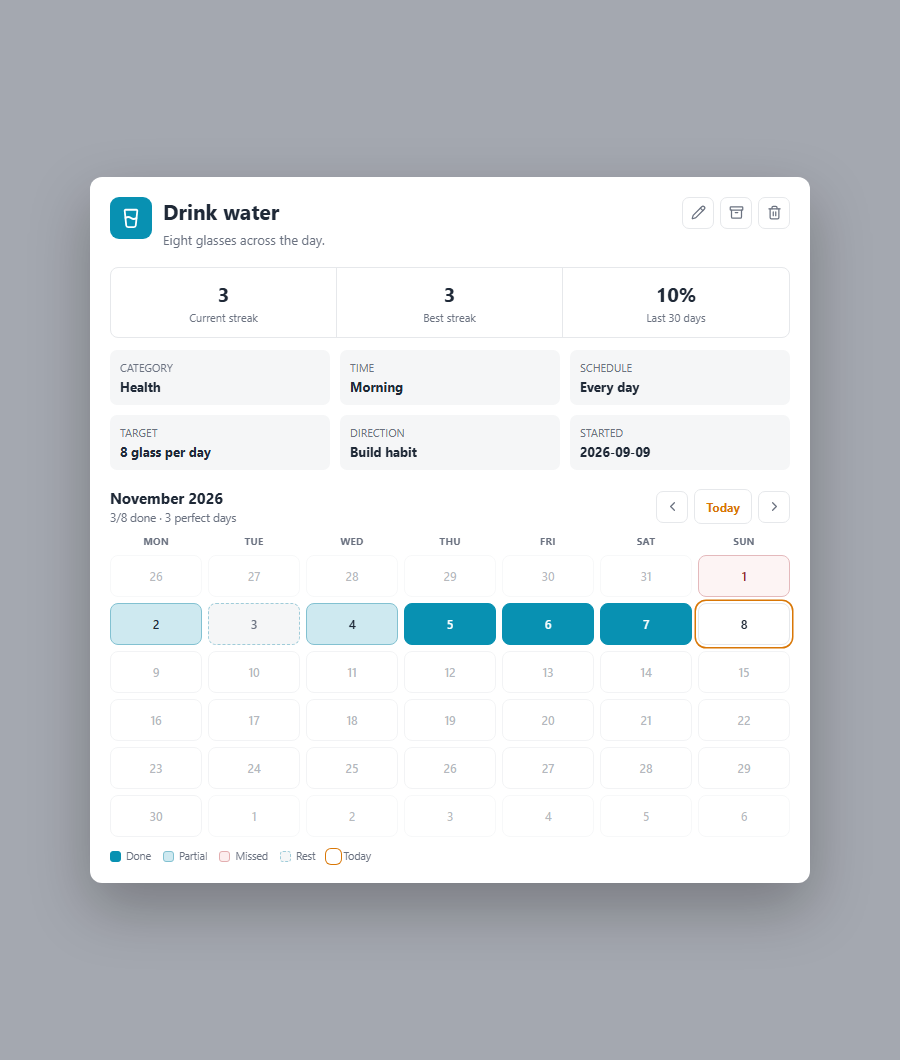
- Habit detail with a month calendar — one month at a time with ‹ Today › navigation, five colour-coded states and a legend; tap any day to fix that day.
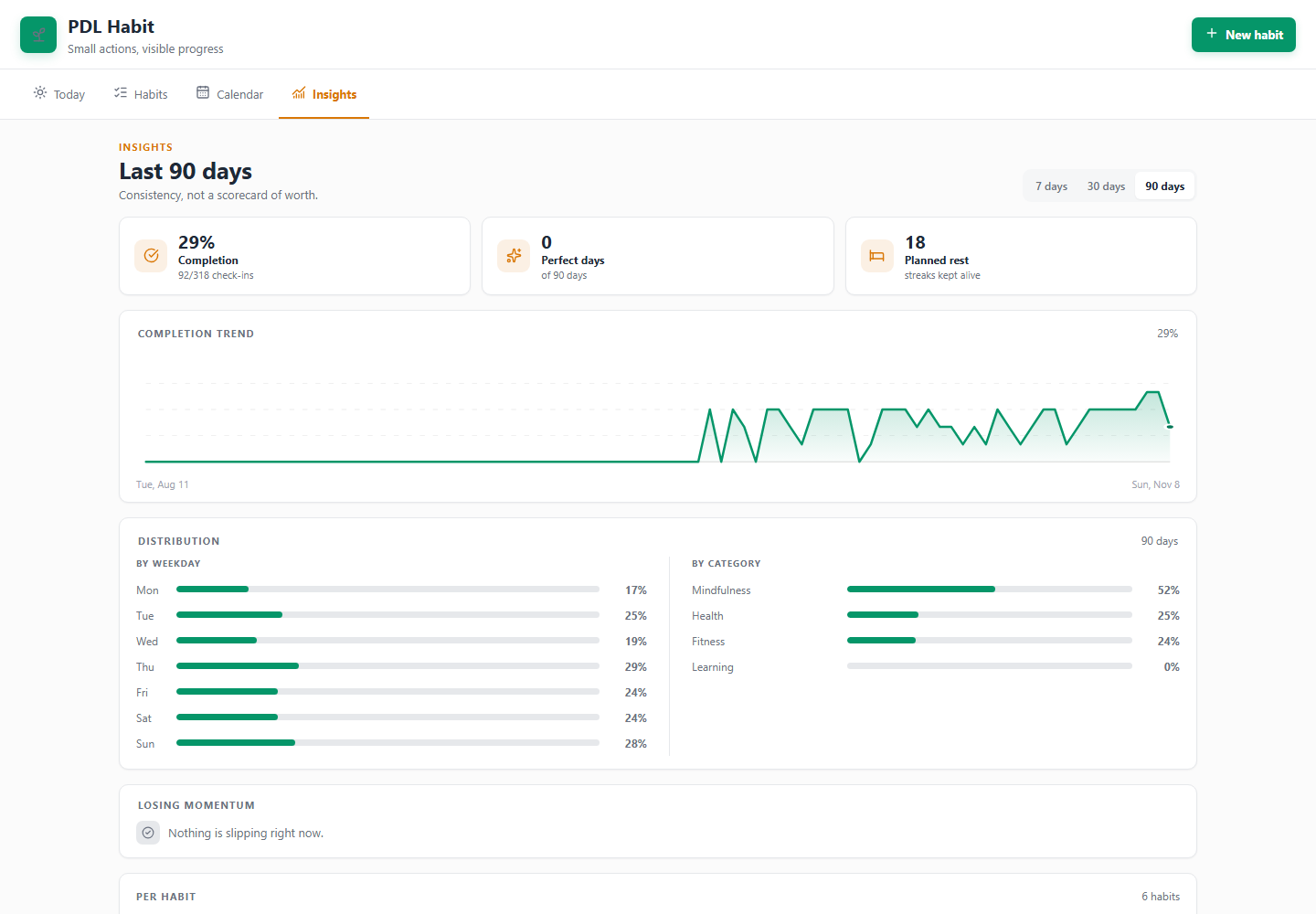
- Insights with a 7 / 30 / 90-day range — completion trend line, weekday and category breakdowns, and habits that are losing momentum.
Find & tidy
- Search, category filter and sort (title, streak, 30-day rate, category) over a list of tappable seven-day cells; Active / Archived is a switch, not a tab.
- Any colour, 171 icons in ten groups with search; dark mode throughout.
Shortcuts & language
- Command palette: Quick add (name + Enter), Open a day, Undo last check-in, Add starter habits.
- English or Tiếng Việt — a language setting translates the whole interface; Auto follows Obsidian.
Install
Manual (works today)
- Download
main.js,manifest.jsonandstyles.cssfrom the latest release. - Put them in
<vault>/.obsidian/plugins/pdl-habit/. - Enable PDL Habit in Settings → Community plugins.
From source
git clone https://github.com/LuongPham16/pdl-habit.git
cd pdl-habit
npm ci
npm run build
npm run build writes the release artifact: main.js (minified, no sourcemap),
styles.css and manifest.json at the repo root. Copy those three files into
<vault>/.obsidian/plugins/pdl-habit/.
Quick start
- Click the sprout ribbon icon, or run PDL Habit: Open habit dashboard.
- Press New habit — or Add starter habits for a five-habit starter set.
- Tap the circle beside a habit to check in; counted habits open a small sheet for the amount, a note or a planned rest.
Notes live in 03 - Area/Habits by default; change the folder in settings.
What a habit note looks like
---
type: habit
title: Drink water
period: morning          # morning | afternoon | evening | anytime
time: "07:30"            # optional exact time
frequency: daily         # daily | weekdays | weekly | monthly | interval
days: [1, 3, 5]          # weekdays, when frequency is weekdays
target: 8
unit: ly
direction: build         # build | quit
icon: glass-water
color: "#0891b2"
start_date: 2026-01-01
history:
  2026-11-07: { value: 4, note: "hot day" }
  2026-11-06: { value: 0, status: skip }   # planned rest
---
Screenshots
| Habit form | Month calendar | Check-in |
|---|---|---|
 |
 |
 |
Development
npm ci
npm run dev        # watch src/ into dist/main.js (dev build, inline sourcemap)
npm run build      # production build: the release artifact main.js at the repo root
npm test           # unit tests (scheduling, completion, streaks, aggregates, i18n)
npm run verify     # audit + reproducibility + load the shipped main.js against a stub
npm run preview    # render every tab offline into preview/*.png
npm run deploy     # build + copy into the vault listed in .deploy.json
Copy .deploy.example.json to .deploy.json and point it at your vault to use
npm run deploy.
Release checklist
npm version <x.y.z>— bumpspackage.json,manifest.jsonandversions.json.- Add the notes to
CHANGELOG.md. npm run release— buildsmain.js, runs the tests, then auditsstyles.css, proves the build is reproducible and loads the shipped bundle.- Commit
main.js,styles.cssand the metadata together, then push the tag. GITHUB_TOKEN=… npm run publish— attaches the rootmain.js,styles.cssandmanifest.jsonto the GitHub release.
main.js must be committed and must be produced by npm run build: the community
store rebuilds the tagged source and compares it byte-for-byte with the release asset,
so a hand-edited or dev-built bundle fails verification. styles.css follows the
review rules too — no !important, no partially supported features — and npm run audit fails if either comes back.
Project layout
src/
  index.js       bundle entry
  plugin.js      lifecycle, note scanning, persistence, reminders, undo, commands
  view.js        the four tabs — Today, Habits, Calendar, Insights
  ui.js          page header, segmented control, cards, empty states, toast
  habits.js      scheduling, completion, streaks, aggregates, search/sort, insights
  habit-form.js  draft model behind the habit form
  starters.js    five starter habits for a new vault
  i18n.js        English/Vietnamese dictionary, t()/tp(), locale helpers
  reminders.js   reminder window + message (pure, testable)
  dates.js       date and string helpers
  constants.js   ids, palette, icon catalogue
  dom.js         small DOM helpers
  modals/        habit form, icon picker, check-in, detail, confirm, quick add, day picker
  settings.js    settings tab (folder, week start, default view, language, reminders)
styles.css       base sheets, page frame, tabs, toolbar, toast and modals
main.js          release bundle — committed, and always regenerated by `npm run build`
scripts/         build, review audit, reproducibility check, release publisher
preview/         offline renderer used for design review
tests/           node:test suites
License
MIT © 2026 Luong Pham