Yaml Manager
 lijyze12k downloads
Keep you away from directly operating YAML frontmatter.
- Overview
- Scorecard
- Updates12
Keey you away from directly operating yaml front matter, so you won't make mistake.
Demo
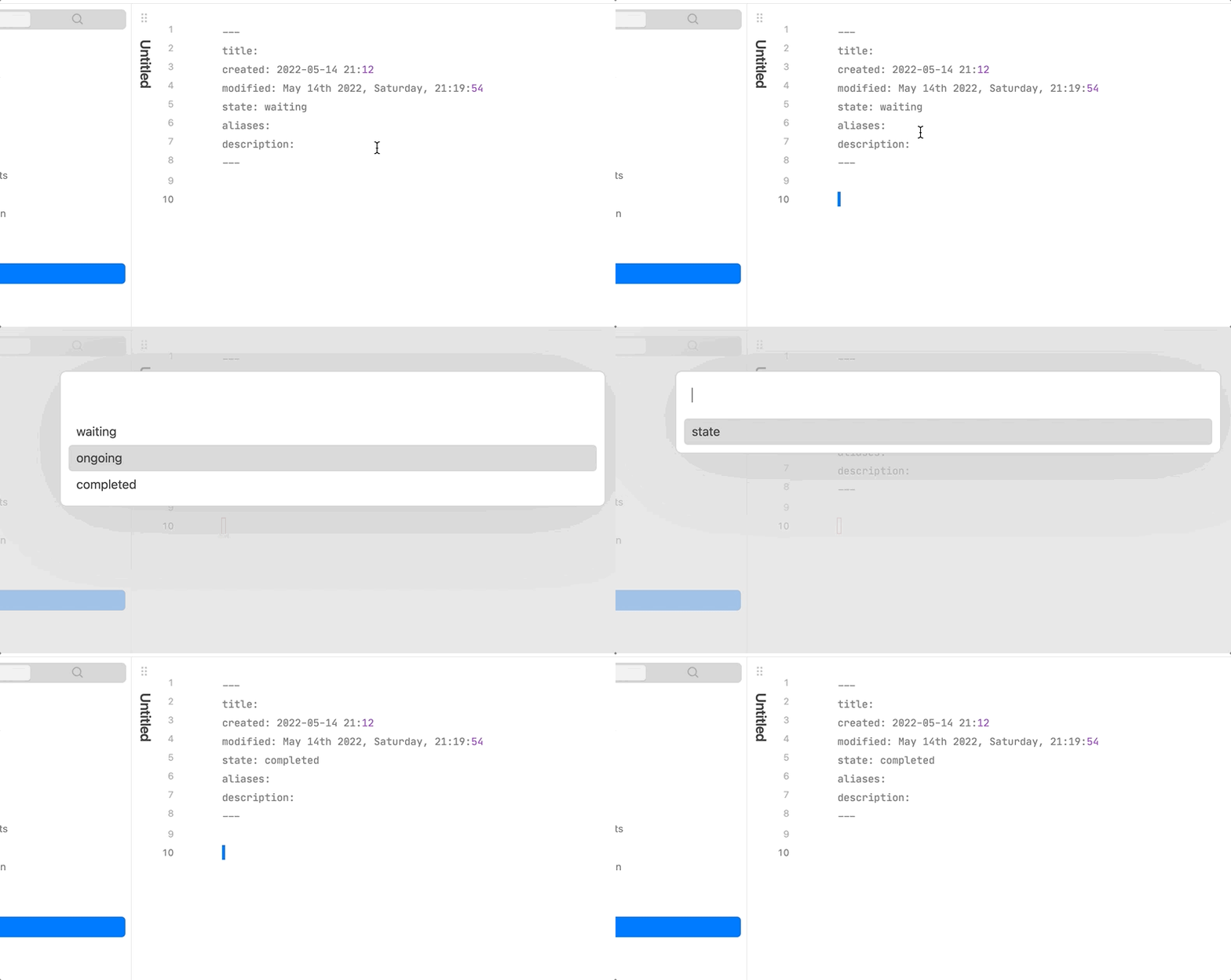
Usage
- Update single field
- select
Yaml Manager: key-value updatein command palette to updatekey-valuefield. - select
Yaml Manager: key-array insertorYaml Manager: key-array removeto insert item tokey-arrayfield or remove item fromkey-arrayfield. - Select field name and field value in order.
- select
- Bulk update
- select
Yaml Manager: bulk updatein command palette, you will understand the rest.
- select
These command only available in edit mode!!!
You can assign hotkeys to these commands for conviences;
Notice
This plugin only switch value of field which is placed in yaml front matter, if no front matter was founded, it will create one then insert the key-value pair just selected into it.
Working on
- Make it support more data structure, such as key-object(still no clue and not sure if it's necessary).
Manually installing the plugin
- Copy over
main.js,styles.css,manifest.jsonto your vaultVaultFolder/.obsidian/plugins/obsidian-state-switcher/.
Release
1.3.0
The formation of yaml array is customizable(- item or [item])!
1.2.0
Now you can update multiple fields in one time!
1.1.0
You may need to reset hotkey to call this plugin if you have set ever.
- Key-array structure supported
- Add return option to sub menu
Donating
HealthFair
ReviewCaution
About
Edit YAML front matter safely without opening it directly. Update single key-value fields, insert or remove items in array fields, and perform bulk updates from the command palette (edit mode). Auto-create front matter if missing and support customizable array formats (- item or [item]).Details
Current version
1.3.3
Last updated
4 years ago
Created
4 years ago
Updates
12 releases
Downloads
12k
Compatible with
Obsidian 0.12.0+
Platforms
Desktop, Mobile
License
MIT