Simple Mention
 der-tobi6k downloads
Get highlighted mentions and mention suggestions. Find all occurrences of a mention.
- Overview
- Scorecard
- Updates2
A simple plugin that visually highlights mentions and suggests existing ones as you write (except in codeblocks).
The mention prefix can be customized and defaults to @.
Find all occurrences of a mention in the side pane and jump to the corresponding line in the document.
Distinguish your personal mentions from the others by a different color.
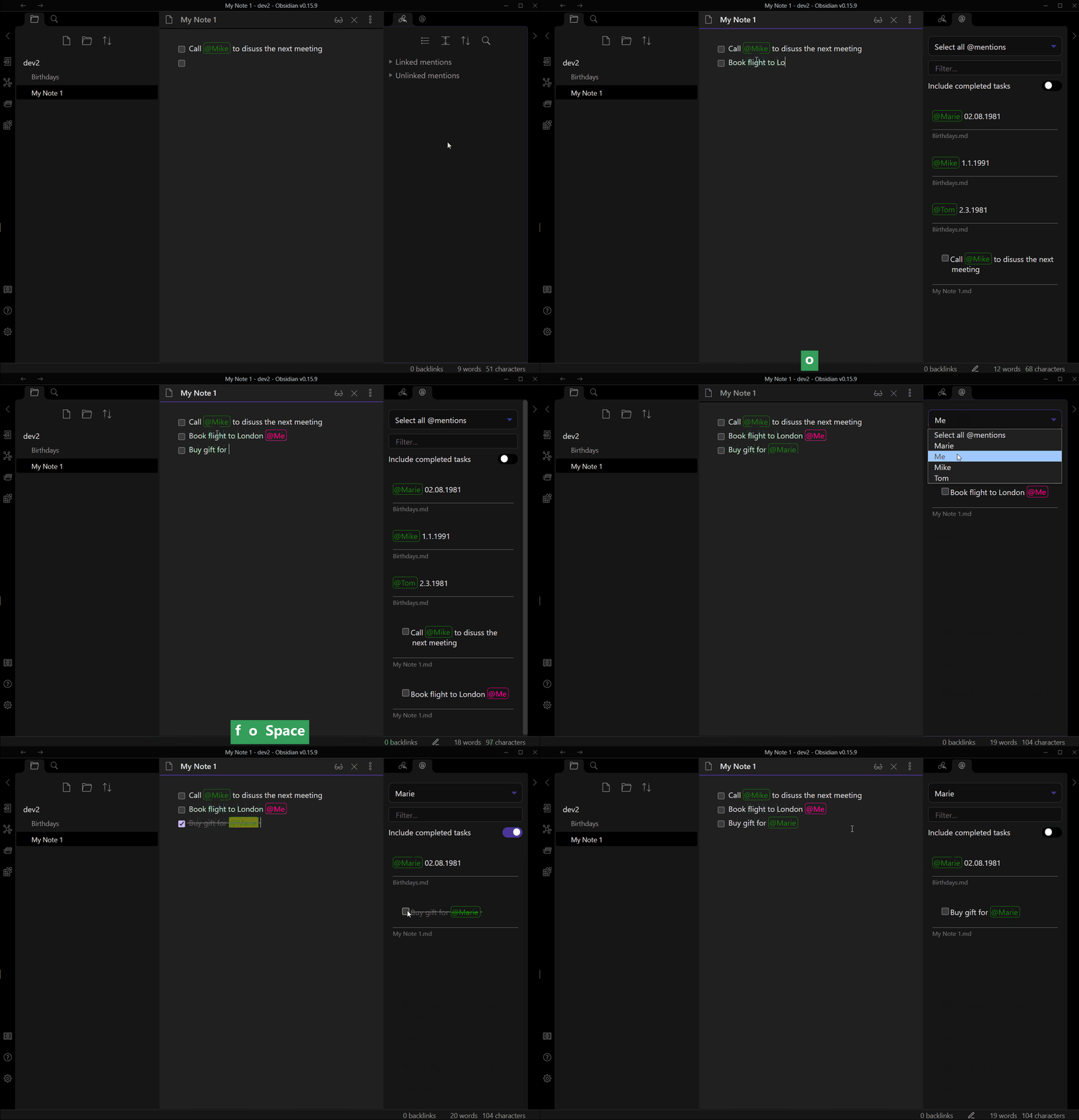
Filter your mentions by a phrase
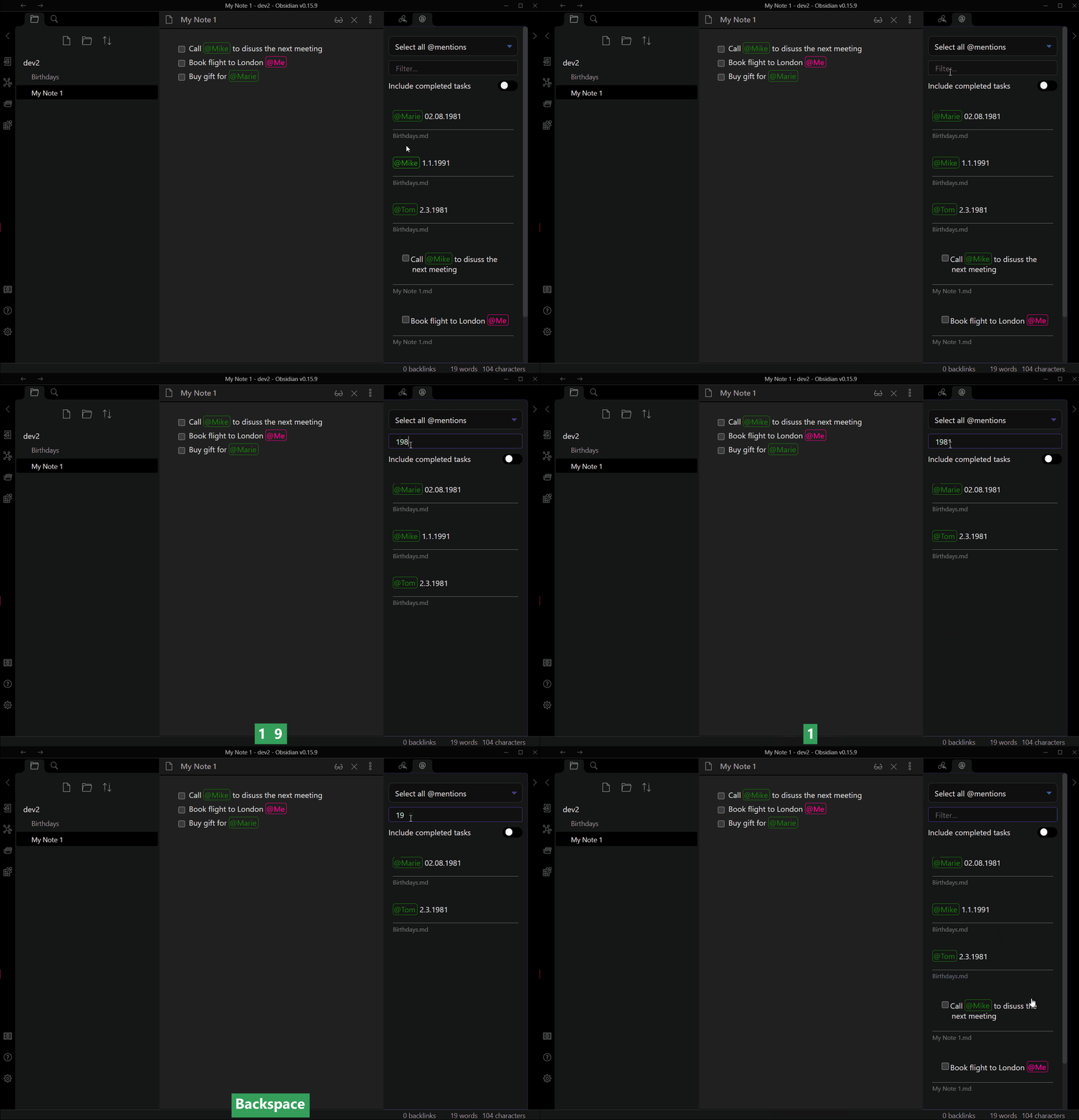
Settings
You can:
- set the trigger phrase (@)
- set the color of the mentions (green)
- set the color of your own mentions (deeppink)
- set the name, how you want to mention yourself (Me)
- delete the cache (indexeddb)
Shortcuts
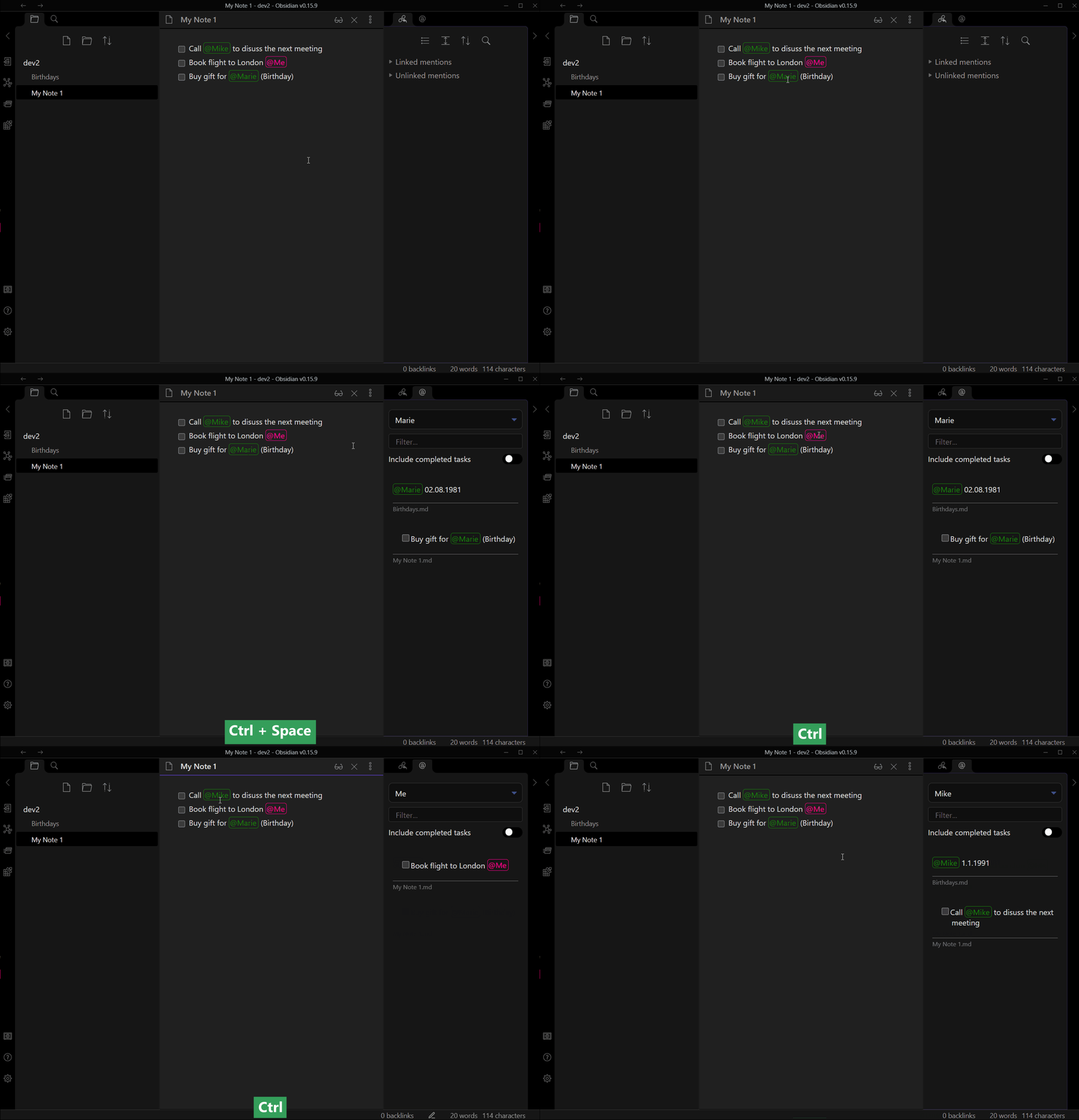
In edit mode
ctrl+space or ctrl+click on a mention, opens the right side pane with all occurrences of that mention.
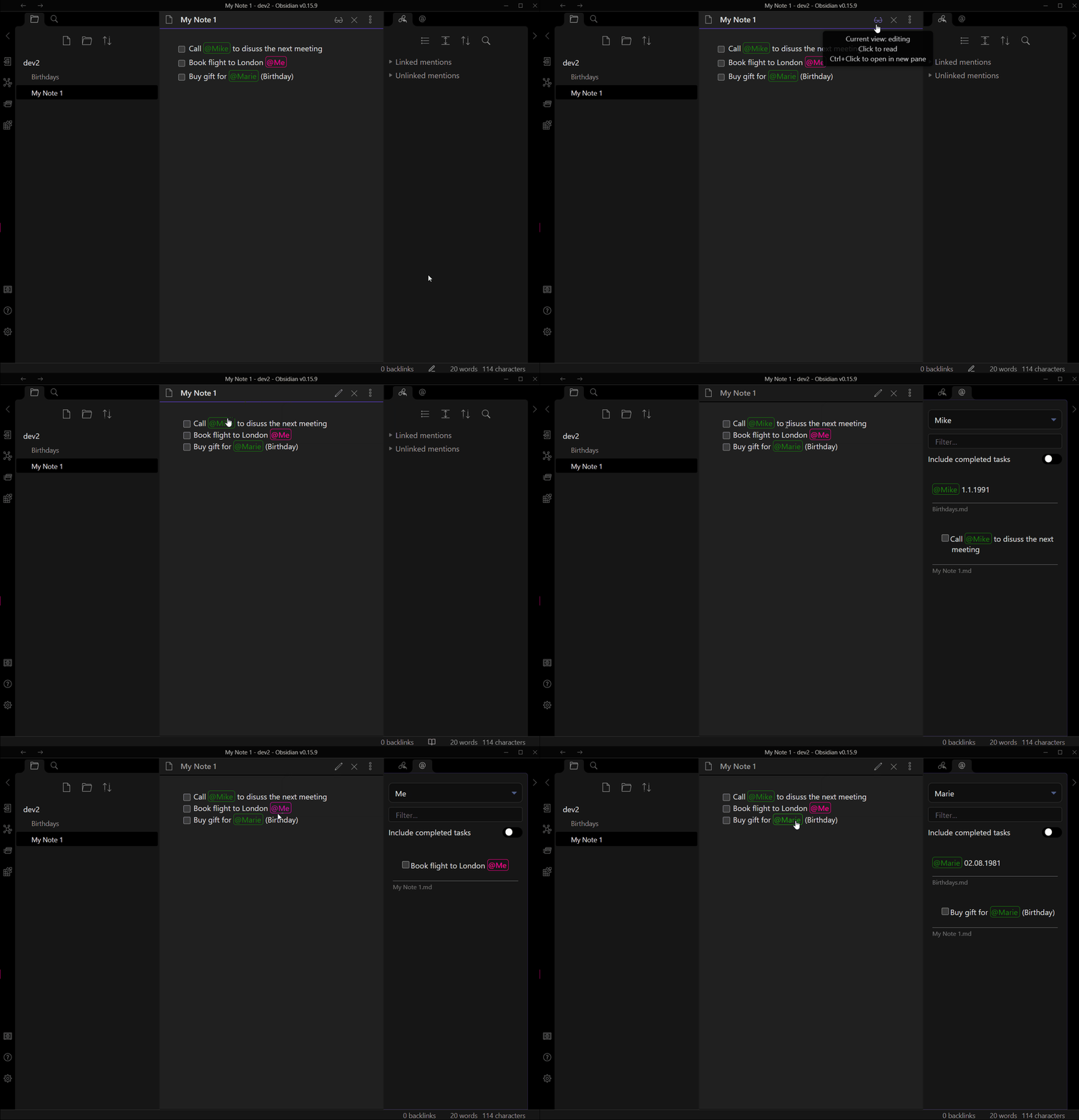
In preview mode
When you click on a mention, the right side pane opens with all occurrences of that mention.
Known issues
- We need to restart Obsidian after
- adjusting the trigger phrase for the changes to take effect.
- changing the name of yourself for the changes to take effect.
- ignoring a directory
- deleting the cache
- Style could currently not be overridden by a template (simple fix)
Ideas
- Group mentions
- eg. @group-x(@bob,@lisa)
- usage: find all mentions of @bob and @lisa by searching for @group-x
- Multi select of mentions in the view
- Show sub bullet points
- own color for each "person"
HealthFair
ReviewCaution
About
Highlight mentions while you write and suggest existing matches using a customizable trigger prefix (default @), ignoring code blocks. Open a side pane to list all occurrences and jump to the corresponding line in the note. Color-code your personal mentions separately and filter mentions by phrase.Details
Current version
1.0.0
Last updated
3 years ago
Created
5 years ago
Updates
2 releases
Downloads
6k
Compatible with
Obsidian 0.15.4+
Platforms
Desktop only
License
GPL-3.0