
- Overview
- Scorecard
- Updates12
THE PLUGIN DOES NOT WORK CORRECTLY IN THE "LIVE PREVIEW" MODE :(
I'LL FIGURE IT OUT AND FIX IT

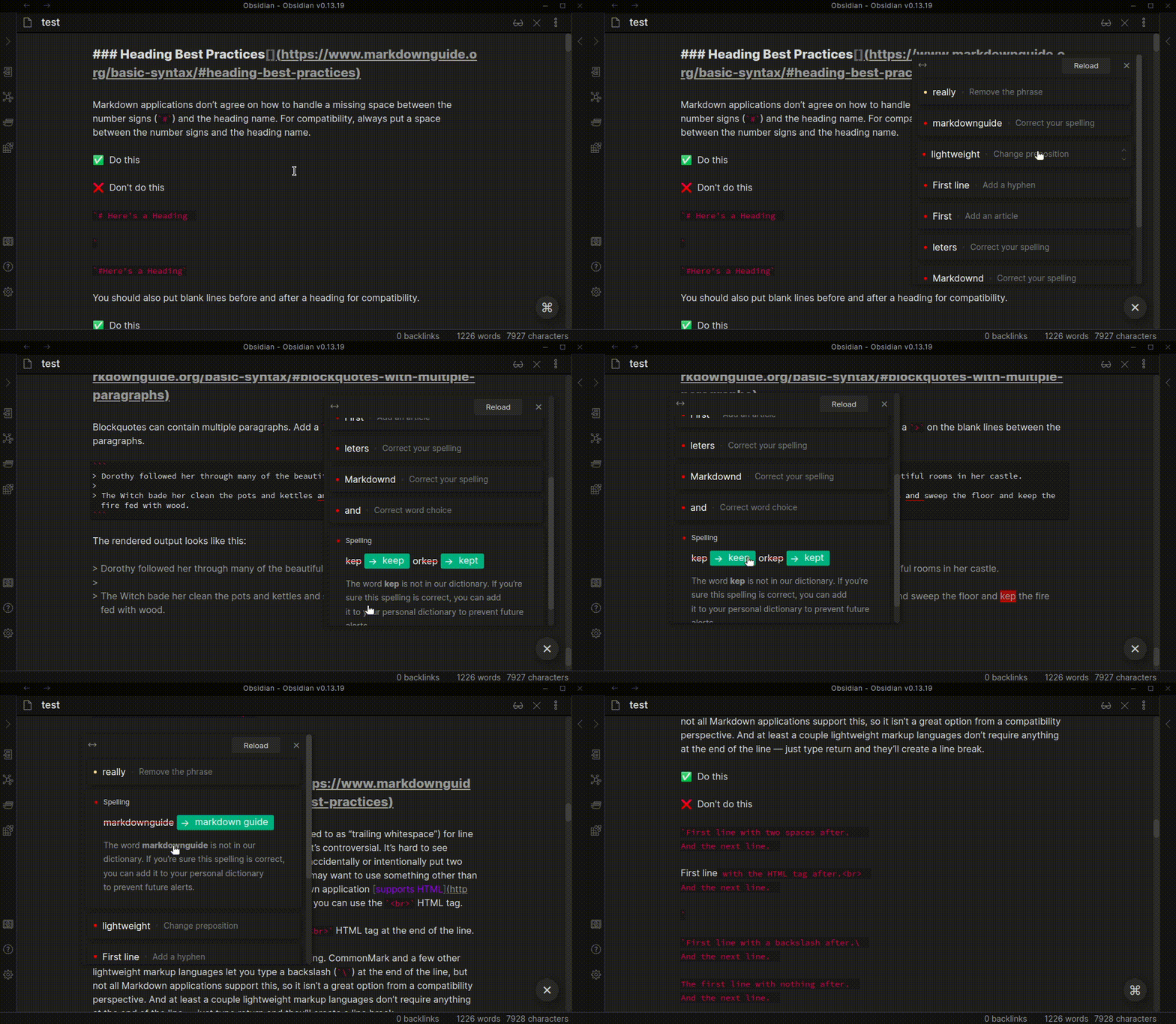
The Obsidian plugin for checking grammar and correcting spelling errors in text.
IMPORTANT:
- ALPHA version.
- The plugin does not work correctly in the "Live Preview" mode. I'll figure it out and fix it
- This is experimental and may have instability. It is possible that there are bugs which may delete data in the current note. Please make backups!
- The plugin handles only English text.
Features
- Search for spelling errors in the text
- Displaying options for correcting word mistakes
- Correct a word mistake in one click
Todo
- Integration Grammarly
- Support "Live Preview" mode
- Fix the styles in the mobile version
- Add the ability to save words in your personal dictionary
- Add settings for selecting a dialect(
americanorbritish) - Add Plagiarism Checker
For Developers
How to get started developing
Create new vault(folder) in Obsidian. For example
OrthographyIn the terminal, go to the
./Orthography/.obsidianfolder and create there thepluginsfolderClone the repository into the
pluginsfolder:git clone https://github.com/denisoed/obsidian-orthography.gitInstall dependencies:
npm iAnd run for develop:
npm run dev
Pricing
This plugin is provided to everyone for free, however if you would like to say thanks or help support continued development, feel free to send a little my way through one of the following methods:
HealthFair
ReviewRisks
About
Check and correct English spelling and grammar in notes with one-click corrections and inline suggestions. Use error search and optional Todo and Grammarly integration; note this alpha build can be unstable and doesn't work reliably in Live Preview—backup your notes.Details
Current version
3.1.0
Last updated
2 years ago
Created
6 years ago
Updates
12 releases
Downloads
13k
Compatible with
Obsidian 1.7.4+
Platforms
Desktop, Mobile
License
MIT