Search...Search plugins and themes...
⌘K
Sign in
  • Get started
  • Download
  • Pricing
  • Enterprise
  • Account
  • Obsidian
  • Overview
  • Sync
  • Publish
  • Canvas
  • Mobile
  • Web Clipper
  • CLI
  • Learn
  • Help
  • Developers
  • Changelog
  • About
  • Roadmap
  • Blog
  • Resources
  • System status
  • License overview
  • Terms of service
  • Privacy policy
  • Security
  • Community
  • Plugins
  • Join the community
  • Discord
  • Forum / 中文论坛
  • Merch store
  • Brand guidelines
Follow us
DiscordTwitterBlueskyThreadsMastodonYouTubeGitHub
© 2026 Obsidian

JavaScript Init

ryanpcmcquenryanpcmcquen6k downloads

Run JavaScript when Obsidian loads, or at any other time.

Add to Obsidian
  • Overview
  • Scorecard
  • Updates3

Run JavaScript when Obsidian loads, or any other time.
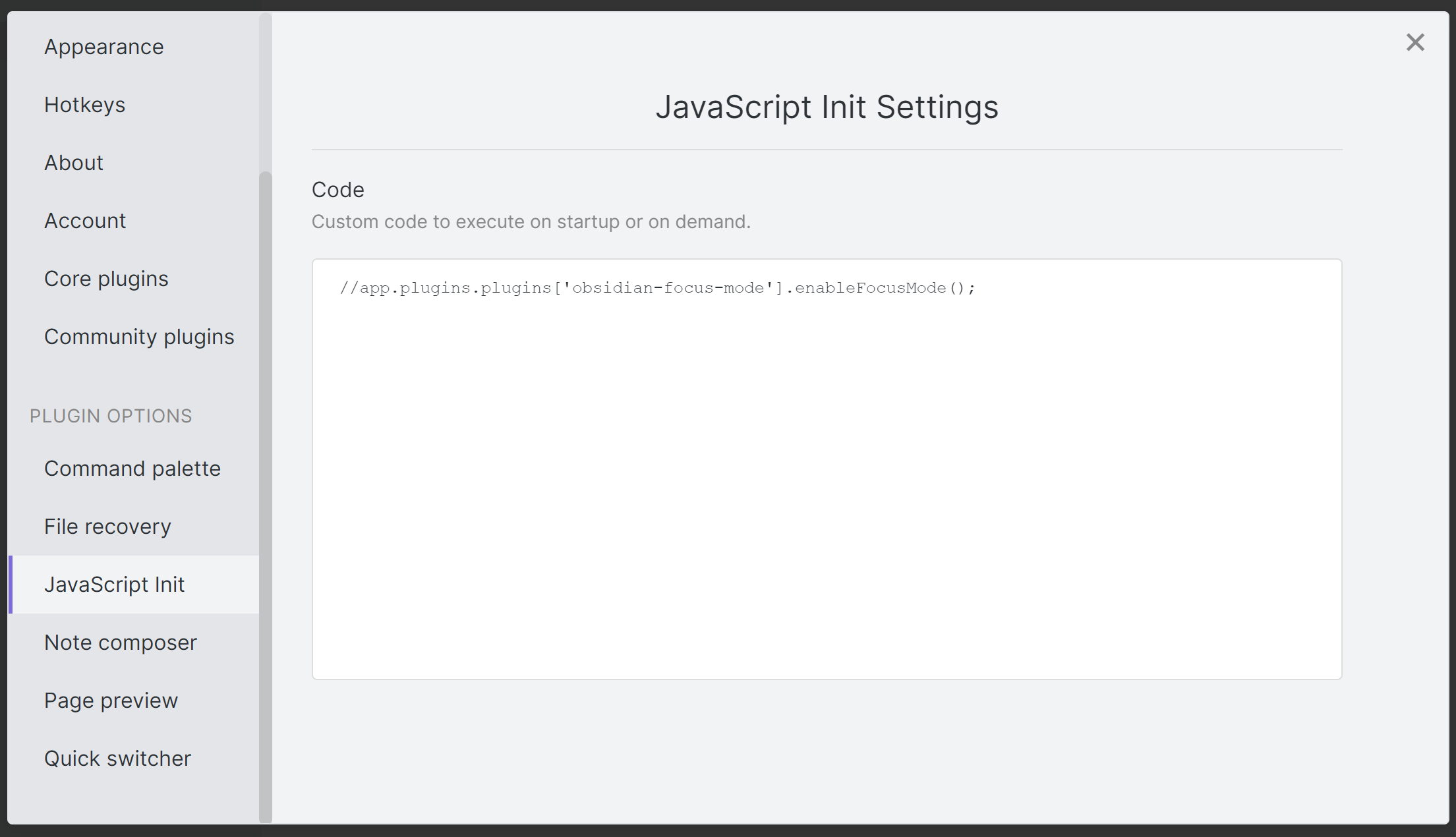
Settings tab

Manually installing the plugin

  • Copy over main.js, manifest.json, and styles.css to your vault VaultFolder/.obsidian/plugins/obsidian-javascript-init/.
62%
HealthFair
ReviewSatisfactory
About
Run custom JavaScript automatically on Obsidian startup or execute scripts on demand. Use scripts to automate workflows, modify the UI, or add bespoke behavior.
AutomationDevelopersInterface
Details
Current version
1.0.2
Last updated
5 years ago
Created
5 years ago
Updates
3 releases
Downloads
6k
Compatible with
Obsidian 0.9.12+
License
MPL-2.0
Report bugRequest featureReport plugin
Author
ryanpcmcquenryanpcmcquen
github.com/ryanpcmcquen
GitHubryanpcmcquen
  1. Community
  2. Plugins
  3. Automation
  4. JavaScript Init

Related plugins

BRAT

Easily install a beta version of a plugin for testing.

Settings Search

Globally search settings.

Templater

Create and use dynamic templates.

Hider

Hide interface elements such as tooltips, status bar, titlebar, and more.

Meta Bind

Make your notes interactive with inline input fields, metadata displays, and buttons.

Commander

Customize your workspace by adding commands everywhere, create macros and supercharge your mobile toolbar.

Linter

Format and style your notes. Linter can be used to format YAML tags, aliases, arrays, and metadata; footnotes; headings; spacing; math blocks; regular Markdown contents like list, italics, and bold styles; and more with the use of custom rule options.

Readwise Official

Sync highlights from Readwise to your vault.

Iconic

Customize your icons and their colors directly from the UI, including tabs, files & folders, bookmarks, tags, properties, and ribbon commands.

Advanced URI

Control everything with URI.