Search...Search plugins and themes...
⌘K
Sign in
  • Get started
  • Download
  • Pricing
  • Enterprise
  • Account
  • Obsidian
  • Overview
  • Sync
  • Publish
  • Canvas
  • Mobile
  • Web Clipper
  • CLI
  • Learn
  • Help
  • Developers
  • Changelog
  • About
  • Roadmap
  • Blog
  • Resources
  • System status
  • License overview
  • Terms of service
  • Privacy policy
  • Security
  • Community
  • Plugins
  • Join the community
  • Discord
  • Forum / 中文论坛
  • Merch store
  • Brand guidelines
Follow us
DiscordTwitterBlueskyThreadsMastodonYouTubeGitHub
© 2026 Obsidian

Electron Window Tweaker

mgmeyersmgmeyers13k downloads

Tweak various Electron window settings.

Add to Obsidian
  • Overview
  • Scorecard
  • Updates9

Tweak various Electron window settings.

Currently supported:

  • Window opacity
  • Window vibrancy (on MacOS)
  • Always on top

Note: not all setting work on all operating systems
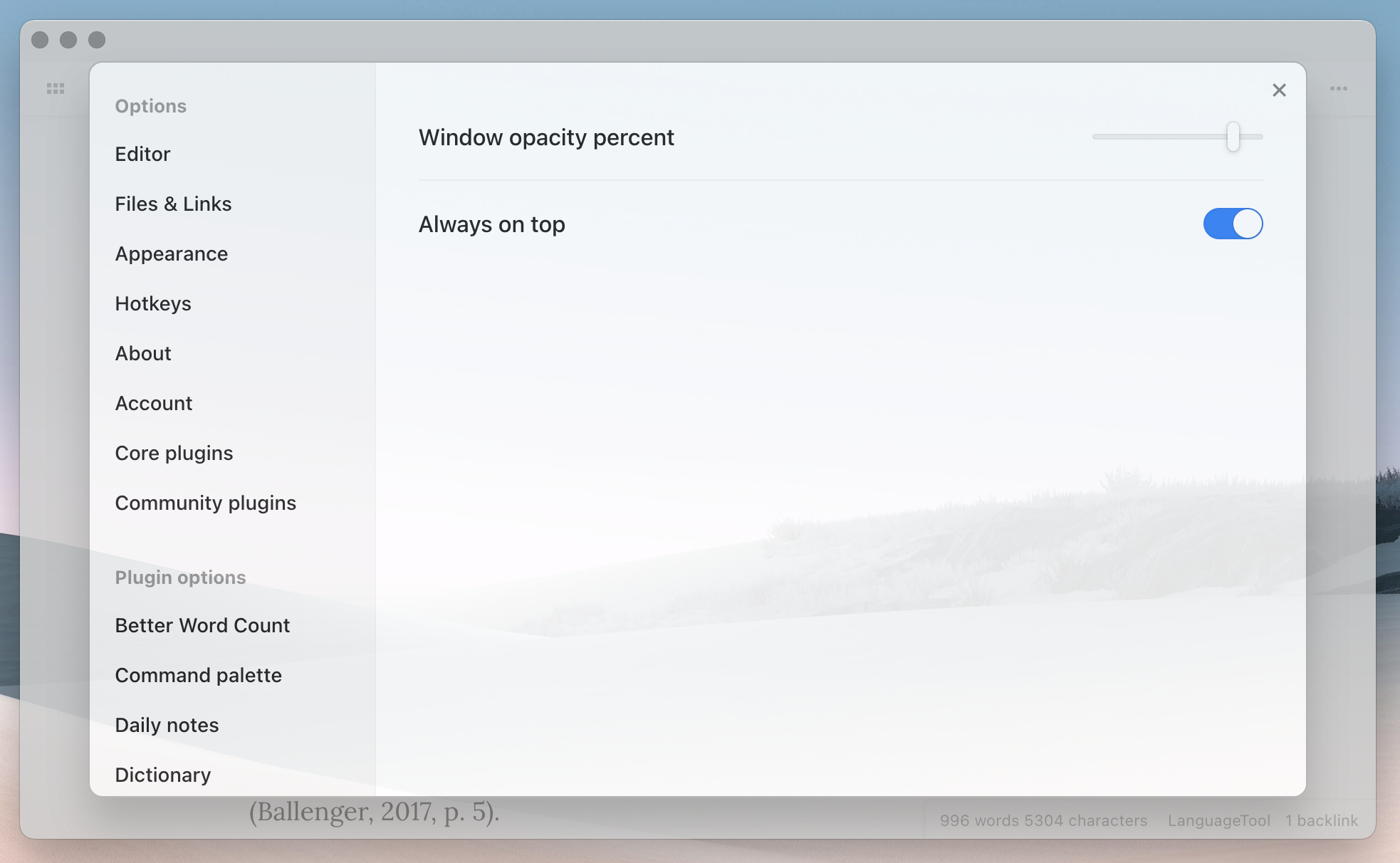
Settings screenshot

Support

If you find this plugin useful, consider supporting its development:

64%
HealthFair
ReviewSatisfactory
About
Tweak Electron window settings like opacity, vibrancy on macOS, and always-on-top behavior. Apply per-window adjustments to control transparency and visual effects, noting available features vary by operating system.
AppearanceInterface
Details
Current version
1.0.8
Last updated
4 years ago
Created
5 years ago
Updates
9 releases
Downloads
13k
Compatible with
Obsidian 0.12.3+
License
GPL-3.0
Report bugRequest featureReport plugin
Author
mgmeyersmgmeyers
github.com/mgmeyers/obsidian-contextual-typography
GitHubmgmeyers
  1. Community
  2. Plugins
  3. Appearance
  4. Electron Window Tweaker

Related plugins

Hider

Hide interface elements such as tooltips, status bar, titlebar, and more.

Beautitab

Creates a customizable new tab view with beautiful backgrounds, quotes, search, and more.

Widgets

Add widgets to your notes like clock, countdown, and quotes.

Iconize

Add icons to anything in Obsidian, including files, folders, and text.

Minimal Theme Settings

Control the colors and fonts in Minimal Theme.

Style Settings

Adjust theme, plugin, and snippet CSS variables.

Commander

Customize your workspace by adding commands everywhere, create macros and supercharge your mobile toolbar.

Meta Bind

Make your notes interactive with inline input fields, metadata displays, and buttons.

Iconic

Customize your icons and their colors directly from the UI, including tabs, files & folders, bookmarks, tags, properties, and ribbon commands.

Lapel

Show the heading levels in the gutter of the editor.