Dynamic Background
 samuelsong7020k downloads
Adding dynamic background effects to the editor.
- Overview
- Scorecard
- Updates6
An Obsidian plugin for adding dynamic effects and/or static wallpapers for Obsidian background.
Features
- Adding dynamic effects for Obsidian background.
- Adding static wallpapers for Obsidian background.
- Adding dynamic effects and static wallpapers for Obsidian background.
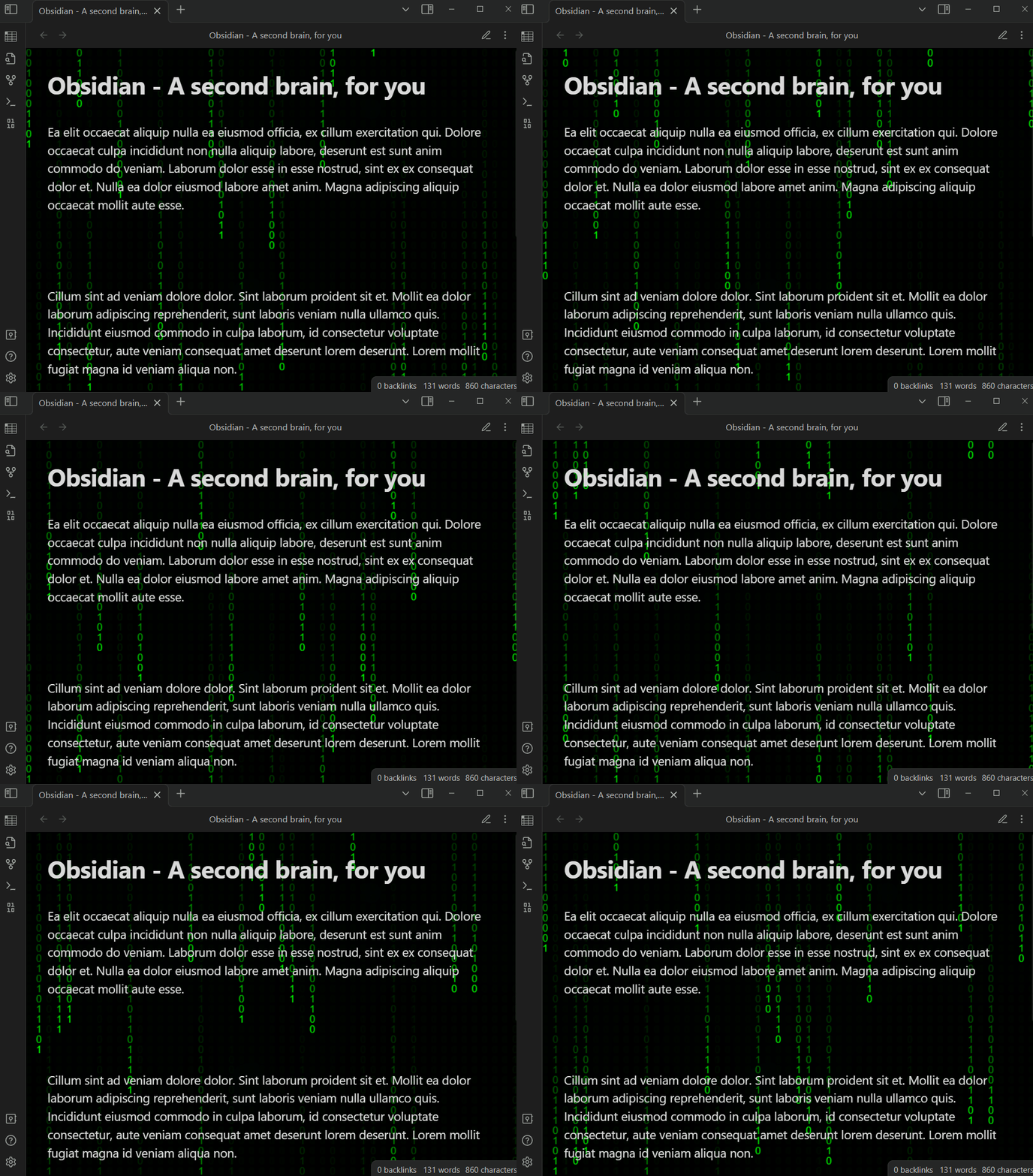
This plugin provides the following dynamic effects:
- 5 dynamic effects for Obsidian dark theme
- Matrix / Digital Rain
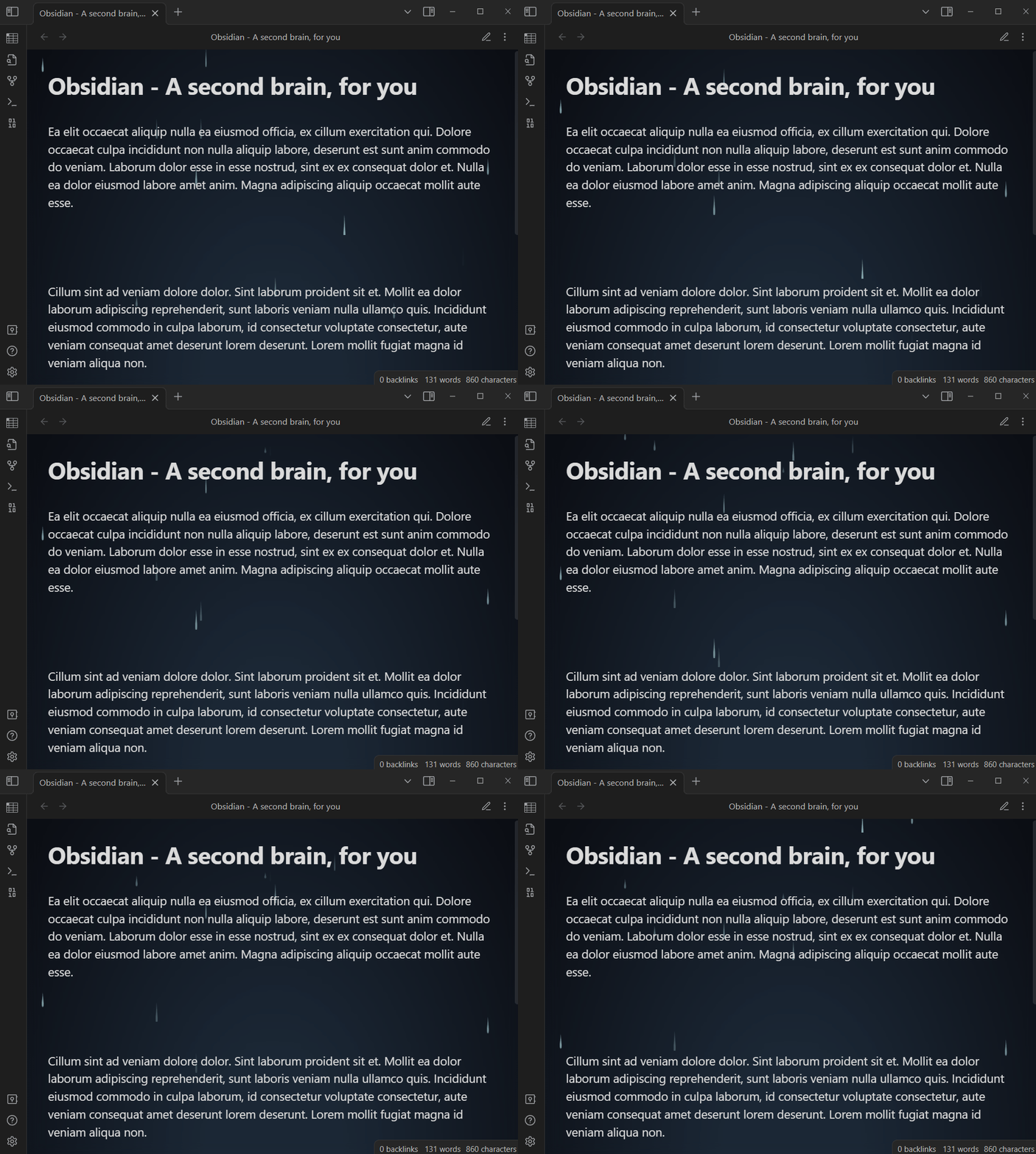
- Rain
- Random Circle
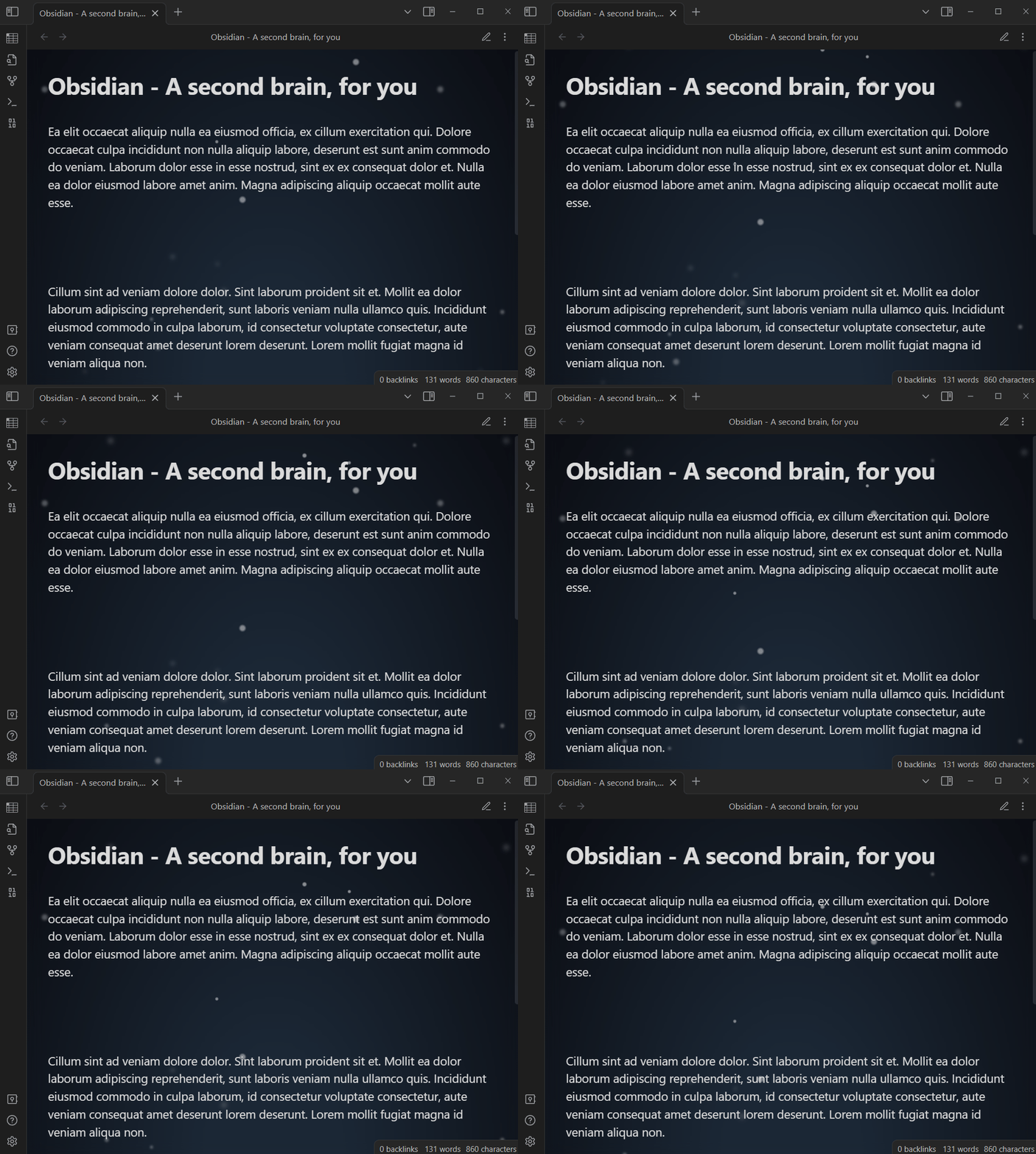
- Snow
- Star Sky
- 2 dynamic effects for Obsidian light theme
- Random Circle
- Wave
Note: Please report any bugs or needs by opening a new issue on GitHub.
Demo
Matrix / Digital Rain dynamic effect
Rain dynamic effect
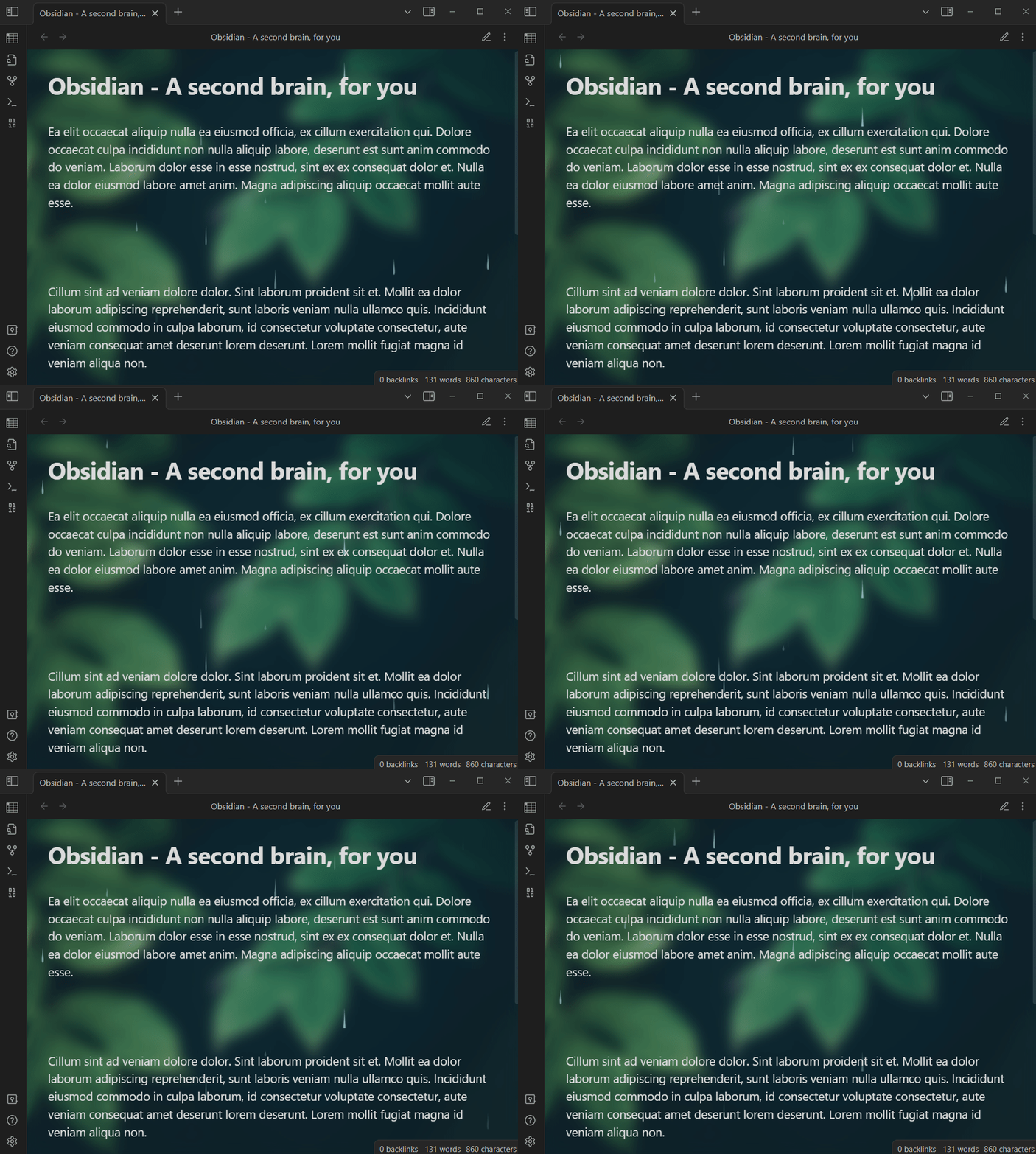
Rain dynamic effect with wallpaper
Snow dynamic effect
Snow dynamic effect with wallpaper
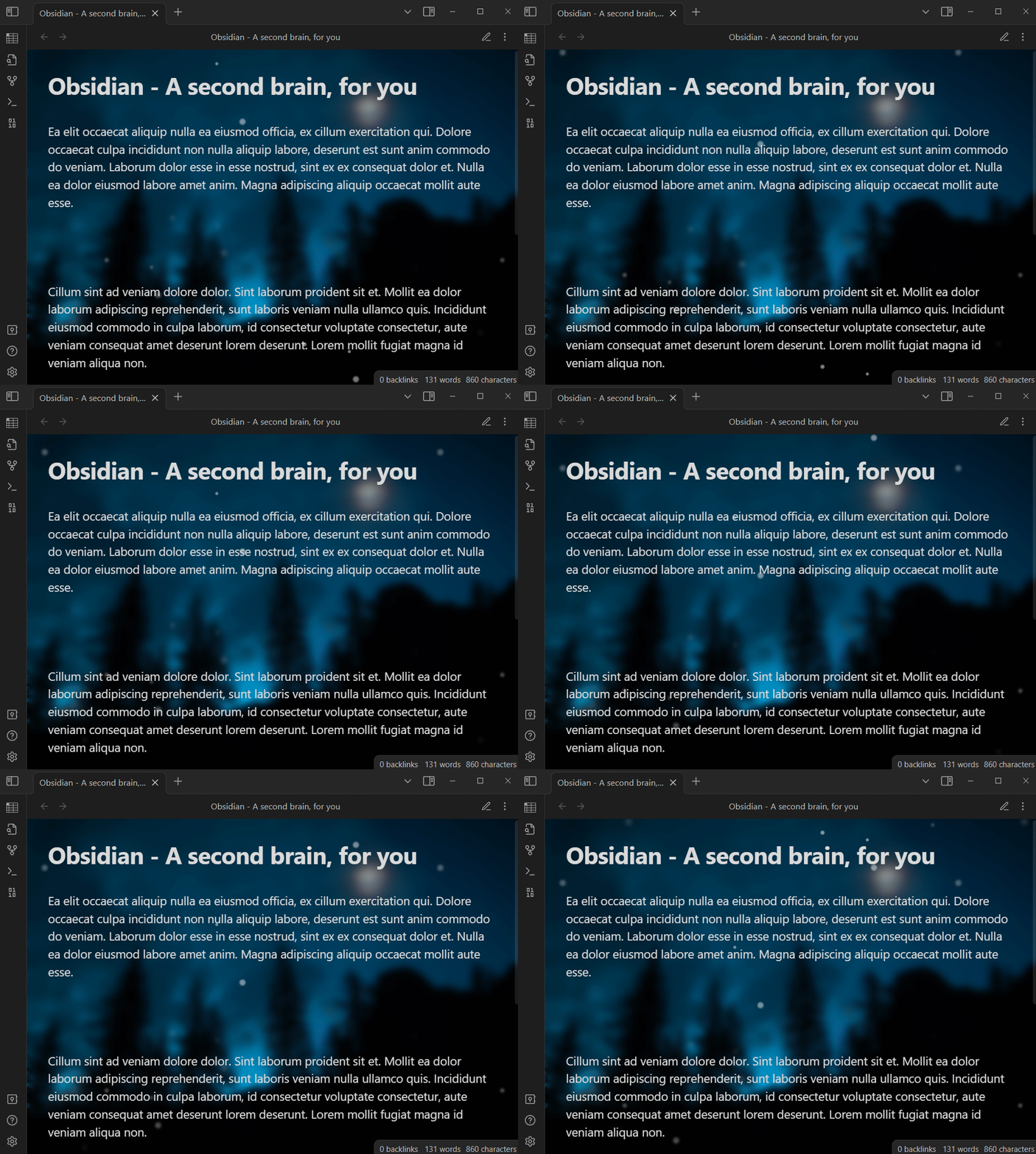
Wave dynamic effect
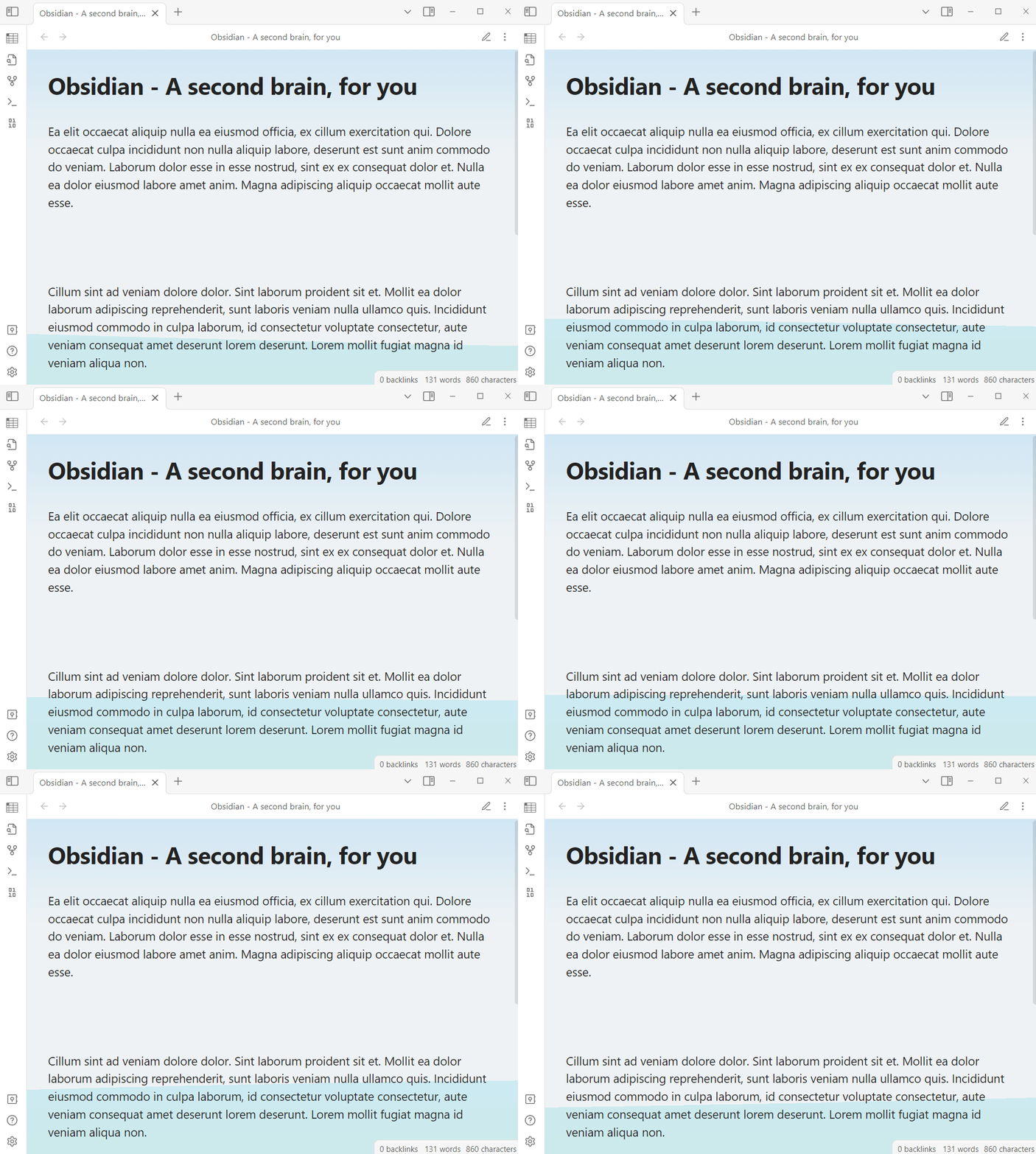
Wave dynamic effect with wallpaper
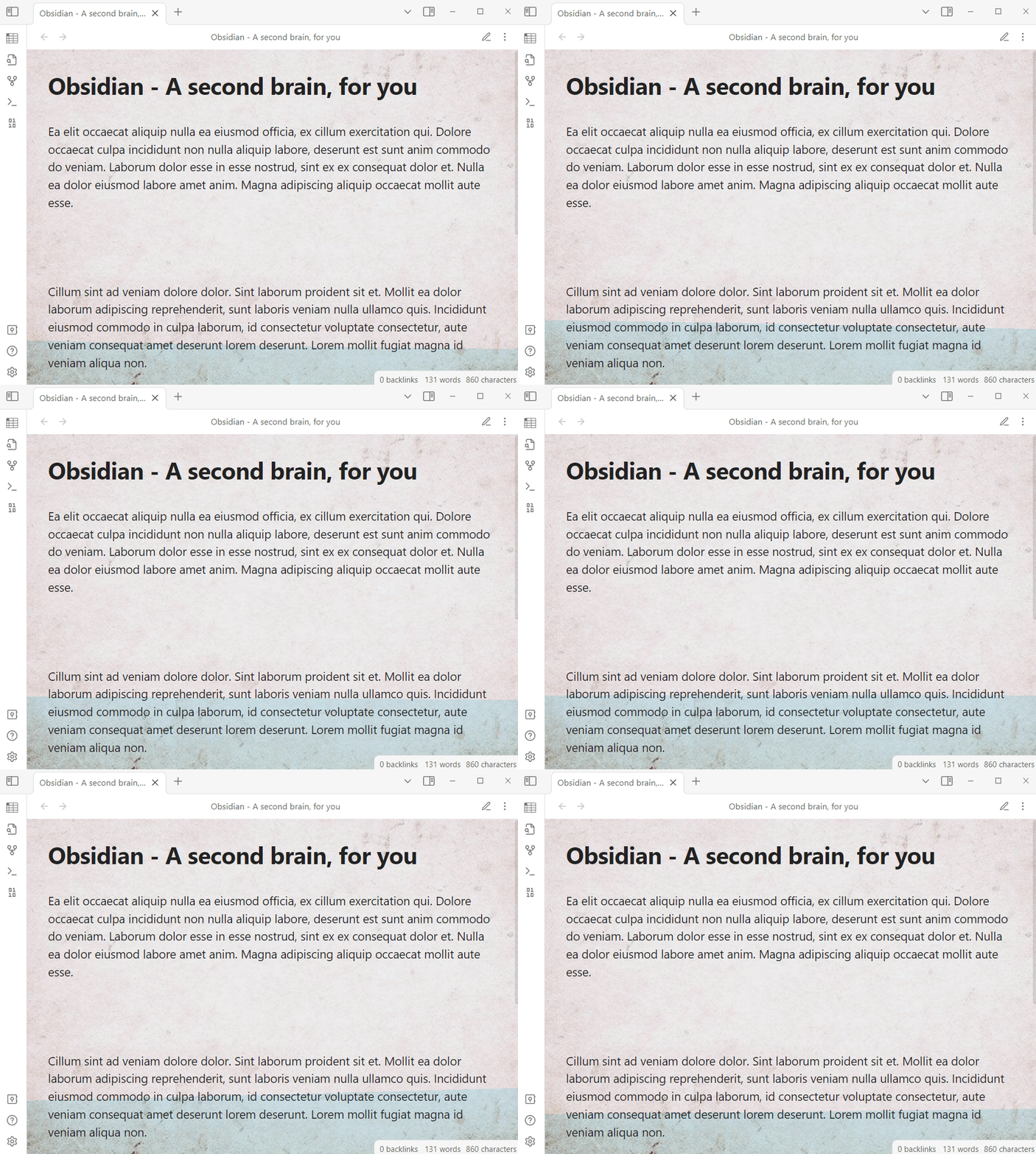
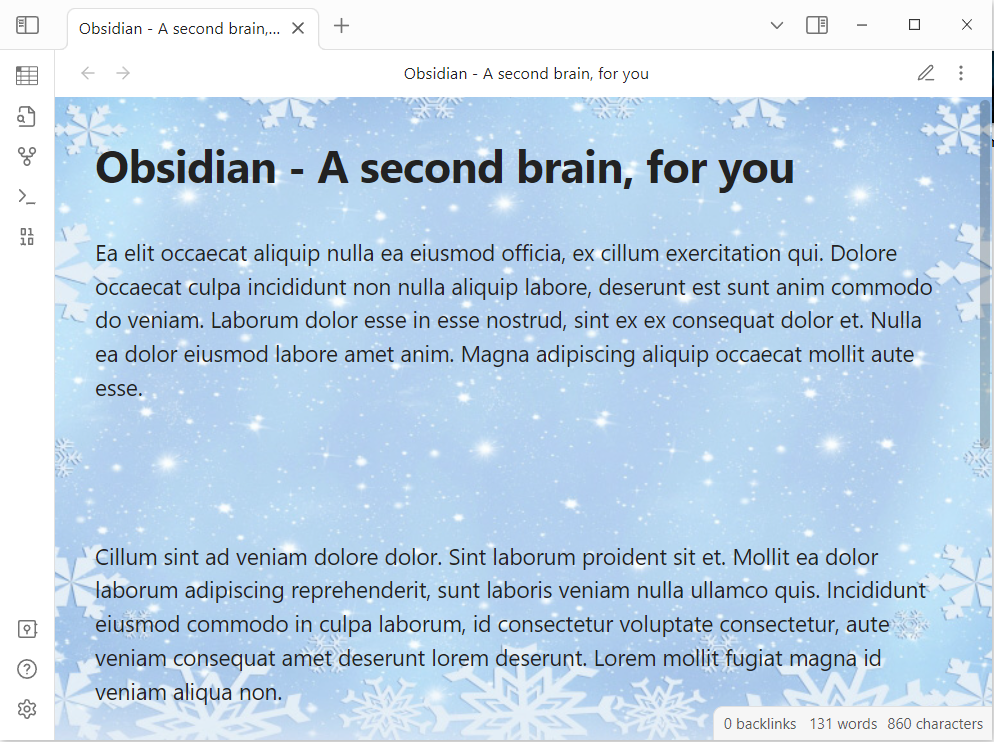
Wallpaper demo 1
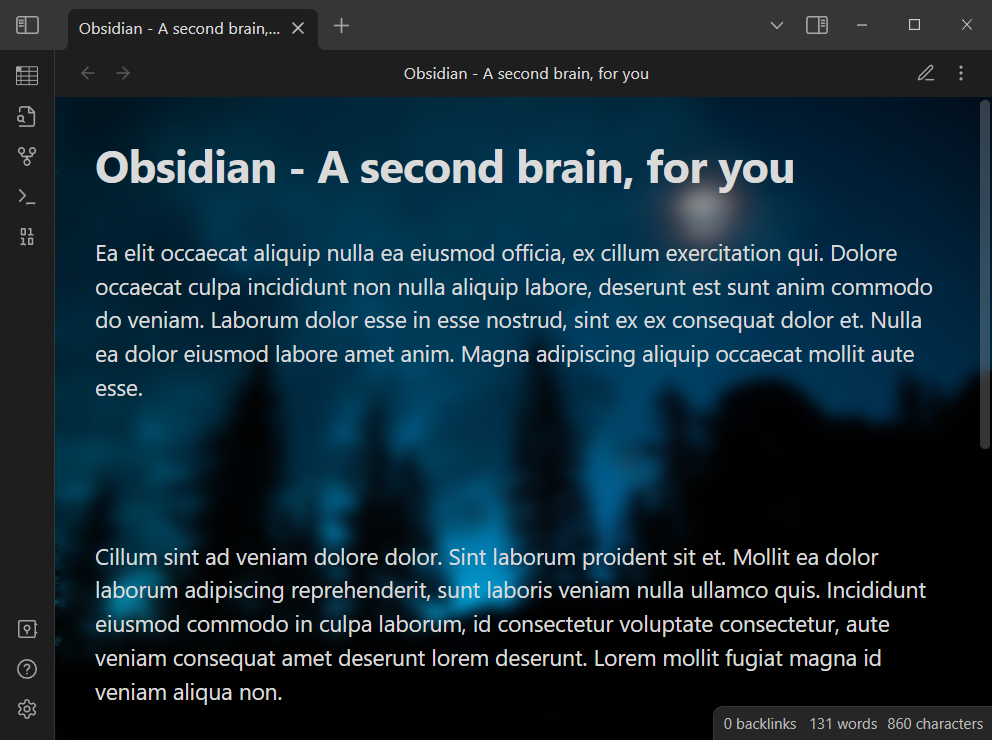
Wallpaper demo 2
How to use
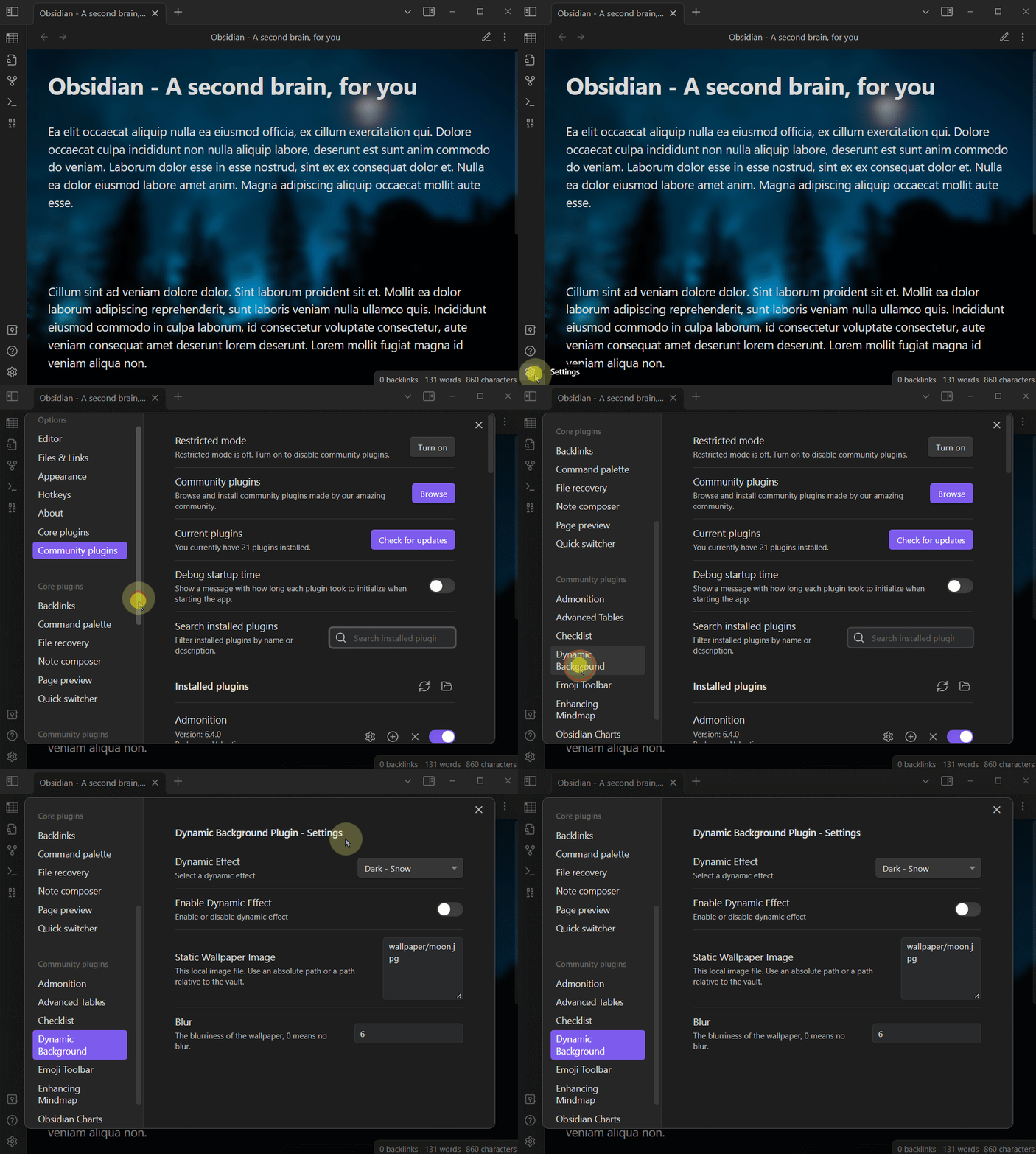
Open setting window
- Click the
Settingsbutton on the left toolbar - Slide the scroll bar in the pop-up dialog and click
Dynamic Backgroundin the Community Plugins group
Please see the video below for details:
Enable or Disable dynamic effect
Dynamic effect can be enabled or disabled at any time:
- Open the plugin's settings window
- Close the
Enable Dynamic Effectswitch
Select dynamic effect
There are a variety of dynamic effects to choose from, please choose a dynamic effect according to your Base theme setting. You can set the Base theme or Base color scheme by following the steps below.
- Click the
Settingsbutton on the left toolbar - Click the
Appearancebutton (As shown in the figure below, number 1) - Select a theme as you need (as shown in the figure below, number 2)
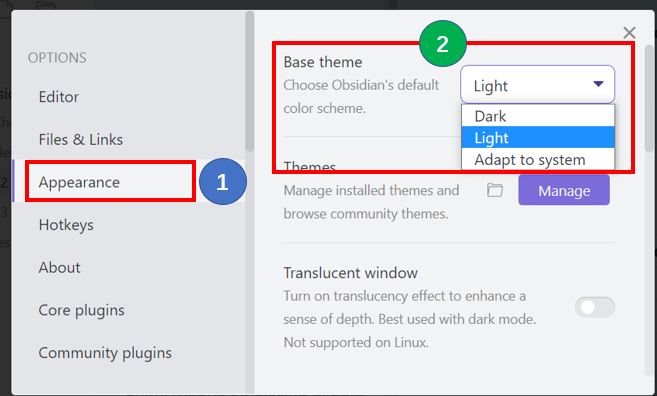
If your Base theme or Base color scheme setting is Dark, you should choose a dynamic effect from the Dark series. If your Base theme or Base color scheme setting is Light, you should choose a dynamic effect from the Light series.
The steps to select a dynamic effect are as follows:
- Open the plugin's settings window
- Select a effect from the
Dynamic Effectdrop-down box
Select wallpaper image file
You can specify a image file inside Vault as the wallpaper, please use the relative path of the image file inside Vault.
- Example:
attachments/moon.jpgorwallpapers/green.png
Note: Sometimes you may just want to display the wallpaper without the dynamic effect, just turn off the
Enable Dynamic Effectswitch in the settings window.
Set wallpaper blur
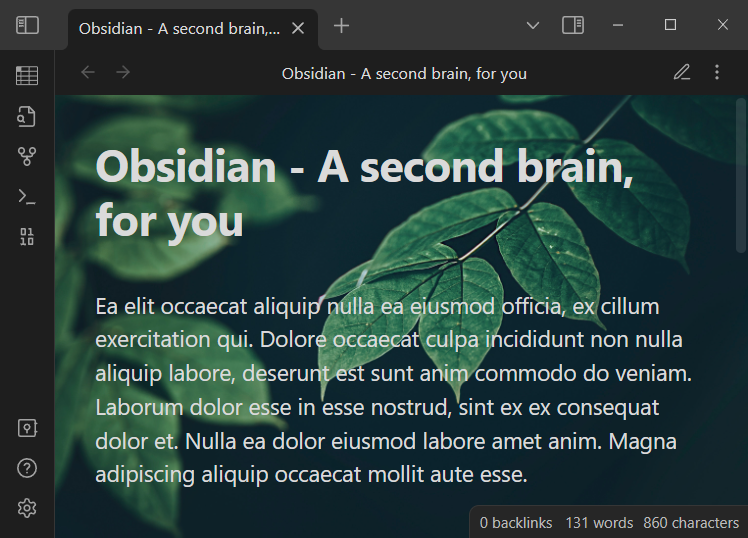
Open the plugin's settings window, Set the blur value, 0 means no blur. The blur effect is shown as follows:
Blur: 0
Blur: 5
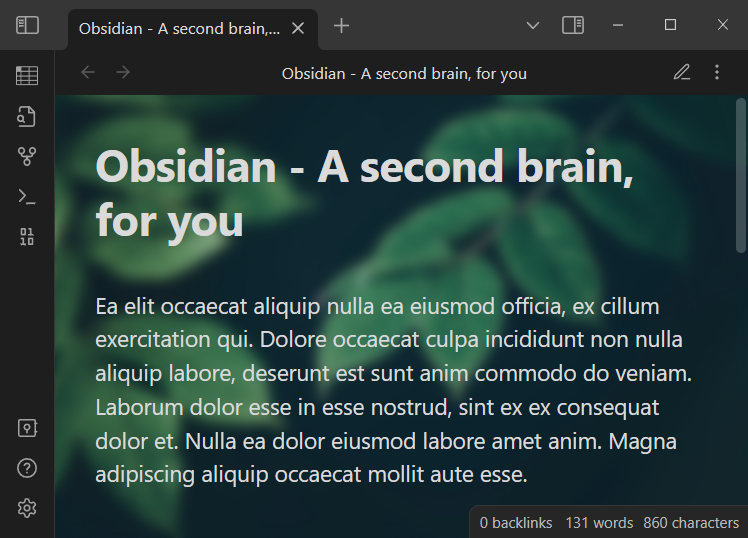
Blur: 10
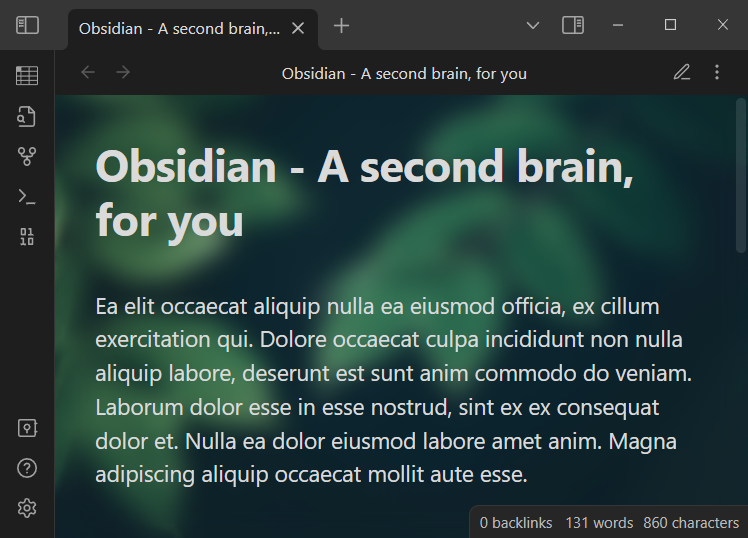
How to Install
From within Obsidian
From Obsidian, you can activate this plugin within Obsidian by doing the following:
- Open Settings > Community plugins
- Make sure Restricted mode is off
- Click Browse community plugins
- Search for "Dynamic Background"
- Click Install
- Once installed, close the community plugins window and activate the newly installed plugin
From GitHub
Download
main.js,manifest.json,styles.cssfrom the Releases section of the GitHub Repository.Create
obsidian-dynamic-backgroundfolder under<vault>/.obsidian/plugins/folder.Copy downloaded files to
<vault>/.obsidian/plugins/obsidian-dynamic-background/folder.Note: On some machines the
.obsidianfolder may be hidden. On MacOS you should be able to pressCommand+Shift+Dotto show the folder in Finder.Reload Obsidian
Version History
1.0.6
- Fixed an issue where static wallpapers could not be displayed after upgrading to Obsidian v1.2.8 or later.
1.0.5
- Added brightness control for Matrix / Digital Rain dynamic effect.
1.0.4
- Improved Matrix / Digital Rain dynamic effect.
1.0.3
- Add Matrix / Digital Rain dynamic effect for Obsidian dark theme.
1.0.2
- Initial version
Support
This plugin is provided to everyone for free.
If you like this plugin, welcome to support us. I will keep improving this plugin to make it better and better.