Cloudinary Uploader
 jordanhandy5k downloads
Upload pasted images from your clipboard to Cloudinary.
- Overview
- Scorecard
- Updates12
License
Released under MIT by @jordanhandy.
Documentation
What is it?
Cloudinary is a cloud storage platform that allows you to upload various media files to a storage account. The media files within this storage account can then be manipulated using Cloudinary's APIs to manipulate the data properties and metadata.
This plugin allows you to automatically upload images, video, audio and raw files pasted to Obsidian directly into your Cloudinary account (instead of stored locally). Note: There is functionality for media manipulation in this plugin using Cloudinary's custom parameters
How it Works
Single File Upload
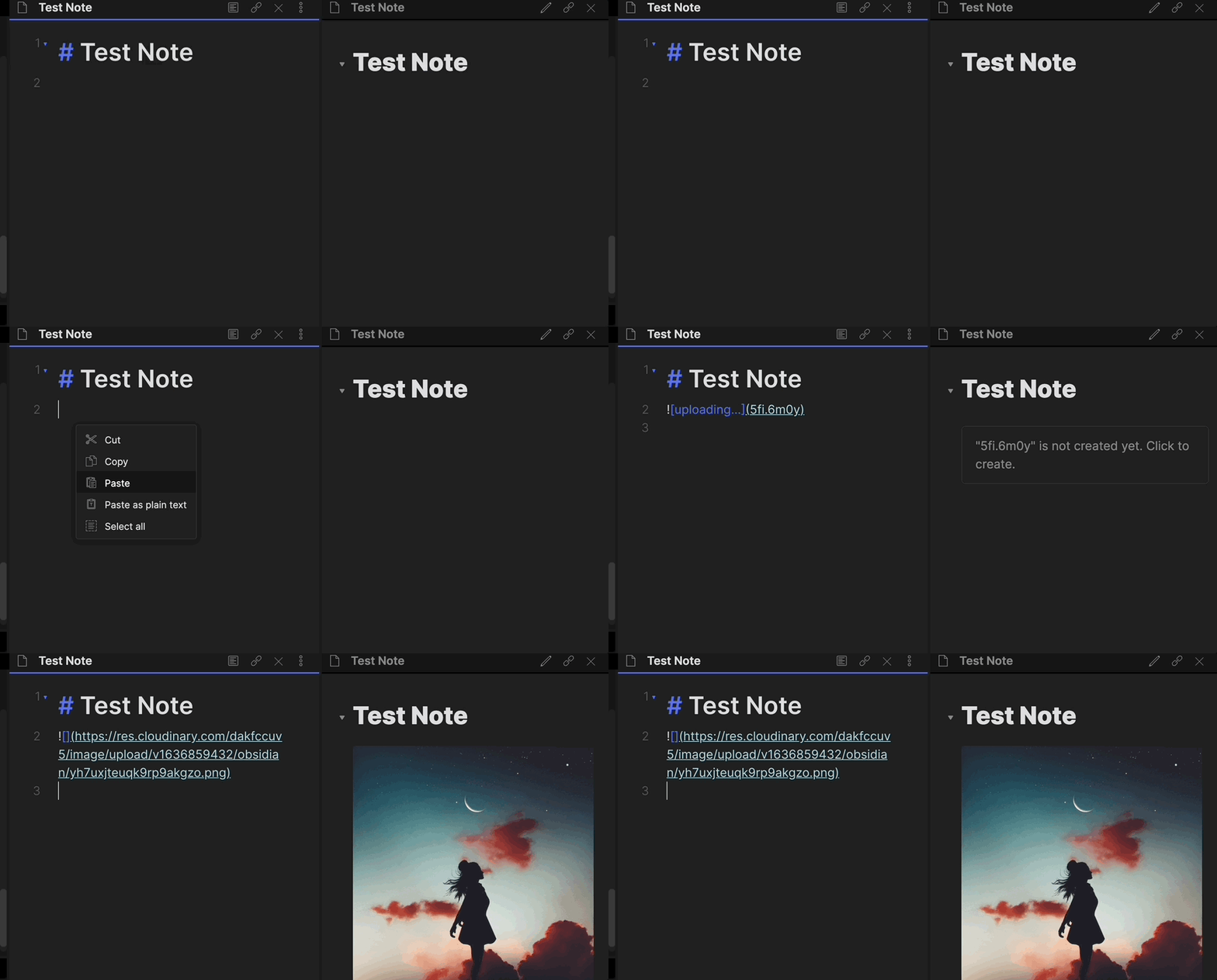
Multi-file Upload
Configuration
- Disable Obsidian Safe Mode
- Install the Plugin
- Install from the Obsidian Community Plugins tab
- Manual install
- Clone this repo
- Install dependencies with
yarnornpm npm run devwill start compilation
- Enable the Plugin
- Configure the settings and set your:
- Cloud Name
- Upload Preset Name (Set that here)
- Set a Folder Name
- Optional configuration
- Cloudinary default transformation parameters
Unsigned vs. Signed Uploads to Cloudinary
The uploads to Cloudinary are unsigned. You can read more about that here. A signed upload would require the use of an API key and secret, and I opted against asking for that in the plugin configuration, as a choice for security reasons.
Transformations
Cloudinary allows for on-the-fly image transformations using their API. To the end-user, this is accomplished by making a simple URL modification to the resulting URL that Cloudinary gives back when an upload completes. You can read more about Cloudinary's transformation parameters here. As of version 0.2.0, you can now set a default transformation to be applied to all of your uploads with a comma-delimited list. Be mindful of syntax, as using the incorrect transformation parameters will cause your images to not render in Obsidian.
If this were to happen, this can be fixed by simply modifying the URL following the upload.
Be Mindful of your transformation token allotment. Depending on your plan, Cloudinary allows for an 'x' number of transformations to take place per month. Keep this count in mind as you apply transformations to your uploads
Thanks
Special thanks to:
- @Creling and their repo here. As this was my first time creating an Obsidian plugin, their base really helped.
- Obsidian Unofficial Plugin Developer Docs
Other Plugins
If you would like to use a plugin with more customization options that supports audio, video, and binary formats, check out my imgBB Uploader for Obsidian