
- Overview
- Scorecard
- Updates2
An Obsidian plugin that checks and corrects spelling in text using Mistral AI.
Features
- Fix spelling and grammar errors in selected text via context menu or command palette
- Choose Mistral AI model in settings
- Customizable system prompt
- UI localization (Russian / English)
- API key validation in settings
Screenshots
| Context menu | Settings |
|---|---|
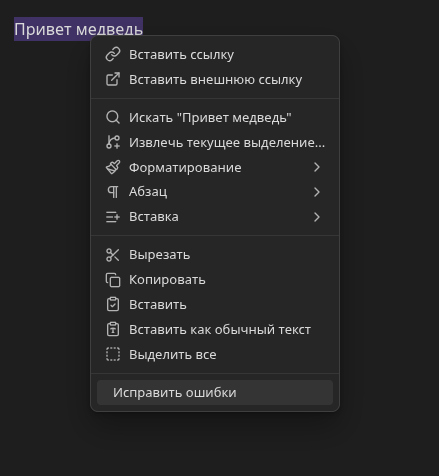 |
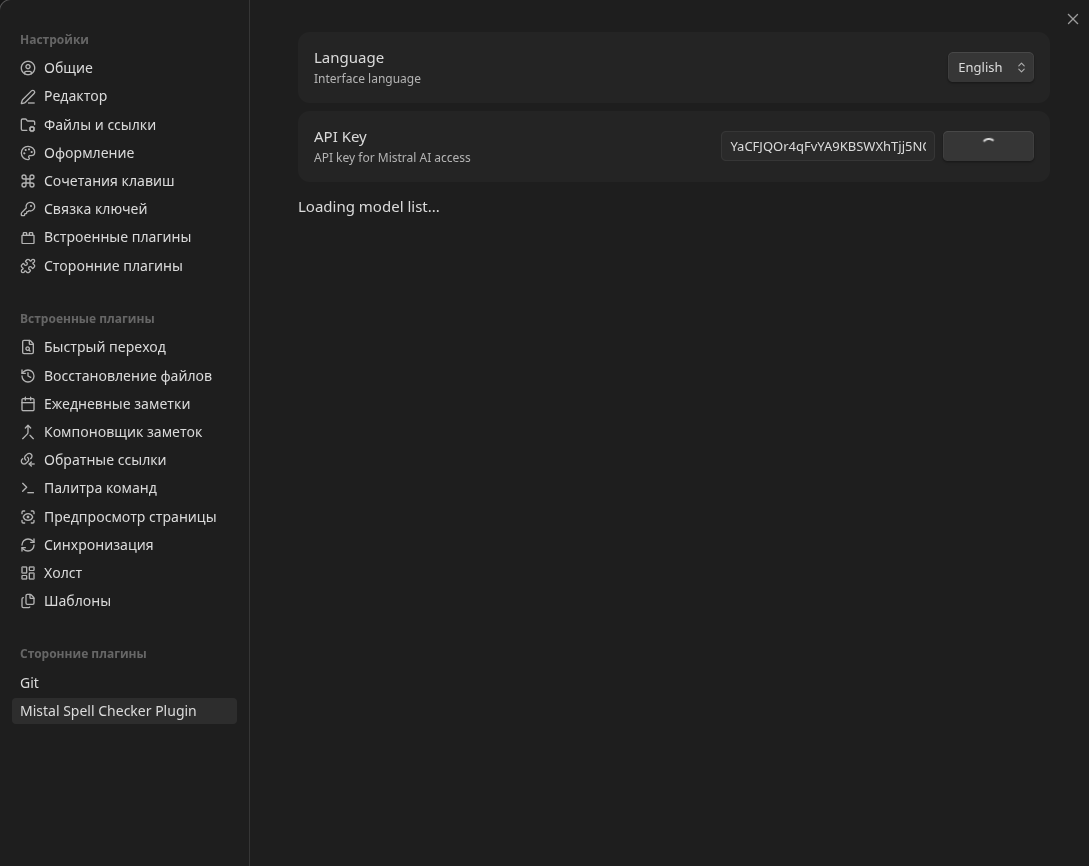 |
| Fix modal |
|---|
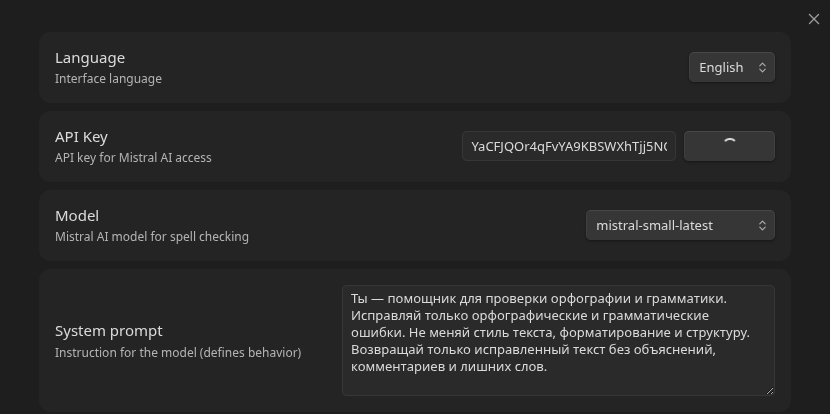 |
Commands
| Command | ID | Available in |
|---|---|---|
| Fix spelling errors | mistral-fix-spelling-errors |
Command palette, editor context menu |
| Open modal (simple) | open-modal-simple |
Command palette (demo) |
| Open modal (complex) | open-modal-complex |
Command palette (demo, Markdown view only) |
Installation
Manual
- Download
main.js,manifest.json,styles.cssfrom the releases page - Copy the files into
<vault>/.obsidian/plugins/mistral-spell-checker-plugin/ - Open Obsidian, go to Settings → Community plugins and enable the plugin
Development
git clone https://github.com/saintbyte/obsidian_mistal_spell_checker
cd obsidian_mistal_spell_checker
npm install
npm run dev    # development with hot-rebuild
npm run build  # production build
npm run lint   # ESLint check
The compiled main.js will appear in the project root. To test, copy main.js, manifest.json, styles.css into <vault>/.obsidian/plugins/mistral-spell-checker-plugin/ and restart Obsidian.
Architecture
src/
├── main.ts       # Entry point: lifecycle, commands, context menu
├── settings.ts   # Settings interface, defaults, settings tab
├── mistral.ts    # Mistral AI API client
└── i18n.ts       # Localization (ru/en)
Build: esbuild → single main.js (CommonJS). Obsidian and CodeMirror are external dependencies provided by the runtime.
Tech stack
- TypeScript (strict mode, ES2021)
- Obsidian API (
obsidiantypes) - Mistral AI SDK (
@mistralai/mistralai) - esbuild — bundler
- ESLint with
eslint-plugin-obsidianmd— static analysis
License
0-BSD — see LICENSE.
HealthExcellent
ReviewSatisfactory
About
Check and correct spelling and grammar in selected text using Mistral AI via the editor context menu or command palette. Pick a Mistral model, set a custom system prompt, switch the interface between Russian and English, and verify your API key.Details
Current version
1.0.2
Last updated
3 months ago
Created
3 months ago
Updates
2 releases
Downloads
90
Compatible with
Obsidian 1.0.0+
Platforms
Desktop only
License
0BSD
Sponsor