Search...Search plugins and themes...
⌘K
Sign in
  • Get started
  • Download
  • Pricing
  • Enterprise
  • Account
  • Obsidian
  • Overview
  • Sync
  • Publish
  • Canvas
  • Mobile
  • Web Clipper
  • CLI
  • Learn
  • Help
  • Developers
  • Changelog
  • About
  • Roadmap
  • Blog
  • Resources
  • System status
  • License overview
  • Terms of service
  • Privacy policy
  • Security
  • Community
  • Plugins
  • Themes
  • Discord
  • Forum / 中文论坛
  • Merch store
  • Brand guidelines
Follow us
DiscordTwitterBlueskyThreadsMastodonYouTubeGitHub
© 2026 Obsidian

Merge Notes

fnyafnya14k downloads

Merge the selected notes.

Add to Obsidian
  • Overview
  • Scorecard
  • Updates11

Merge Notes is a plugin for Obsidian that allows you to merge notes selected in the context menu into a single note.

How to use

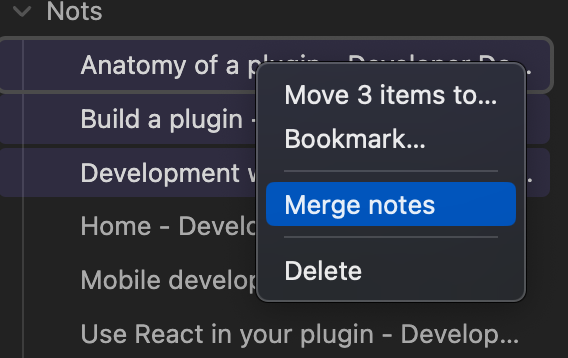
Select the notes you want to merge in the file explorer.

Right click on the selection and select Merge notes.
You can specify the file name of the new note after the merge by its title.
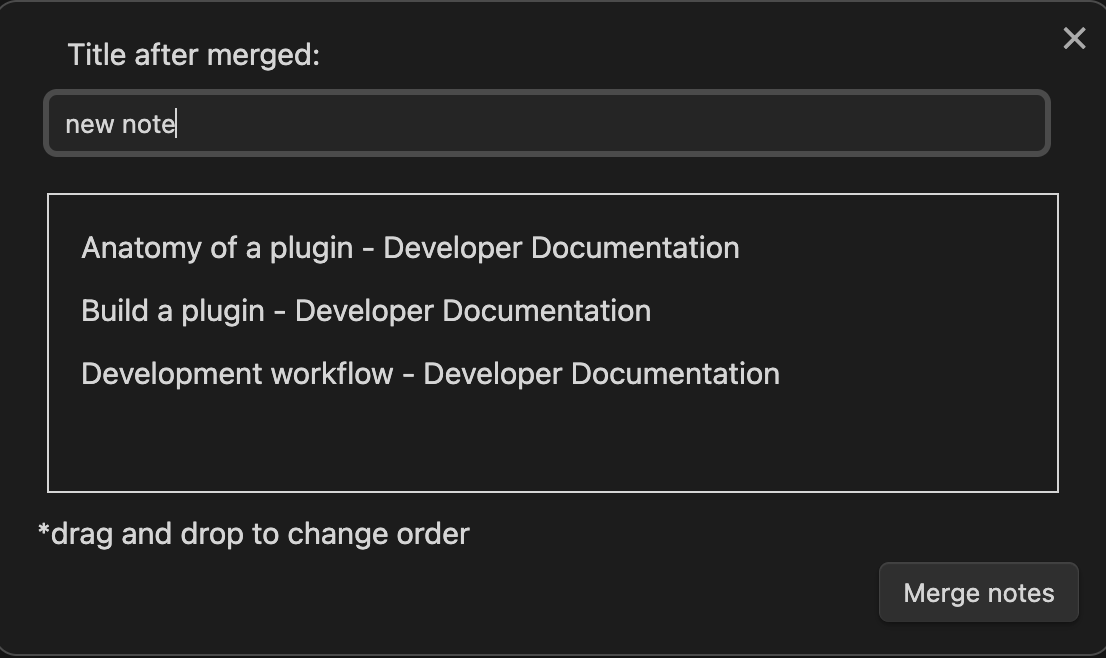
If the note name is long, a popup will also appear to confirm the name.

Notes to be merged can be rearranged by drag-and-drop.

Click the Merge notes button to execute the merge.

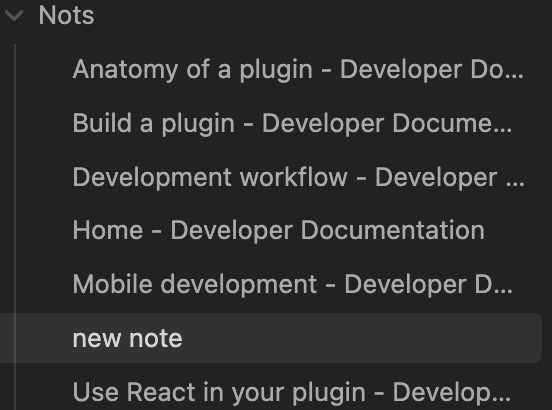
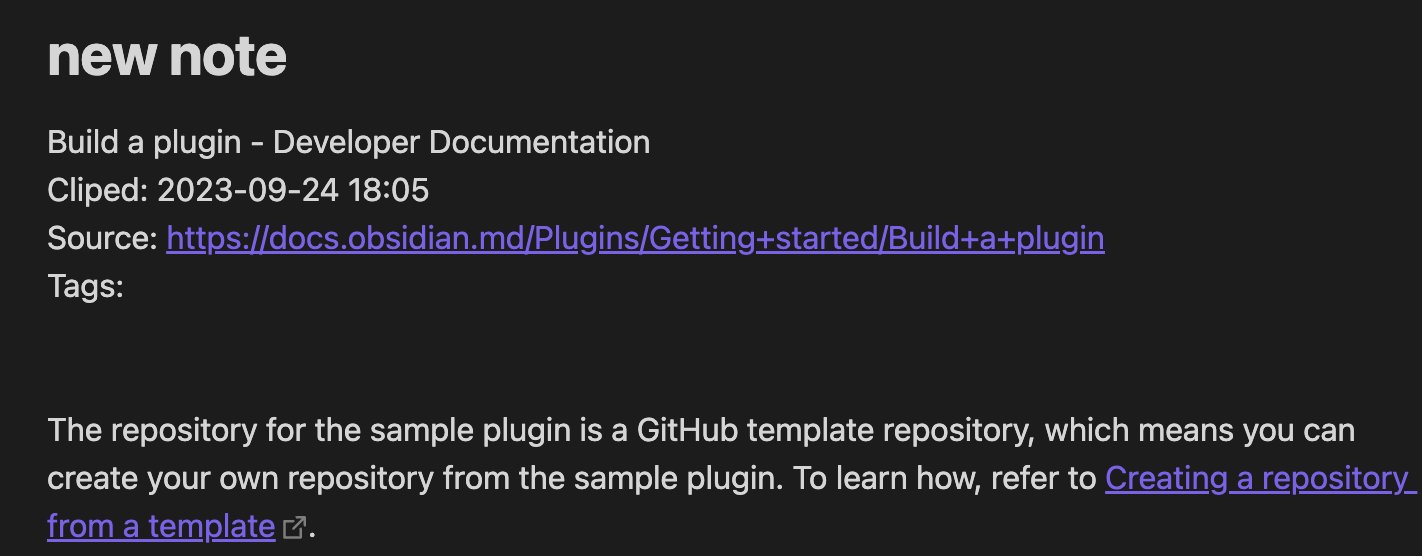
The merged note will be created in the same folder as the first note in the selection.
Open source libraries

  • @dnd-kit
72%
HealthGood
ReviewCaution
About
Merge selected notes from the file explorer into a single Markdown file. Rearrange the selection by drag-and-drop, specify the merged note's title, and save the new note in the same folder as the first selected file.
FilesFoldersSidebar
Details
Current version
0.0.11
Last updated
Last year
Created
3 years ago
Updates
11 releases
Downloads
14k
Compatible with
Obsidian 0.0.0+
Platforms
Desktop only
License
MIT
Report bugRequest featureReport plugin
Author
fnyafnya
github.com/fnya
GitHubfnya
  1. Community
  2. Plugins
  3. Files
  4. Merge Notes

Related plugins

Flexplorer

Enhance the file explorer with custom sorting, pinning, and hiding.

Custom File Explorer sorting

Manual or automatic config-driven reordering and sorting of files and folders in File Explorer.

File Explorer Note Count

See the number of notes in each folder within the file explorer.

File Tree Alternative

An alternative file tree view with separate folder and file panes.

Trash Explorer

Restore and delete files from the Obsidian .trash folder.

File Explorer++

Hide and pin files and folders in the file explorer using custom filters.

Notebook Navigator

A better file browser and calendar inspired by Apple Notes, Bear, Evernote and Day One.

Recent Files

Display a list of recently opened files.

Novel word count

Display a word count, page count, creation date, or other statistics for each file, folder and vault in the File Explorer pane.

Multi Properties

Add properties to multiple notes at once. Either right-click a folder or select multiple notes and right-click the selection.