Media Gallery view
 RobertoJarquinRR193 downloads
Make a gallery of your videos and images
- Overview
- Scorecard
- Updates5
Media Gallery lets you create a gallery of your video and image files directly inside of your notes in Obsidian
Roadmap
- Video support
- Image support
- Audio support
- Pdf support
Examples
Video
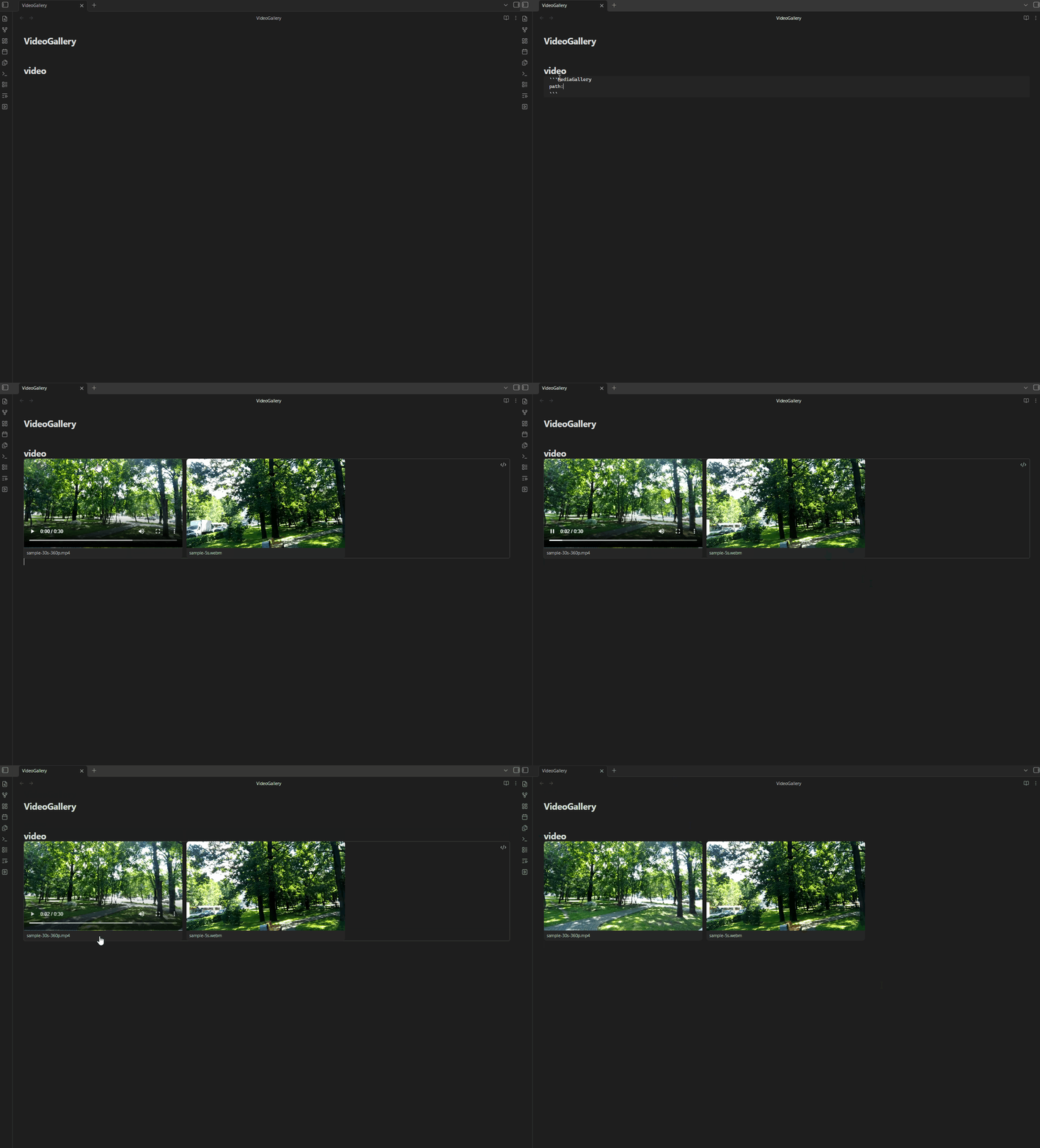
Image
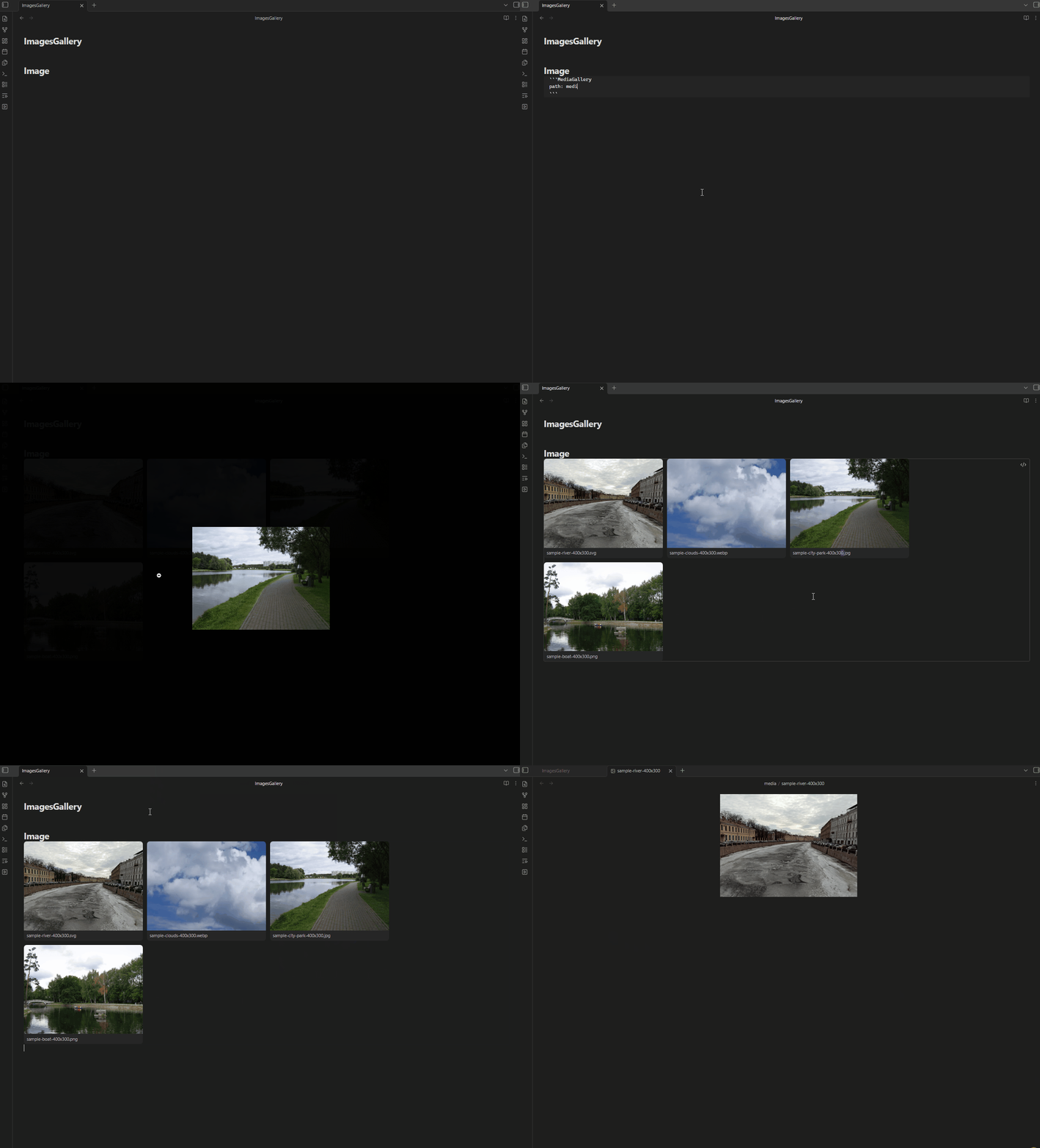
Installation
Via BRAT (Beta)
- Install the BRAT plugin in Obsidian.
- Open BRAT settings and click "Add Beta Plugin".
- Enter this repository URL:
https://github.com/RobertoJarquinRR/Media-Gallery-view - Enable the plugin in Obsidian's Community Plugins settings.
Via Obsidian Community Plugins
Search for "Media Gallery" in Obsidian's Community Plugins browser and install it directly.
Usage
Create a code block with the language set to MediaGallery in any note. Specify a path: to the folder containing your media, and an optional type: to choose between a video or image gallery. If type: is omitted, the gallery defaults to video.
```MediaGallery
path: directory/videos
type: video
```
```MediaGallery
path: directory/images
type: image
```
The plugin will render all matching files found in the specified folder as a gallery grid.
- Video gallery: hover a card to reveal playback controls.
- Image gallery: click a card to open it in a fullscreen lightbox. Close it by clicking the background or pressing
Esc. - Both: double-click a card to open the underlying file in a new tab.
Recommendation
For a better video playback experience, consider installing the Media Extended plugin. Note that this only improves playback when you open a video in a separate note — the gallery itself renders videos with the default HTML5 player for performance reasons.