Search...Search plugins and themes...
⌘K
Sign in
  • Get started
  • Download
  • Pricing
  • Enterprise
  • Account
  • Obsidian
  • Overview
  • Sync
  • Publish
  • Canvas
  • Mobile
  • Web Clipper
  • CLI
  • Learn
  • Help
  • Developers
  • Changelog
  • About
  • Roadmap
  • Blog
  • Resources
  • System status
  • License overview
  • Terms of service
  • Privacy policy
  • Security
  • Community
  • Plugins
  • Themes
  • Discord
  • Forum / 中文论坛
  • Merch store
  • Brand guidelines
Follow us
DiscordTwitterBlueskyThreadsMastodonYouTubeGitHub
© 2026 Obsidian

Marp

jichoupjichoup18k downloads

Create slide decks in Markdown with Marp.

Add to Obsidian
  • Overview
  • Scorecard
  • Updates13

Plugin to use Marp with Obsidian.md.

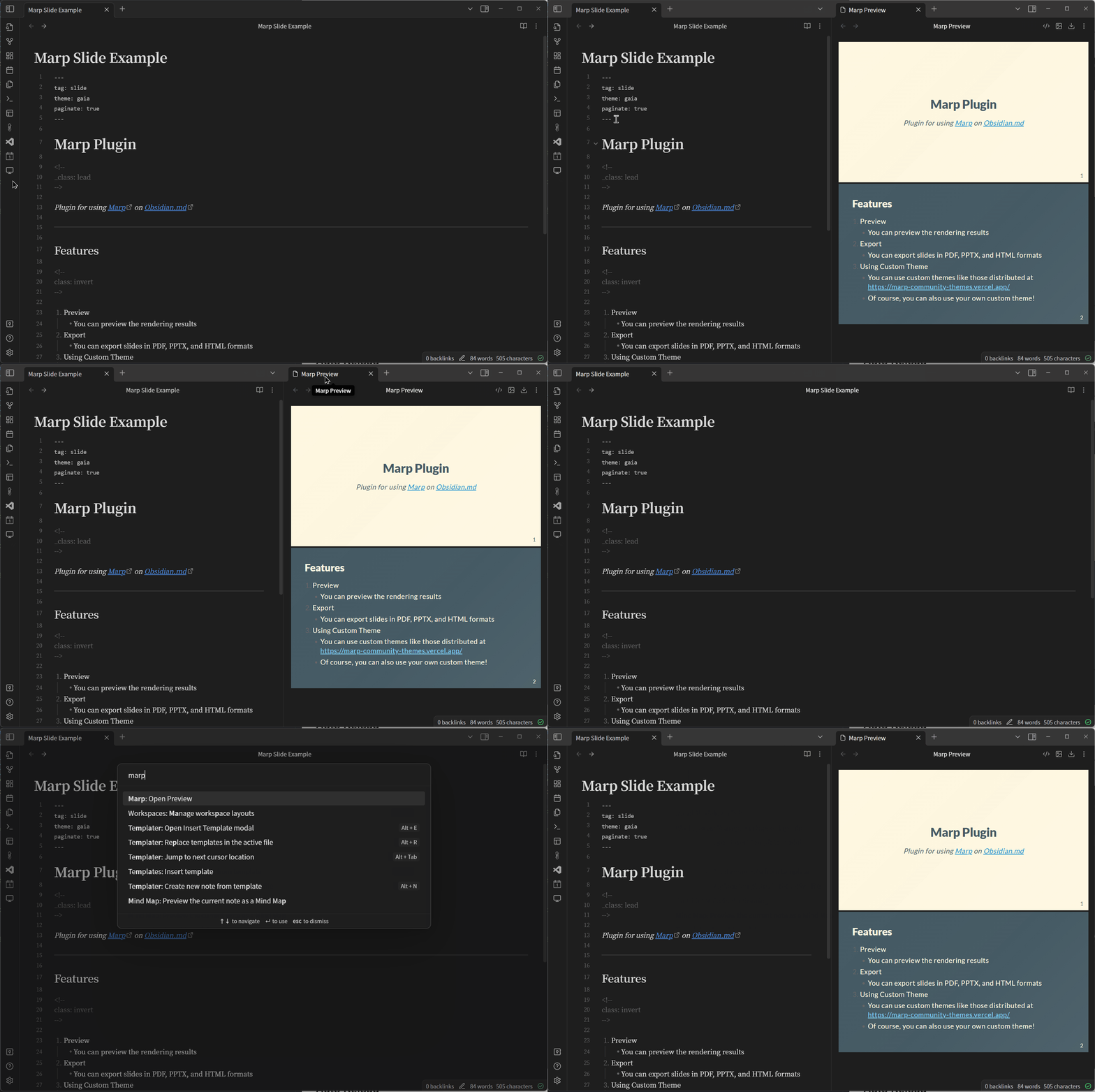
Open the Preview

Select the tab for the Markdown file, then click the button on the ribbon or run Marp: Open Preview from the command palette to see a preview.
open_preview

Auto Reload

auto_reload

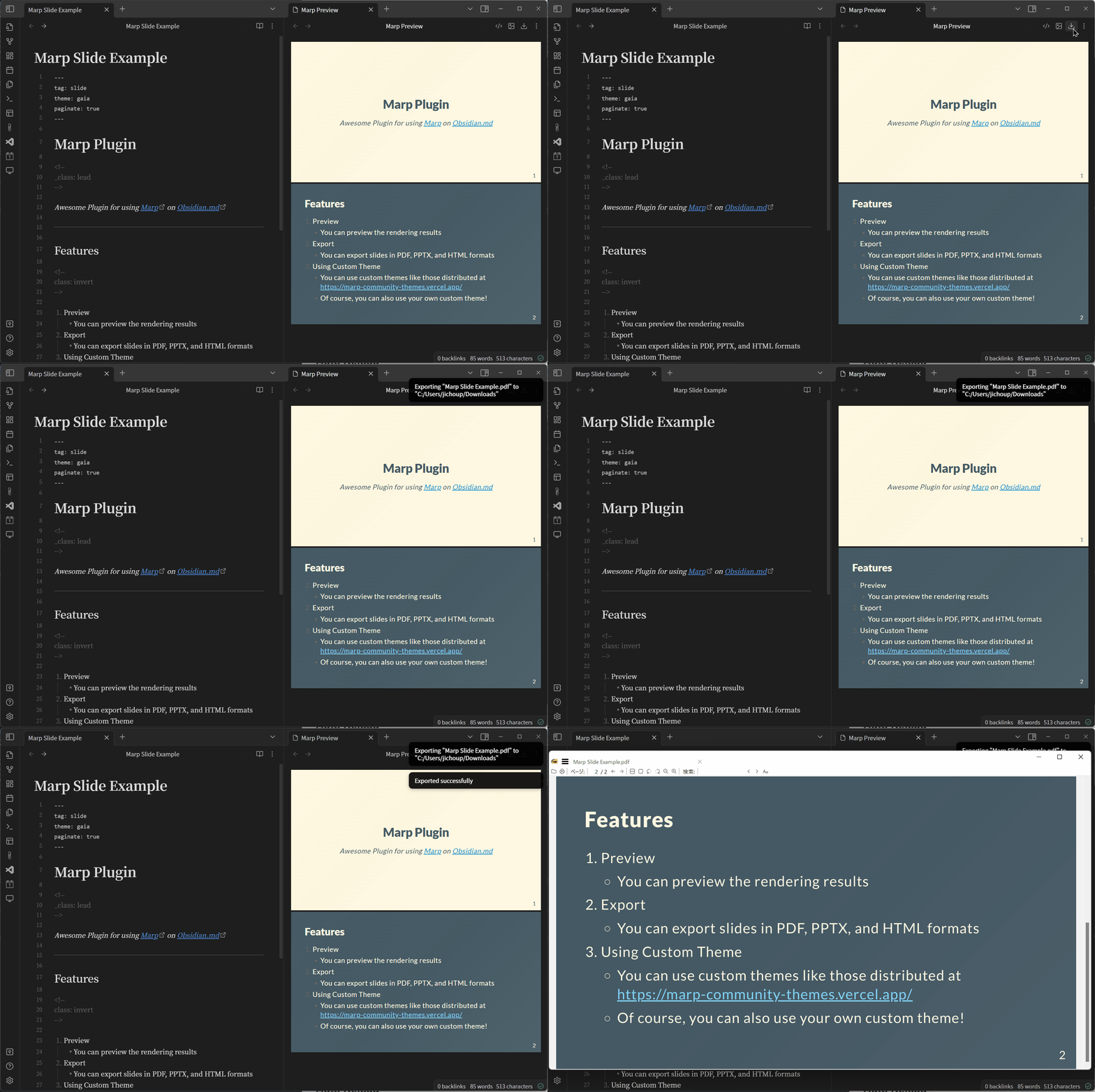
Export Slides

You need to have Node.js installed to export slides, as this plugin uses the npx command to export slides.
You can choose your preferred format from PDF, PPTX and HTML.
The output is always to the Downloads directory.
export

Embed Images

When exporting, images are converted to Base64 and embedded in the file, so you can share slides with embedded local images.
The image path can be an absolute or relative path from the root of the vault.
You can use both Wikilink format (![[path/to/image.png]]) and CommomMark format (![alt](https://raw.githubusercontent.com/jichoup/obsidian-marp-plugin/HEAD/path/to/image.png)).

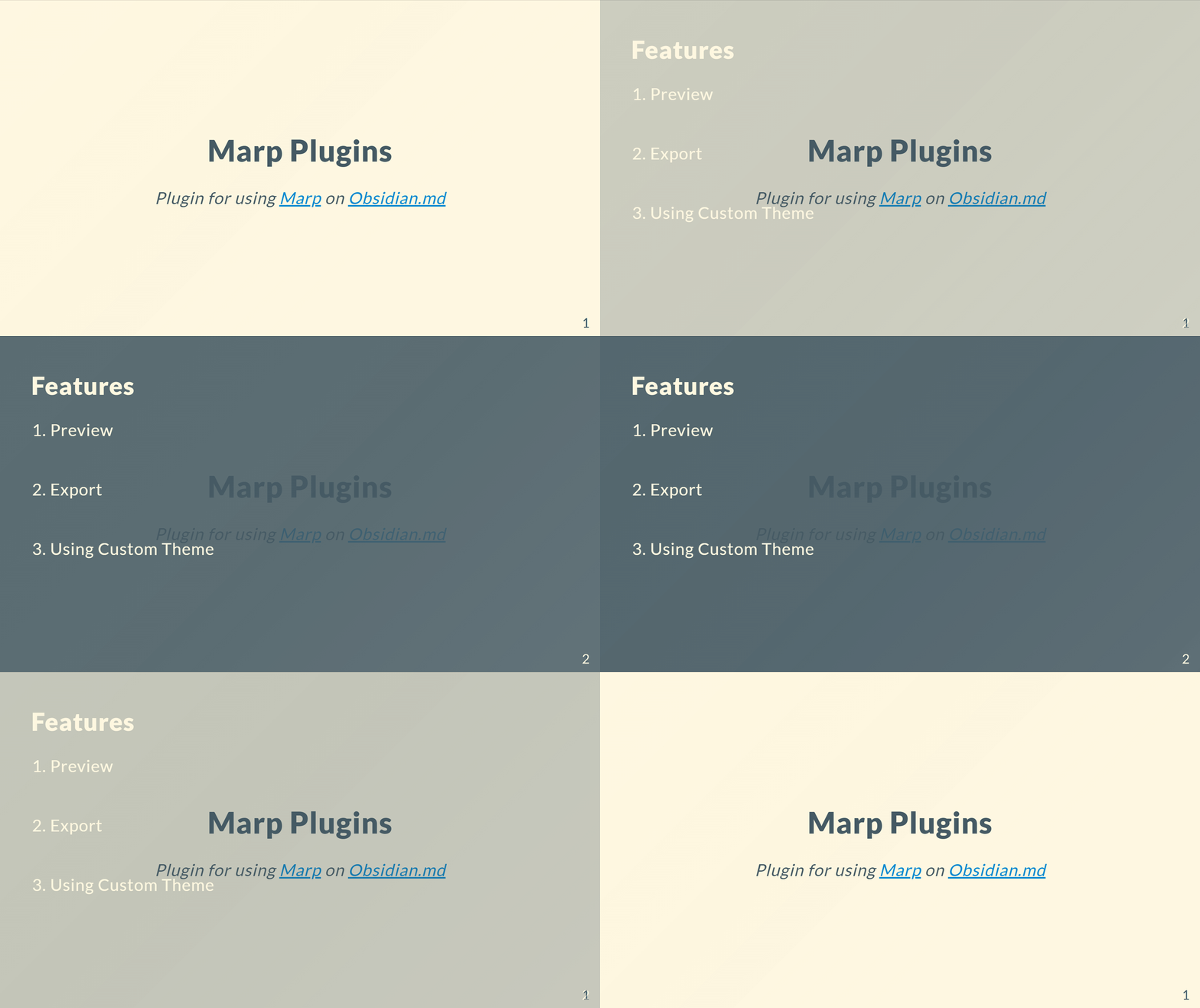
Transition

transition

Transitions can be used by exporting in HTML format. However, you need to set the viewTransition API to Enable in Chrome 110. (Not required if you are using the beta version (111+) of Chrome.)

enable_view_transitions_api

Settings

Enable Auto Reload

type: toggle
default: on

If on, the preview will be updated automatically when the Markdown file is saved.

Enable Open Preview in Split Tab

type: toggle
default: on

Enables the ability to open previews in split tabs. If disabled, a new tab will be created in the same split as the markdown file.

Theme Folder Location

type: text default: MarpTheme

Specify the relative path to the directory where the theme is stored. By saving the css files in the specified directory, Marp can use a custom theme.

*Obsidian must be restarted after adding css.

Example: If you set MarpTheme as Theme Folder Location

<your-vault>
└── MarpTheme  ← Make this directory
    ├── beamer.css  ← Then save custom css here!
    ├── border.css
    └── gradient.css
61%
HealthFair
ReviewCaution
About
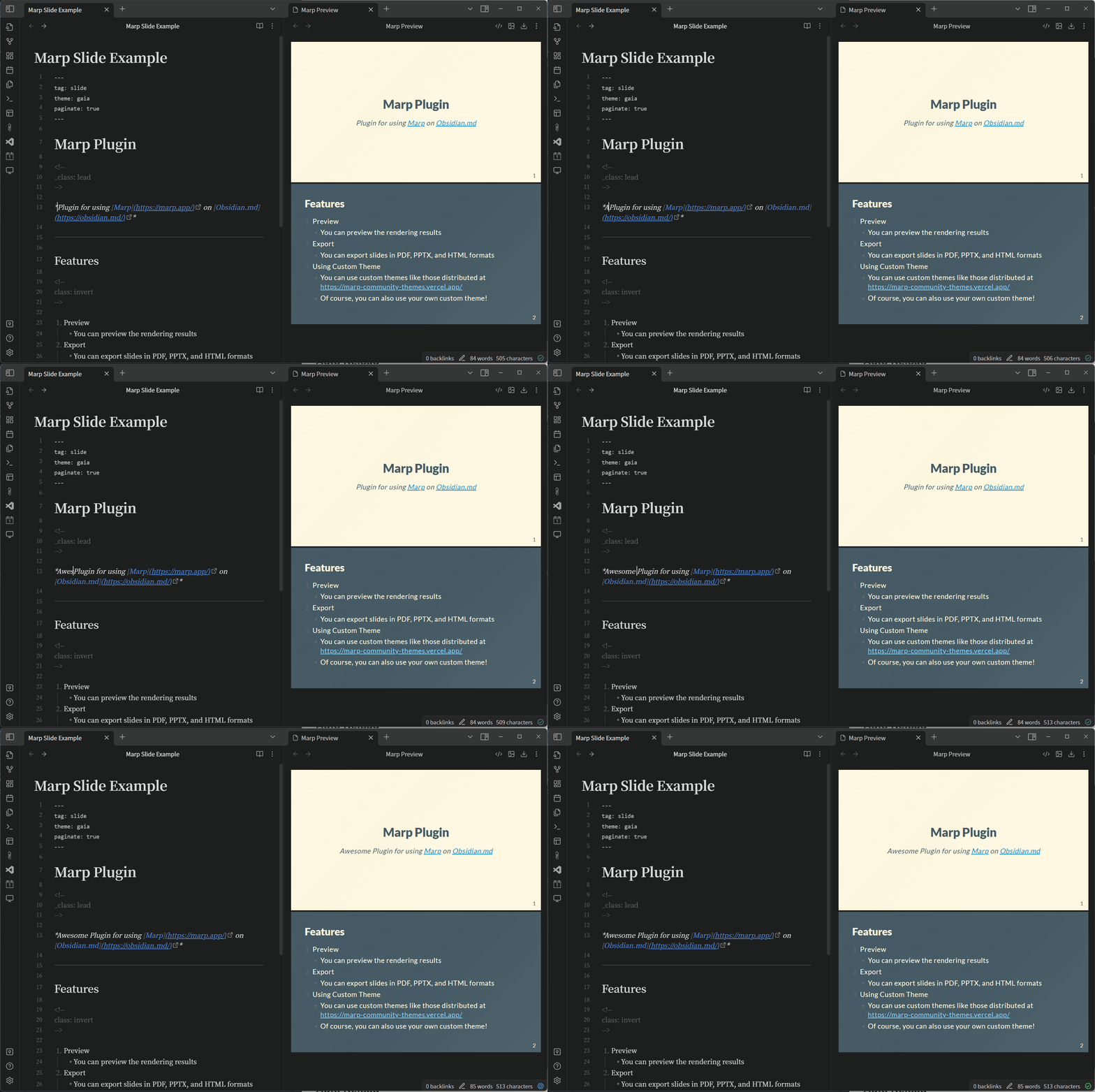
Preview Marp slides directly from Markdown with auto-reload on save. Export to PDF, PPTX, or HTML (requires Node.js) with local images embedded as Base64 and support for wiki or Markdown image links; use HTML transitions when available.
ExportHTMLImages
Details
Current version
1.5.0
Last updated
3 years ago
Created
3 years ago
Updates
13 releases
Downloads
18k
Compatible with
Obsidian 1.0.0+
Platforms
Desktop only
License
MIT
Report bugRequest featureReport plugin
Author
jichoupjichoup
github.com/JichouP
GitHubjichoup
  1. Community
  2. Plugins
  3. Export
  4. Marp

Related plugins

Export Image plugin

Easily convert your article to image.

markdown export

Export Markdown to a package, including images.

Export to HTML

Export your Markdown notes as HTML, directly in the clipboard or as a file.

Copy as source

Select and copy source HTML in reading view.

Image Converter

Convert, compress, resize, annotate, markup, draw, crop, rotate, flip, align, drag-resize, rename with variables, and batch process images: WEBP, JPG, PNG, HEIC, TIF

Image Context Menus

Image context menus (mostly on right click): Copy to clipboard, Open in default app, Show in system explorer, Reveal file in navigation, Open in new tab.

PlantUML

Generate PlantUML diagrams.

Ink

Hand write or draw directly between paragraphs using a digital pen, stylus, or Apple pencil.

Pandoc Plugin

Commands to export to Pandoc-supported formats like DOCX, ePub and PDF.

Local Images Plus

A reincarnation of Local Images to download images in Markdown notes to local storage.