Manushelf
 ivan94240 downloads
Browse Markdown manuscripts on a responsive, tactile 3D bookshelf.
- Overview
- Scorecard
- Updates2
Manushelf turns a folder of Markdown manuscripts into a responsive, tactile 3D bookshelf inside Obsidian.
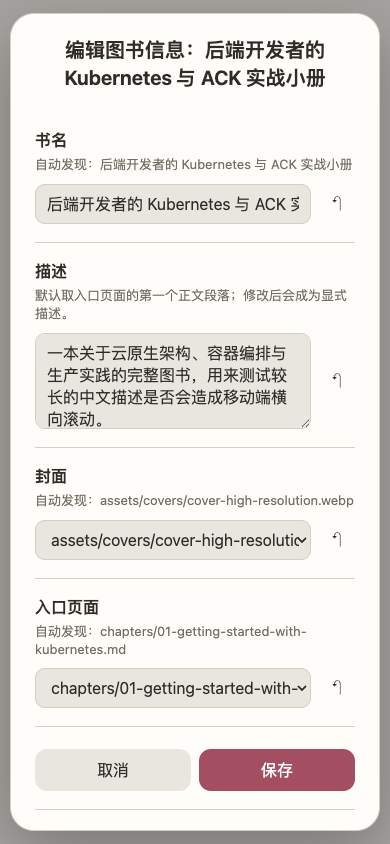
Each direct child folder is one book. Manushelf prefers that folder's index.md, then its first naturally sorted Markdown file. It also discovers cover.<image type> automatically. Use 编辑图书信息 from the book folder menu when you want to override the discovered title, description, cover, or entry—no hand-written JSON is required.
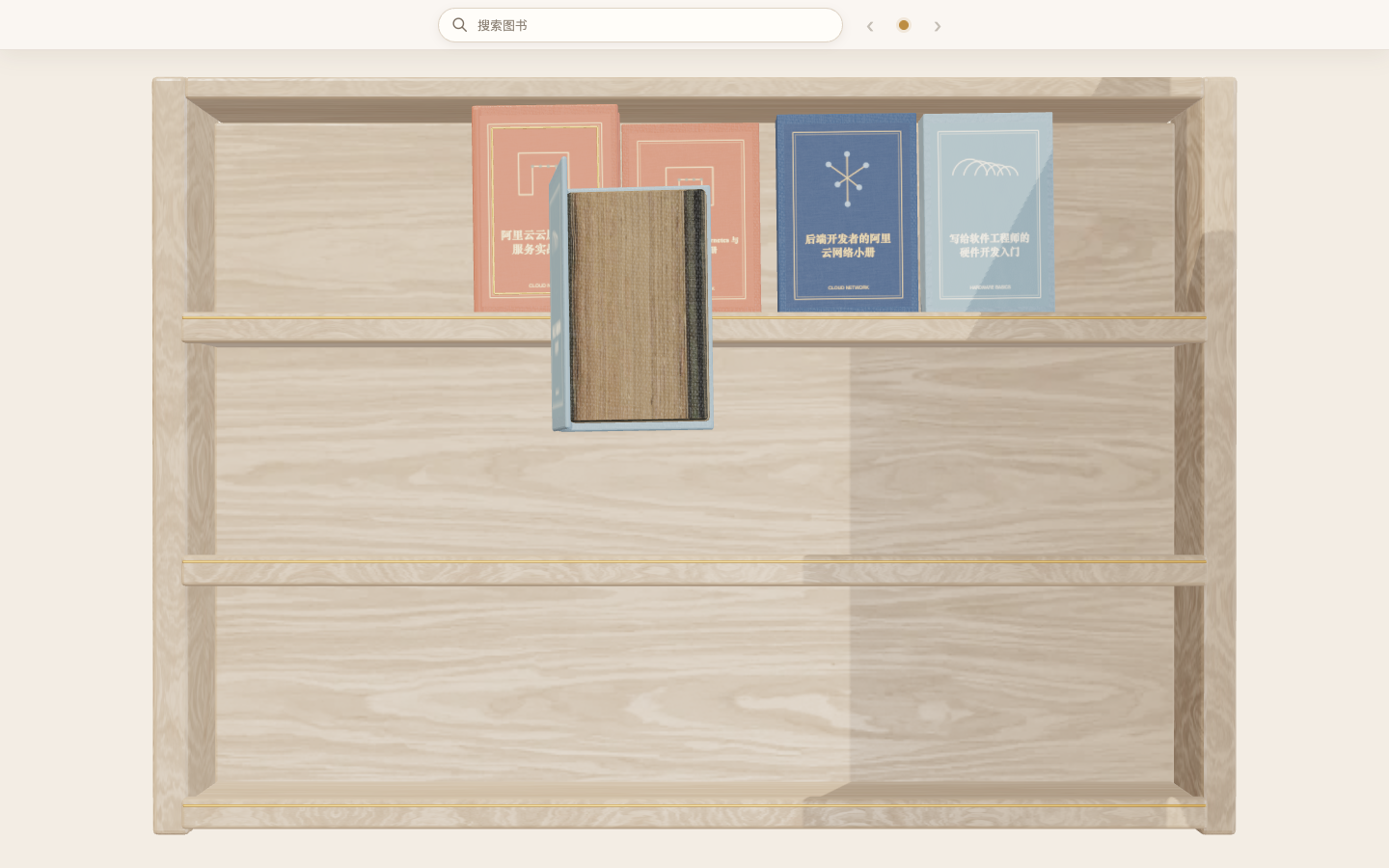
Preview
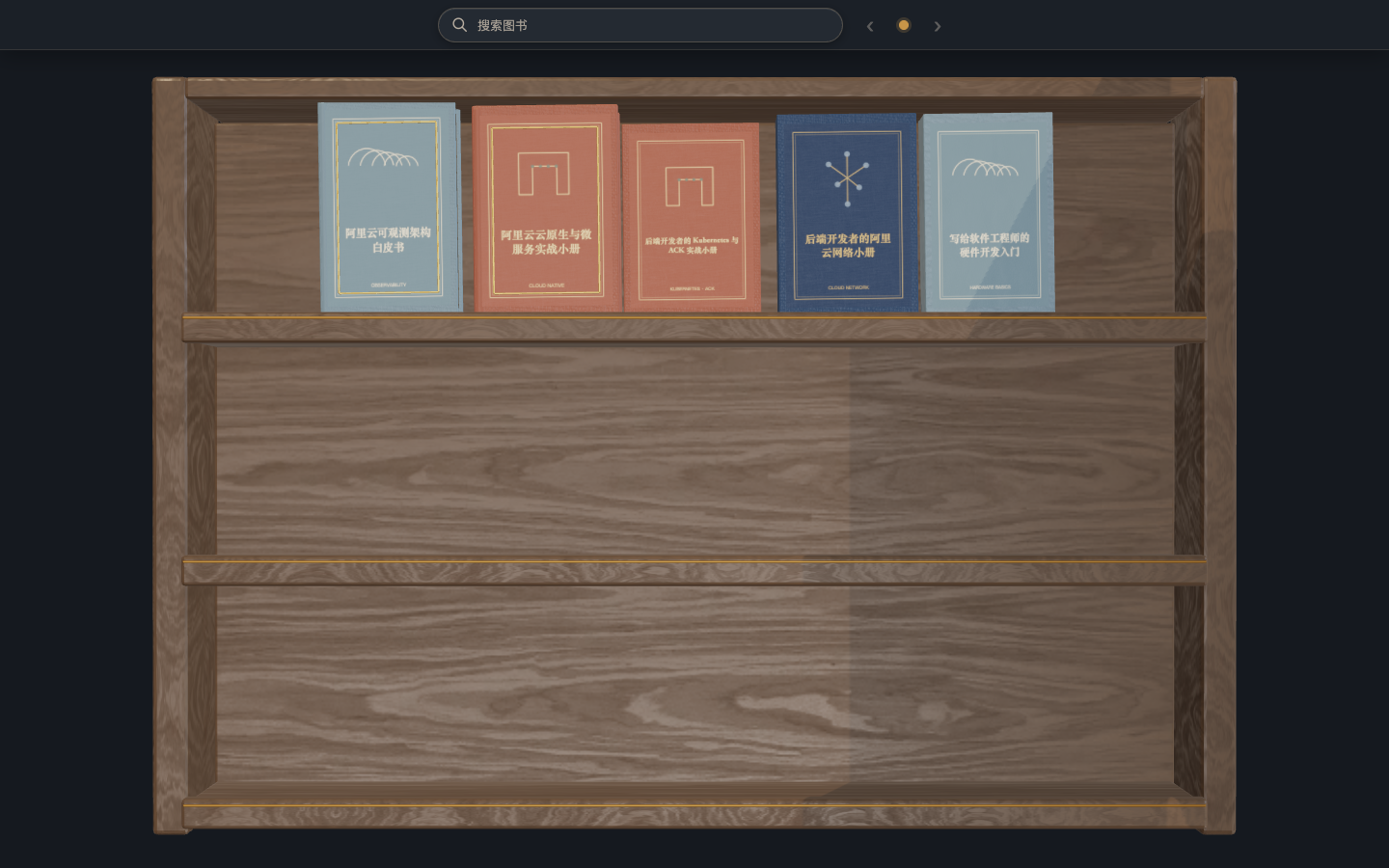
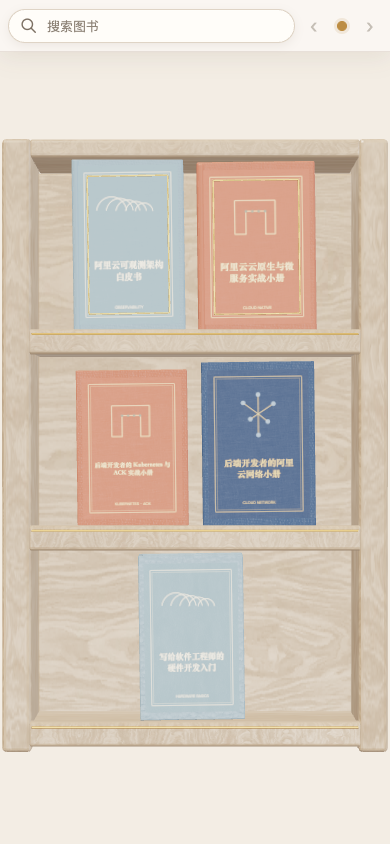
Manushelf follows Obsidian's light or dark appearance and rearranges the physical shelf for narrow mobile leaves.
Features
- Asset-backed Three.js bookshelf with Blender-authored GLB geometry, PBR materials, HDR lighting, real cover images, and a reversible book-opening animation.
- Responsive 2/3/4/6-column layout based on the current Obsidian leaf width.
- Light and dark rendering, system/Obsidian theme following, reduced motion, and configurable quality profiles.
- Search and pagination in a compact header; management actions stay in Obsidian commands and context menus.
- Directly open and restore
index.libraryfiles through Obsidian's public FileView API. - Create and edit libraries with forms, and edit prefilled book information without hand-writing JSON.
- Accessible cover-list fallback when WebGL is unavailable or explicitly disabled.
- Offline and self-contained: no account, telemetry, remote services, or runtime network requests.
Quick start
Given this vault structure:
books/
  first-book/
    index.md
    cover.webp
  second-book/
    start.md
- Right-click
books/and select 在此创建书库, or run 创建书库 from the command palette. - Open the generated
books/index.libraryfile. - Both books work immediately:
first-bookusesindex.md;second-bookuses its first naturally sorted Markdown file. - To customize either book, right-click its folder and select 编辑图书信息. The form is prefilled from automatic discovery and lets you override the title, description, cover, or entry.
You can also right-click any folder and choose 作为书库打开 for a temporary view. Use the view action 保存为书库 when you want a persistent .library file.
File format
index.library
The UI creates and edits this JSON file:
{
  "schemaVersion": 1,
  "title": "Engineering books",
  "root": ".",
  "includeUnmanagedBooks": true,
  "sort": {
    "by": "order",
    "direction": "asc"
  },
  "rowsPerPage": 3
}
Optional manifest.json
A book does not need a manifest when automatic discovery is sufficient. Manushelf only writes fields that differ from the discovered values. For example:
{
  "schemaVersion": 1,
  "title": "Production Kubernetes",
  "description": "A practical operations handbook.",
  "cover": "art/custom-cover.webp",
  "entry": "reader/start.md"
}
Unchanged fields remain automatic and reset buttons remove their overrides. Display title and description come from the entry page's first H1 and first paragraph. Cover discovery supports cover.webp/png/jpg/jpeg/avif/gif in the book root, with assets/cover.* as a fallback. Manushelf does not infer or configure chapters.
See the canonical protocol and JSON Schemas.
Settings
- Color theme: follow system, follow Obsidian, light, or dark.
- Rendering quality: auto, battery saver, balanced, or high.
- Renderer: automatic 3D with fallback, or accessible cover list.
- Motion: follow system, reduced, or full.
- Open entry pages in the current or a new tab.
Installation for development
npm install
npm run check
Copy main.js, manifest.json, and styles.css to:
<vault>/.obsidian/plugins/manushelf/
Enable Manushelf under Community plugins.
Release
npm run check
npm run release:check
Create a GitHub release whose tag exactly matches manifest.json (for example 1.0.0) and attach main.js, manifest.json, and styles.css. See the release runbook for the complete Community Plugins process.
Privacy and security
Manushelf only reads and writes files inside the active vault through Obsidian's public Vault API. It has no telemetry, analytics, accounts, payments, ads, remote cover lookup, self-update mechanism, or runtime network requests. Diagnostic messages do not include note bodies.
Report security issues using SECURITY.md.
Assets and licenses
Source code is MIT licensed. Three.js and Preact are MIT licensed. Runtime PBR/HDR assets are CC0 assets from Poly Haven; models are generated by the repository's Blender script. Full provenance and hashes are recorded in THIRD_PARTY_NOTICES.md and assets-source/provenance/.
Project status
1.0.0 is the initial Community Plugins release candidate. The production roadmap and release gates are in 007, with exact release operations in 008.