Log Viewer
 Viggo Meesters263 downloads
Open .log files as a read-only viewer with filters, timestamps, severity badges, and raw source.
- Overview
- Scorecard
- Updates1
Log Viewer
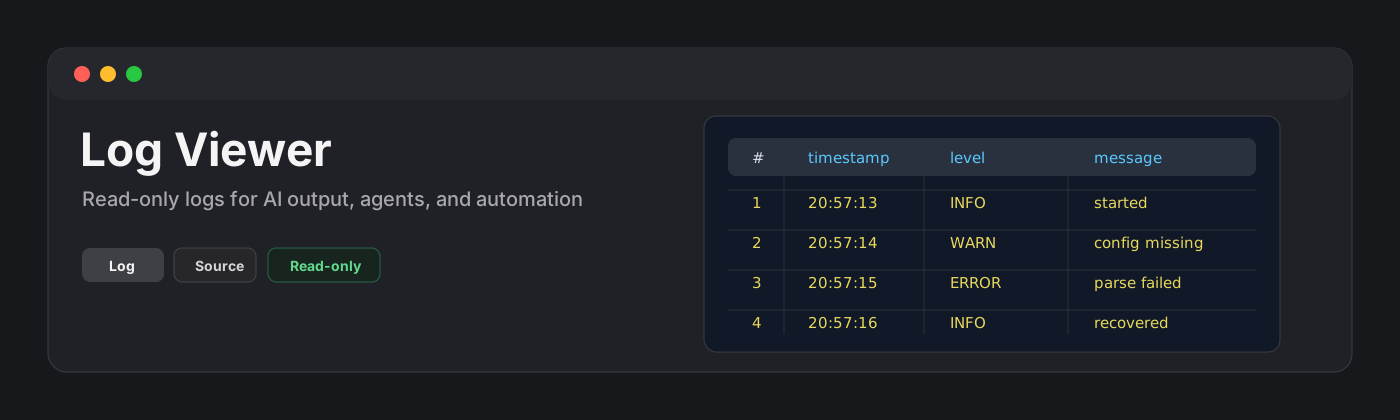
Log Viewer is a read-only plugin for browsing .log files in Obsidian. It is built for AI-output, agent logs, build logs, local automation output, and quick inspection of plaintext logs without leaving the vault.
Features
- Opens
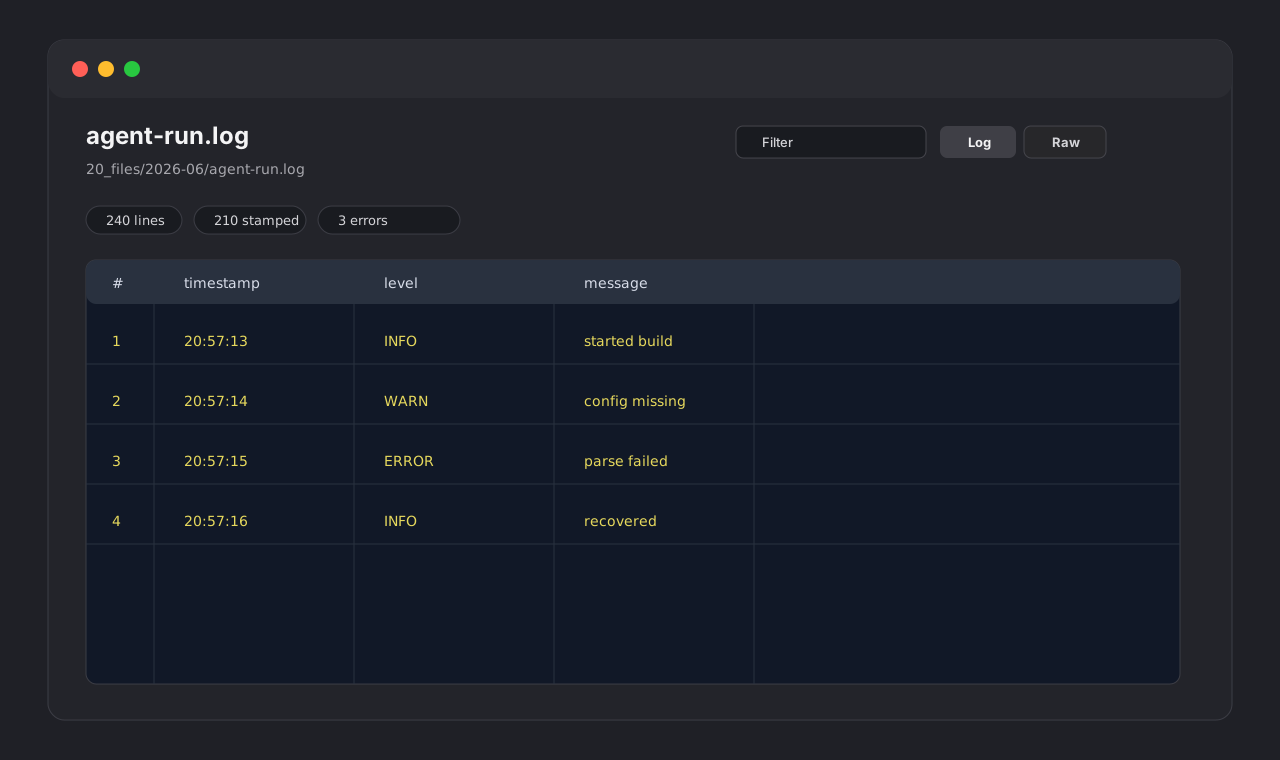
.logfiles in a dedicated view. - Shows a structured log table by default.
- Detects common timestamps, including ISO 8601,
YYYY-MM-DD HH:mm:ss,YYYYMMDD-HHmm, and epoch values. - Detects severity labels such as
FATAL,ERROR,WARN,INFO,DEBUG, andTRACE. - Filters visible lines by text, severity, and timestamp presence.
- Keeps a raw source view with line numbers and lightweight highlighting.
- Preserves unstructured lines and stack traces with raw fallback behavior.
- Displays line counts, timestamp counts, structured-line counts, severity counts, and render cap status.
- Applies a 10,000-line render cap to keep Obsidian responsive.
- Stays read-only by design: it never writes back to log files.
Large files
Logs can become large quickly. Log Viewer parses the file locally and renders the first 10,000 lines to avoid flooding Obsidian with a huge DOM tree. Additional lines are counted and reported in the warning area.
Privacy and security
Log Viewer does not make network requests and does not send vault content to external services. It does not use the system clipboard. It reads files through the vault API and renders a local view.
Why read-only?
Logs are evidence. Editing or normalizing them can damage timestamps, stack traces, multiline records, and raw diagnostic context. Log Viewer intentionally avoids writing to disk in v0.1.
Installation
Community plugin directory
Log Viewer is prepared for Community plugin directory submission. Once accepted, it can be installed from Settings -> Community plugins -> Browse.
Manual installation
Until the community directory submission is accepted:
- Download
main.js,manifest.json, andstyles.cssfrom the latest release. - Create this folder in your vault:
.obsidian/plugins/log-viewer/. - Put the downloaded files in that folder.
- Reload the app.
- Enable Log Viewer in Settings -> Community plugins.
BRAT installation
For beta testing, install the plugin with BRAT using this repository URL:
https://github.com/viggomeesters/obsidian-log-viewer
Usage
Open any .log file in your vault. The file opens with Log Viewer.
Use the toolbar to:
- filter visible lines
- filter by severity
- filter by timestamp presence
- switch between structured log and raw source views
- refresh the file after external changes
Development
npm install
npm run build
npx tsc --noEmit
npm test
For local development, copy or symlink this repository into .obsidian/plugins/log-viewer/ inside a test vault.
Release process
Community plugin files are installed from GitHub releases. For each release:
- Update
manifest.json,package.json, andversions.json. - Run
npm install,npm run build,npx tsc --noEmit, andnpm test. - Create a GitHub release whose tag exactly matches
manifest.json.version. - Attach
main.js,manifest.json, andstyles.cssas release assets.
Community directory submission
The repository is prepared for Community plugin submission. The remaining submission step must be completed by the repository owner because it requires signing in, linking GitHub, and confirming the developer policies/support commitment.
Submit this repository URL:
https://github.com/viggomeesters/obsidian-log-viewer
Official references: