Local Media Embedder
 seyf1elislam6k downloads
Embed videos and images and audios from your local device in your notes.
- Overview
- Scorecard
- Updates3
The Local Media Embedder plugin for Obsidian allows you to easily embed local media files (videos, audio) into your notes. This plugin enhances your note-taking experience by enabling seamless integration of multimedia content.
Features
- Embed local videos, and audio files directly into your notes.
- Supports various media formats (e.g., MP4, MP3).
- Simple and intuitive interface for embedding media.
- Lightweight and efficient, ensuring smooth performance.
Change Log
0.1.4
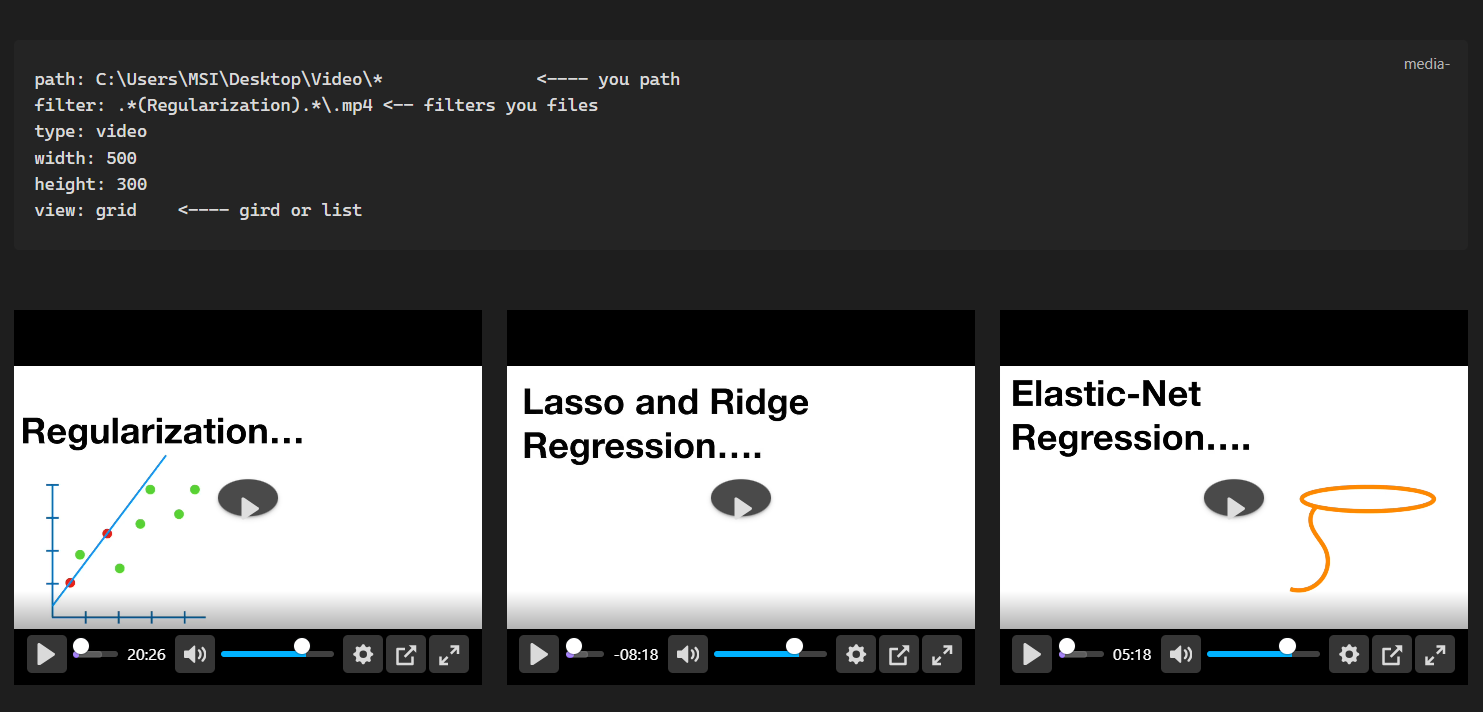
- multiple videos: Supports embedding multiple videos in a note as grid or list .
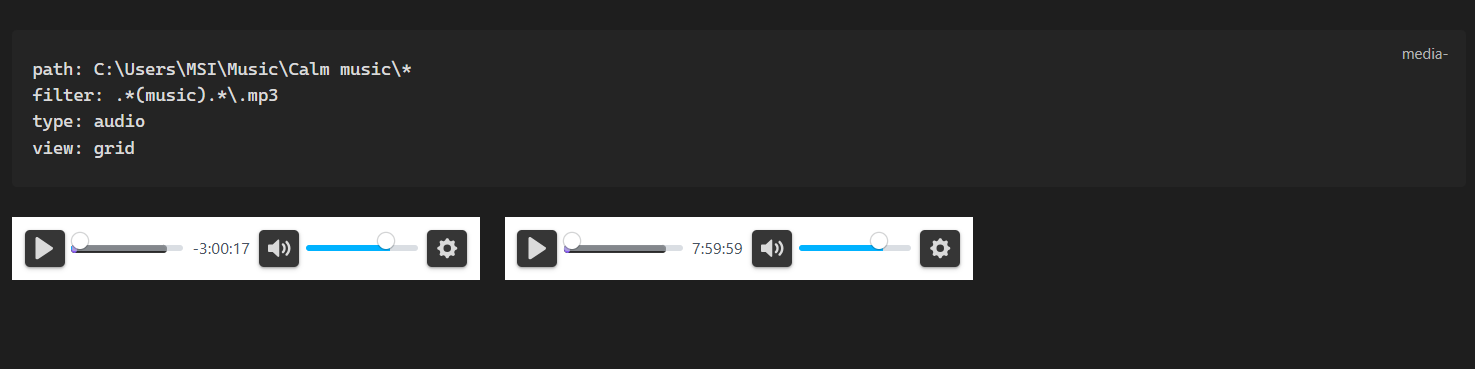
- multiple audios: Supports embedding multiple audios in a note.
- picture-in-picture: Supports picture-in-picture mode for videos.
0.1.3
- External Files Access: Allows using files located outside the vault, with no need to copy them into the vault.
- Enhanced Player: Integrated Better Video Player for a superior media experience.
- YouTube Support: Supports playing YouTube videos directly.
- Note Timestamps: Support adding timestamps to your notes when clicking seek in the video (for better video-synchronized notes).
Installation
The plugin is available in the Obsidian Community Plugins gallery. You can install it directly within Obsidian.
Usage :
- Easy Embedding: Select a file path in your note, right-click, and choose "Embed selected media path" to automatically generate the media code block.
- Interactive Timestamps: While a video is playing, right-click the player and select "Add timestamp". This inserts a timestamp into your note that, when clicked, will automatically seek the video to that exact moment.
Example Code Block:
One video /audio
 ```media
path: F:\Tutorial Videos\AI\deep learning\01.But what is a neural network- - Chapter 1, Deep learning.mp4
type: video
width: 640
height: 360
```
Multiple Videos / audios
```media
path: C:\Users\username\Music\* <---- you path (ends with *)
filter: .*(music).*\.mp3 <-- filters you files
type: audio
view: grid
```
```media
path: C:\Users\Username\Desktop\Video\*               <---- you path
filter: .*(Keyword).*\.mp4 <-- filters you files
type: video
width: 500
height: 300
view: grid    <---- gird or list
```
Acknowledgements
Special thanks to the Obsidian devs and the community ⭐
HealthGood
ReviewCaution
About
Embed local videos and audio (MP4, MP3 and more) directly into notes with support for multiple files displayed as a grid or list and picture-in-picture playback. Access files outside your vault, play YouTube links, and insert clickable timestamps that seek the video for synchronized notes.Details
Current version
0.1.4
Last updated
6 months ago
Created
2 years ago
Updates
3 releases
Downloads
6k
Compatible with
Obsidian 0.12.0+
Platforms
Desktop, Mobile
License
MIT