Line Commands
 charliecm3k downloads
Adds commands to quickly select, copy, cut, and paste lines under the selection or cursor.
- Overview
- Scorecard
- Updates4
An Obsidian plugin that adds the following commands:
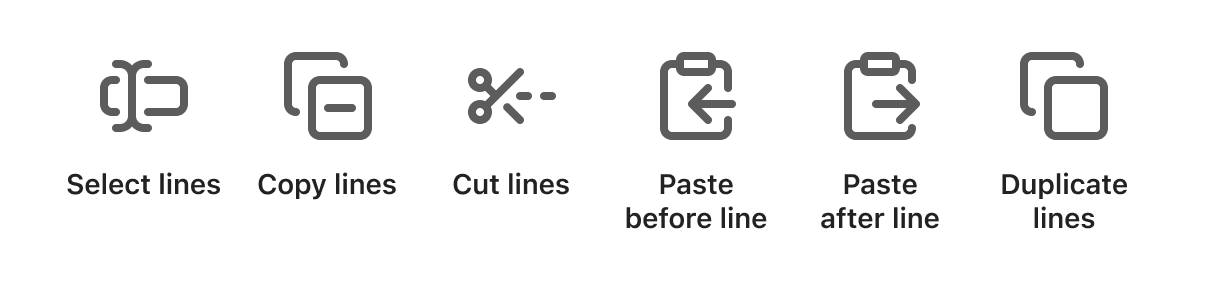
- Select lines: Selects the lines under the selection or cursor.
- Copy lines: Copies the lines under the selection or cursor.
- Cut lines: Cuts the lines under the selection or cursor.
- Paste before line: Pastes the clipboard text in the line above the cursor.
- Paste after line: Pastes the clipboard text in the line below the cursor.
- Insert line above: Inserts a new, empty line above the cursor line, continuing any list or checkbox marker.
- Insert line below: Inserts a new, empty line below the cursor line, continuing any list or checkbox marker.
- Duplicate lines: Copies the lines under the selection and pastes them in the line below the cursor.
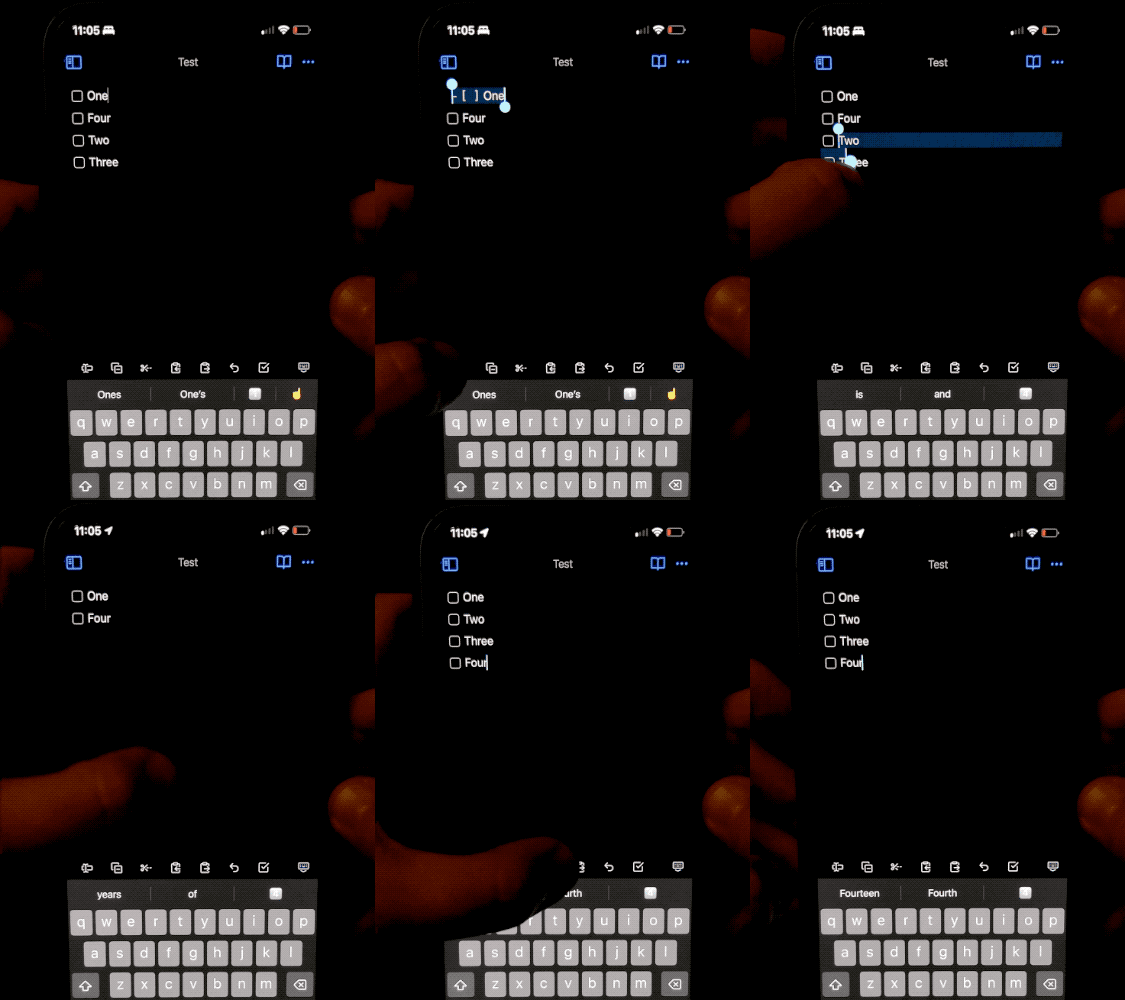
I wrote this plugin because I wanted a quick way to cut a line on mobile. However, the default cut command doesn't behave the way it does on desktop (cutting the entire line under the cursor when there's no selection). Therefore, the “cut lines” command makes it easier for me to move lines quickly without needing to painstakingly select lines accurately with my fingers.
You can add these commands to your toolbar on mobile to easily access them.
How to Install
From inside Obsidian…
- Go to Settings → Community plugins.
- Disable Safe mode.
- Click Browse, search for Line Commands, and click Install.
- Click the toggle button to enable the plugin.
For manual installation, download this repo and copy over main.js and manifest.json to your vault: VaultFolder/.obsidian/plugins/obsidian-line-commands/.
Development
- Clone this repo.
npm installto install dependencies.npm run devto start compilation in watch mode.bash install-built.sh /path/to/your/vault -dto create symbolic links of built files to your vault for quick development.
Release
- Run
npm run build. - Run
npm version [patch/minor/major]to bump version inmanifest.jsonandversions.json. - Add changes in
CHANGELOG.md. - Add a new version tag and push it.
git tag -a 1.0.1 -m "1.0.1" git push origin 1.0.1 - Go to “Releases” in GitHub and edit the latest release (created by GitHub Actions). Insert the changelog texts in the description and ensure
main.jsandmanifest.jsonare attached. - Click “Publish release”.
Support
If you really like this plugin and want to support its development, please consider buying me a coffee 🙂 Thanks!