
- Overview
- Scorecard
- Updates1
A lightweight desktop pet for Obsidian. Kitty brings a small, animated friend to your workspace that roams around your notes.
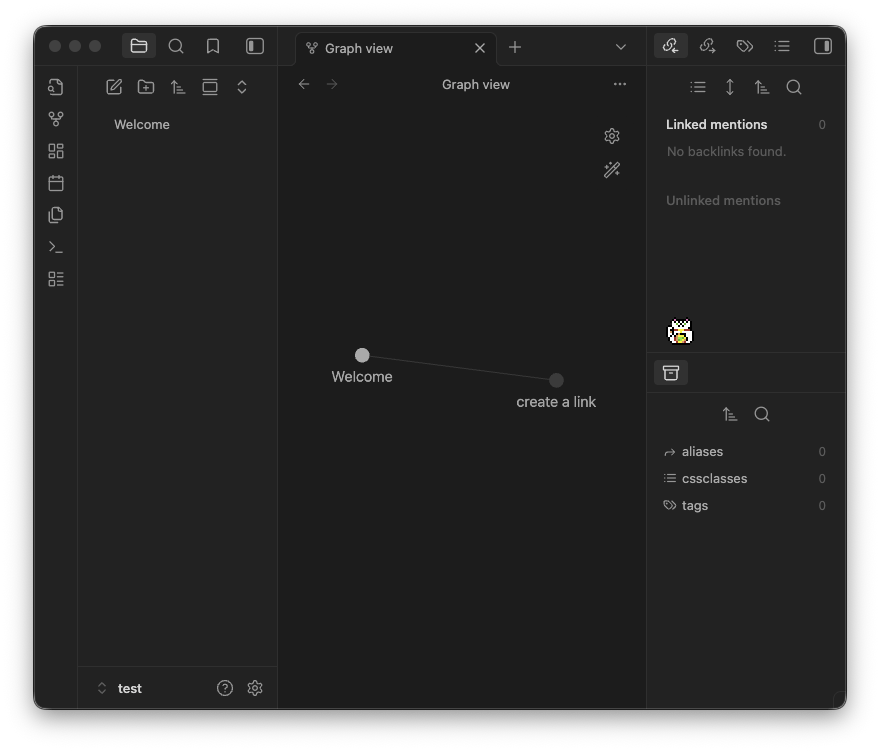
What can Kitty do?
- Drag your pet anywhere in your workspace. They settle at the bottom of whatever you're working on.
- Includes Kitty (artwork by Elthen) and a lucky Maneki Neko (artwork by me!).
- Your pet will explore, sit, or nap inside your notes.
- If you restart Obsidian, they can wait for you exactly where you left them.
- Upload your own pixel art to grow your library of custom desktop companions.
Settings
- Persist on relaunch: Keeps the pet active and on the same leaf across Obsidian sessions.
- Allow movement: Enable or disable horizontal roaming.
- Sprite selection: Choose between different pets saved in your library.
Sprite editor
- Frame dimensions: Configure a spritesheet by frame slice (e.g.,
32, 32). - Frame scale: Pixel-perfect scaling for crisp pixel art.
- Frames per second: Control the speed of the animation cycle.
Installation
Community Plugins (Pending)
- Open Settings > Community Plugins.
- Select Browse and search for "Kitty".
- Click Install, then Enable.
Manual Installation
- Download the latest release (
main.js,manifest.json,styles.css). - Create a folder named
kittyin your vault's.obsidian/plugins/directory. - Move the downloaded files into that folder and enable the plugin.
To start: Open the Command Palette (
Cmd/Ctrl + P) and runKitty: Toggle sprite.
Custom Sprites
You can find many free spritesheets online. I recommend Aseprite for creating your own.
- Prepare your image: Use a transparent
.pngwhere the animations are laid out in a grid. - Import: Use the Choose file button in the settings to copy it to your library.
- Save: Give it a name and hit Save to library.
NOTE: If your sprite is facing the wrong way, you'll need to horizontally reflect the image file! The plugin handles horizontal flipping based on movement direction!
HealthExcellent
ReviewSatisfactory
About
Add a small animated desktop pet that roams, sits, and naps across your notes. Drag and place sprites, keep their position across relaunches, and import or edit pixel-art spritesheets to create custom companions.Details
Current version
1.0.0
Last updated
9 months ago
Created
9 months ago
Updates
1 release
Downloads
173
Compatible with
Obsidian 1.5.7+
Platforms
Desktop, Mobile
License
0BSD