Search...Search plugins and themes...
⌘K
Sign in
  • Get started
  • Download
  • Pricing
  • Enterprise
  • Account
  • Obsidian
  • Overview
  • Sync
  • Publish
  • Canvas
  • Mobile
  • Web Clipper
  • CLI
  • Learn
  • Help
  • Developers
  • Changelog
  • About
  • Roadmap
  • Blog
  • Resources
  • System status
  • License overview
  • Terms of service
  • Privacy policy
  • Security
  • Community
  • Plugins
  • Themes
  • Discord
  • Forum / 中文论坛
  • Merch store
  • Brand guidelines
Follow us
DiscordTwitterBlueskyThreadsMastodonYouTubeGitHub
© 2026 Obsidian

Image Collector

tdaykintdaykin2k downloads

Collects all images from current note and saves them to a new folder

Add to Obsidian
  • Overview
  • Scorecard
  • Updates4

While in note either CTRL + P to open command palette and run Image Collector: Export markdown images or right click on current open note and select Export images
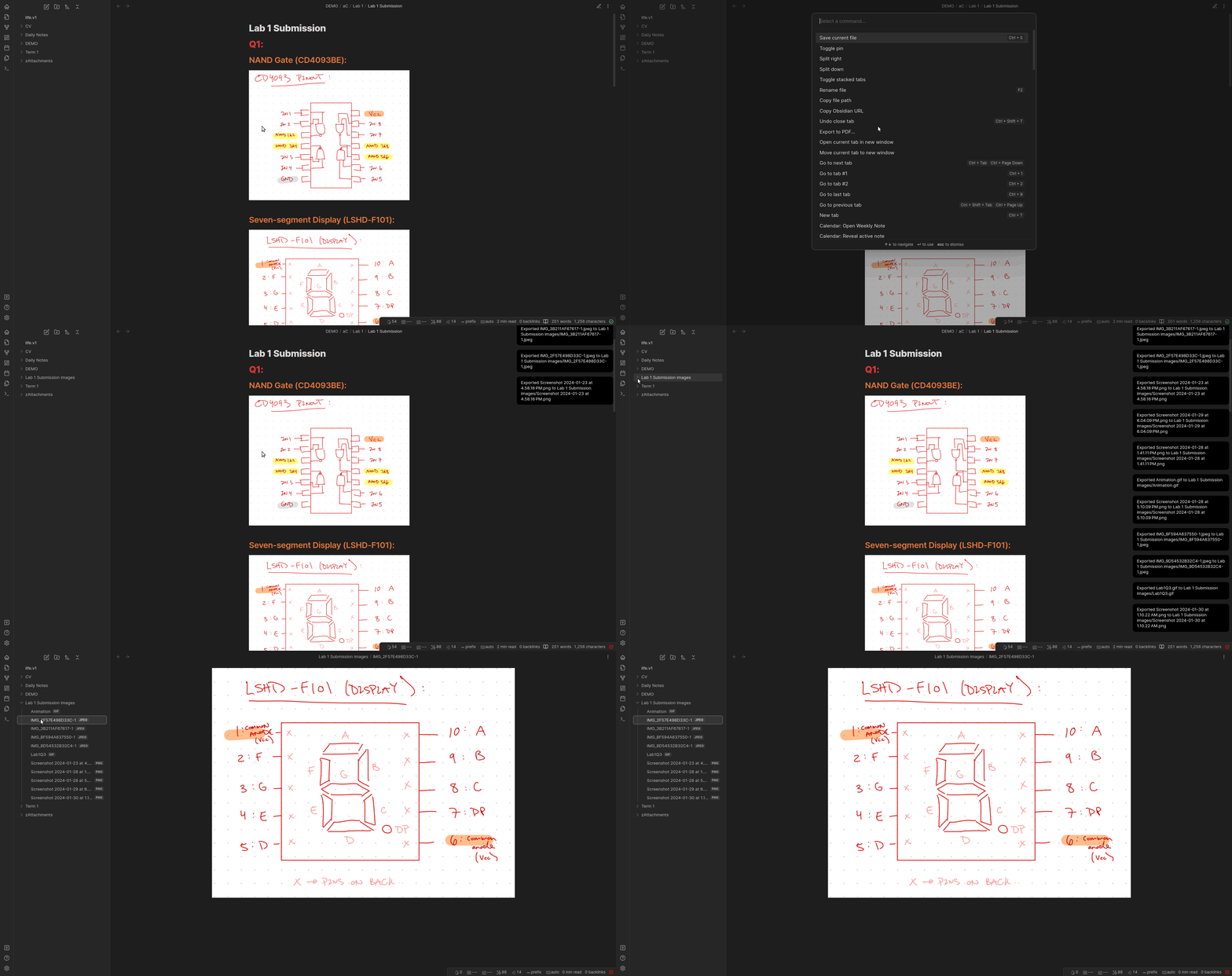
Demo

Purpose:

I often find that I want to collect all images within a note, whether it is for:

  • transforming my school notes to latex, no longer having to handpick the images from my attachments directory.
  • making posts to my GitHub pages website, so I can use Obsidian to create the content and simply upload all associated images to GitHub.

Link to Personal Webpage:

tdaykin.github.io

Support

If you like this plugin and would like to buy me a coffee, you can!

69%
HealthFair
ReviewCaution
About
Collect all images referenced in the current note into a single folder for quick export. Export Markdown-linked images for easy uploading to websites or converting notes to LaTeX without manually hunting files.
ImagesAttachmentsExport
Details
Current version
1.0.3
Last updated
2 years ago
Created
2 years ago
Updates
4 releases
Downloads
2k
Compatible with
Obsidian 0.15.0+
Platforms
Desktop, Mobile
License
MIT
Report bugRequest featureReport plugin
Sponsor
Buy Me a Coffee
Author
tdaykintdaykin
tdaykin.github.io
GitHubtdaykin
  1. Community
  2. Plugins
  3. Images
  4. Image Collector

Related plugins

Image Context Menus

Image context menus (mostly on right click): Copy to clipboard, Open in default app, Show in system explorer, Reveal file in navigation, Open in new tab.

Ink

Hand write or draw directly between paragraphs using a digital pen, stylus, or Apple pencil.

Local Images Plus

A reincarnation of Local Images to download images in Markdown notes to local storage.

Paste image rename

Rename image after pasting, support name pattern and auto renaming.

Image auto upload

Upload images from your clipboard by PicGo.

Imgur

Upload images from your clipboard to imgur.com and embeds uploaded image to your note.

Export Image plugin

Easily convert your article to image.

Unofficial Supernote by Ratta Integration

View Supernote notes, generate markdown from note and capture screen mirror.

Image Manager

Insert, rename, and sort images within your notes.

Local images

Find all links to external images in your notes, download and save images locally, and adjust the image links in your notes to point to the saved image files.