Image Markdown Description
 satojin219118 downloads
Edit image (PNG/JPEG) descriptions as Markdown and persist them as image metadata.
- Overview
- Scorecard
- Updates2
An Obsidian plugin that lets you edit a description for image files (PNG / JPEG) as Markdown and persist it as image metadata.
When you open an image file inside your vault, the plugin renders a small editor below the image. The text you type there is saved directly into the image file:
- PNG: stored as a
tEXtchunk (Descriptionkeyword) - JPEG: stored in EXIF (
ImageDescription)
Because the description lives in the image itself, it stays with the file even when you move it outside of Obsidian.
Features
- Inline description editor shown directly under the image view
- Markdown rendering of the description with a one-click switch between edit mode and preview mode
- Internal link auto-completion (
[[note name]]) while editing - Clicking an internal link in preview mode opens the linked note (
Cmd/Ctrlfor a new pane) - Auto-save on blur (no extra command needed)
Supported formats
| Format | Storage | Notes |
|---|---|---|
.png |
tEXt chunk with Description keyword |
Existing chunks are preserved |
.jpg / .jpeg |
EXIF ImageDescription |
Rolls back on partial write failure |
Other file types are ignored — the plugin will not even read the file bytes for unsupported formats.
Installation
From the Community Plugins browser (after release)
- Open Obsidian → Settings → Community plugins
- Disable Restricted mode if it is on
- Click Browse and search for Image Markdown Description
- Install and enable it
Manual install
- Download
main.js,manifest.json, andstyles.cssfrom the latest GitHub Release - Copy the three files into
<your vault>/.obsidian/plugins/image-md-description/ - Reload Obsidian and enable the plugin in Settings → Community plugins
Usage
- Open a
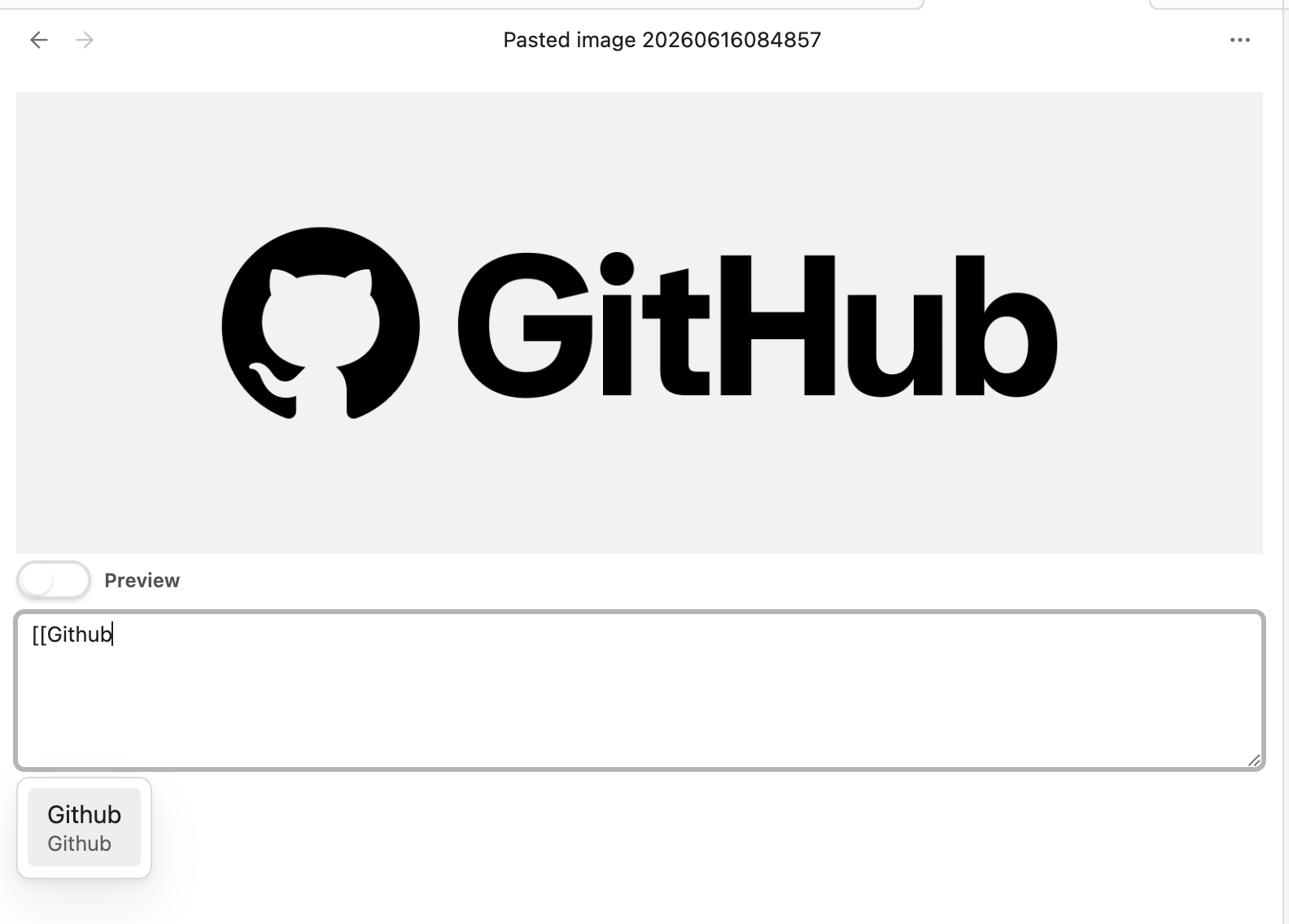
.png,.jpg, or.jpegfile in your vault - An editor appears under the image. Type a description in Markdown
[[opens a link suggestion popup for notes in the vault
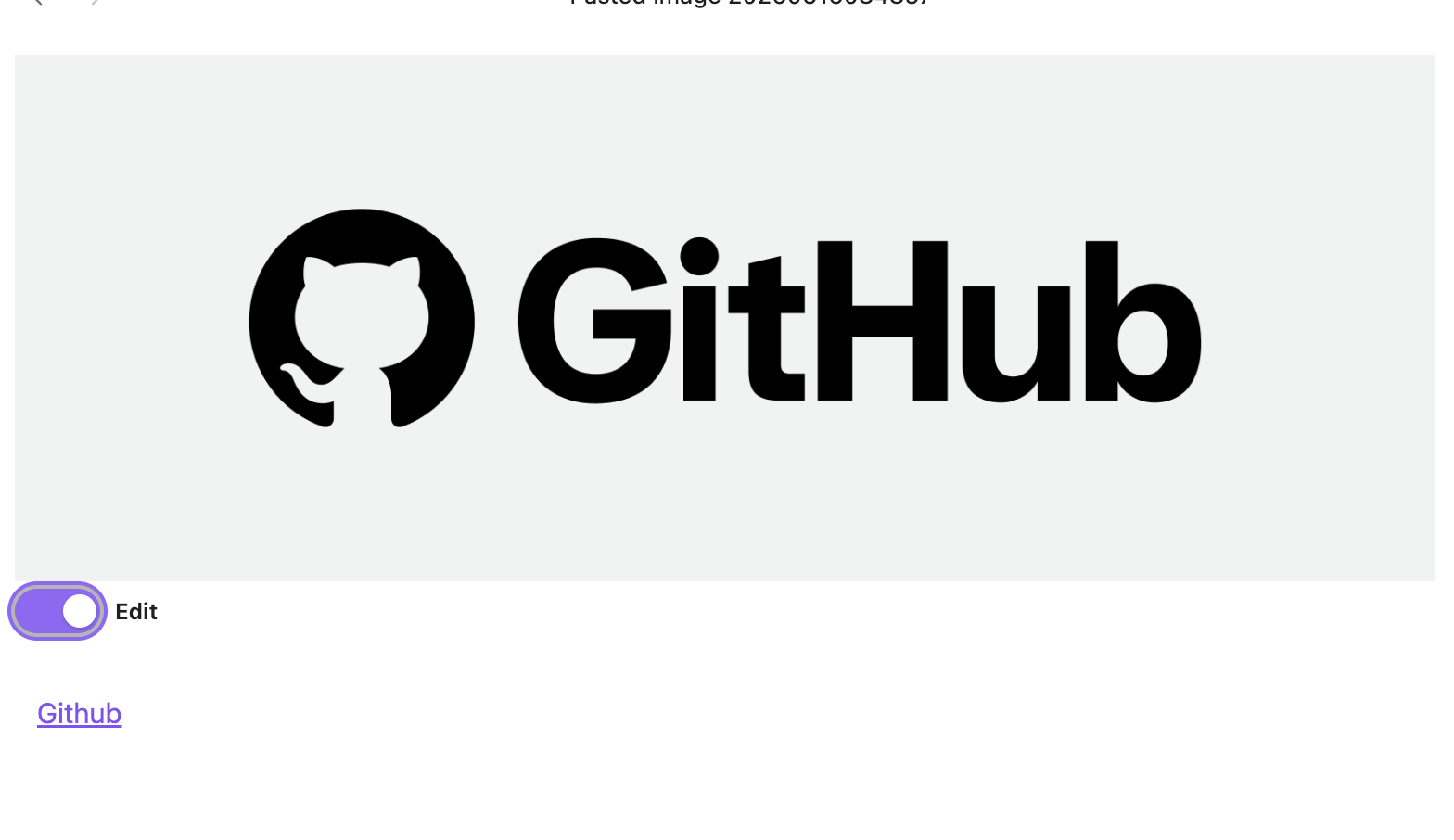
- Click outside the editor (blur). The description is written into the image file and the view switches to preview mode
- Click the rendered preview area to switch back to edit mode
Edit mode (with internal link suggestion)
Preview mode (rendered Markdown)
Limitations
- Desktop only. This plugin reads and writes raw image bytes through the Obsidian Vault API and is marked
isDesktopOnly: true. Mobile is not supported. - Only
.png,.jpg,.jpegare recognised. Other image formats (WebP, AVIF, GIF, …) are ignored. - Existing
Descriptionmetadata in the file is replaced when you save.
Development
npm install
npm run dev    # watch build
npm run build  # production build
npm run lint
The bundled output (main.js) is generated by esbuild. See esbuild.config.mjs.
License
HealthGood
ReviewPassed
About
Edit image descriptions as Markdown and save them directly into the image file's metadata (PNG tEXt Description, JPEG EXIF ImageDescription). Open an image to show an inline editor below the preview with edit/preview toggle, internal-link autocompletion, and auto-save on blur so descriptions travel with the file.Details
Current version
1.0.1
Last updated
3 months ago
Created
9 months ago
Updates
2 releases
Downloads
118
Compatible with
Obsidian 1.5.0+
Platforms
Desktop only
License
0BSD