- Overview
- Scorecard
- Updates1
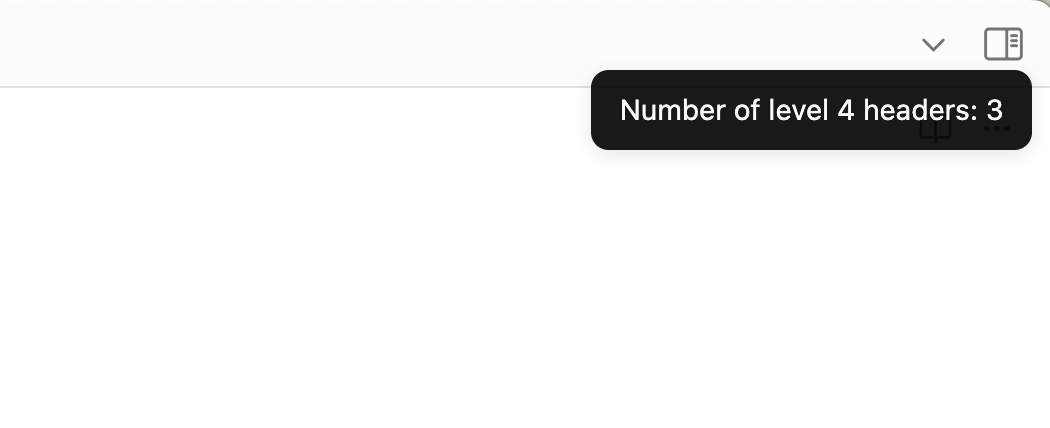
This plugin counts the number of headers in the current note and displays the count in a notification message.
Installation
If this plugin isn't listed in the Obsidian plugin registry yet, you'll need to use a git checkout or download and unzip the release zipfile in the .obsidian/plugins directory of the vault you want to add it to.
Available Commands
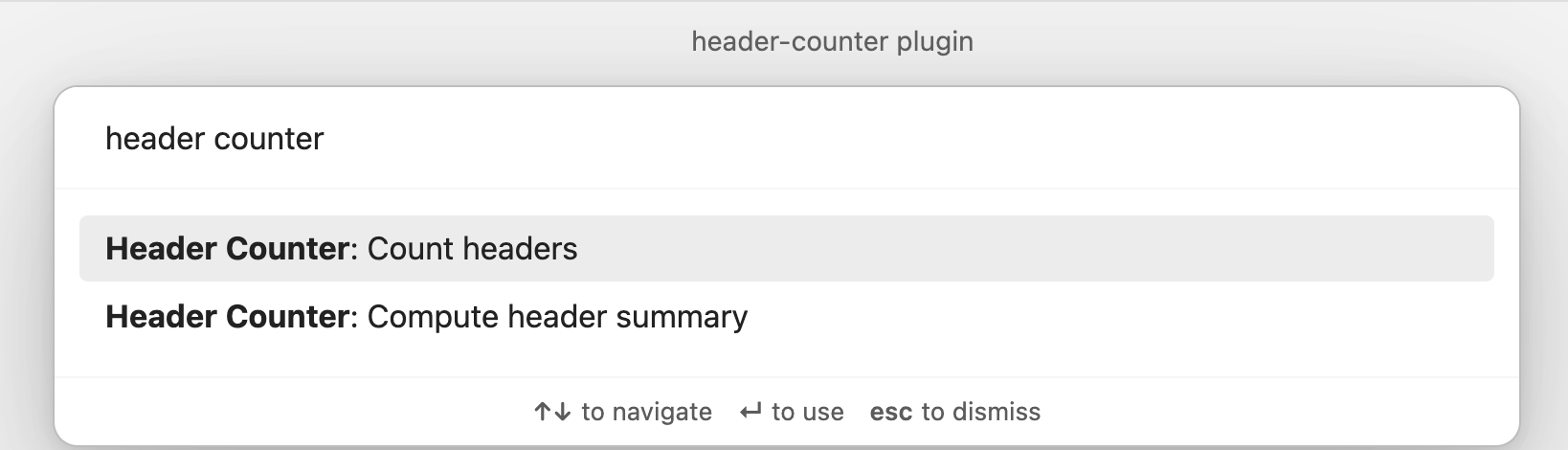
Count headers: Open the command palette and search for "Header Counter: Count Headers" to count the headers in the current note.
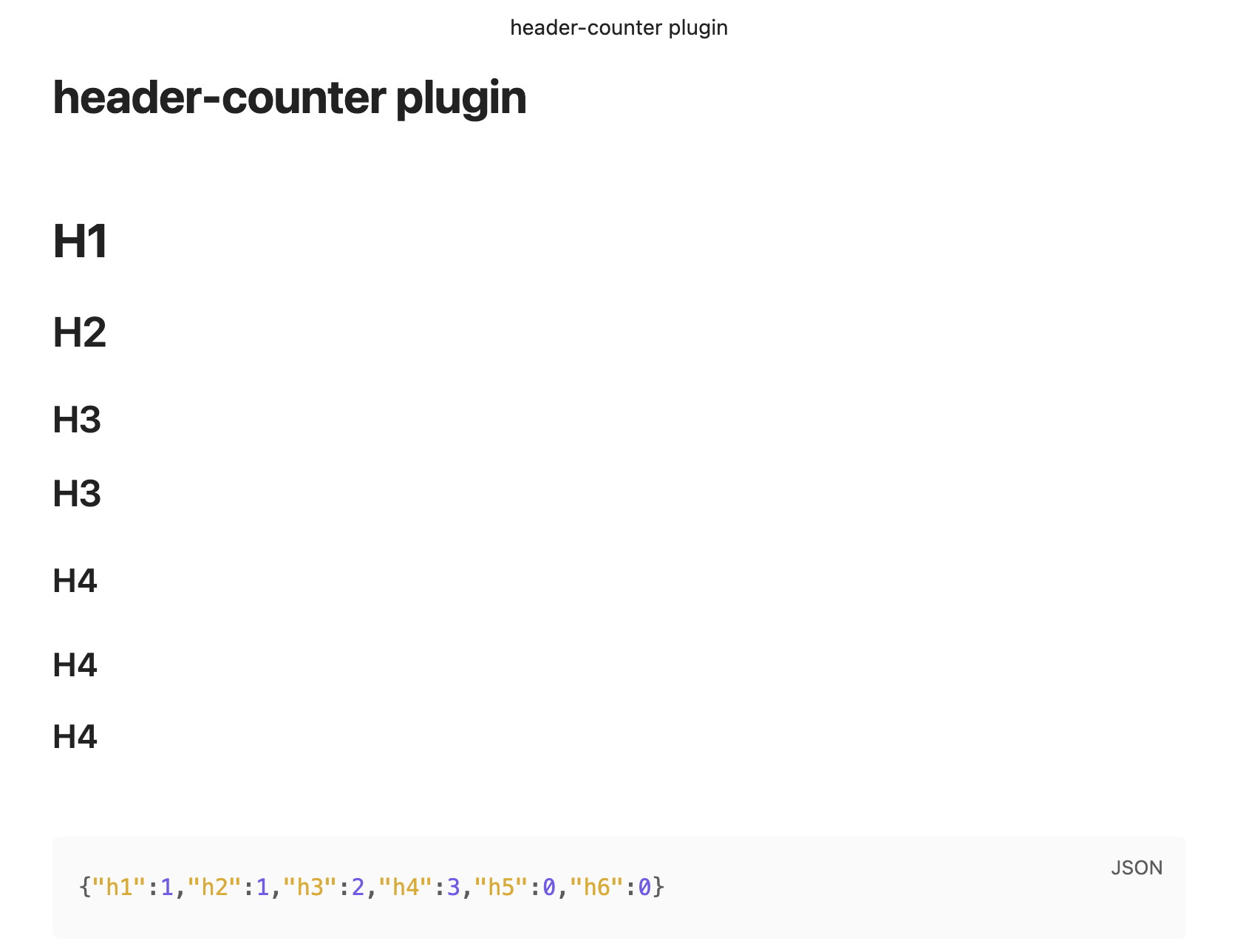
Compute header summary: Open the command palette and search for "Header Counter: Compute Header Summary" to compute the header summary for the current note.
Configuration
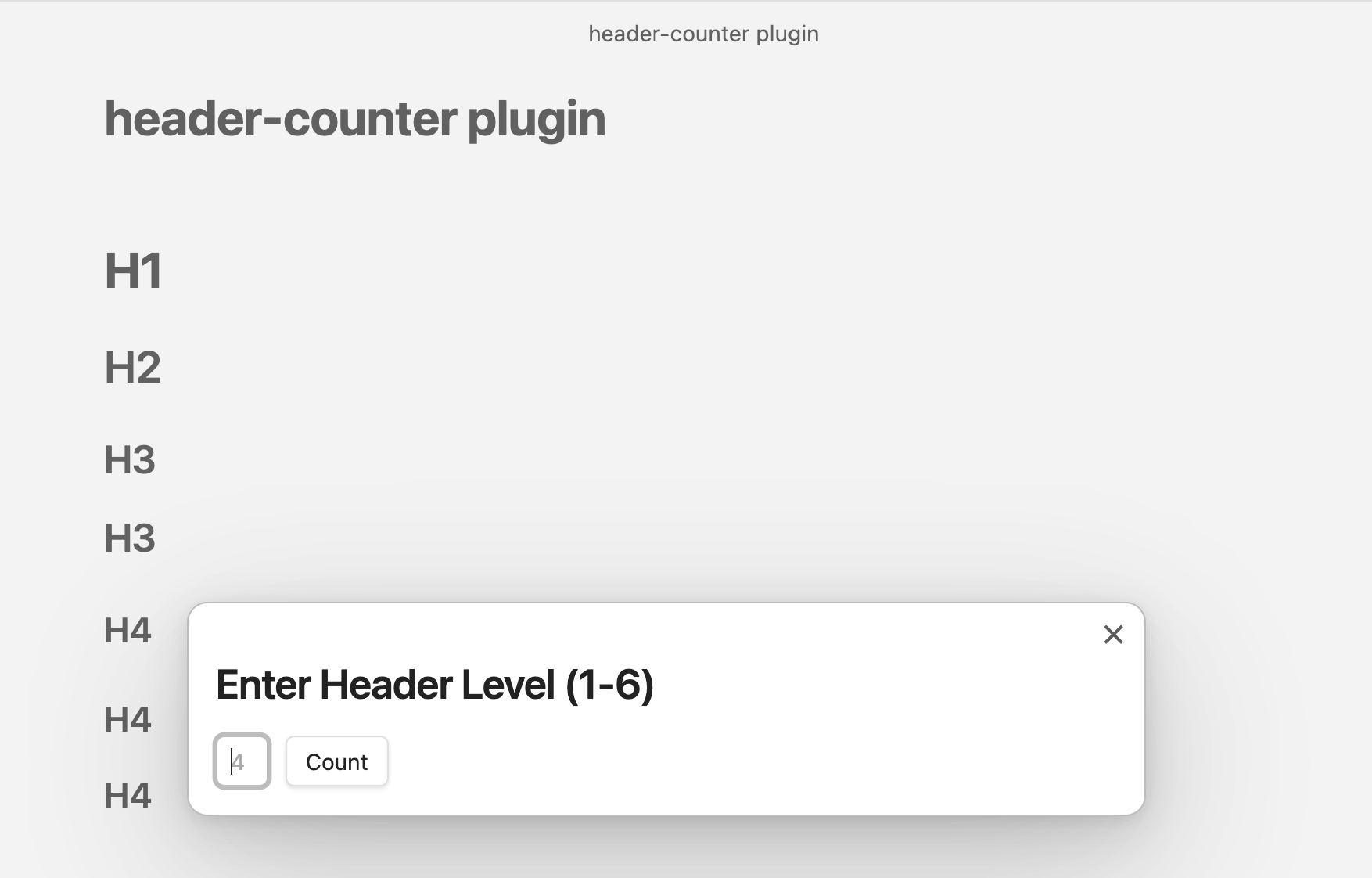
- Header Levels: You can configure the header levels to count in the plugin settings. The default is set to 4.
Screenshots
Browse commands from command palette
Set the header level from a modal
View the header count in the notification message
Paste the header summary from the clipboard