Graphnosis
 Nelu Lazar221 downloads
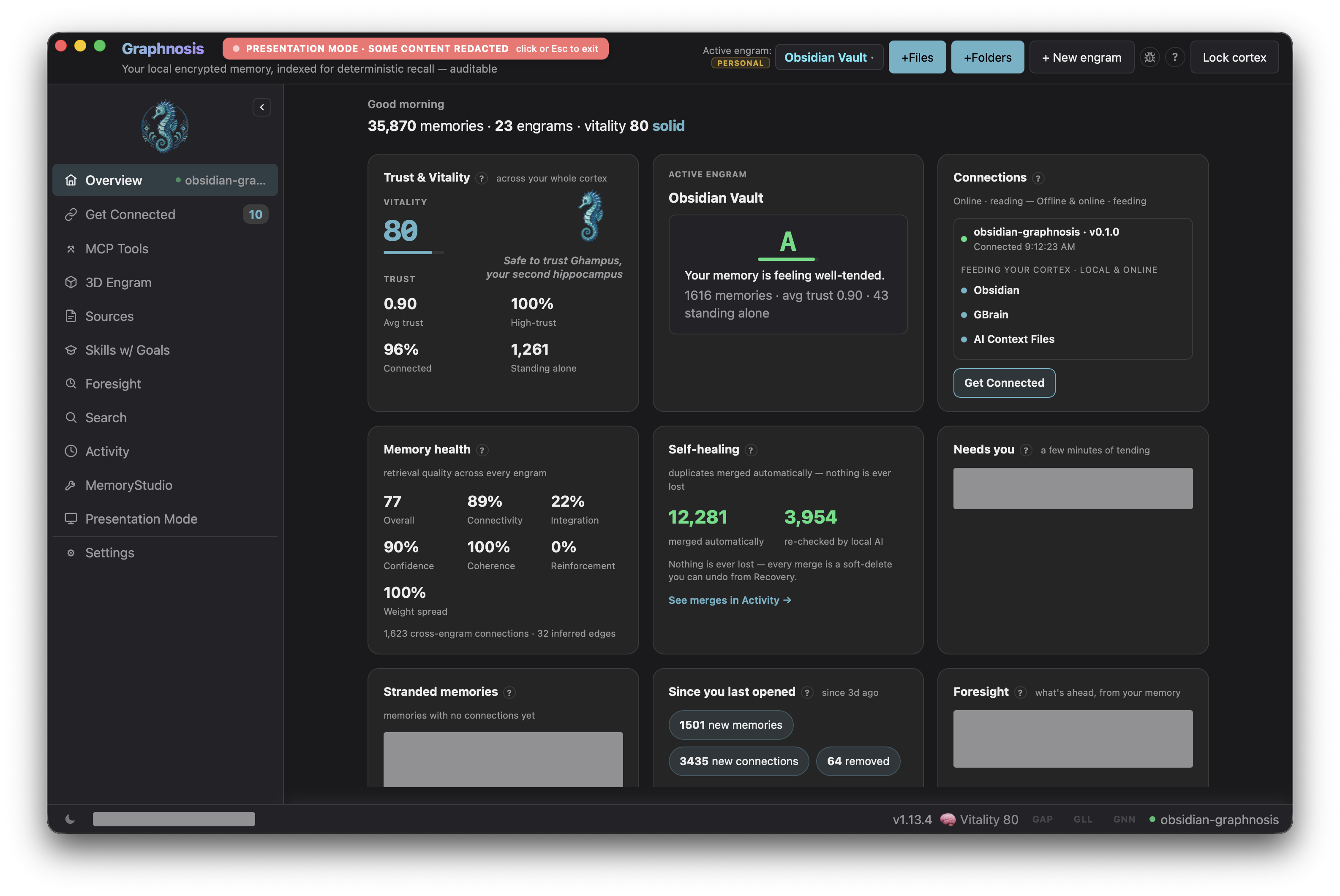
Indexed, local, encrypted job memory for your vault, powered by Graphnosis.
- Overview
- Scorecard
- Updates2

Indexed, local, encrypted job memory for your Obsidian vault, powered by Graphnosis.
- Recall — semantic search across your entire cortex from the command palette; click any result to insert it at the cursor
- Remember — save the current note to your encrypted cortex with a single command
- Vault sync — automatically push modified
.mdfiles to memory on save - Catch-up sync — on every launch, the plugin picks up notes edited outside Obsidian (Terminal, Cursor, cloud sync) and pushes them without any action from you
- Engram routing — direct vault notes into a specific memory graph (engram) to keep topics cleanly separated
- Token-budget control — tune recall depth per query from 100 to 8,000 tokens in Settings
- Insert at cursor — recall results drop straight into your note at the cursor
- Status bar — live cortex vitality score so you always know the bridge is up
- Local-only — talks to the Graphnosis sidecar on
localhost; AES-256-GCM encryption at rest; nothing leaves your machine
Prerequisites
- Graphnosis desktop app — download here. The app must be running and your cortex unlocked.
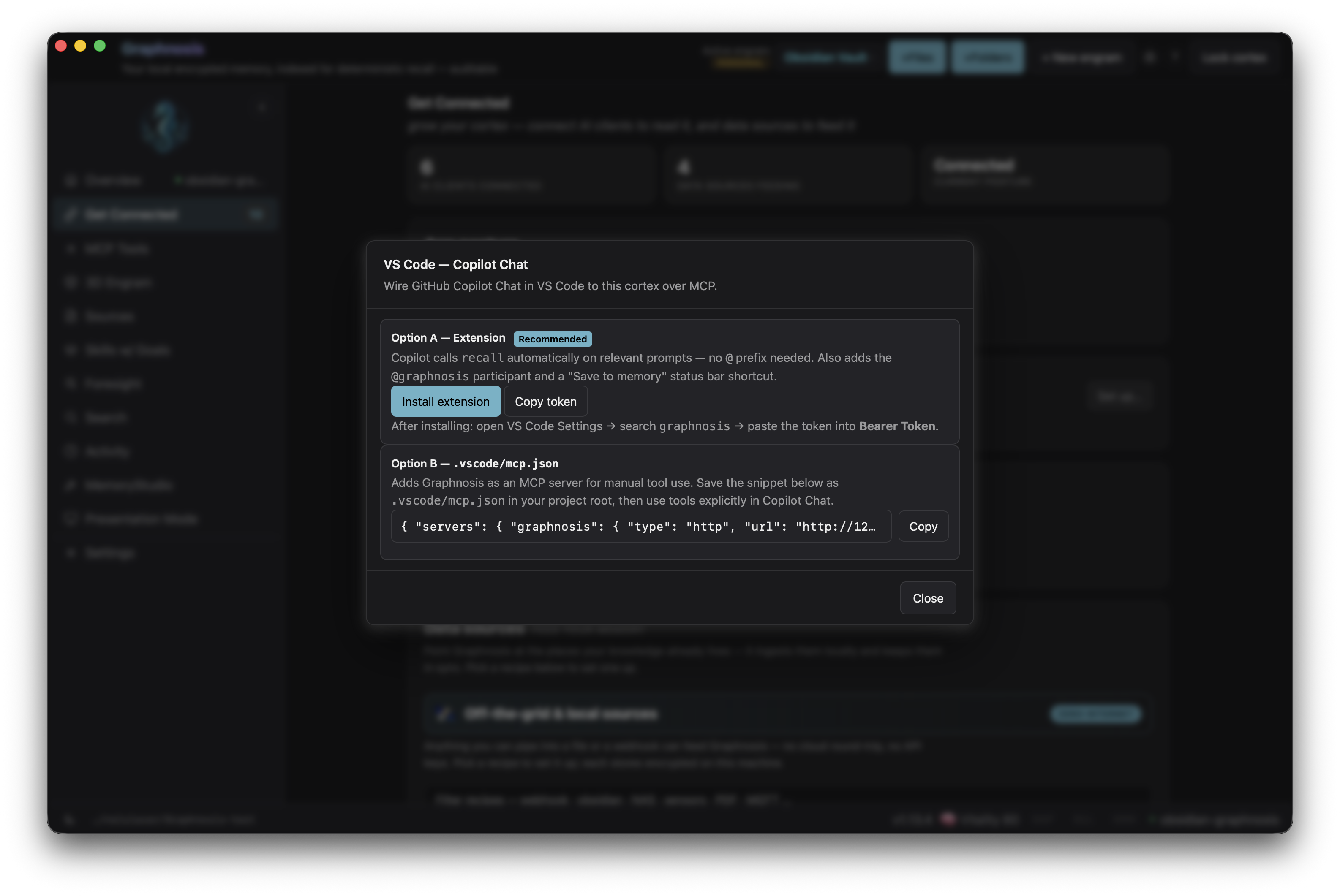
- Bearer token — open Graphnosis → Settings → VS Code tab and copy the token shown there. (The same token works for Obsidian — it's a local-only bridge.)
Installation
Via BRAT (pre-release / beta)
- Install the BRAT plugin from Obsidian's community plugin list.
- Open BRAT settings → Add Beta Plugin → paste
nehloo/graphnosis-obsidian-plugin. - Enable Graphnosis in Settings → Community plugins.
Via Obsidian Marketplace (once listed)
Search "Graphnosis" in Settings → Community plugins → Browse, then install and enable.
Configuration
Open Settings → Graphnosis:
| Setting | Default | Description |
|---|---|---|
| HTTP bridge URL | http://127.0.0.1:3457/mcp |
URL of the local MCP bridge (rarely needs changing) |
| Bearer token | — | Paste from Graphnosis → Settings → VS Code tab |
| Target engram | personal |
Engram that Save current note and vault sync write into |
| Enable vault sync | off | Push modified notes to memory on save |
| Max recall tokens | 2000 | Token budget per recall query (100–8000) |
Use Test connection to confirm the bridge is reachable after pasting the token.
[!IMPORTANT] Enabling vault sync imports your whole vault. The first time you turn it on, catch-up sync treats every existing
.mdfile as unsynced and pushes all of them to the Target engram in one pass (then only edited notes sync thereafter). If you don't want a bulk import, point Target engram at a dedicated engram first, or enable sync on a small vault. The target engram must already exist — if it doesn't, the Graphnosis app shows a one-click banner to create it on first write.
Commands
| Command | What it does |
|---|---|
Search memory… |
Opens the recall modal — type a query, click a result to insert it |
Save current note to memory |
Pushes the full current note to your cortex |
Related
- nehloo-interactive/graphnosis-app — desktop app monorepo (Tauri shell, Node sidecar, VS Code extension)
- @nehloo/graphnosis — core memory SDK (npm)
- nehloo-interactive/graphnosis-secure-sync — encryption, op-log, and federation layer the SDK is built on
License
Apache-2.0 — see LICENSE.
Demo