GitHub README
 Hakem13 downloads
Edit and publish GitHub README files directly from Obsidian.
- Overview
- Scorecard
- Updates1
Turn your Obsidian vault into a smarter GitHub documentation workspace.
GitHub README is a polished Obsidian plugin that lets you browse your repositories, open a README, edit it in a Markdown editor, preview it live, and push the updates back to GitHub without leaving your knowledge base.
Why this plugin?
If you work on repositories, documentation, and notes in parallel, this plugin removes the friction between your writing flow and your GitHub docs workflow.
Instead of jumping between GitHub, your editor, and your notes, you can:
- browse your GitHub repos from inside Obsidian
- open any README in a distraction-free workspace
- write and refine documentation with Markdown tools
- preview the rendered result instantly
- save the update back to the repository with a commit message
It is built for developers, technical writers, and creators who want documentation to feel like part of their Obsidian workflow.
Key features
- GitHub repo discovery from your authenticated account
- README access and editing directly inside Obsidian
- Editor, preview, and split-view modes for Markdown workflow
- Live rendered Markdown preview for quick review
- One-click save back to GitHub with custom commit message
- Local vault sync so the README can be opened and updated inside your notes
- Clean, focused UI designed for a documentation-first experience
The workflow
- Connect your GitHub token in plugin settings.
- Pick a repository from the sidebar.
- Open the repository README.
- Edit in the Markdown editor or preview the final output.
- Save the content back to GitHub.
- Keep a synced copy in your vault for local context and reference.
This turns README editing into a smooth part of your note-taking and documentation process rather than a separate task.
Built for
- software engineers updating project docs
- maintainers polishing repository landing pages
- technical writers working across notes and GitHub
- knowledge workers who live in Obsidian and want GitHub content closer to their workflow
Screenshots
GitHub README keeps repository browsing and documentation work together in one focused workspace.
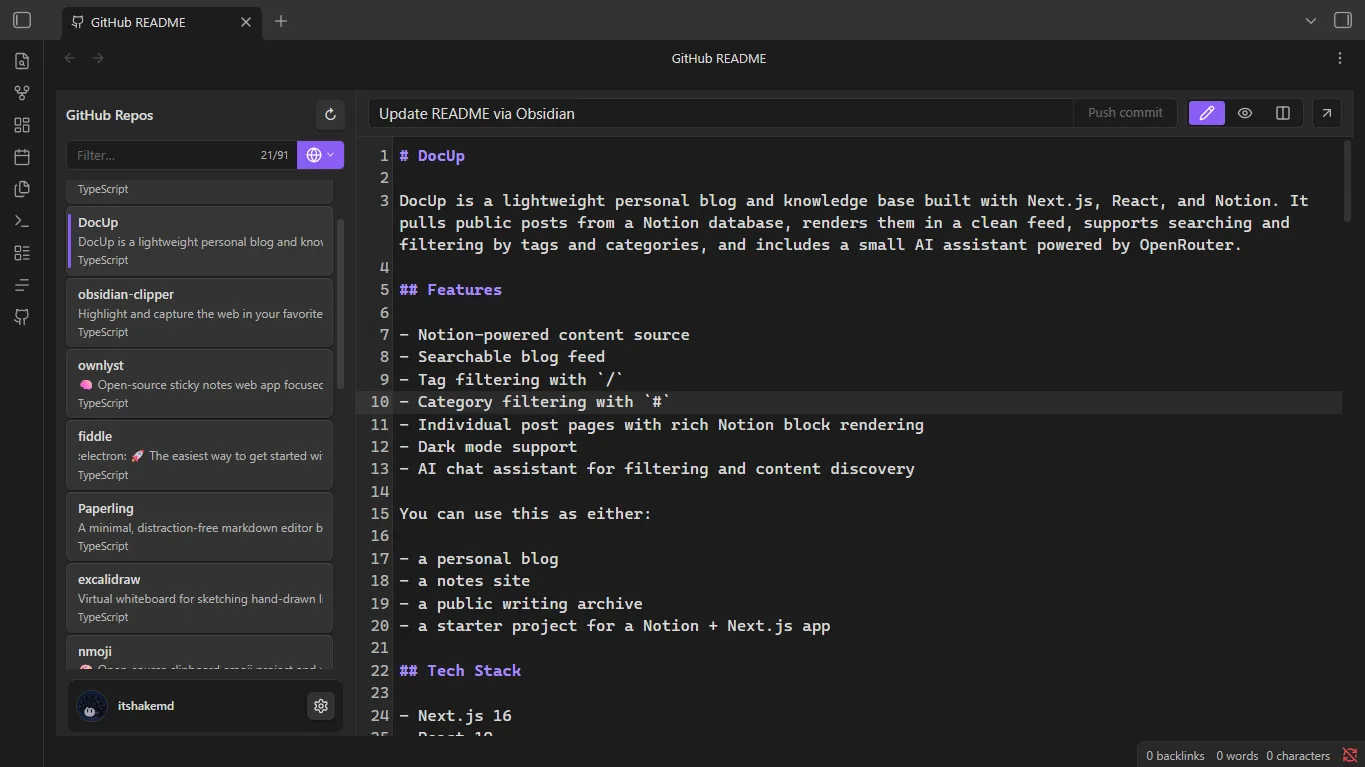
Markdown editor
Write and refine your README with the repository list visible beside the editor.
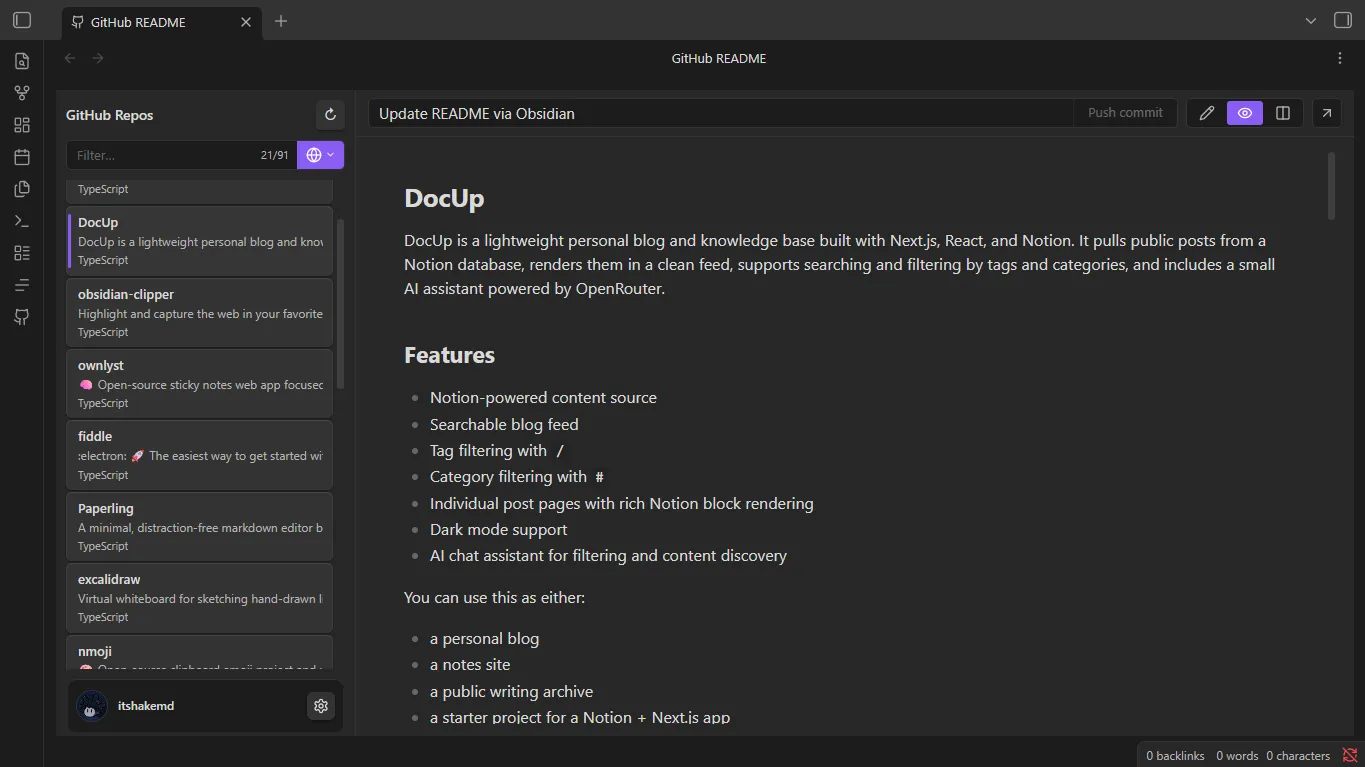
Live preview
Review the rendered README before publishing it back to GitHub.
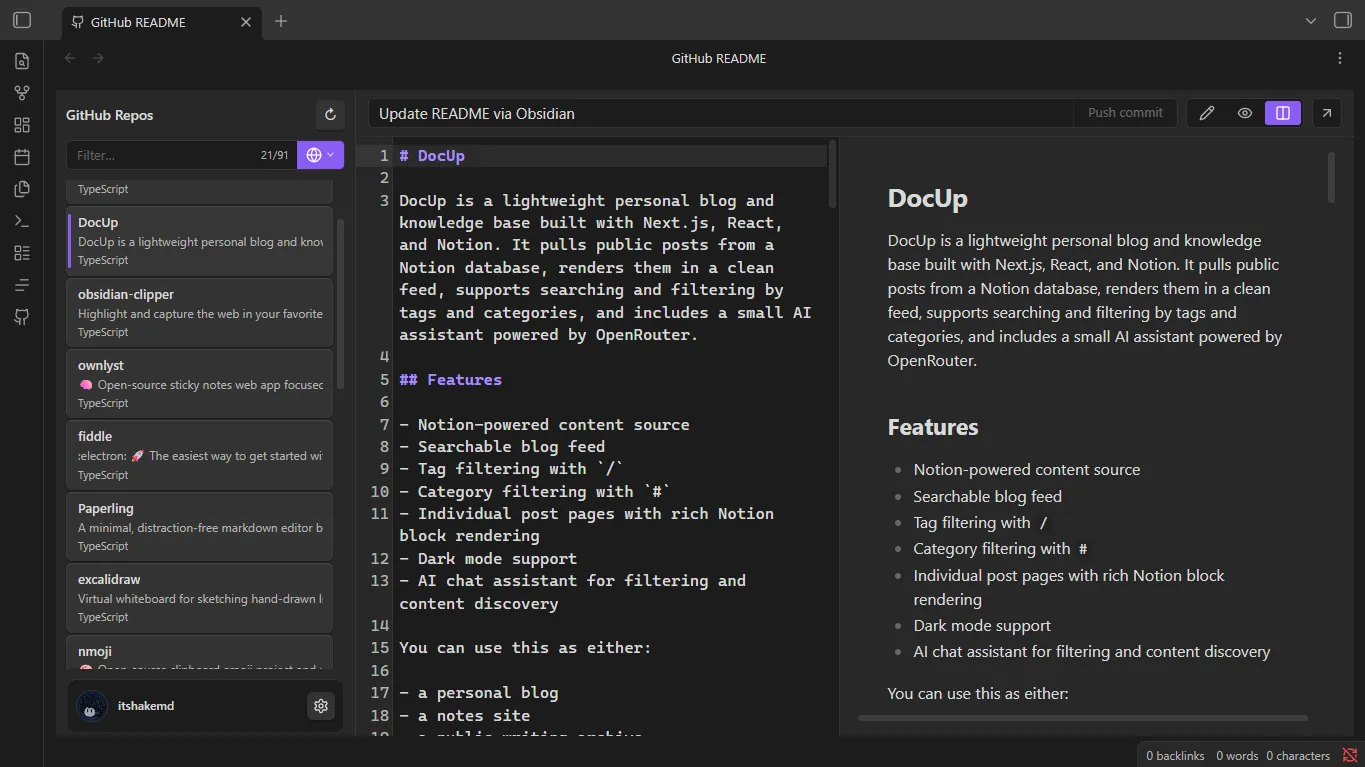
Split view
Edit Markdown and compare the rendered result side by side.
Why it stands out
This is not just a GitHub viewer. It is a documentation workflow tool for Obsidian users who want to write, review, and publish README content without breaking concentration.
It bridges the gap between note-taking and GitHub-backed project documentation in a way that feels natural, fast, and focused.