Search...Search plugins and themes...
⌘K
Sign in
  • Get started
  • Download
  • Pricing
  • Enterprise
  • Account
  • Obsidian
  • Overview
  • Sync
  • Publish
  • Canvas
  • Mobile
  • Web Clipper
  • CLI
  • Learn
  • Help
  • Developers
  • Changelog
  • About
  • Roadmap
  • Blog
  • Resources
  • System status
  • License overview
  • Terms of service
  • Privacy policy
  • Security
  • Community
  • Plugins
  • Themes
  • Discord
  • Forum / 中文论坛
  • Merch store
  • Brand guidelines
Follow us
DiscordTwitterBlueskyThreadsMastodonYouTubeGitHub
© 2026 Obsidian

Fontsource

fontsourcefontsource9k downloads

Load custom fonts from Fontsource into your notes.

Add to Obsidian
  • Overview
  • Scorecard
  • Updates1

Hero Image

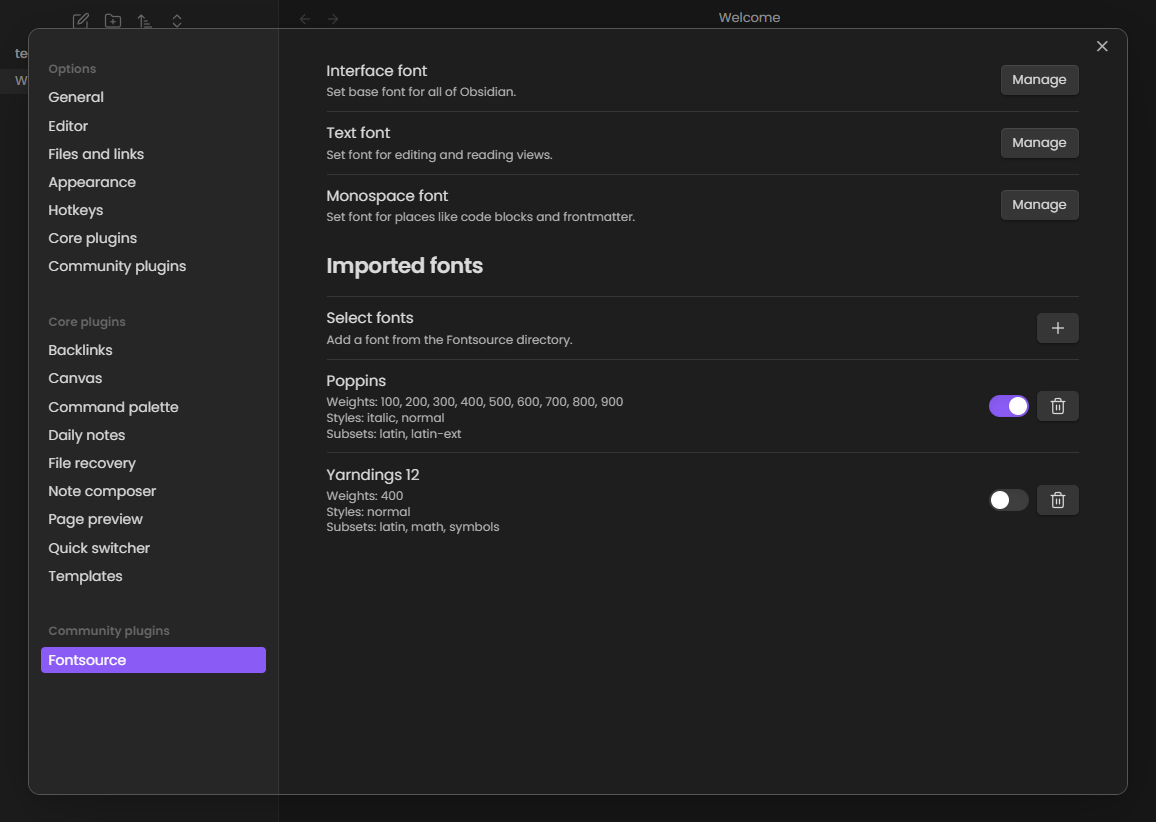
This is a simple plugin to import Fontsource custom fonts into Obsidian.

Contribution

Pull requests are welcome. For major changes, please open an issue first to discuss what you would like to change.

Releasing a new version is done by creating a new tag and pushing it to the repository. The GitHub Actions workflow will build and release the necessary files.

License

MIT

51%
HealthFair
ReviewRisks
About
Import Fontsource custom fonts into Obsidian and make any Fontsource family available for editor and preview. Apply and manage installed Fontsource fonts across your vault for consistent typography.
FontsAppearanceCSS
Details
Current version
1.0.0
Last updated
2 years ago
Created
2 years ago
Updates
1 release
Downloads
9k
Compatible with
Obsidian 1.5.0+
Platforms
Desktop, Mobile
License
MIT
Report bugRequest featureReport plugin
Sponsor
GitHub Sponsors
Author
fontsourcefontsource
github.com/ayuhito
GitHubfontsource
  1. Community
  2. Plugins
  3. Fonts
  4. Fontsource

Related plugins

Minimal Theme Settings

Control the colors and fonts in Minimal Theme.

Style Settings

Adjust theme, plugin, and snippet CSS variables.

Lapel

Show the heading levels in the gutter of the editor.

Snippetor

Create and tweak common snippets.

Show Whitespace

CSS styles and CM6 extensions to highlight whitespace in Source and Live Preview modes.

Contextual Typography

Add a data-tag-name attribute to all top-level divs in preview mode containing the child's tag name, allowing contextual typography styling.

Focus Mode

Add a toggle to hide interface elements so you can focus on your note.

Better Bullets

Improves readability of bulleted notes.

Color Palette

Create and insert color palettes into your notes.

Linkify

Convert matching text into links.