Agentage Galaxy
 Agentage3k downloads
Visualize your vault as a 3D, rotating force-graph: notes are nodes, links are edges. Search, filter, and orbit your knowledge graph from the toolbar. Part of Agentage.
- Overview
- Scorecard
- Updates15
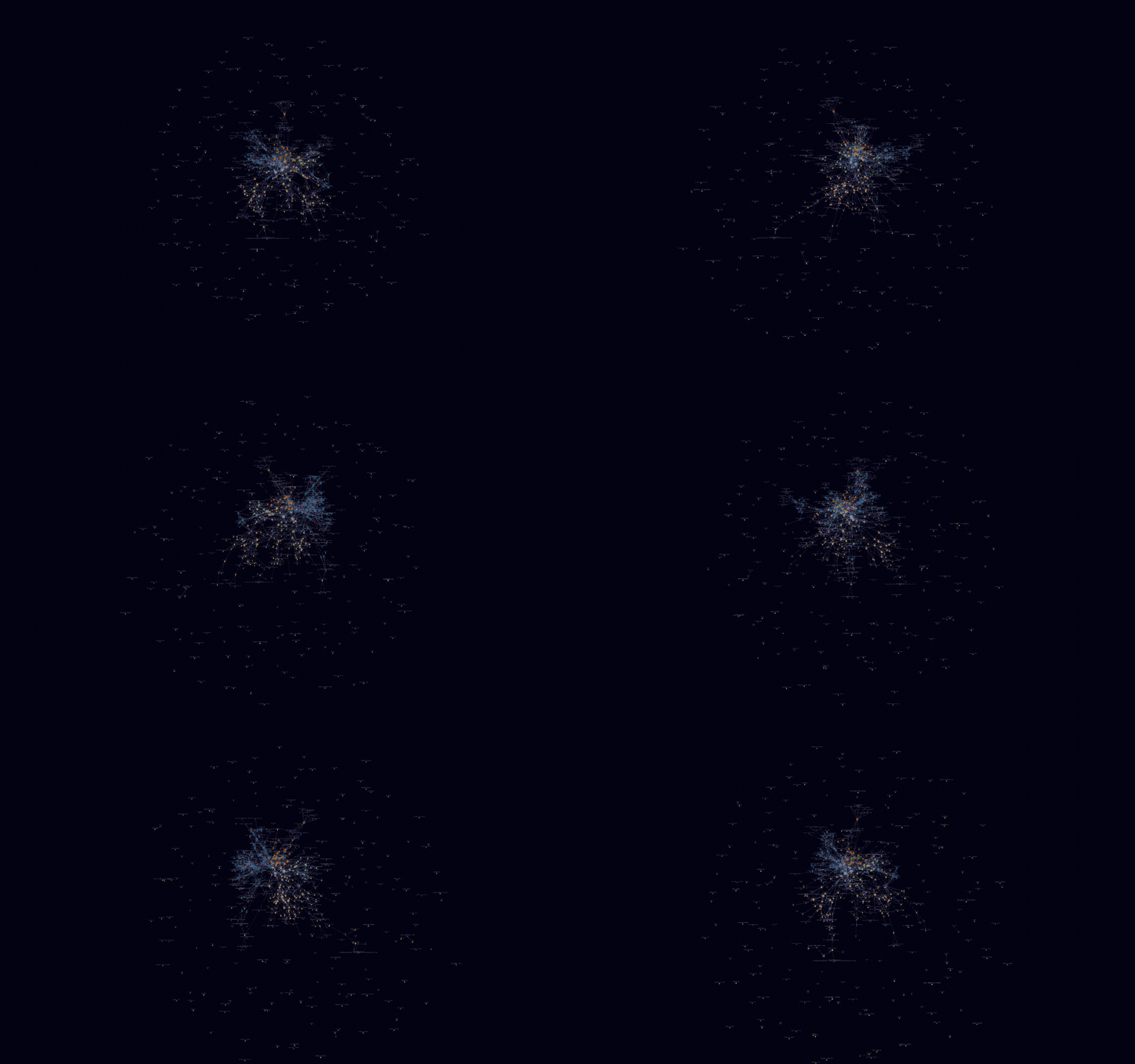
Fly through your vault as a living, rotating 3D galaxy of notes.
Turn your Obsidian vault into a cinematic 3D force-graph you can fly through: notes are
nodes, [[links]] are edges, and folders form colored clusters you can search, filter, and
orbit. Click the brain ribbon icon and take off. Actively maintained, with weekly releases.
Why Agentage Galaxy?
- Actively maintained - weekly releases, with new features shipping now.
- Zero-config clustering - folders, tags, and attachments form colored clusters on first open.
- The built-in graph, in 3D - the same node kinds and filters, so there's nothing new to learn.
- 100% local - a pure offline visualization of the files you own. Zero network calls.
Install
Community plugins (recommended)
→ Open in Obsidian - one-click, opens the plugin page in your Obsidian app (or copy obsidian://show-plugin?id=agentage-galaxy).
Or from inside the app: Settings → Community plugins → Browse → search "Agentage Galaxy" → Install → Enable.
Manual
Download main.js, manifest.json, and styles.css from the
latest release into
<your-vault>/.obsidian/plugins/agentage-galaxy/, then enable it under Community plugins.
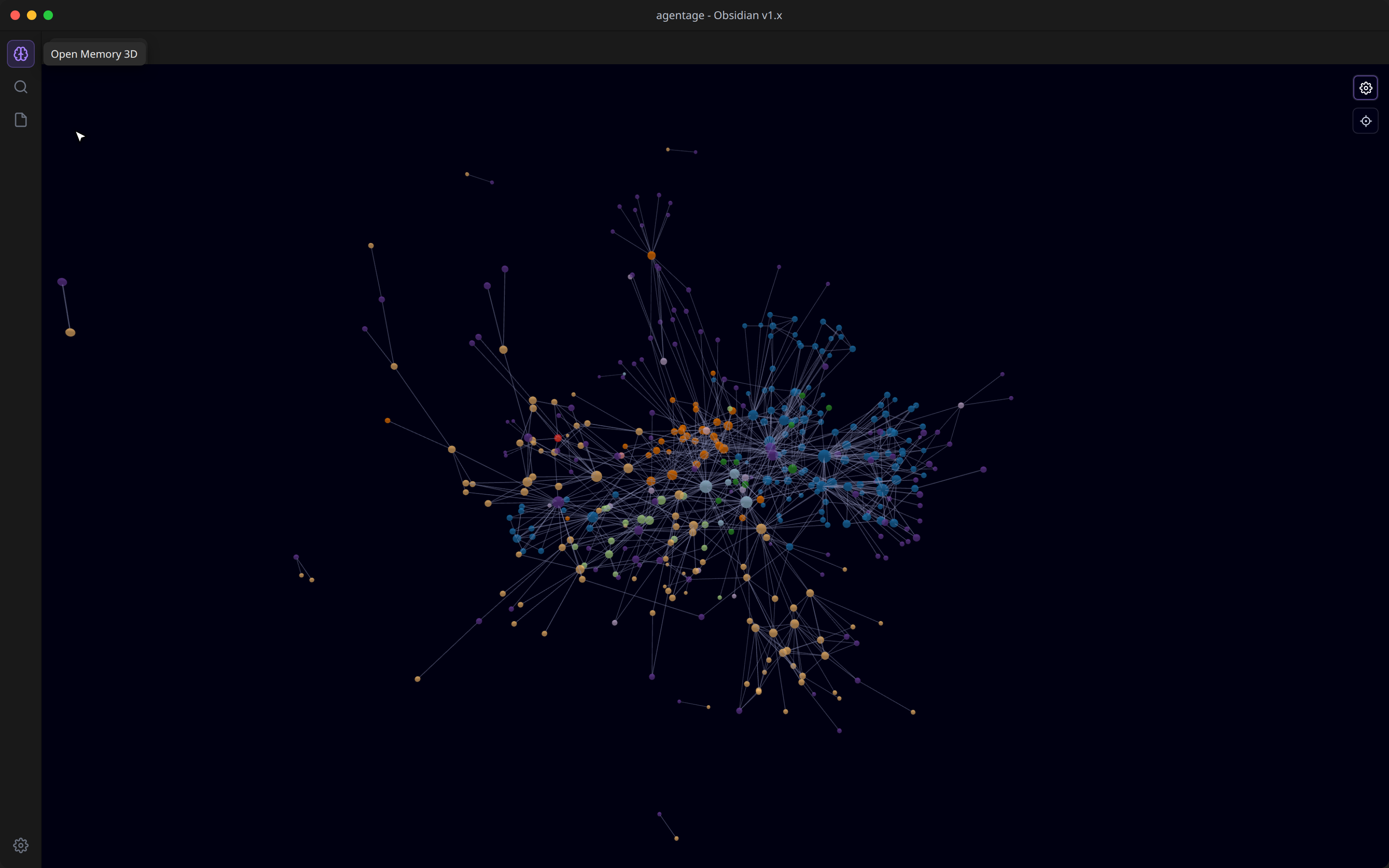
Then click the brain icon in the left ribbon (or run the Open 3D graph command).
Features
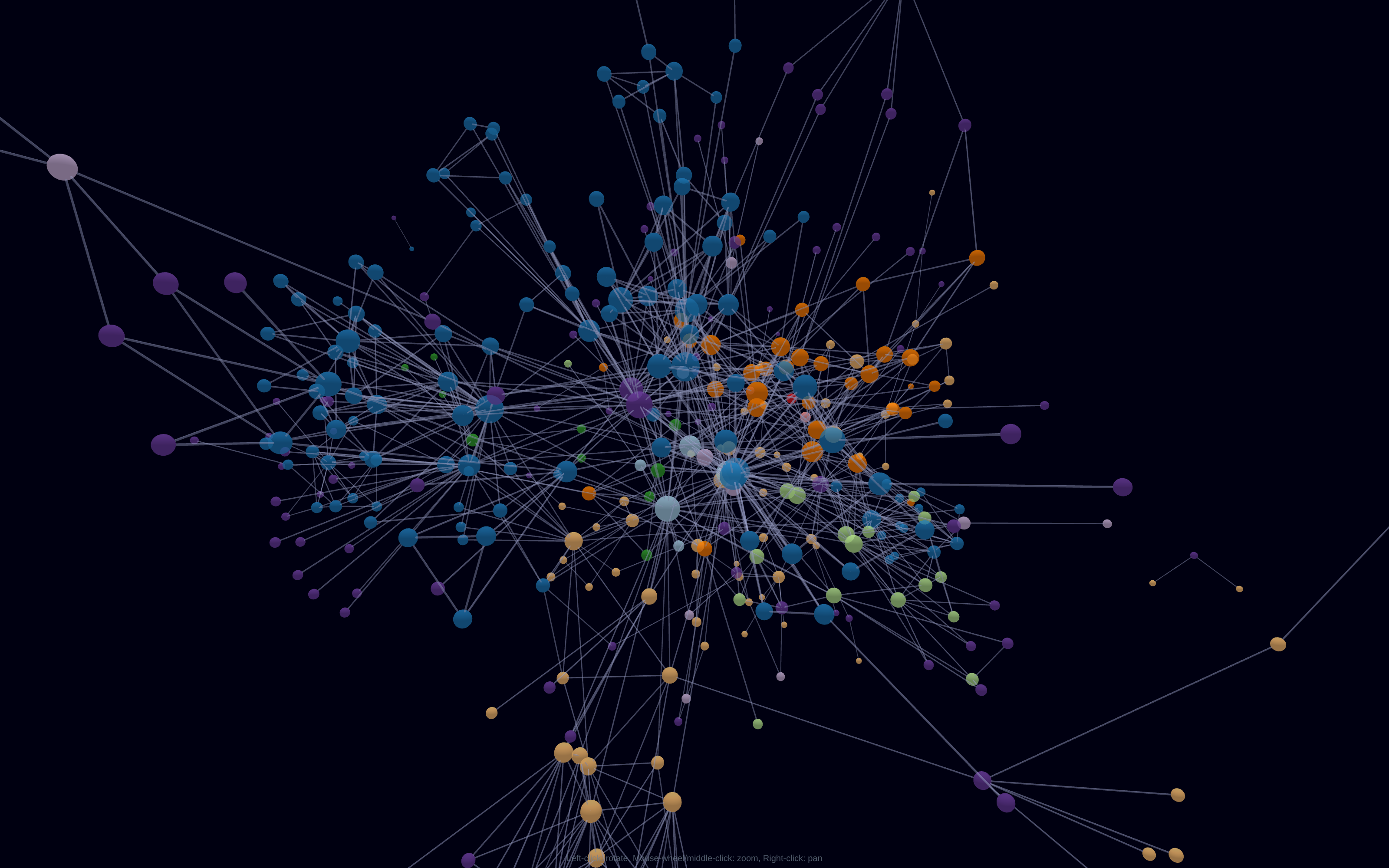
- Auto-clustered by folder, zero config - every top-level folder gets its own color, so
the structure of your vault pops on first open. Tags, attachments, and unresolved
[[links]]each form their own colored group. Nopath:/tag:rules to hand-write. - Tags as nodes - flip the Tags toggle and every
#tagbecomes a hub linking its notes. - Size by connections - your hub notes are visibly the biggest stars.
- It's the built-in graph view, in 3D - the same node kinds and the same filters (search, tags, attachments, existing-files-only, orphans), so there's nothing new to learn.
- Full force controls - center, repel, link, and link distance, plus node size, link thickness, labels, and arrows, in the gear-toggled panel.
- Fly through it - auto-orbit with speed control; left-drag to rotate, scroll to zoom toward your cursor, right-drag to pan, click a node to open it, center button to reframe.
- 100% local - a pure offline visualization of the files you own. Zero network calls.
Roadmap
- First-person fly-through camera
- Save camera + layout between sessions
- Vault timelapse animation
- Obsidian Canvas file support
Privacy
Agentage Galaxy runs entirely on your device and makes zero network calls - a pure, offline visualization of the Markdown you already own. (The agentage Memory cloud service below is a separate, optional product.)
Desktop only (isDesktopOnly: true): it renders with WebGL/three.js.
Part of agentage Memory
This plugin visualizes your local vault. It's part of agentage Memory - a shared memory layer for every AI: one set of plain-Markdown notes that Claude, ChatGPT, Cursor, and any MCP client can read and write, mirrored locally as files you own.
One memory. Every AI. Owned by you.
- Connect any AI over the Model Context Protocol at memory.agentage.io
(
https://memory.agentage.io/mcp- Streamable HTTP + OAuth 2.1). - The companion Agentage Sync plugin keeps your vault in sync with your private memory - this plugin gives you a 3D view of it.
→ Learn more at agentage.io.
Credits
Built on three.js, 3d-force-graph, and three-spritetext. See THIRD-PARTY-NOTICES.md.