Crystal
 gvukamolle164 downloads
Ask across your vault, research with web sources, and create connected notes with OpenAI Codex.
- Overview
- Scorecard
- Updates10
A Codex workspace for Obsidian.
Ask across your vault, research with web sources, and create connected notes—without leaving Obsidian.
Install Crystal from Community Plugins · Русская версия
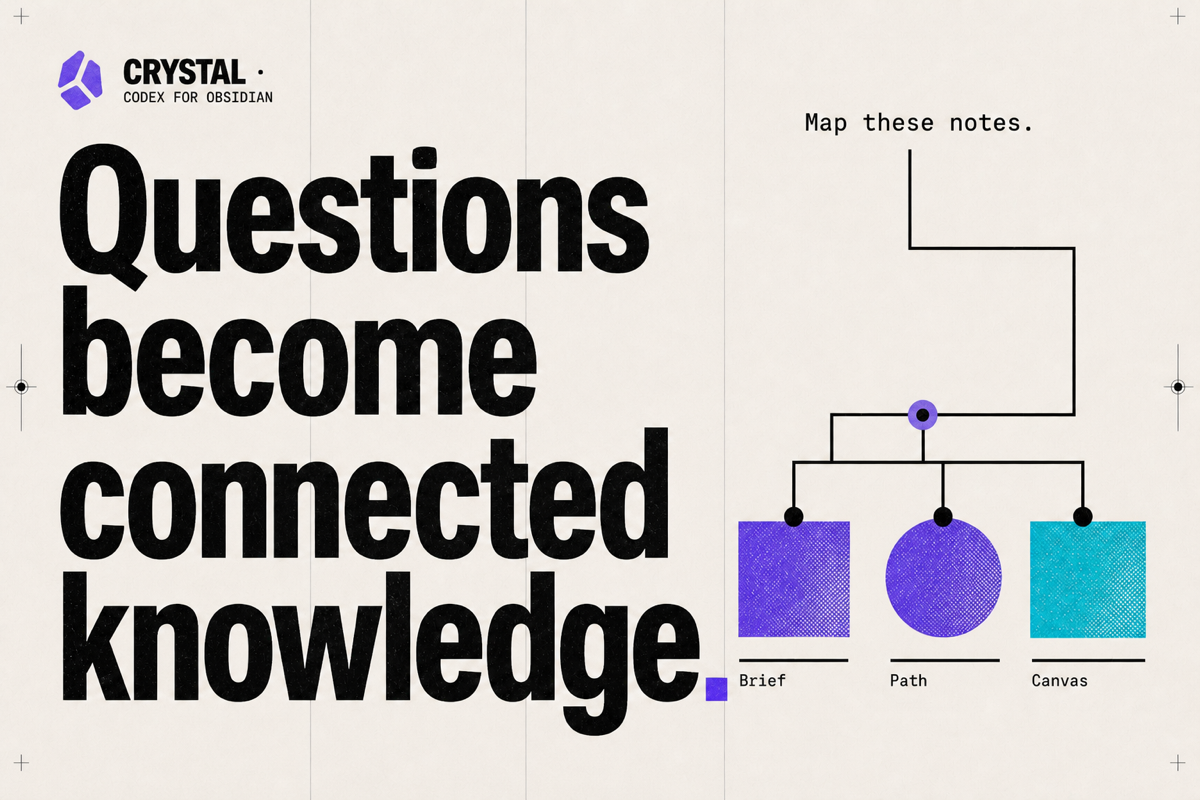
One request. The right approach.
Crystal puts your existing OpenAI Codex setup beside the notes you are working on. There is no mode picker: describe the result you need, and the agent decides whether to answer from context, research the vault and external sources, edit materials, or combine those steps.
- Questions and analysis stay in chat unless saving or integrating the result is useful.
- Requests to create, change, assemble, format, or save something are carried through as scoped vault edits.
- Web research is used when the task needs current, external, or verifiable facts.
- Deletion, bulk moves, and broad vault restructuring still require separate explicit confirmation.
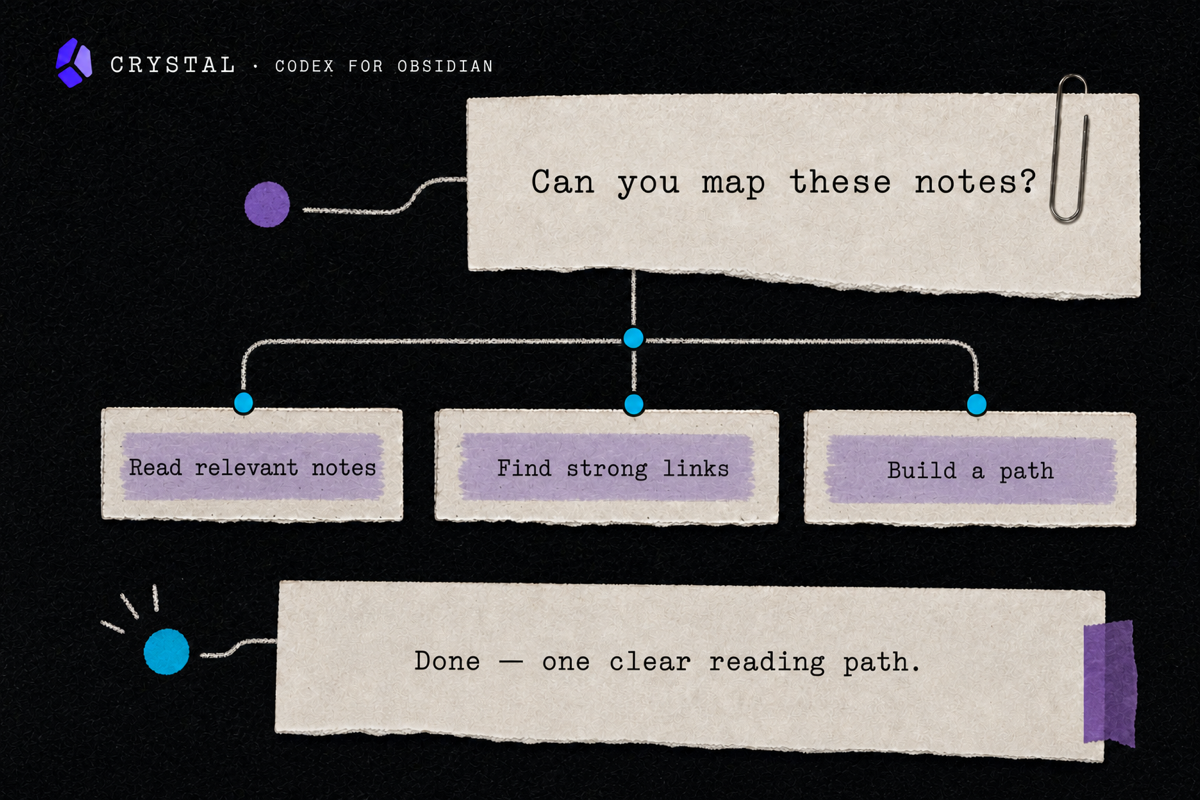
Built for knowledge work
- Brings the current note and selected text into the conversation.
- Renders structured Markdown and opens vault links directly in Obsidian.
- Works with attachments, linked notes, and
.canvasfiles. - Keeps the same conversation when you move between the full workspace and the side panel.
- Shows compact, expandable activity steps instead of flooding the chat with tool logs.
- Uses the models and reasoning levels available in your Codex installation.
- Shows remaining Codex account limits and reset times when the runtime provides them.
- Includes an Obsidian-focused skill pack for careful research, writing, linking, Canvas, Bases, and Dataview work.
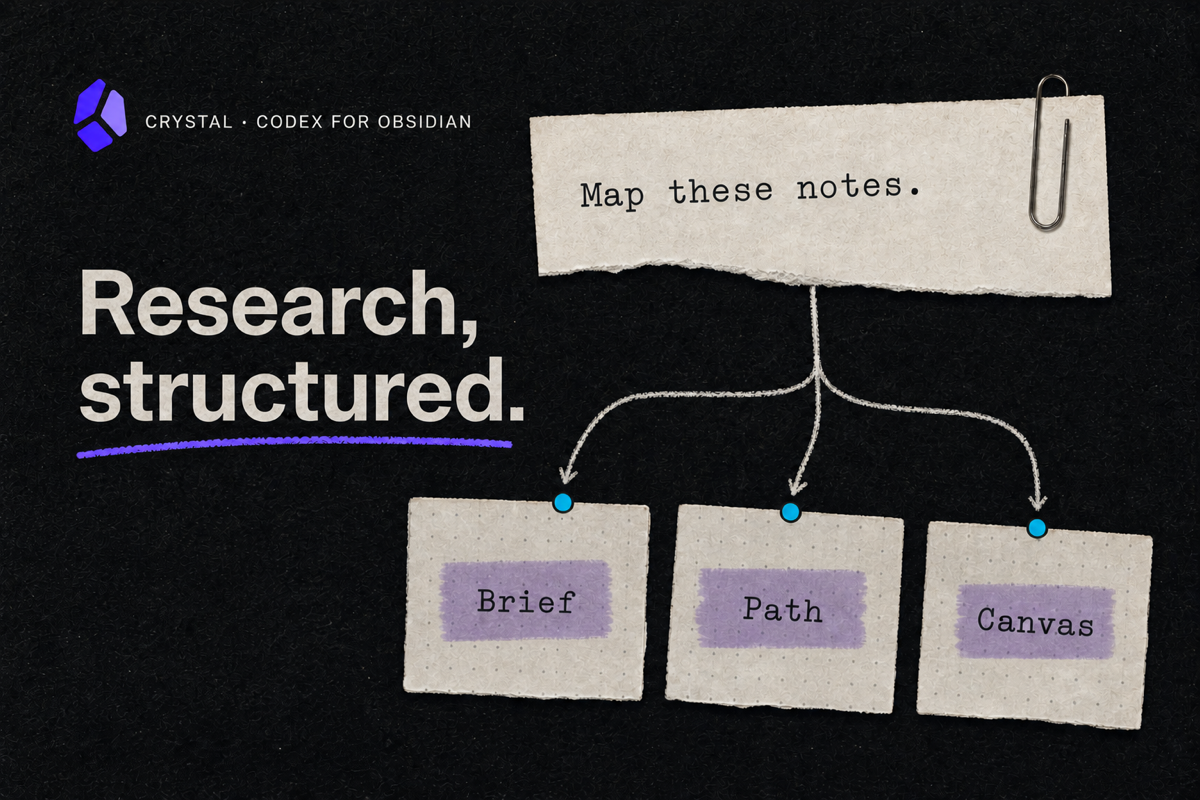
Works with your Codex setup
Crystal uses your existing OpenAI Codex authentication and configured runtime. There is no separate model account to connect inside the plugin. Codex plugins, MCP servers, and connectors remain managed by Codex and are available to Crystal when your configuration exposes them.
Crystal is desktop-only because it starts the locally installed Codex CLI.
Install
- Open Settings → Community plugins → Browse in Obsidian.
- Search for Crystal.
- Select Install, then Enable.
You can also open the Crystal listing or use the manual and team installation guide.
Requirements
- Obsidian Desktop 1.13.0 or newer.
- Node.js 18 or newer.
- OpenAI Codex CLI installed and authenticated.
- A ChatGPT account with Codex access.
Verify Codex before opening Crystal:
codex --version
codex login
Crystal reports a missing Codex installation but never installs or updates system dependencies on your behalf.
Privacy and control
Crystal does not include telemetry or analytics.
- Account: Crystal uses your existing OpenAI Codex authentication. It does not receive or store your password.
- Network: Codex CLI communicates with OpenAI. Web search and any connectors or plugins you enable may contact their respective services.
- Vault: the selected vault is the Codex working directory. Codex can read and make scoped edits inside it when the request requires them. Pure questions and analysis do not create files by default; destructive or broad structural changes require separate confirmation.
- Local process and tools: Crystal starts the local
codexexecutable as a child process with vault-scoped write access. Codex remains constrained by the vault working directory and your Codex configuration. - Outside the vault: Crystal searches standard system locations for
codexand reads the runtime status needed to display models, plugins, authentication, and remaining account limits. It does not modify or install Codex. - Clipboard and file manager: Crystal writes to the clipboard only after an explicit Copy action and asks the operating system to reveal a skill file only after an explicit Open action. It does not read the clipboard.
- Local data: chat history and Crystal settings are stored in the plugin's Obsidian data file. Managed skills are synchronized to
.agents/skills/inside the vault; unrelated skills are left untouched.
Review the current vault context before sending sensitive material. Enabled third-party connectors are governed by their respective services.
Development
git clone https://github.com/gvukamolle/Crystal.git
cd Crystal
npm ci
npm run check
For a development symlink into a local vault:
npm run setup -- "/absolute/path/to/vault"
Release artifacts are built with npm run package:release. See CONTRIBUTING.md for the contribution workflow.