Search...Search plugins and themes...
⌘K
Sign in
  • Get started
  • Download
  • Pricing
  • Enterprise
  • Account
  • Obsidian
  • Overview
  • Sync
  • Publish
  • Canvas
  • Mobile
  • Web Clipper
  • CLI
  • Learn
  • Help
  • Developers
  • Changelog
  • About
  • Roadmap
  • Blog
  • Resources
  • System status
  • License overview
  • Terms of service
  • Privacy policy
  • Security
  • Community
  • Plugins
  • Themes
  • Discord
  • Forum / 中文论坛
  • Merch store
  • Brand guidelines
Follow us
DiscordTwitterBlueskyThreadsMastodonYouTubeGitHub
© 2026 Obsidian

Crafty

liolleliolle2k downloads

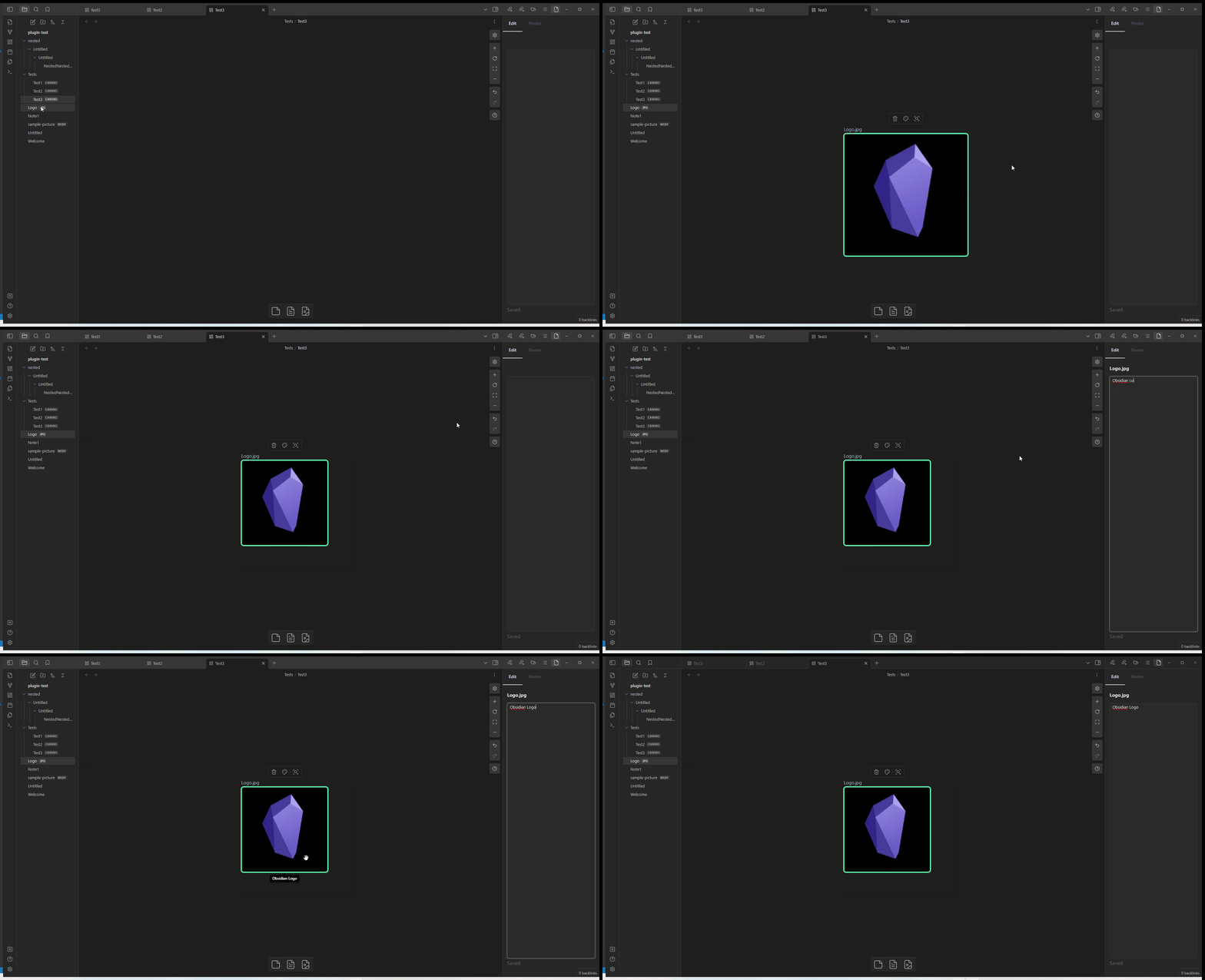
Add tooltip to any canvas node and quickly navigate between canvas nodes.

Add to Obsidian
  • Overview
  • Scorecard
  • Updates4

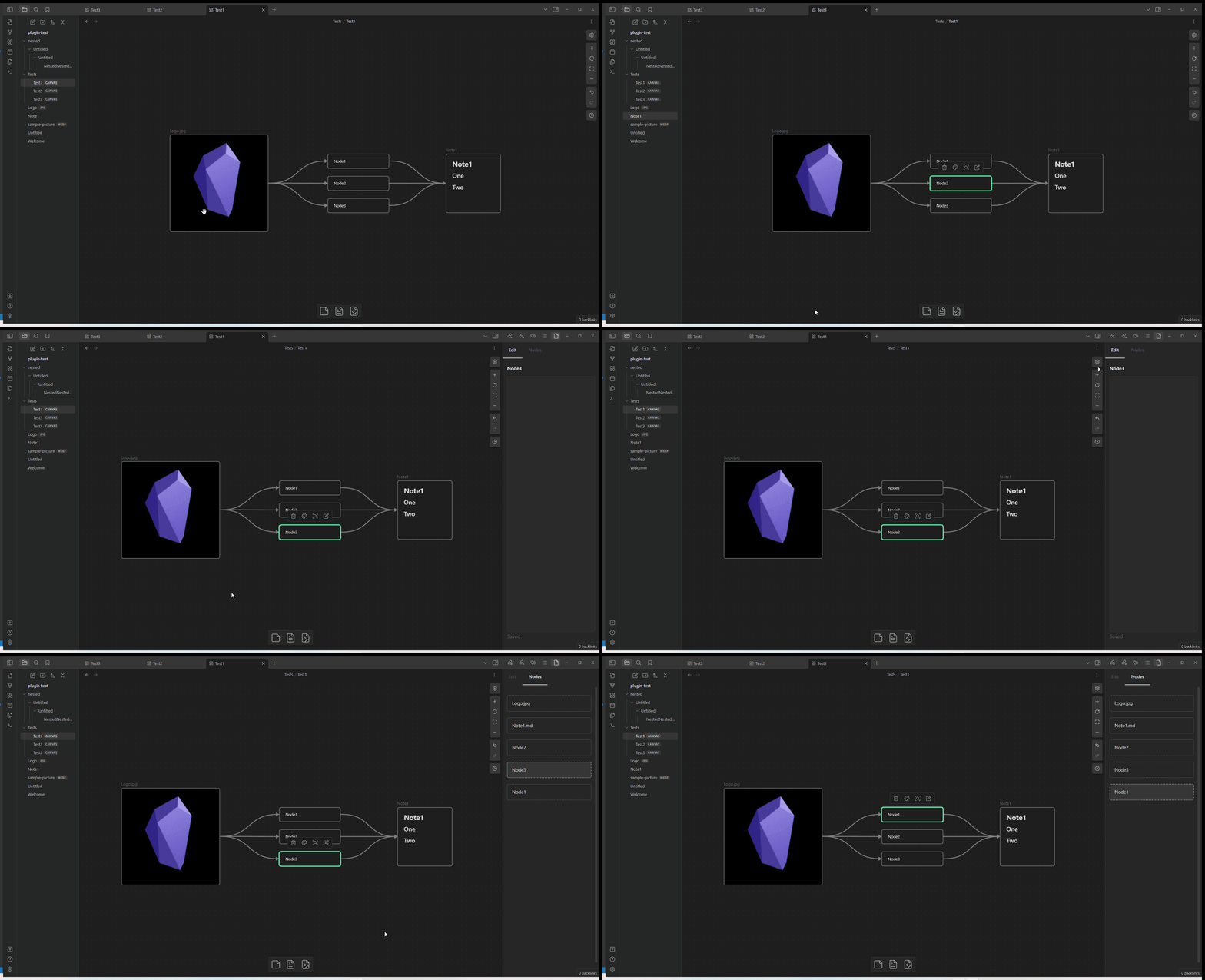
This Obsidian plugin enables users to attach tooltips to each node on their canvas. Additionally, it offers seamless navigation between nodes.

Features

  • Node tooltip

  • Navigation

    Make sure to set the hotkeys Setting > Hotkeys to be able to navigate nodes

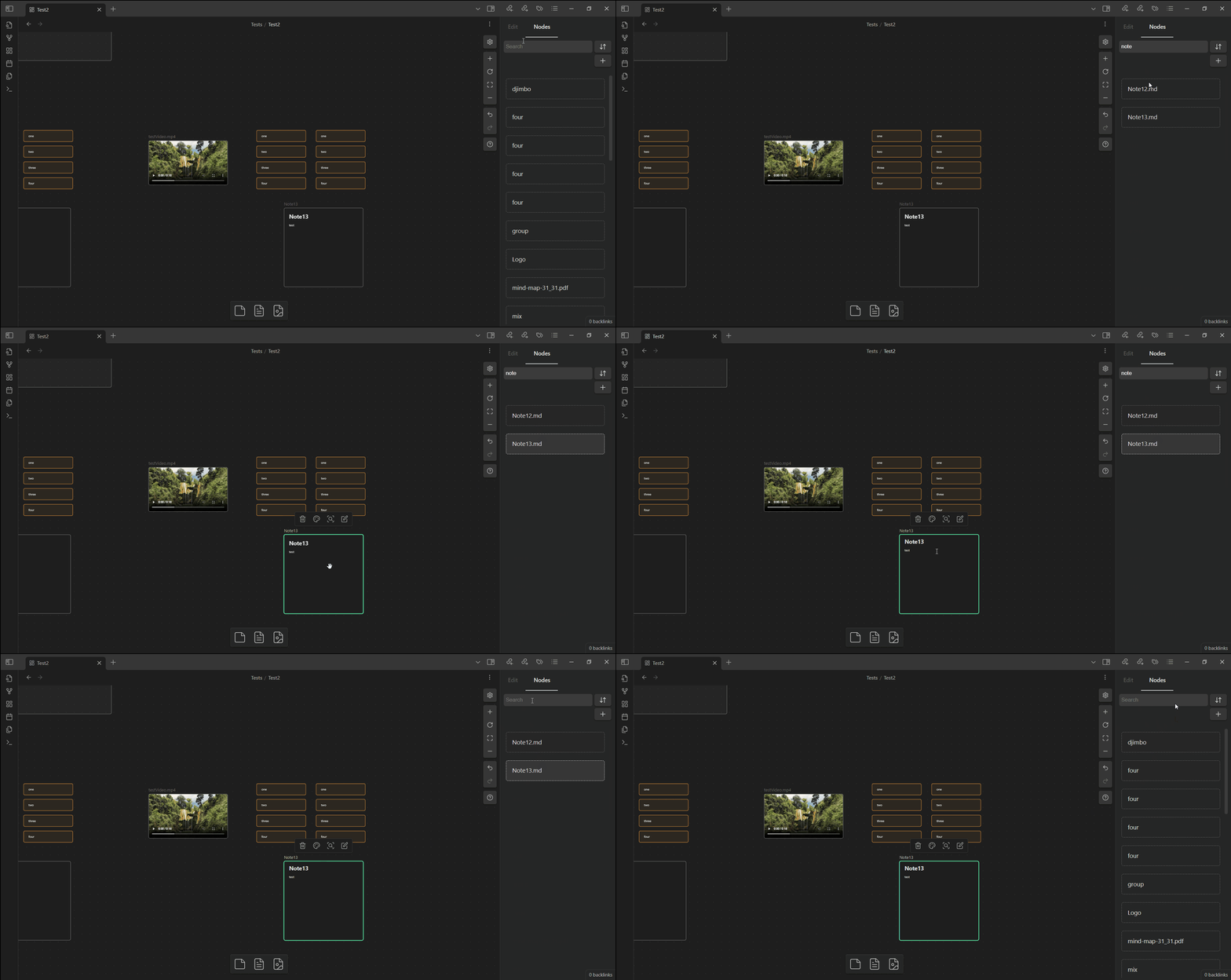
  • Search

    Search for nodes title

  • Sort/filter nodes

Commands and Hotkeys

Hotkey Action
Blank by default Previous node
Blank by default Next node
Blank by default Show/Hide sidebar

How to Install

Now available in the Obsidian Community Plugin Directory

75%
HealthGood
ReviewCaution
About
Attach tooltips to each canvas node and navigate seamlessly between nodes. Search, sort, and filter node titles, and use commands or hotkeys to move between nodes or toggle the sidebar.
CanvasNavigationSearch
Details
Current version
1.3.2
Last updated
5 months ago
Created
2 years ago
Updates
4 releases
Downloads
2k
Compatible with
Obsidian 0.15.0+
Platforms
Desktop only
License
MIT
Report bugRequest featureReport plugin
Author
liolleliolle
github.com/liolle
GitHubliolle
  1. Community
  2. Plugins
  3. Canvas
  4. Crafty

Related plugins

Simple CanvaSearch

Quickly fuzzysearch notes, cards and their content and shift focus to them within the currently opened canvas.

Quick Switcher++

Enhanced Quick Switcher, search open panels, and symbols.

Quiet Outline

Make outline quiet and more powerful, including no-auto-expand, rendering heading as Markdown, and search support.

Home tab

A browser-like search tab for your local files.

Semantic Notes Vault MCP

Give Claude Desktop and other AI assistants semantic access to your notes through a built-in Model Context Protocol (MCP) server.

floating toc

A floating directory that hovers a widget of the current directory on the notes page.

Enhanced Canvas

Syncs Canvas node connections with properties in note, automating document relationship management.

Notebook Navigator

A better file browser and calendar inspired by Apple Notes, Bear, Evernote and Day One.

Advanced Canvas

Supercharge your canvas experience. Create presentations, flowcharts and more.

Homepage

Open a note, base, or workspace on startup, or set it for quick access later.