
- Overview
- Scorecard
- Updates18
Useful commands and features to make the Canvas view work more like a mind mapping tool.
See full source code here: https://github.com/tim-smart/effect-obsidian/tree/main/packages/canvas-mindmap
Features
- Commands to add new cards quickly
- Commands to navigate cards using the keyboard
- Auto layout command
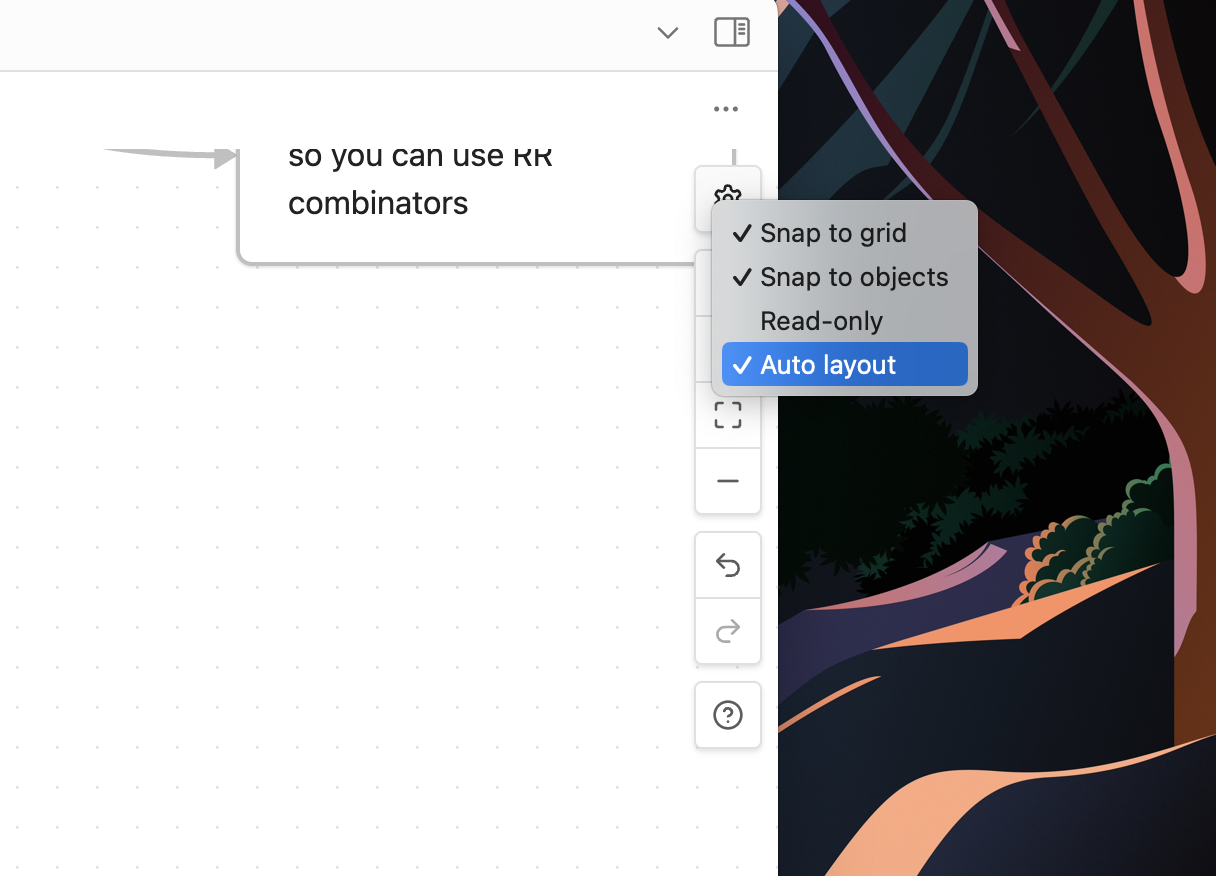
- Auto layout on card changes
Auto layout on changes
You can find a setting in the canvas menu here:
HealthGood
ReviewSatisfactory
About
Add new cards quickly and navigate Canvas cards with keyboard commands. Apply automatic layouts manually or run auto-layout on card changes to keep mind maps tidy and organized.Details
Current version
0.2.0
Last updated
Last year
Created
3 years ago
Updates
18 releases
Downloads
10k
Compatible with
Obsidian 0.15.0+
Platforms
Desktop, Mobile
License
MIT