Canvas Link to Group
 tgrrrr1k downloads
Create links to specific groups in Canvas and jump directly to them.
- Overview
- Scorecard
- Updates6
This plugin enables you to create links to specific groups within Canvases and jump to them in 1 click!
Features
Direct Linking to Groups
Jump directly to any group in a canvas from a link in your notes.
Intelligent Link Handling
The plugin provides flexible navigation options:
- Left-click a link to open the canvas in the current tab
Ctrl/Cmd + Click(or Middle-click) to open it in a new tab.
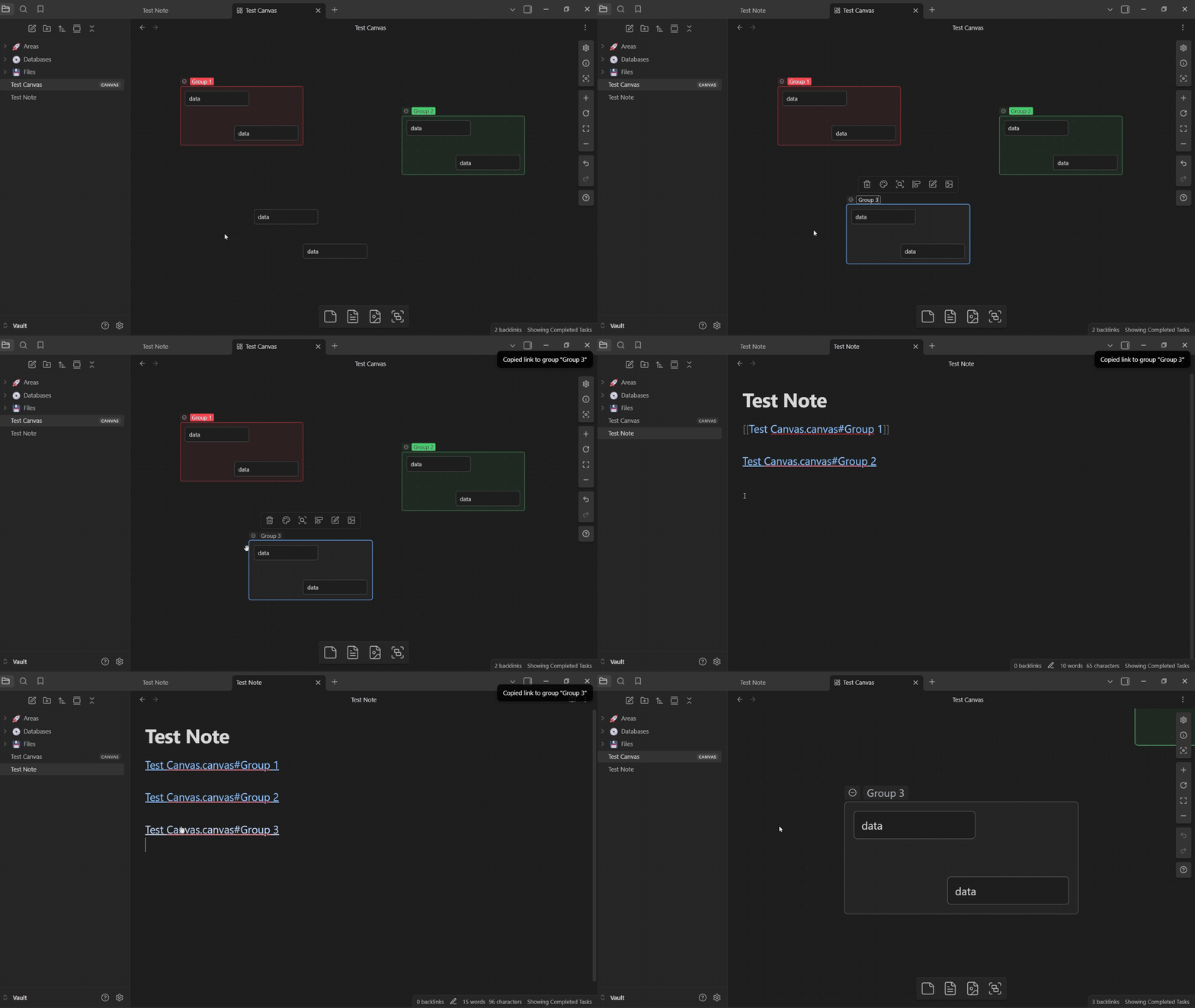
Easy Link Creation
Create links effortlessly with multiple methods:
- Context Menu: Right-click any group and select "Copy link to group."
- Command Palette: Select a single group and use the "Copy link to selected group" command.
- custom hotkey for keyboard-driven workflows (Empty by default, assign to your liking (
CTRL + SHIFT + Csuggested))
Notifications
The plugin provides helpful feedback to guide you:
- Notify if you try to copy a link without a group selected.
- Notify if you jump to a group name that is used multiple times in the same canvas.
How to Use
Creating a Link to a Group
There are two primary ways to create a link to a group:
1. Context Menu (Right-Click)
This is the most direct method.
- Open a canvas.
- Right-click on the group you want to link to.
- Select Copy link to group.
- Paste the link (e.g.,
[[MyCanvas.canvas#GroupName]]) into any note.
2. Command Palette
This method is ideal for keyboard-driven workflows.
- Open a canvas and select a single group.
- Open the command palette (
Ctrl/Cmd + P). - Search for "Copy link to selected group" and run the command.
- Paste the link into any note.
Pro Tip: For even faster access, assign a custom hotkey to this command (e.g.,
Ctrl/Cmd + Shift + C) in Obsidian'sSettings>Hotkeys.
Using the Link
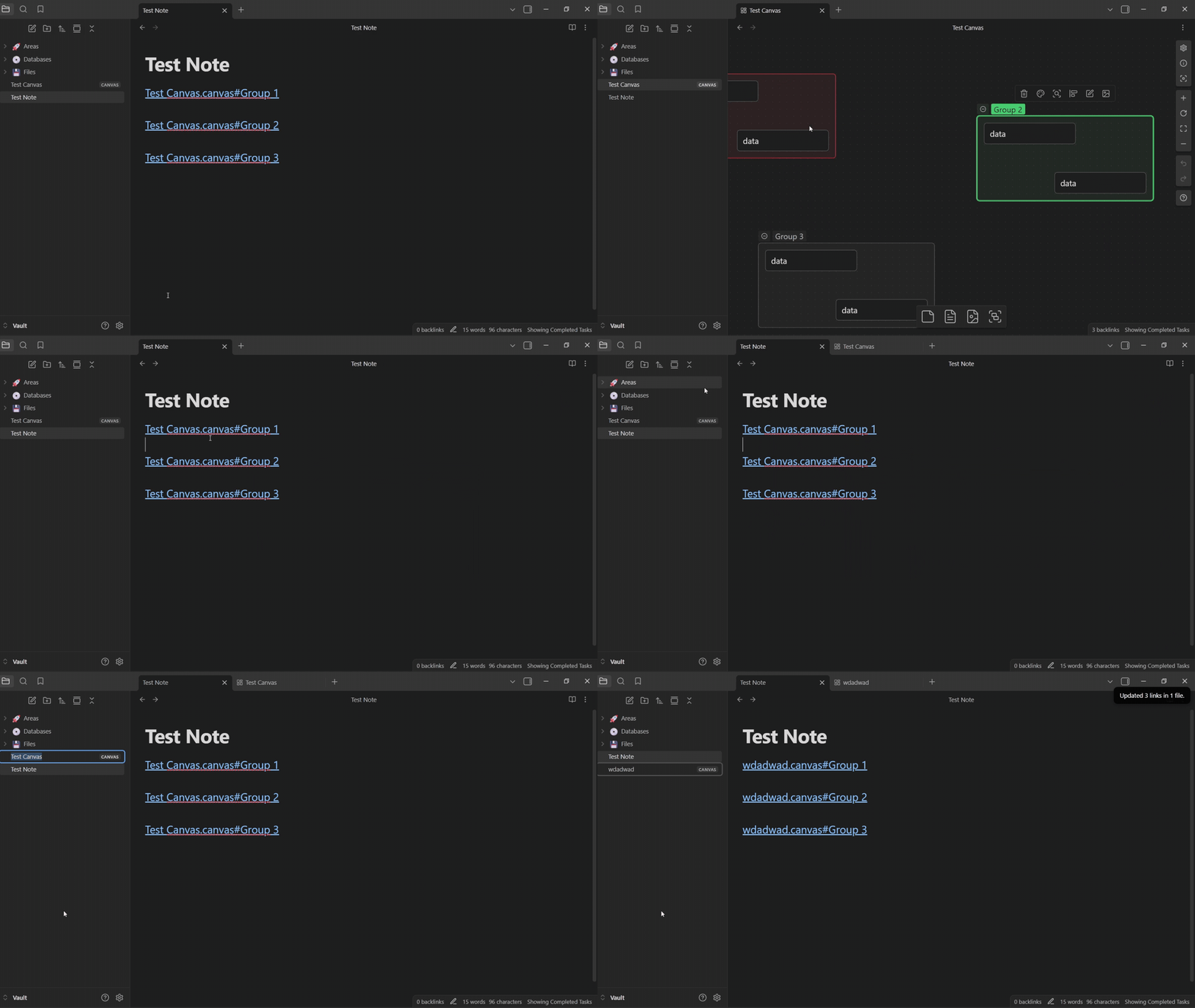
Once you have a link in a note (e.g., [[MyProject.canvas#Design Phase]]), you can click on it:
- Left-click: Opens
MyProject.canvasin your current tab and jumps to the "Design Phase" group. Ctrl/Cmd + Clickor Middle-click: Opens the canvas in a new tab and jumps to the group.
Installation
Obsidian Community - Canvas Link to Group
Or just type in search Canvas Link to Group
Attribution
Based on the Obsidian Sample Plugin template