Butter Editor


Rich text editing mode (WYSIWYG). Focus on writing, not syntax.
- Overview
- Scorecard
- Updates13
A focused WYSIWYG editing view for Obsidian. Butter renders supported Markdown in place while you write, without converting your notes or introducing a proprietary file format. It sits alongside Source, Live Preview, and Reading, so you can switch views whenever you like. Available on desktop and mobile.
Butter Editor is paid software. Try the complete editor free for 15 days - no account, email, or payment method required. A $16 one-time v1 license never expires, includes every v1 update plus beta access, and supports up to five active devices by default. No subscription.
Install from Obsidian Community Plugins | Pricing and purchase | Manage license
Why Butter?
Butter adds a visual editing view to the Markdown notes already in your vault. Unlike Live Preview, it keeps supported Markdown syntax out of the editing surface while you write. Your notes remain ordinary .md files, with no import step and no lock-in.
Highlights
- Visual Markdown editing: Format headings, lists, tasks, links, tables, code, math, callouts, and more in place.
- Obsidian-aware: Work with wikilinks, embeds, tags, footnotes, block IDs, properties, and Bases embeds.
- Block editing: Select, drag, reorder, and transform complete blocks.
- Fast insertion: Type
/at the start of a block to add common blocks and Obsidian structures. - Desktop and mobile: Use the same plugin and license, with controls adapted for mouse, keyboard, and touch.
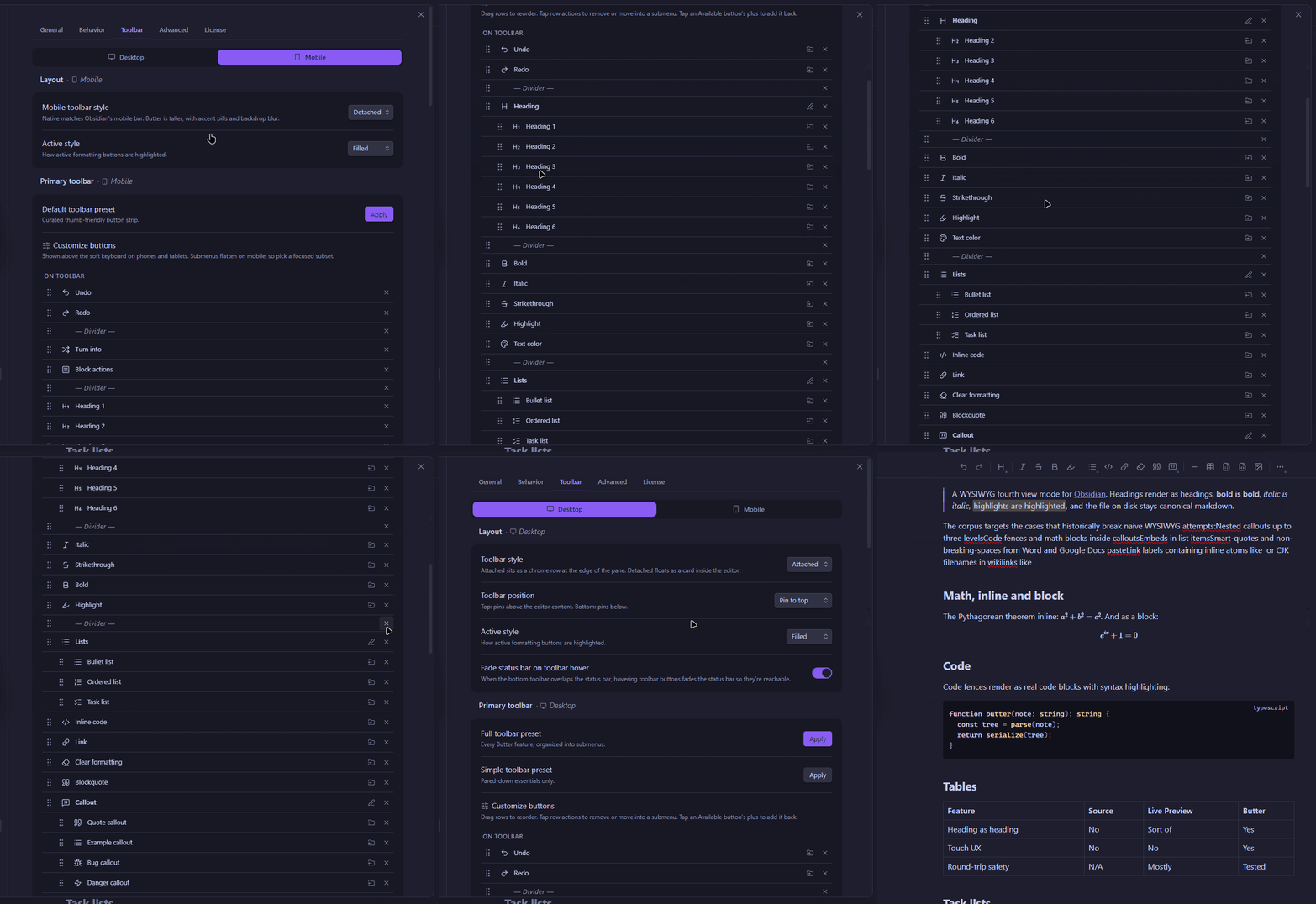
- Your toolbar, your way: Choose its position and customize desktop and mobile button layouts.
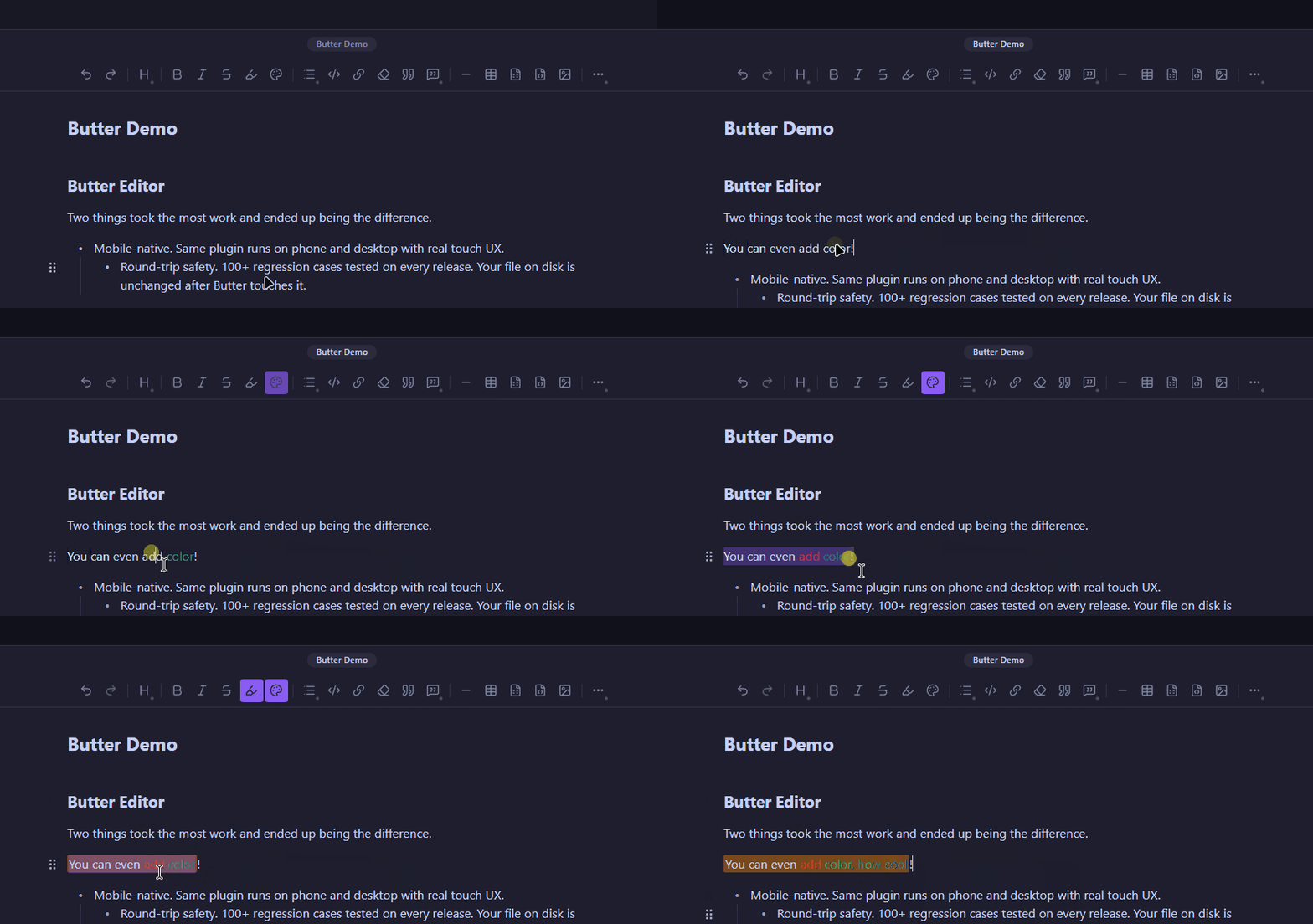
Standard Markdown formatting is the default. Optional rich-formatting tools - including text color, custom highlights, underline, superscript, and subscript - use inline HTML and may be less portable between Markdown applications.
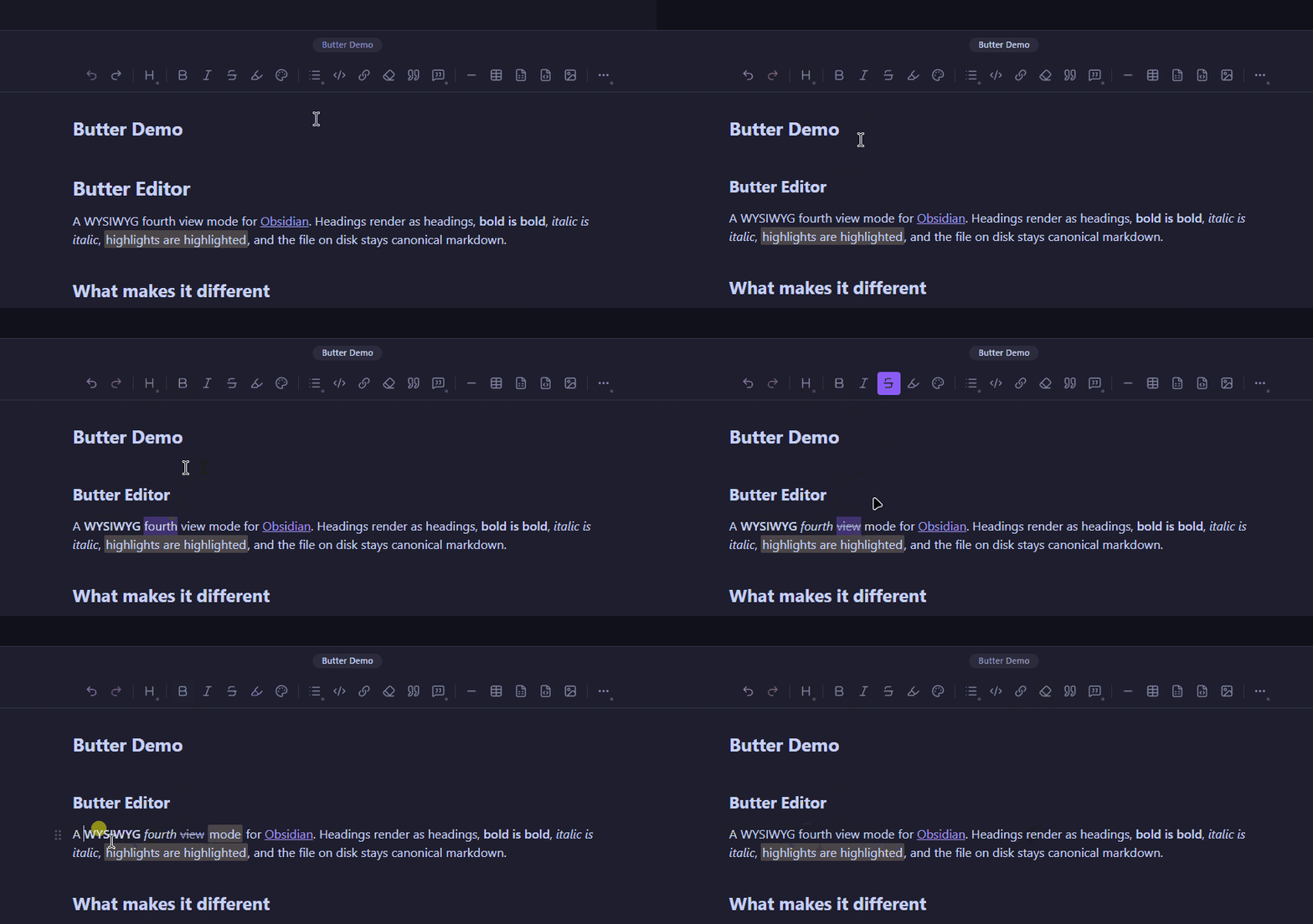
See it in action
Select, reorder, and transform blocks
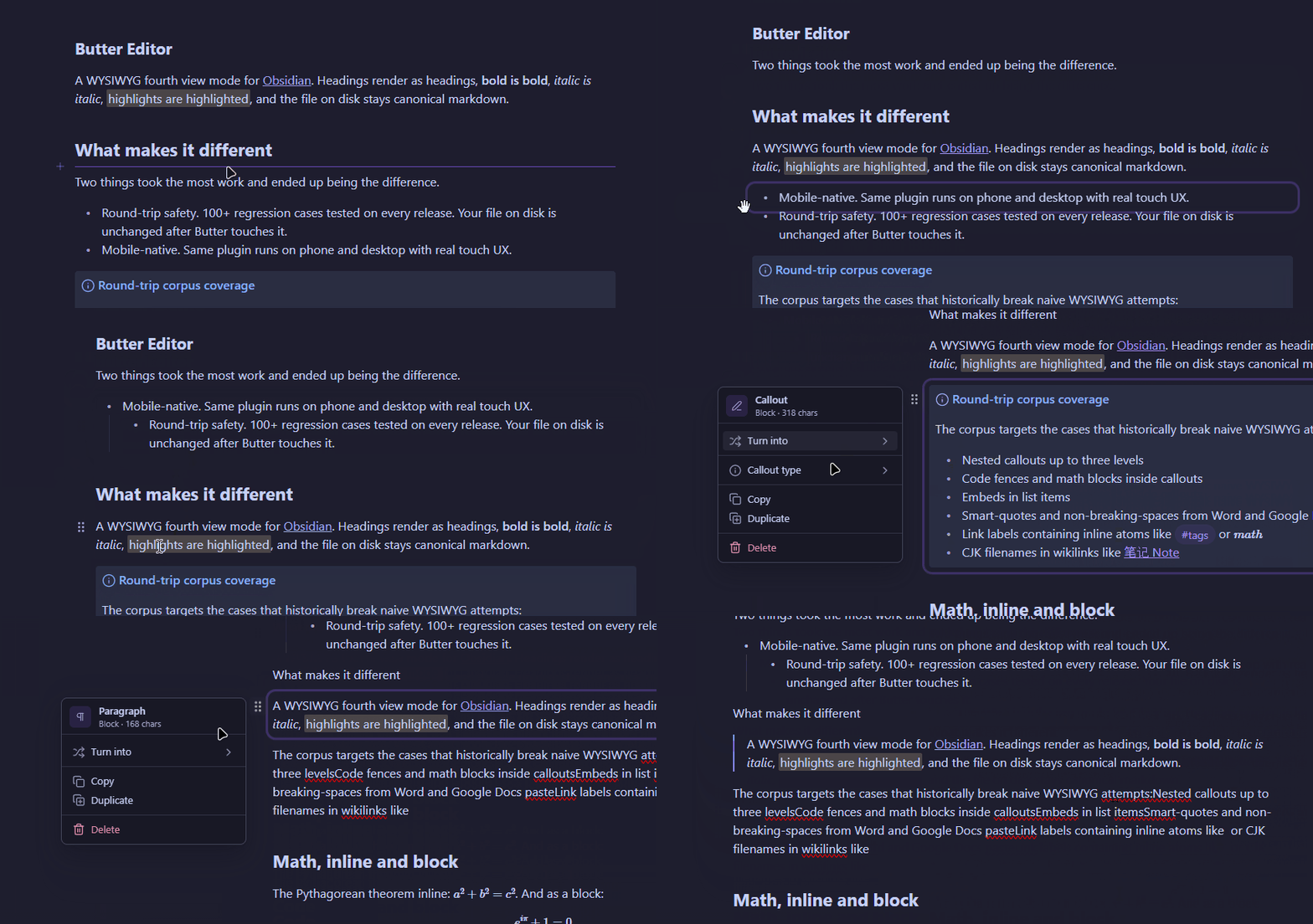
Use context actions and optional rich formatting
Customize the toolbar for your workflow
Trial and license
The full-featured trial lasts 15 days on the installation where you start it. It does not require an account, email address, or payment card.
After the trial, Butter's editing view becomes read-only until you activate a license. Your notes are not locked: they remain ordinary Markdown files and stay available in Obsidian's other views.
A v1 license never expires and includes all v1 updates. It can be active on up to five devices by default. Use the license portal to recover a key, review active devices, or deactivate an old installation.
Installation
Butter Editor requires Obsidian 1.7.2 or newer.
- Open Settings -> Community plugins.
- If Restricted Mode is active, select Turn on community plugins.
- Select Browse, search for Butter Editor, and select Install.
- Select Enable.
For manual installation, download main.js, manifest.json, and styles.css from the latest GitHub release and place them in <vault>/.obsidian/plugins/butter-editor/. Reload Obsidian, then enable Butter Editor under Community plugins.
Getting started
- Open a Markdown note.
- In the Command Palette, run
Butter Editor: Open current note in WYSIWYG view. - On first use, complete the short setup and start the free trial or enter a license key.
- Type
/at the start of a block to open the insert menu. Use the view-mode button whenever you want to switch views.
Privacy and network use
Butter does not send the contents of your notes to Butter's servers. Editing and Markdown processing happen locally.
For trial and license operations, the plugin contacts api.buttereditor.com. These requests can include a license key or session, a randomly generated installation ID, platform, plugin and protocol versions, and the requested activation action. The plugin sends an email address only when you request license recovery. Purchase, receipt, and account information is handled by Butter's commerce and licensing services.
Butter Editor does not send product-usage analytics, note telemetry, or third-party tracking data. See the privacy policy for full data-handling details.
The Help & feedback page can send a bug report, feature request, or other message only when you press Submit feedback. A reply email is optional. Basic device diagnostics are off by default and shown before you choose to include them. Feedback never includes vault names, paths, filenames, or note contents.
Network destinations you may need to allow through a firewall:
api.buttereditor.com- trial, license, and user-submitted feedback operationslicenses.buttereditor.com- browser-based license and device management
Support
- Bug reports and feature requests: GitHub Issues
- Email: [email protected]
- Billing and devices: licenses.buttereditor.com
Source and licensing
Butter Editor is proprietary software. Its source is publicly visible for inspection, security review, and Obsidian plugin review; it is not open source. Third-party dependencies remain subject to their own license terms and are listed in package.json and package-lock.json.
See the source license and End User License Agreement. Editing with Butter Editor requires a valid license or an active trial; the read-only view remains available after a trial ends.