Bloom
 xiande shui39 downloads
A soft, pastel daily dashboard for your vault — Dashboard, Tasks, Calendar, and Trackers in one calm view.
- Overview
- Scorecard
- Updates8
A soft, pastel daily dashboard for Obsidian — your #1 task, a task board, a lunar calendar, life trackers, study lists, and your reading shelf, all in one calm view.
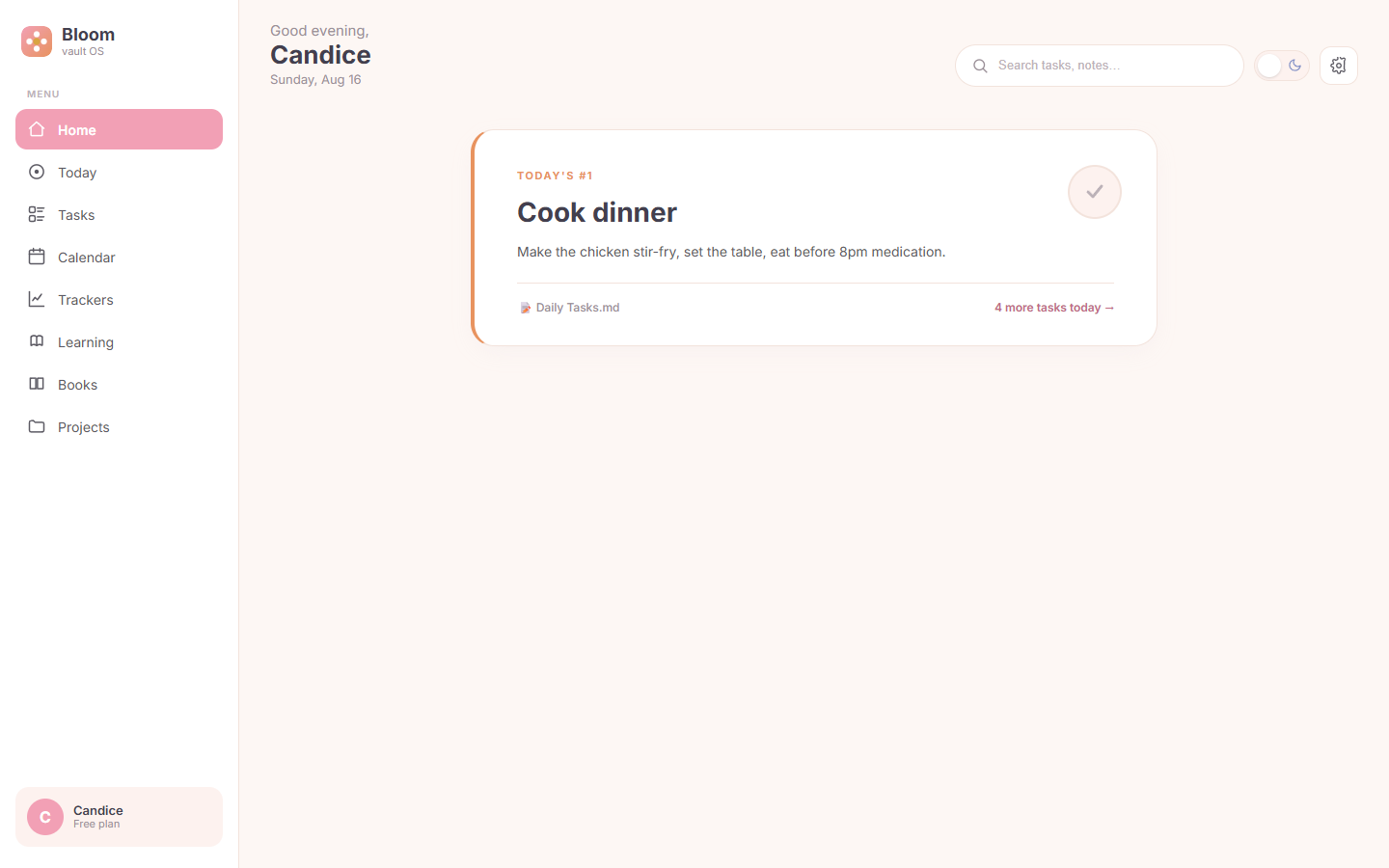
One thing at a time. Bloom is designed around a single-threaded day: the homepage shows exactly one card — today's most important task — instead of a wall of widgets.
| Home | Calendar |
|---|---|
 |
 |
| Tasks | Trackers |
|---|---|
 |
 |
Features
- Home — a single "Today's #1 task" card. Tick the round button to complete it; the state is written back to your note. If your Daily Note has a
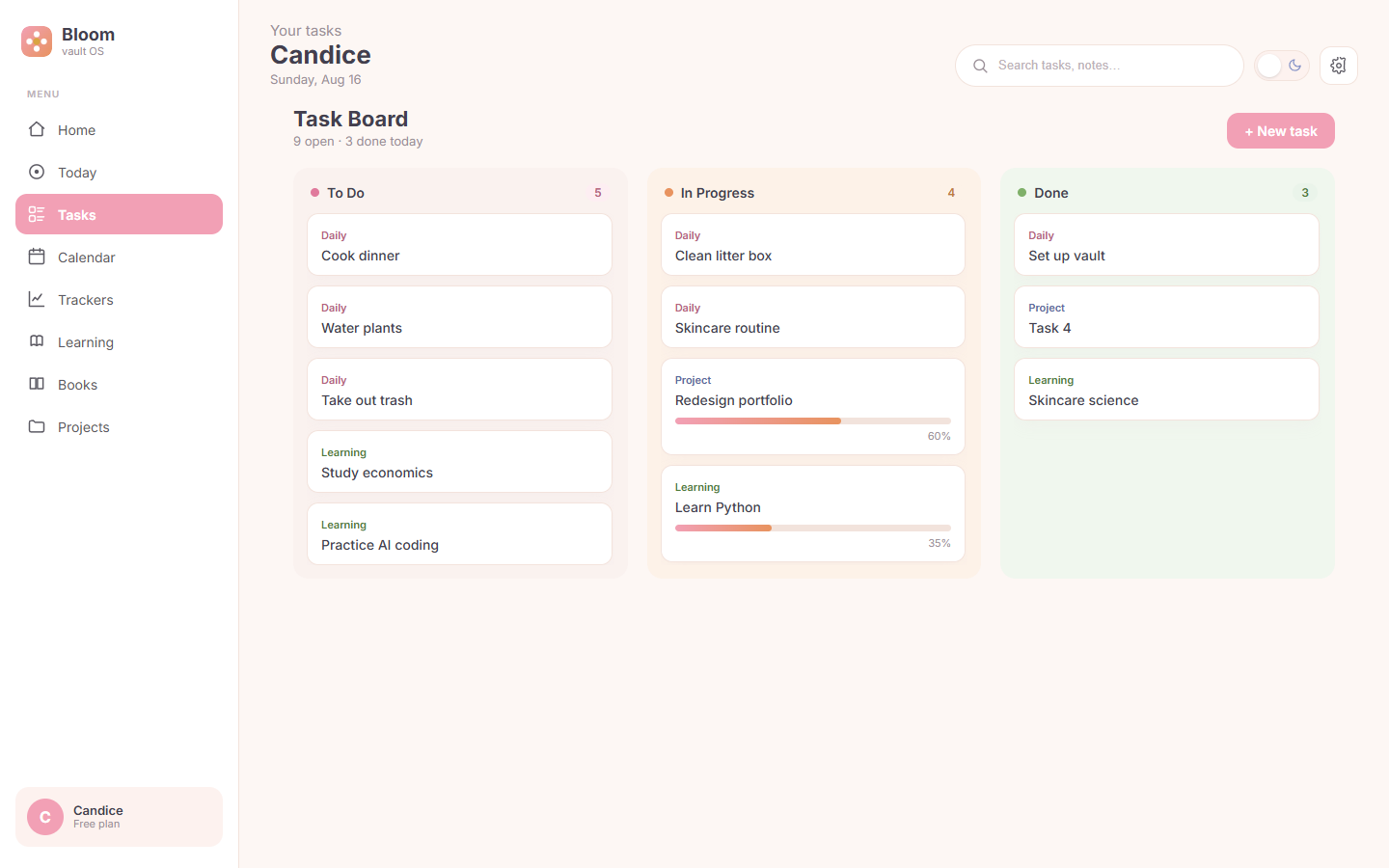
topTaskfrontmatter field, it shows up here automatically. - Tasks — a three-column board (To Do / In Progress / Done) that merges daily, study, and project tasks. Create tasks with + New task, filter with the search box; tall columns scroll inside.
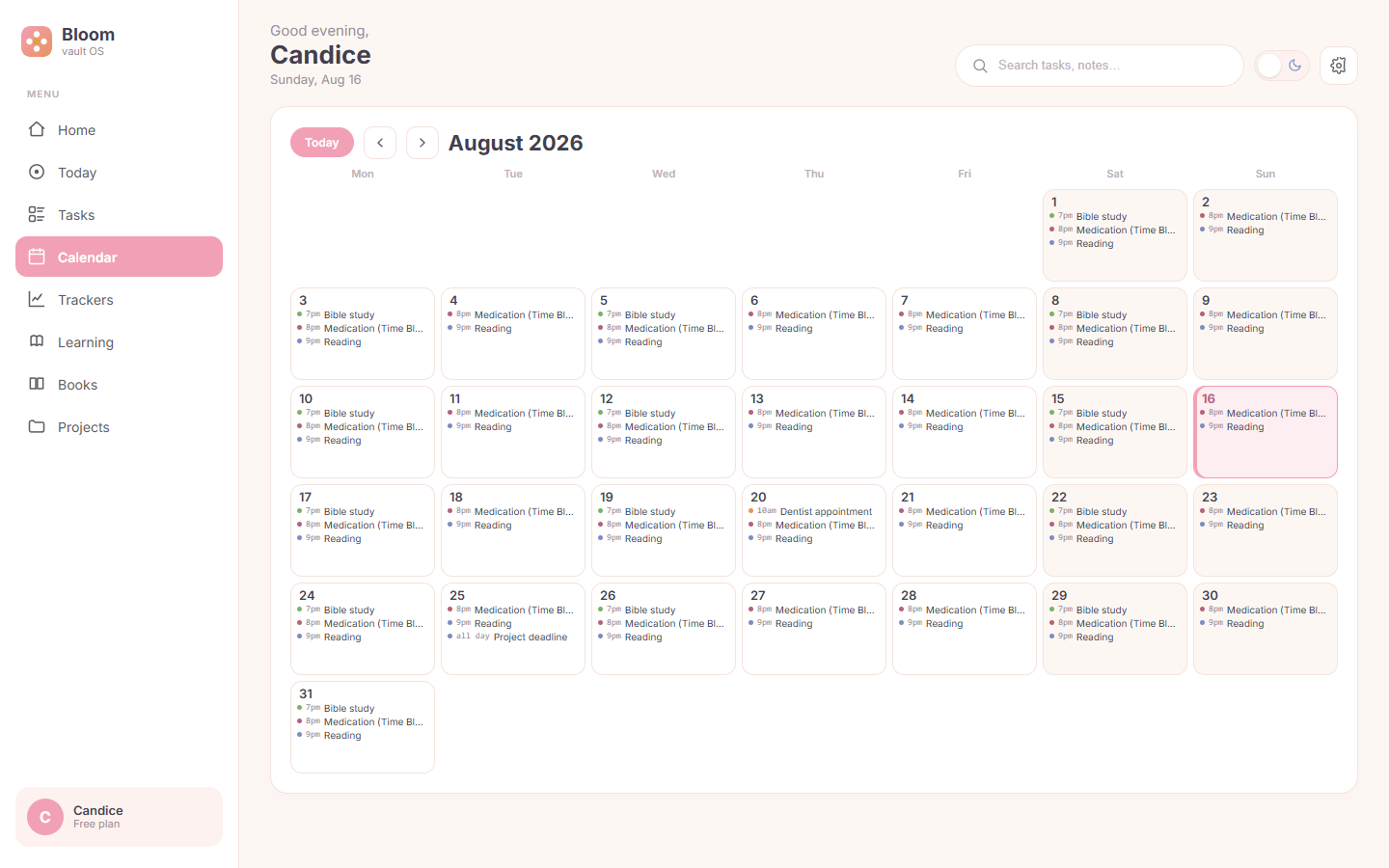
- Calendar — a full-month grid with lunar dates, holiday banners (statutory + commemorative, e.g. Teacher's Day), and timed events from your Daily Notes'
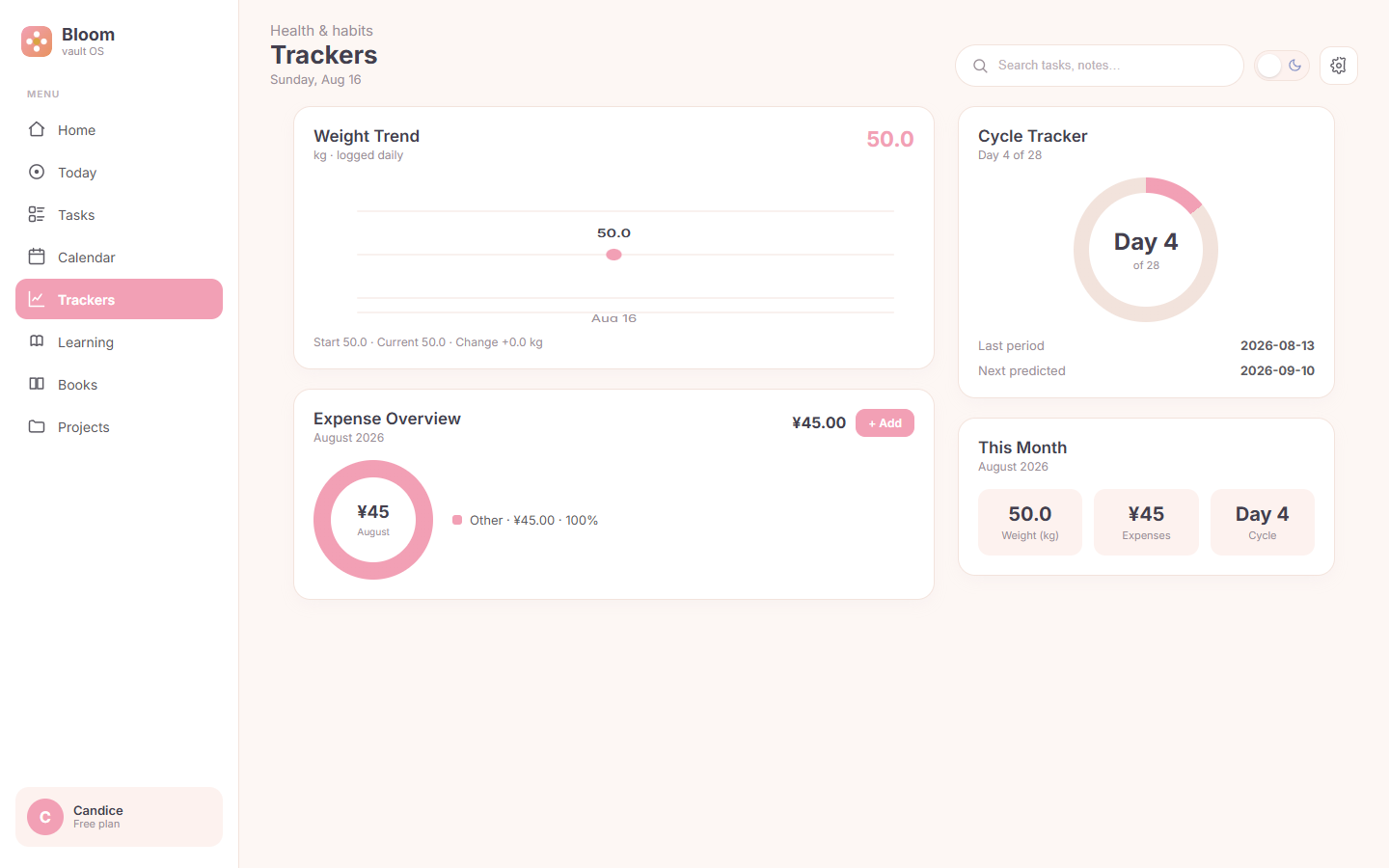
## ⏰ Scheduletable. Today is highlighted; jump back anytime with Today. - Trackers — weight trend line, an expense donut with monthly total, a cycle ring, and a month summary. Log an expense with + Add (date / category / item / amount) and the chart refreshes instantly.
- Learning — today's study tasks as a checklist; tick items or add new ones with + Add study task. State is written back to the source file.
- Books — your reading list grouped by category (Reading / Finished / Want to read / Paused). Add a book with + Add book and it lands in the right category table.
- Settings — light/dark theme, default landing view, and one-click Refresh from vault. Also available from the command palette.
- All input is native — every add/edit flow uses real Obsidian modals, so nothing gets swallowed by the iframe sandbox.
Data: your notes stay the source of truth
Bloom reads and writes plain Markdown — no database, no cloud, nothing leaves your vault:
| View | Reads from | Writes back |
|---|---|---|
| Home | 12-Calendar/Daily Notes/<date>.md (topTask) |
completion state |
| Tasks | 11-Todo/*.md, 10-Projects/Project Dashboard.md |
new tasks, checkboxes |
| Calendar | Daily Notes (## ⏰ Schedule) |
— |
| Trackers | 13-Trackers/*.md tables |
new expense rows |
| Learning | 11-Todo/Study Tasks.md |
checkboxes, new tasks |
| Books | 15-Books/Book List.md |
new book rows |
Missing files never break the UI — affected modules simply fall back to sample data.
Installation
From Community Plugins
Open Settings → Community plugins → Browse, search for Bloom, and install.
Via BRAT (beta channel)
- Install the BRAT community plugin.
Add a beta plugin→ pastehttps://github.com/shuixiande/bloom-obsidian-plugin.- Enable Bloom and reload.
Manual
- Download
main.js,styles.css,manifest.jsonfrom the latest release. - Copy them into
<vault>/.obsidian/plugins/bloom/. - Enable Bloom in Settings → Community plugins.
Open the dashboard
Click the ribbon icon, or run "Open Bloom dashboard" from the command palette.
Development
npm install
npm run dev     # esbuild watch
npm run build   # production build
prototype.html— a standalone, data-stub preview that needs no Obsidian. It reuses the samesrc/dashboard.tsrender layer as the plugin, so the prototype and the real plugin can never drift apart.VAULT-SETUP.md— how to build a vault that Bloom understands.
Project structure
src/
  main.ts        Obsidian ItemView + plugin entry (ribbon, commands, theme)
  dashboard.ts   single render layer (shell + views) — shared by plugin & prototype
  data.ts        static fallback dataset
  vault.ts       live reader/writer (app.vault.adapter) — Obsidian only
  task-modal.ts  New-task modal (native, sandbox-safe)
  entry-modal.ts field-driven entry modal (expense / book)
  settings.ts    settings modal
esbuild.config.mjs   builds main.js (cjs) + prototype.js (iife)
manifest.json        Obsidian plugin manifest
styles.css           pastel-fresh styling + light/dark tokens
License
MIT © AiteSn