Bases Row Deltas
 theluckystrike8 downloads
Show each number value and its change from the prior row in each Bases group.
- Overview
- Scorecard
- Updates3
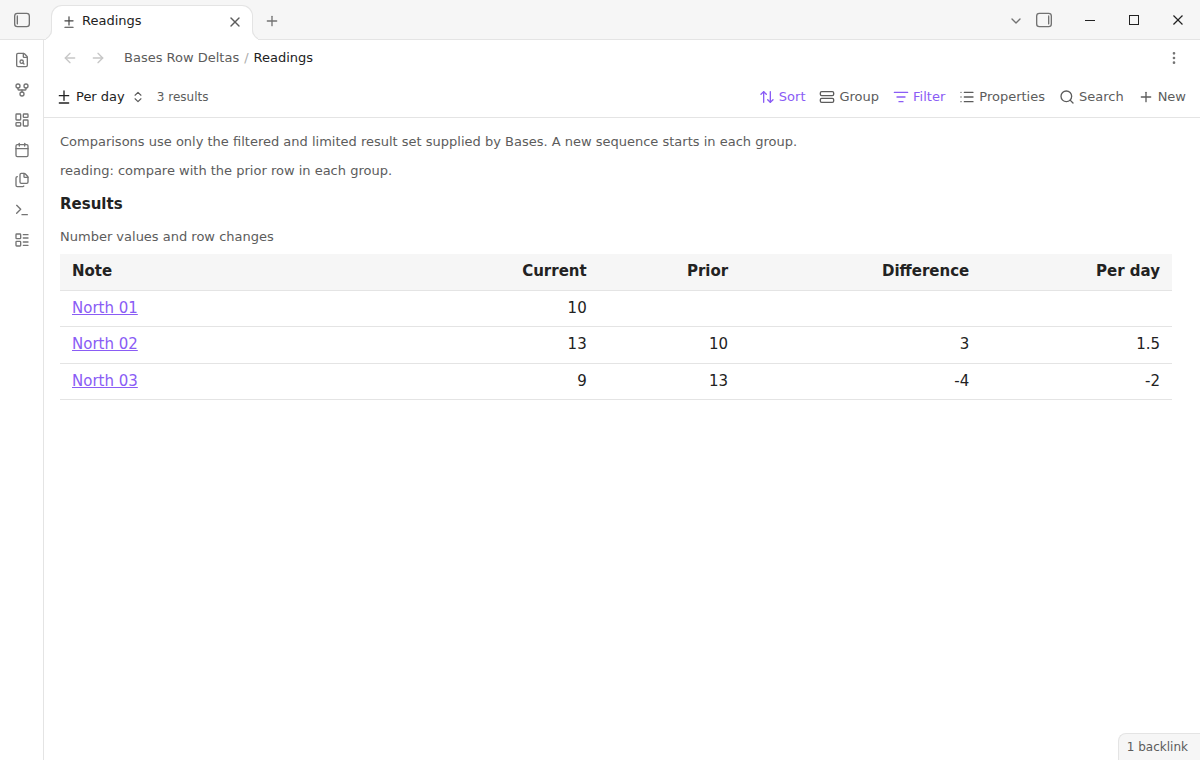
Bases Row Deltas shows a number and its change from an earlier row in a Bases view. Use it to review readings, counts, or balances recorded in separate notes. The free view shows the note link, current value, prior value, and difference. A comparison starts again at the start of each group.
The result is a view of the data that Bases supplies. Set the filters, sort order, groups, and limit in Bases. The plugin reads the resulting rows and adds the comparison columns.
Features
Select a number property
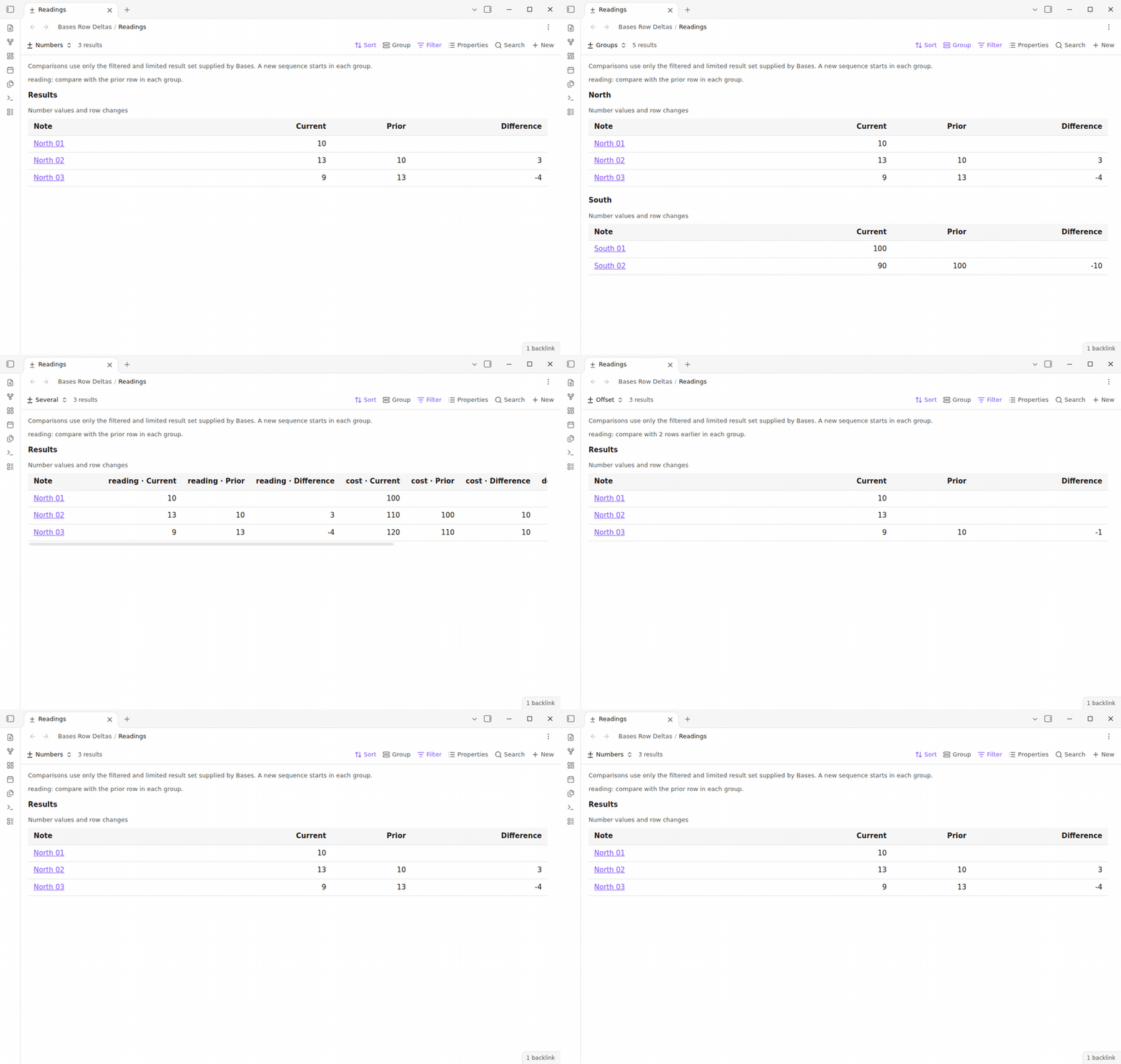
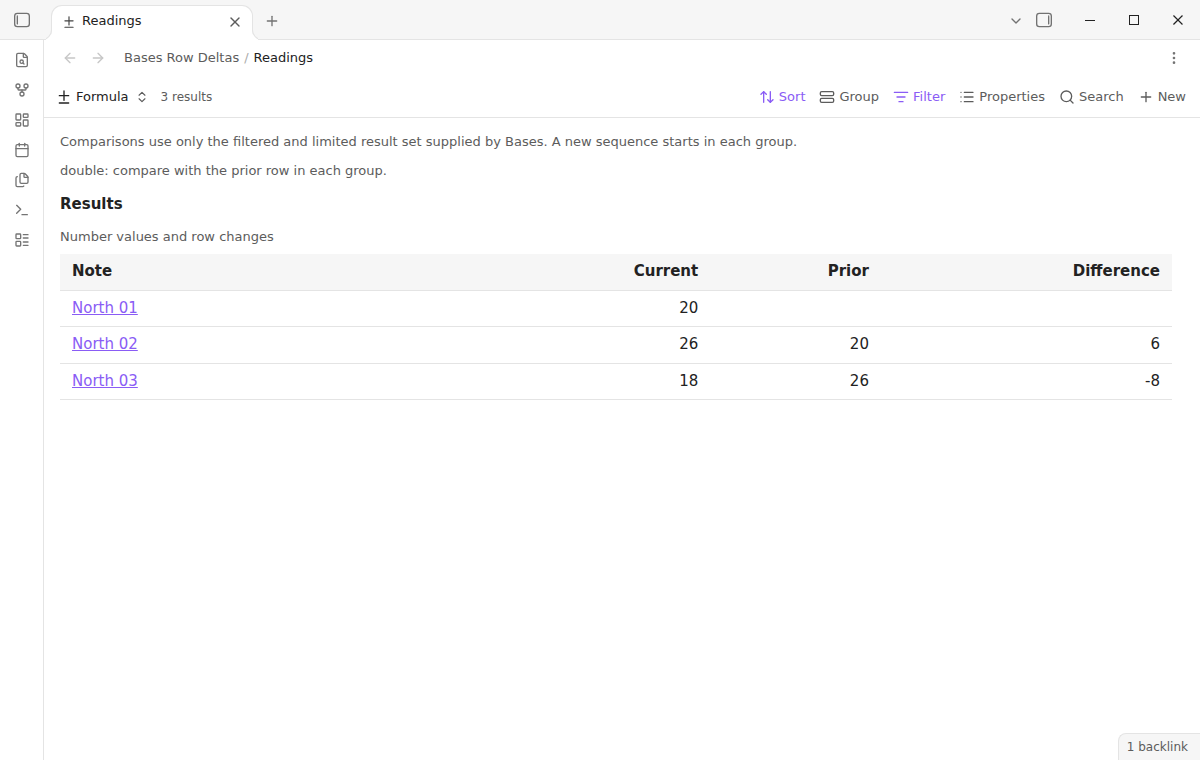
Choose "Number property" in the view options. A note number property or an evaluated number formula can supply the value. For example, readings of 10, 13, and 9 show differences of empty, 3, and -4. A positive difference means the current value is greater than the prior value. A negative difference means it is smaller. Zero is a valid value and a valid difference.
Keep the supplied groups and order
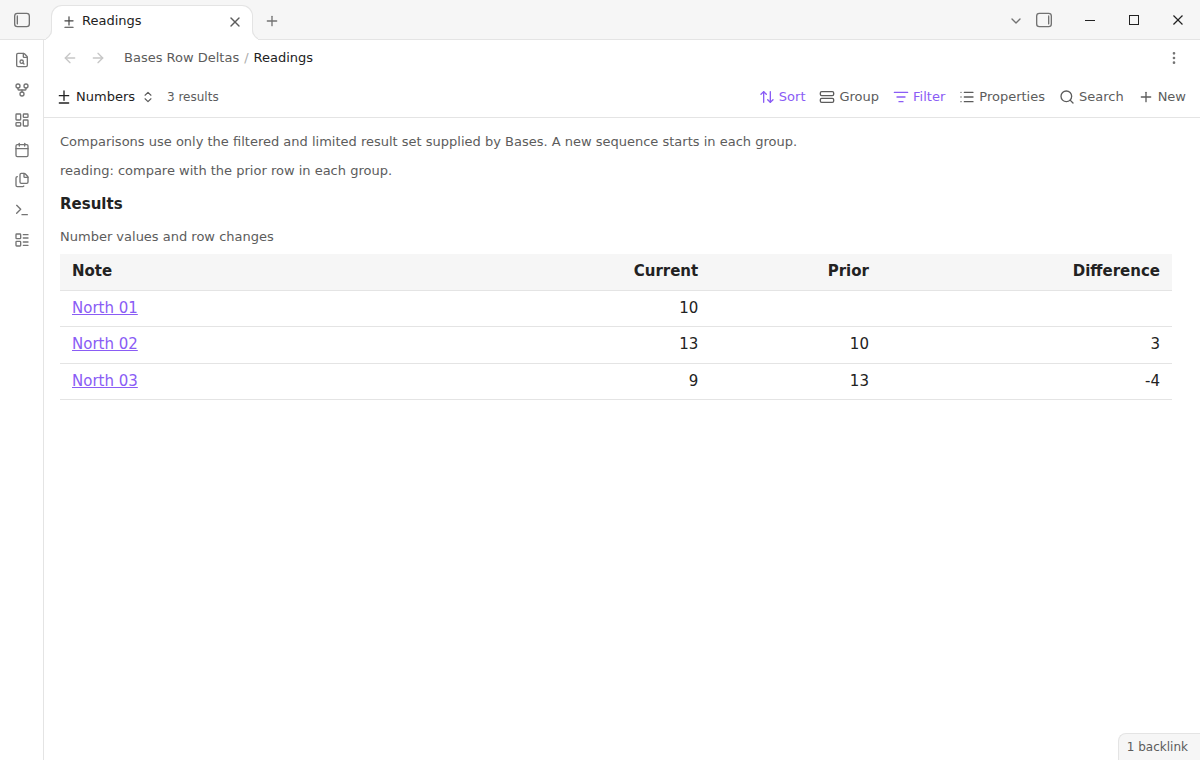
The view keeps the group order and row order supplied by Bases. Each group starts a separate sequence. The first South meter reading does not use the last North meter reading. When sort values are equal, the plugin keeps their supplied order. It does not add a sort by note name or date. Choose a sort that makes sense for the data before you interpret a difference.
Leave invalid comparisons empty
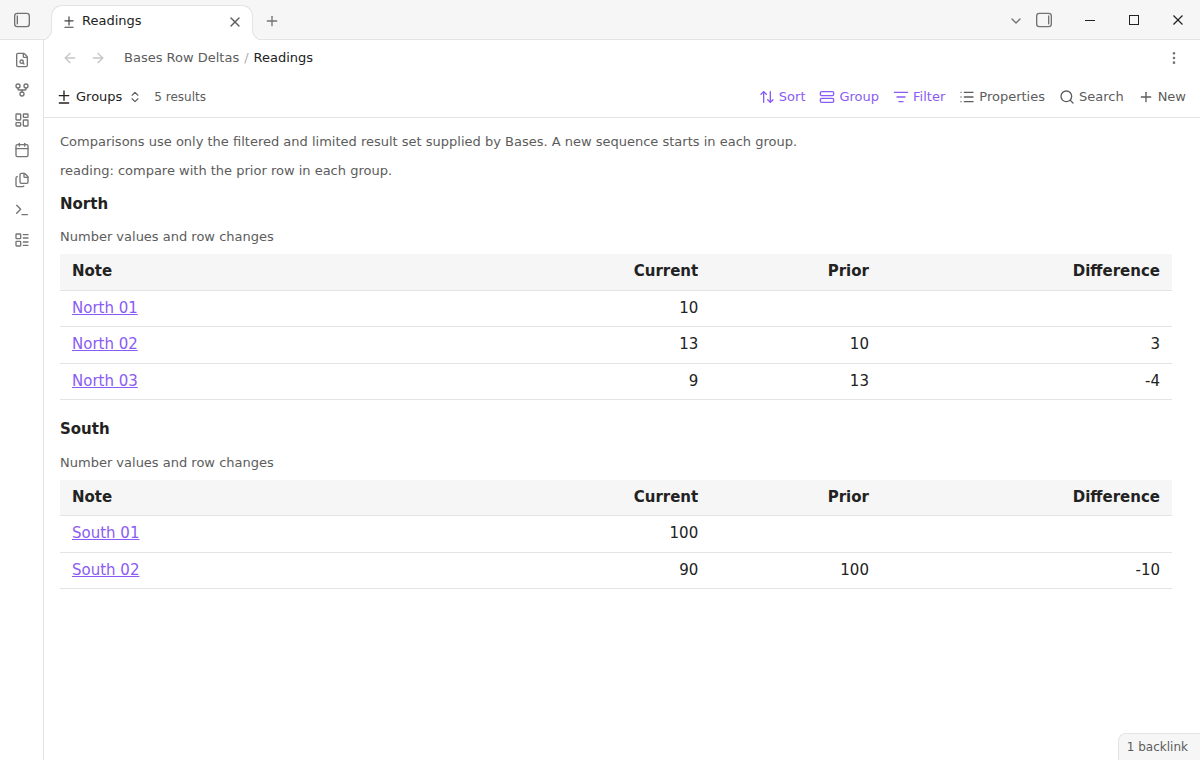
A missing value occupies its row position. It is not skipped to find an older number. Values of 10, missing, 14, and 15 produce differences of empty, empty, empty, and 1. Text that looks like a number is invalid when Bases supplies it as a text value. Boolean values and formula errors are also invalid. The prior column can still show a valid earlier number when the current value is missing.
Read new formula results
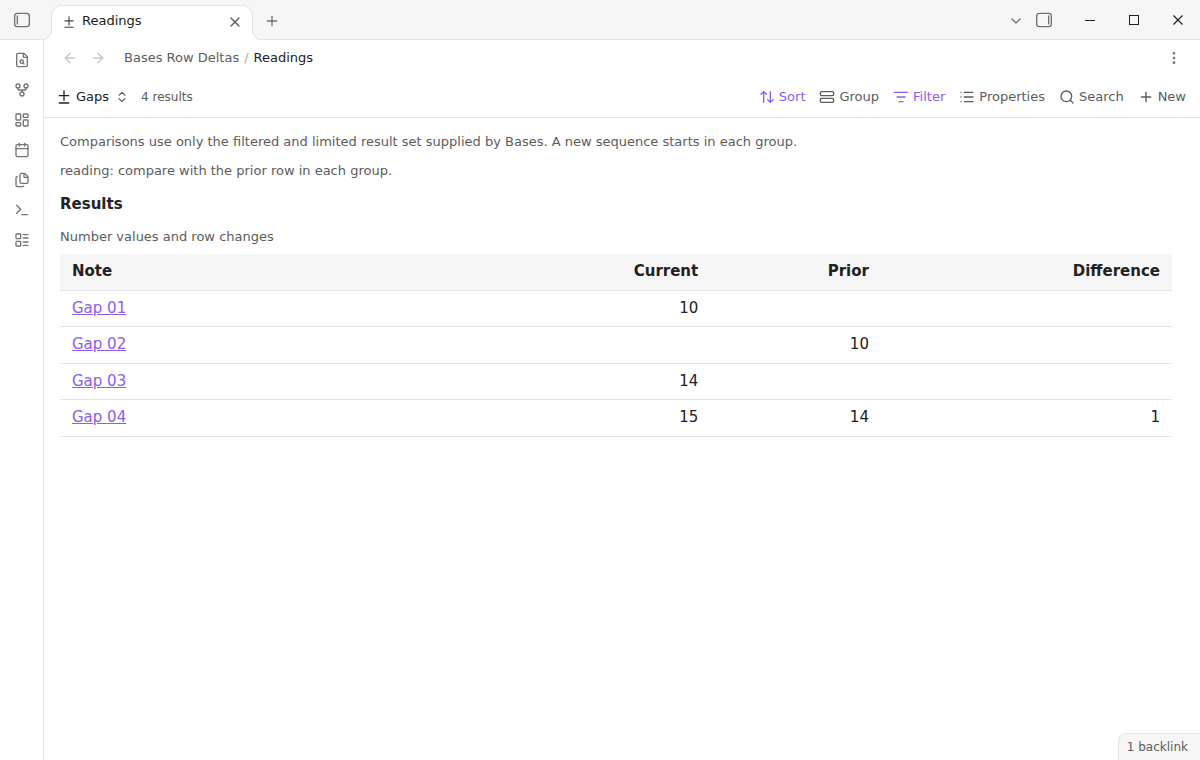
When Bases supplies updated results, the table reads the evaluated values again. It replaces the old rows. Select a number formula such as a reading multiplied by two to compare the formula output. This view does not calculate the formula itself. A change to a source property reaches the table through the normal Bases query update.
Show the comparison boundary
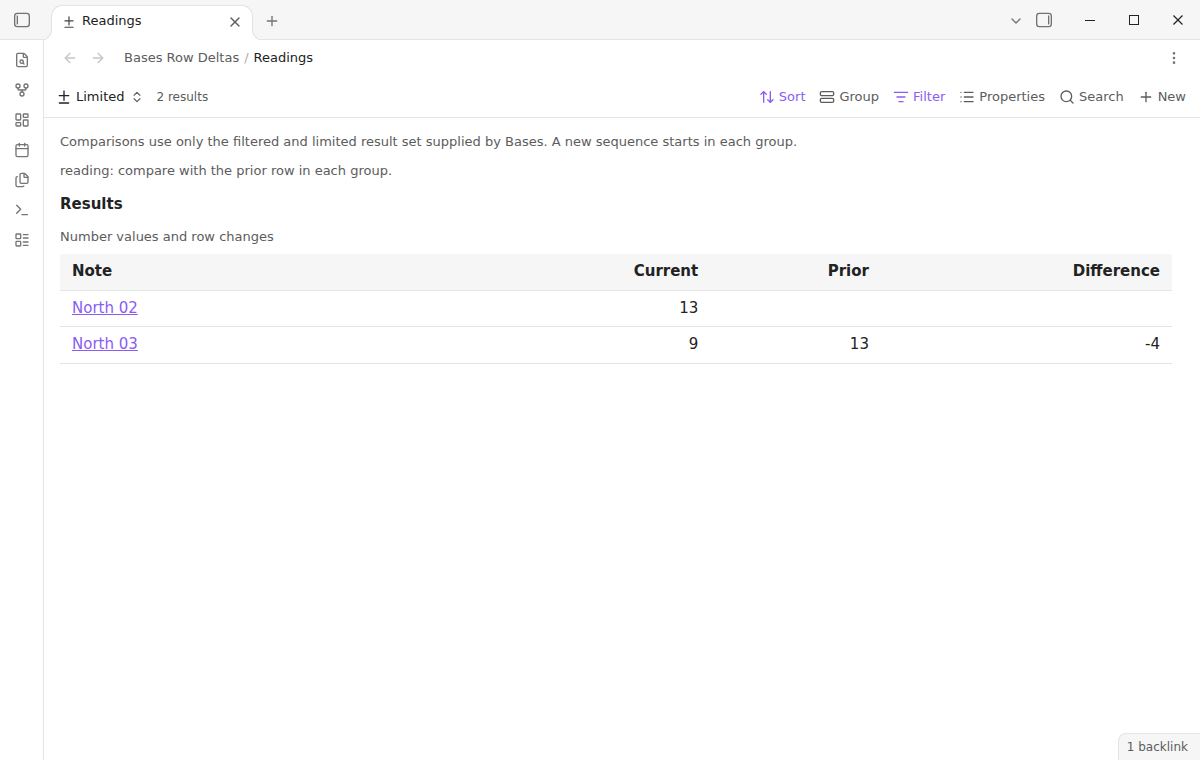
A note above the table states that comparisons use only the filtered and limited result set. If a limit delivers 13 and 9, the first difference is empty and the second is -4. The view cannot compare the first row with a note outside that result set. Note links open the source notes. The table has horizontal scrolling for narrow panes and for views with extra columns.
Compare several properties (Pro)
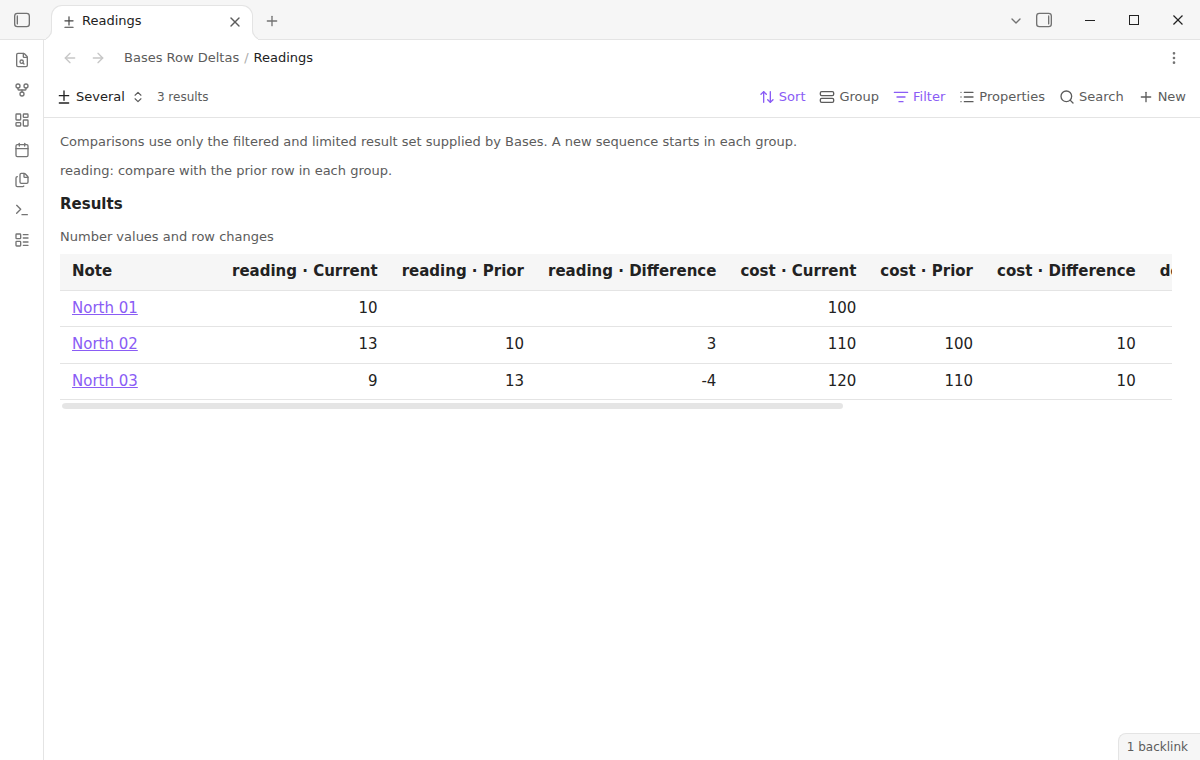
Select a second and a third number property to compare up to three properties in one table. Each property has its own current, prior, and difference columns. A missing value in one property does not stop a valid pair in another property. Duplicate selections produce one set of columns. The column headings include the property names when the table has more than one property.
Choose an earlier row (Pro)
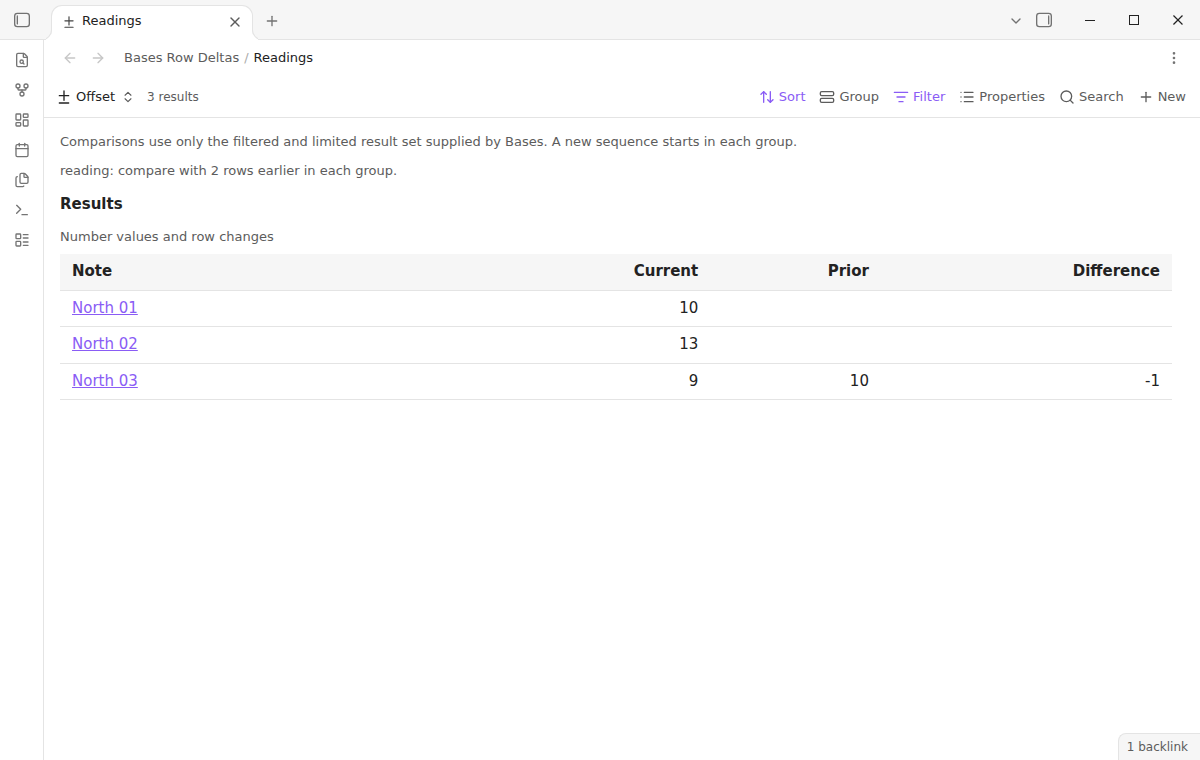
Set "Prior-row offset" from 2 to 100 to compare with a row farther back. With offset 2, the first two rows have no prior value. Missing rows still count toward the offset. The offset stays inside each supplied group. The offset counts rows rather than a fixed number of days.
Show change per day (Pro)
Select a date property to add a "Per day" column. The value is the difference divided by the interval in days between the current and prior dates. A day is 24 hours. The same row offset applies to numbers and dates. Equal dates, reversed dates, missing dates, and invalid numeric pairs leave the rate empty. The date must be a Bases date value; a text property containing a date is not converted.
Install
Use Obsidian 1.13.4 or later, with the core Bases plugin enabled. For manual installation, copy main.js, manifest.json, and styles.css from the release into <vault>/.obsidian/plugins/bases-row-deltas/. Then enable Bases Row Deltas under Community plugins. Back up the vault before you change its plugin setup.
Usage
Open a base and add a view of type "Row deltas" from the view menu. Open its view options and select a number property. Set the sort in Bases, for example an ascending sequence number. Add grouping if notes from different meters or projects need separate comparisons. Read the current and prior columns together before you use the difference.
To open a note, select its link. Ctrl-click or Cmd-click requests a new tab. You can embed a saved view in a reading-mode note with the normal Bases embed syntax. The sample vault includes North and South readings, a group with a missing reading, and saved views for formulas and Pro options.
Settings
After a minor or major update, this plugin opens one What's new tab in the background. The tab and settings card suggest other NoteMods plugins and Zovo Chat and link to notemods.com for feedback (privacy). The tab sends no data. Turn the tab off in Settings.
The view options are saved by Bases in the base file. "Number property" is free. "Second number property", "Third number property", "Prior-row offset", and "Date property for change per day" are Pro options. The default offset is one row. When Pro is off, the saved Pro options are ignored and a note explains the free comparison. A notice with a Sponsor on GitHub button shows one time in a session for each view name and Pro selection. New data, a new tab of the same view, and an embed of the same view do not show it again.
The plugin settings tab contains the GitHub Sponsors sign-in controls, sponsorship status, Refresh, and Sign out. It has no precision or color controls. Values use their numeric string representation, so decimal arithmetic can show a long fraction.
FAQ
Does the view change source notes?
The comparison code reads Bases values and opens note links. It does not write differences to properties or edit note content. Bases can save changes to view options in the base file.
What was not tested?
Linux and Windows app runs, physical phones and tablets, touch input on a device, custom themes, large vault performance, daylight-saving transitions, and live paid GitHub accounts were not tested. The app tests use simulated sponsorship replies. A narrow desktop pane test checks scrolling and note navigation. This does not establish support on a mobile device.
Payment, account and network
The core features are free. Pro features need a GitHub Sponsors sponsorship of theluckystrike: $5 a month or more, or $15 once. A total payment of $15 meets the payment requirement for Pro without further payment. Sign-in and the checks below still apply. Your notes stay readable and editable with or without Pro.
GitHub handles the payment. Sponsor at https://github.com/sponsors/theluckystrike. You need no account for the free features. Pro needs the GitHub account that sponsors.
Until you select "Sign in with GitHub" in the settings, Bases Row Deltas makes no network requests. Sign in uses the GitHub device flow. Bases Row Deltas sends its public client ID and the scope read:user to https://github.com/login/device/code and shows you a code. While you enter the code at https://github.com/login/device, it asks https://github.com/login/oauth/access_token every few seconds to check the sign-in status. The scope permits profile reads only. GitHub needs this access to show the sponsorship tier. It grants no repository scope and no write access.
After sign in, Bases Row Deltas sends one query to https://api.github.com/graphql. It checks if the signed-in account sponsors theluckystrike. It asks for the tier and the total payment to theluckystrike. The plugin reuses a successful check for 7 days. Failed checks can retry after 6 hours. Select Refresh to request an earlier check. It sends no note content, file names or other vault data, and it has no telemetry.
After a successful check, Pro can work offline for up to 14 days. Sign out or a negative sponsorship answer turns Pro off. The plugin stores the GitHub token through the secret storage API of Obsidian. It does not put the token in its saved settings or its local sponsorship data. The local storage of this device keeps your GitHub login, the tier and the time of the last check. Sign out clears the token. You can also revoke the access in your GitHub settings, under Applications.
Support
Report a problem in this repository's issues with the app version, selected property, sort, group, and limit. Use a small example with private text removed. State which current and prior values you expected. The author is theluckystrike. The code uses the MIT license.