
- Overview
- Scorecard
- Updates4
A plugin for obsidian that generates and displays barcodes in different variations. It uses the JsBarcode plugin to generate the barcode.
For a plugin that generates qr codes, you might check this repository.
Installation
From Obsidian
You can activate this plugin within Obsidian by doing the following:
- Open Settings > Comunity Plugins;
- Make sure the Restricted Mode is off;
- Click on Browse community plugins;
- Search for "Barcode";
- Click Install;
- Don't forget to enable it before using.
Mobile
This plugin works on mobile as well. The installation processs is the same as on desktop.
Manual Installation
You can download this plugin manually from the latest releases. Copy the main.js and manifest.json into <vault>/.obsidian/plugins/obsidian-barcode. Then you can enable the plugin from Comunity Plugins in obsidian.
Usage
For an insertion of the default barcode, you can use the following codeblock structure:
```barcode
content
```
If you want to select a specific type of barcode, you can type dash and then the barcode types:
```barcode-code128
content
```
If you want to make a barcode different from the sandard settings, this can be done using barcode-custom:
```barcode-custom
lineColor: #fff
height: 10
format: pharmacode
1341
```
Note: after changing the options, the barcodes on the page won't be refreshed.
Barcodes
As for now, the following barcodes are supported:
| Codeblock | Name | Description | Image |
|---|---|---|---|
| barcode-code128 | Code 128 | Automatic selection of Code 128. It has a range of 30 characters or 60 digits. | 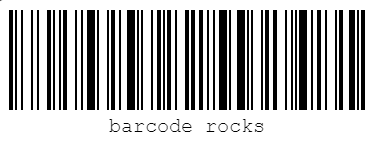 |
| barcode-code128a | Code 128 A | Encodes ASCII characters 00 to 95 (0–9, A–Z and control codes), special characters, and FNC 1–4. | 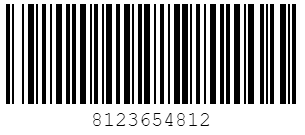 |
| barcode-code128b | Code 128 B | Encodes ASCII characters 32 to 127 (0–9, A–Z, a–z), special characters, and FNC 1–4. | 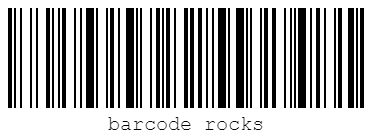 |
| barcode-code128c | Code 128 C | 00–99 (encodes two digits with a single code point) and FNC1. | 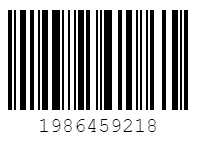 |
| barcode-ean13 | EAN-13 | Encodes 13 digits. Used in labeling products. The last digit is a checksum. If the last digit is not specified, it'll be automatically generated. | 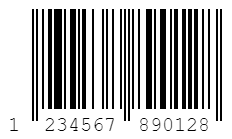 |
| barcode-upc | UPC | Encodes 12 digits. Used in labeling products. The last digit is a checksum. If the last digit is not specified, it'll be automatically generated. | 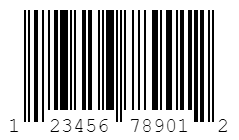 |
| barcode-ean8 | EAN-8 | Encodes 8 ditis. The last digit is a checksum. If the last digit is not specified, it'll be automatically generated. | 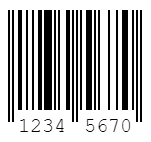 |
| barcode-ean5 | EAN 5 | Encodes 5 digits. | 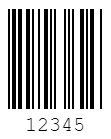 |
| barcode-ean2 | EAN 2 | Encodes 2 digits. | 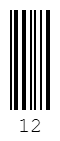 |
| barcode-code39 | Code 39 | Encodes numbers, uppercase letters and a number of special characters (-, ., $, /, +, %, and space) |
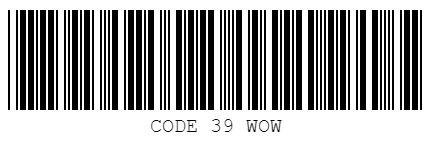 |
| barcode-itf4 | ITF-14 | Encodes 14 digits. The last digit is a checksum. If the last digit is not specified, it'll be automatically generated. | 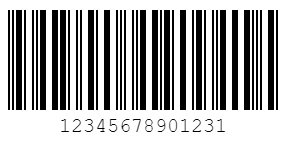 |
| barcode-msi | MSI | Encodes digits. | 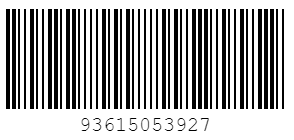 |
| barcode-msi10 | MSI 10 | Encodes digits. The checksum modulo 10 is done automatically. | 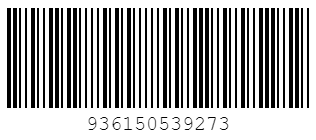 |
| barcode-msi11 | MSI 11 | Encodes digits. The checksum modulo 11 is done automatically. | 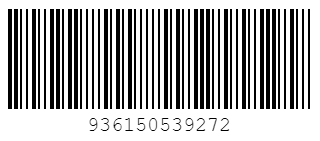 |
| barcode-msi1010 | MSI 1010 | Encodes digits. The checksum modulo 1010 is done automatically. | 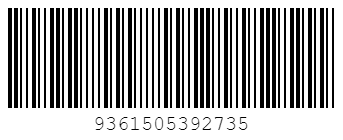 |
| barcode-msi1110 | MSI 1110 | Encodes digits. The checksum modulo 1110 is done automatically. | 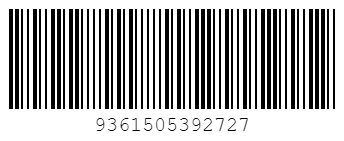 |
| barcode-pharmacode | Pharmacode | Encodes numbers from 3 to 131070. | 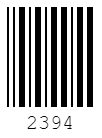 |
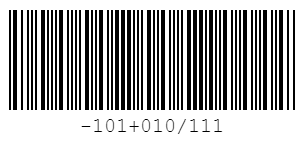
| barcode-codabar | Codabar | Encodes numbers and a number of special characters (–, $, :, /, +, .). You can set start and stop characters to A, B, C or D but if no start and stop character is defined A will be used. |
 |
Note that some barcodes have certain limitation of the content, and if the provided contents doesn't match them, the barcode won't be displayed. For more details about the barcodes, you can check out this resource.