Attachment Manager
 chenfeicqq12k downloads
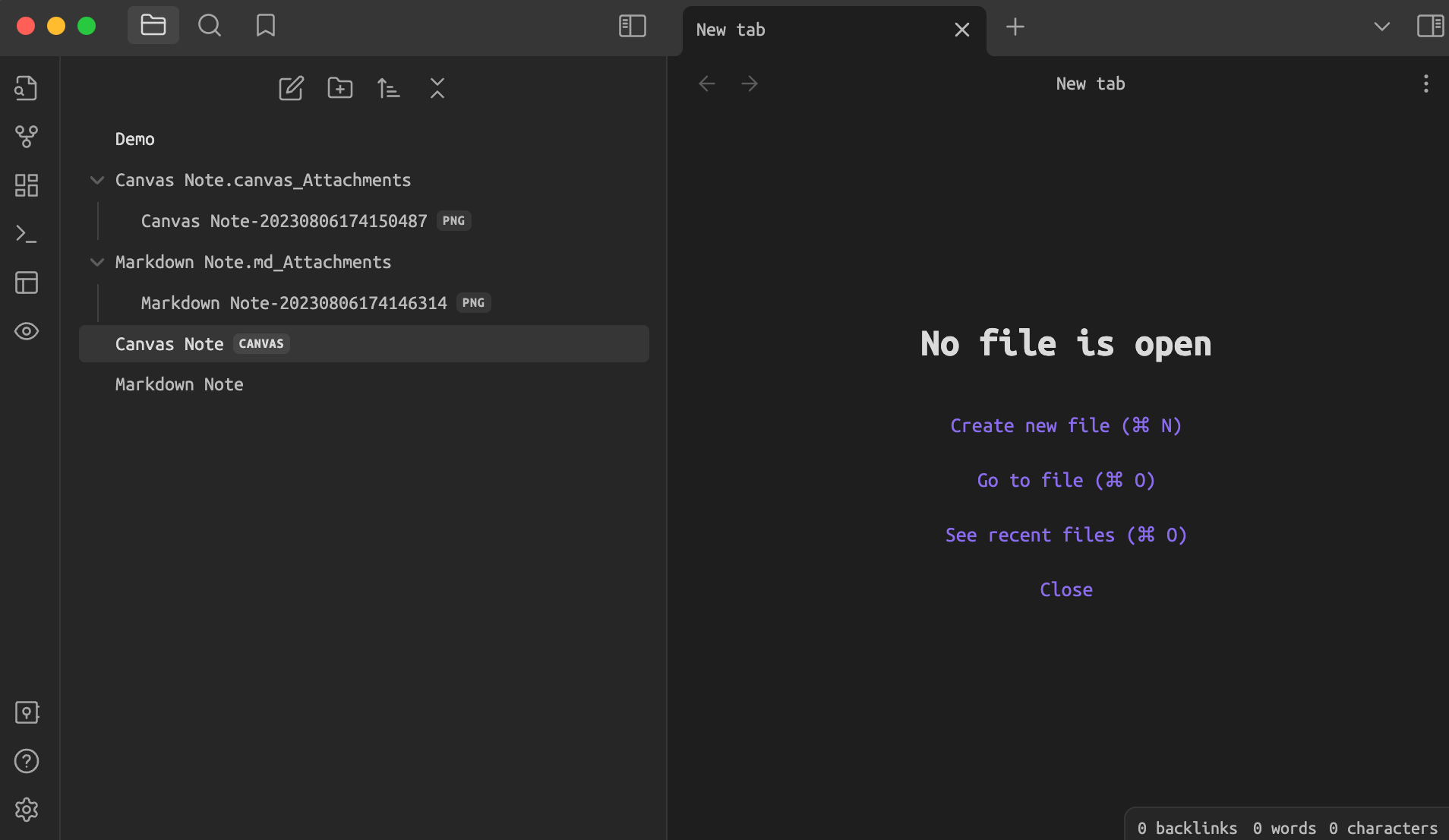
Bind attachment folder names to note names, which automatically rename, delete and show/hide when changed.
- Overview
- Scorecard
- Updates8
Attachment Manager
Attachment Manager: Attachment folder name binding note name, automatically rename, automatically delete, show/hide.
Features
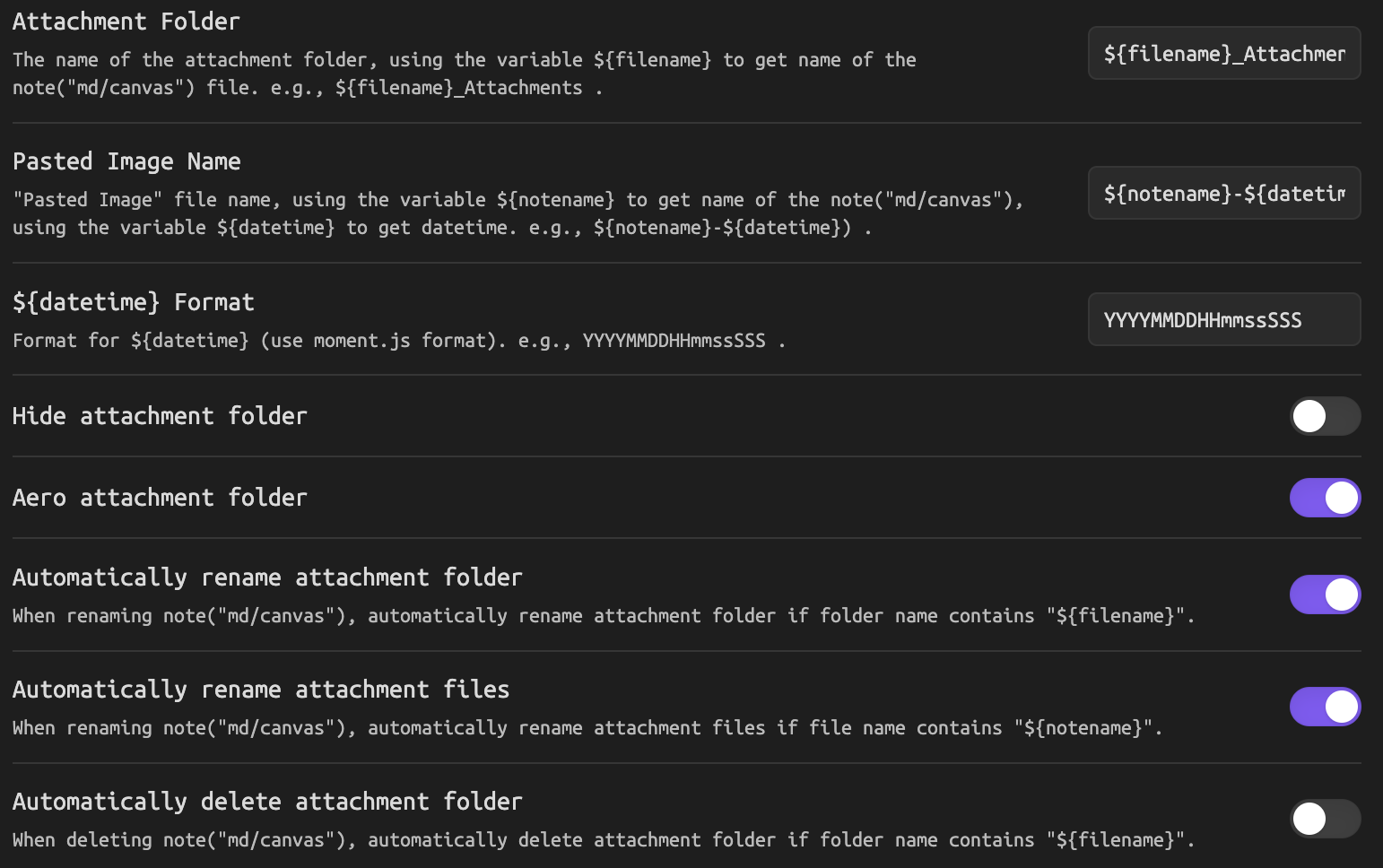
- Attachment folder name binding note name
- Download current open (md or canvas) note's remote image to attachment folder
- Automatically rename 'Pasted Image'
- Automatically rename attachment folder
- Automatically rename attachment files
- Automatically delete attachment folder
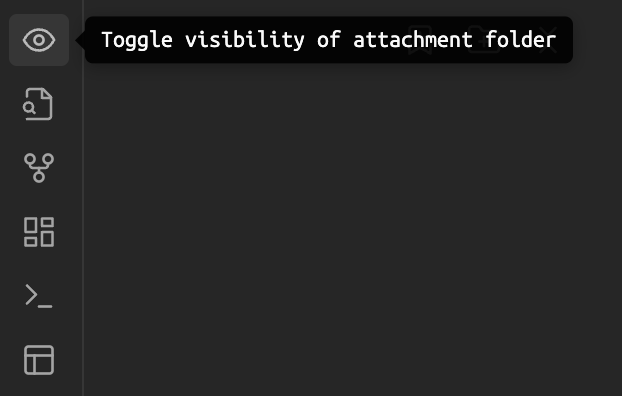
- Hide/show attachment folder
- Aero attachment folder
⚠️ IMPORTANT: This plugin will overwrite the following two settings and restore them when the plugin is disabled.
- "Files & Links -> New link format for generating md links.
- "Files & Links -> Default location for new attachments" for custom attachment folder.
How to use
Plugin Manager
- Install via the Community plugins setting. Search for Attachment Manager.
- Activate the plugin in the settings.
Manual Install
- Download
main.js,styles.css,manifest.jsonin the Git releases. - Create the plugin directory
obsidian-attachment-managerin the vault plugins directoryVaultFolder/.obsidian/plugins. - Copy
main.js,styles.css,manifest.jsontoobsidian-attachment-managerdirectory. - Enable plugin in Obsidian setting.
Screenshots

HealthFair
ReviewSatisfactory
About
Bind attachment folder names to note names and keep them synced by renaming folders and files when notes change. Download remote images from the current Markdown or Canvas note into its attachment folder, auto-rename pasted images, auto-delete empty folders, and toggle folder visibility.Details
Current version
1.2.2
Last updated
3 years ago
Created
3 years ago
Updates
8 releases
Downloads
12k
Compatible with
Obsidian 0.12.17+
Platforms
Desktop only
License
MIT