Apple Books - Import Highlights
 bandantonio13k downloads
️Fastest Apple Books highlights importer. The only one protecting your own reflections across imports. Fully customizable.
- Overview
- Scorecard
- Updates19
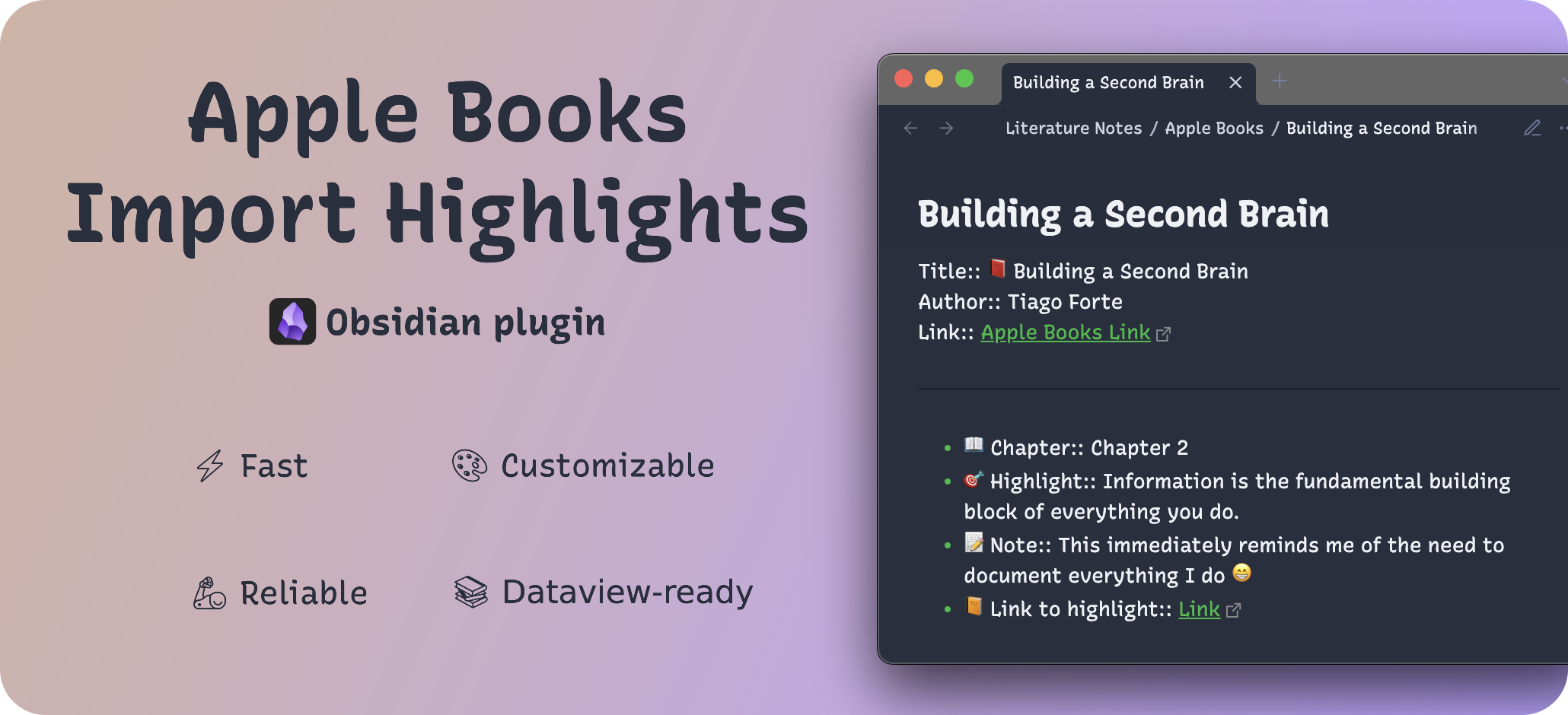
This plugin solves the nightmare of importing Apple Books highlights to Obsidian. It's the only one protecting your own thoughts and reflections across imports with the "Keep Me" section feature that no competitor dares to offer.
- ⚡️ 70x faster than alternatives - save you up to 30min/month or up to 16hrs/year.
- 🗄️ Your thoughts and reflections never overwritten during imports.
- 🦾 Bulletproof Reliability - highlights with only metadata you need, clean and secure imports. 100% code coverage.
Feedback from users who cherish plugin's superiority:
- 💬 I've used three or four other methods of keeping my Apple Books highlights and notes updated in Obsidian over the past few years. I'm moving to your plugin, it seems to be the best (fast, dependable, with a user editable template(!!!), and with selective single book importing/overwriting). Thanks for creating and sharing it! - mbarritt
- 💬 Thank you for creating a great, fast plugin! I'm so glad I found it. Thank you for making it so customizable. - banj
- 💬 Nice work. This is really quick. - cmyplay
- 💬 Your plugin is super fast and useful! - weslau
- 💬 This plugin is very useful and particularly fast to use - isdamir
🤩 Sounds enticing? Excellent!
Technical proof of dominance
This section compares performance of this plugin to two other contenders that were supposed to solve the import problem, and tells exactly why both of them failed to do so.
Startup
With the largest feature set (see the table below), this plugin has almost immediate and consistent startup times regardless of launch scenario and vault size.
| Scenario | This plugin | ibook | apple-books-highlights |
|---|---|---|---|
| On opening Obsidian | 6-8 ms | 861-2,677 ms | 1-2 ms |
| On reloading Obsidian | 2-8 ms | 65-131 ms | 1-2 ms |
| Mix of open/reload, test 1 | 2-8 ms | 76-1,169 ms | 1-2 ms |
| Mix of open/reload, test 2 | 2-7 ms | 76-1,095 ms | 1-2 ms |
| Mix of open/reload, test 3 | 2-8 ms | 76-1,057 ms | 1-2 ms |
Import speed
Here's what 70x faster means for your workflow.
Test collection: 182 books, 43 books with annotations, 3000+ annotations
[!note] This plugin's performance advantage grows with scale, so the larger the collection, the more significant the difference in import times becomes.
| Criterion | This plugin | ibook | apple-books-highlights | Difference |
|---|---|---|---|---|
| Full Import Cycle | 226.089 ms |
15,873.0 ms |
333.08 ms |
This plugin is ~`70x faster and ~1.47x` faster respectively |
| Data Fetch | 206.432 ms |
15,696.2 ms |
227.60 ms |
This plugin is ~`76x faster and ~1.10x` faster respectively |
| Aggregation | 9.356 ms |
6.7 ms |
0.05 ms |
This plugin is ~`1.4x slower and ~187x` slower respectively |
| Save Operations | 44.268 ms |
20.0 ms |
95.52 ms |
This plugin is ~`2.2x slower and ~2.16x` faster respectively |
| Per-book rendering | 0.241 ms/book avg |
1.266 ms/book avg |
2.18 ms/book avg |
This plugin is ~`5.3x faster and ~9.1x` faster respectively |
Features comparison
| Feature | This plugin | ibook | apple-books-highlights |
|---|---|---|---|
| Ribbon action | ✅ | ❌ | ✅ |
| Hotkeys | ✅ | ✅ | ✅ |
| Command palette commands | ✅ | ✅ | ✅ |
| Clean imports (no deleted annotations, no empty books with zero annotations) | ✅ | ❌ | ✅ |
| Single book import | ✅ | ✅ | ❌ |
| Choose Highlights folder | ✅ | ✅ | ✅ (existing folder only, see the note below) |
| Import on startup | ✅ | ❌ | ✅ |
| Backups | ✅ | 🟡 (messy) | ❌ |
| Sorting highlights | ✅ | ❌ | ❌ |
| Custom template | ✅ | ✅ | ❌ |
| Keep Me section | ✅ | ❌ | ❌ |
| Custom template for highlight filenames | ✅ | ❌ | ❌ |
| User-friendly docs | ✅ | ❌ | ❌ |
| Up-to-date | ✅ | ❌ (Last released 3 years ago) | ❌ (Last released 3 years ago, broken) |
[!NOTE] The latest released version of apple-books-highlights (1.0.1) is broken (error when querying the Apple Books database) and doesn't work with the current Obsidian version.
Also, it imports highlights only (without user notes), has almost zero configuration options, no backups, and explicitly states in the settings tab that all the highlight files are read-only and will be deleted on every sync. All these issues make it pretty much unusable and, which is even worse, expose users to the risk of data loss. The new Obsidian Cummunity Directory Scorecard review confirms this: "Build verification failed: the build script exited with an error."
Explore the plugin
- Get started in 5 minutes or less
- Configure settings to your liking
- Explore possible customization options