AICHE Voice
 aiche-app1k downloads
Create voice-to-text notes on desktop and mobile, with transcription, punctuation, and cleanup.
- Overview
- Scorecard
- Updates46
Speak into your notes. Polished text in seconds.
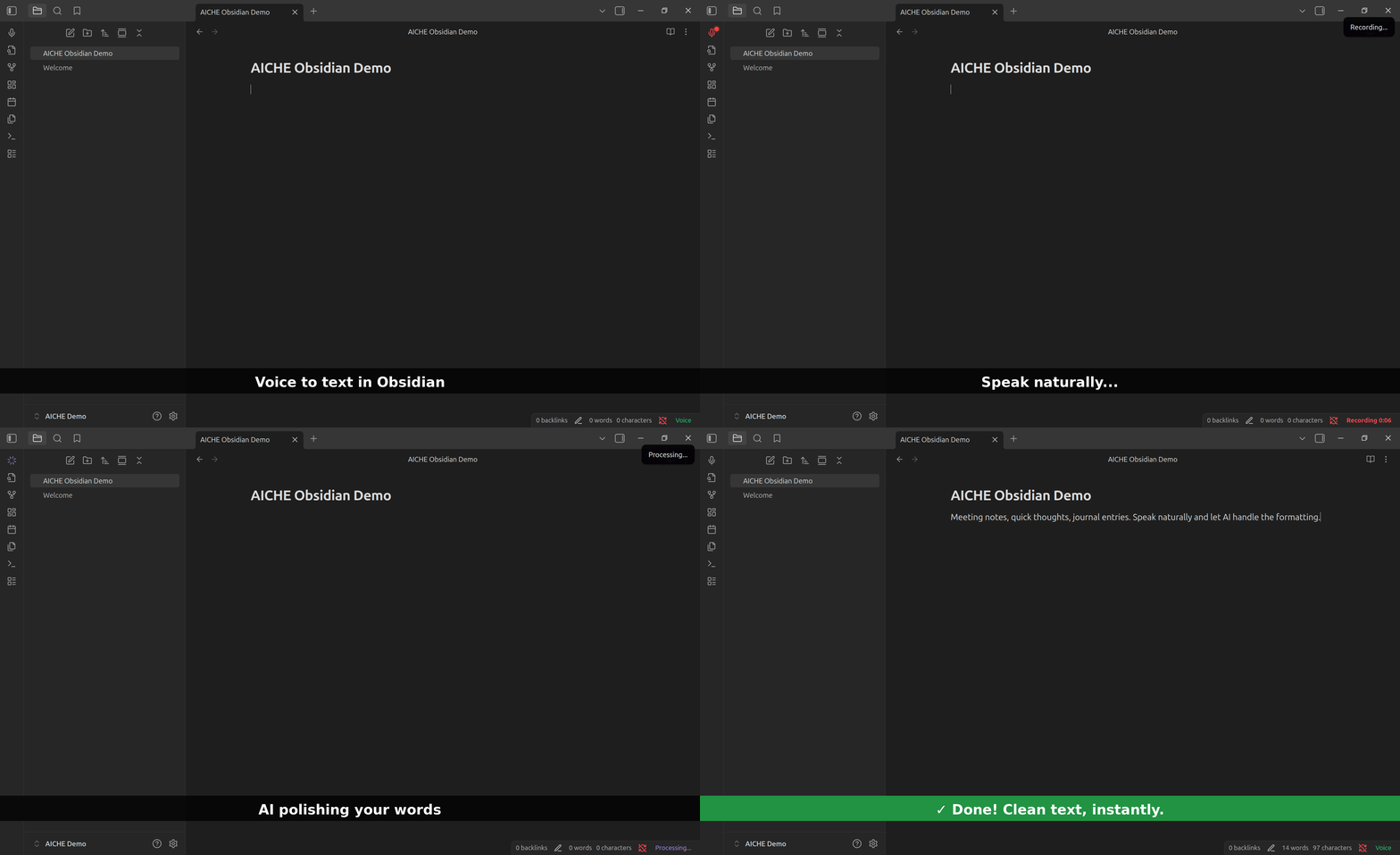
Part of AICHE - one subscription, voice-to-text everywhere: desktop apps, Obsidian, mobile, browser.
What It Does
Press record, speak naturally, get clean text with grammar and punctuation handled. Not raw transcription - readable sentences.
Install
Community Plugins
- Settings → Community Plugins → Browse
- Search "AICHE Voice"
- Install → Enable
Manual
- Download latest release
- Extract to
.obsidian/plugins/aiche-voice/ - Enable in Community Plugins
Setup
- Settings → AICHE Voice → Sign In
- Authenticate in browser
- Start recording
Usage
| Method | Action |
|---|---|
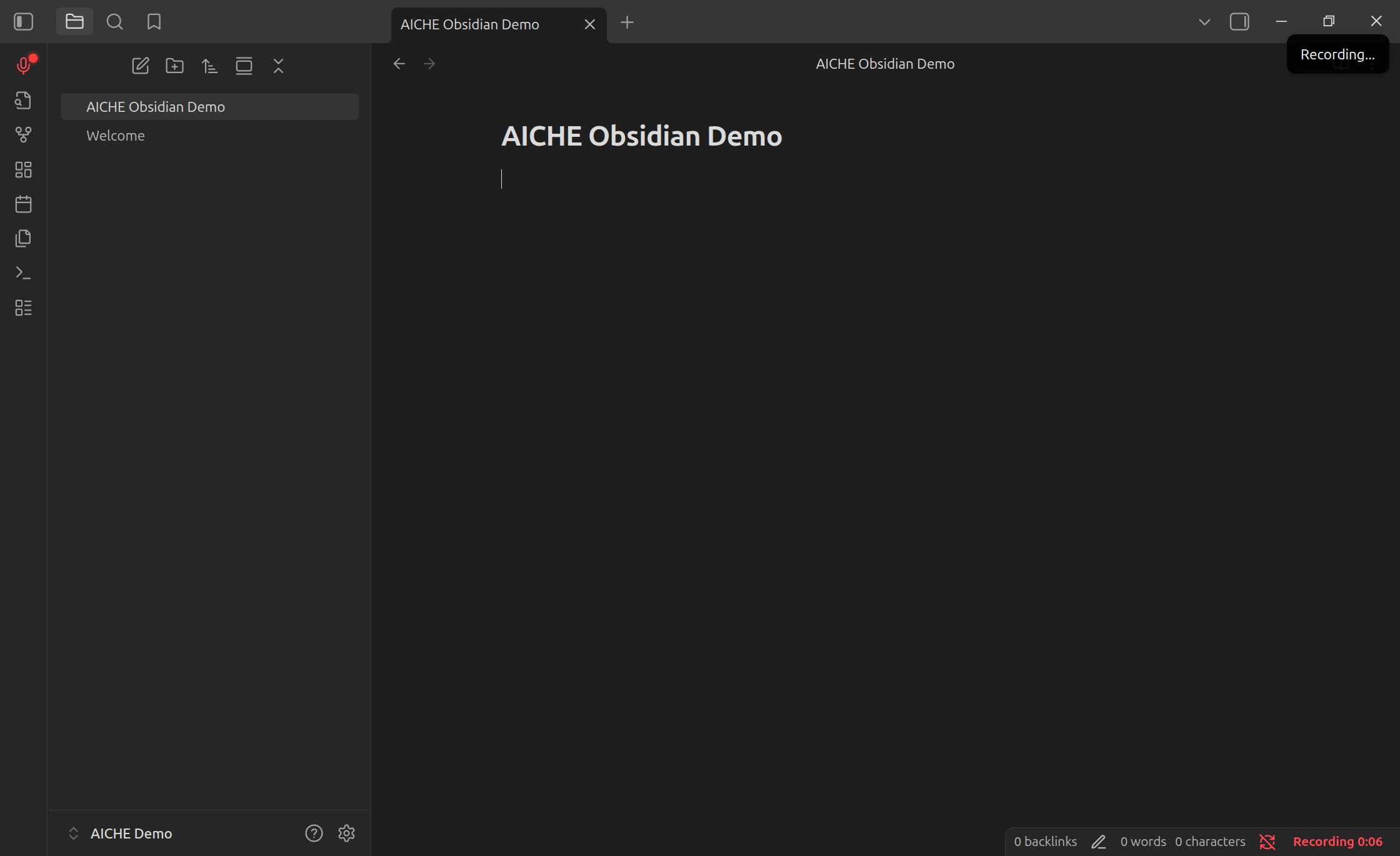
| Ribbon | Click microphone icon |
| Hotkey | Settings → Hotkeys → search "AICHE" |
| Command | Ctrl/Cmd + P → "Toggle Recording" |
| Status Bar | Click indicator, right-click for menu |
Settings
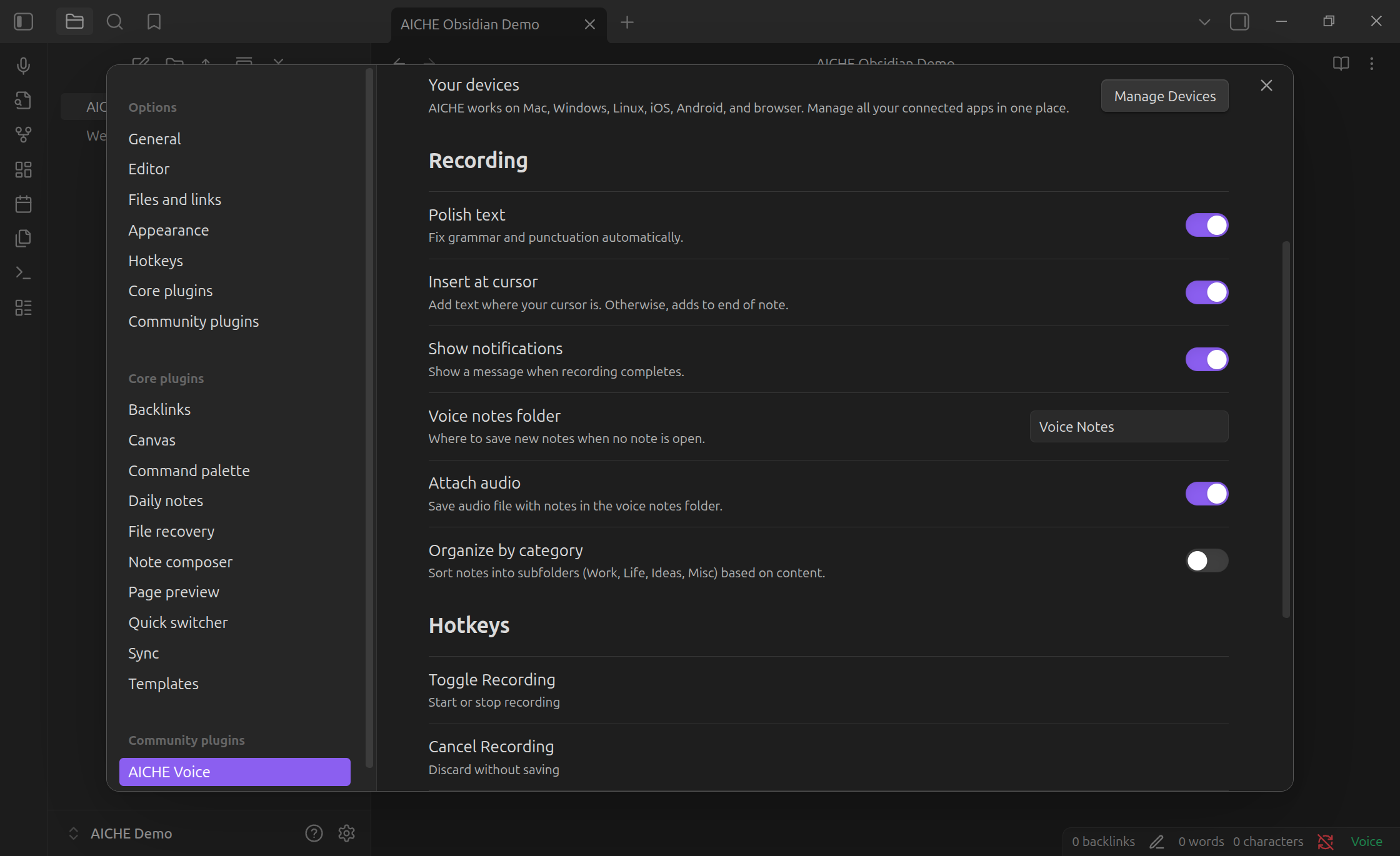
| Option | Description |
|---|---|
| Polish text | Grammar and punctuation cleanup |
| Insert at cursor | Text at cursor vs end of note |
| Notifications | Show completion notices |
| Voice notes folder | Auto-created notes location |
| Attach audio | Embed audio with voice notes |
| Category folders | Organize into Work/Life/Ideas/Misc |
Privacy
Audio sent to AICHE servers, deleted immediately after transcription. Zero retention.
- Audio: processed and purged (not stored)
- Text: stored with your account
- Offline: encrypted locally (AES-GCM), deleted after upload
Pricing
One AICHE subscription works everywhere - desktop, Obsidian, mobile, browser.
7-day free trial. Plans start at $4.99/month.
Support
License
MIT
HealthExcellent
ReviewPassed
About
Turn spoken thoughts into readable notes, not just audio files. AICHE Voice is built for quick capture on desktop and mobile: daily notes, meeting summaries, writing drafts, book notes, fleeting thoughts, and personal voice notes.
Start from the ribbon icon, hotkey, or command palette. When recording stops, AICHE inserts polished text at your cursor with punctuation, grammar cleanup, and filler-word removal handled automatically.
AICHE is a paid voice platform with a 7-day free trial and no credit card required. Your subscription also includes AICHE outside this plugin on iOS, Android, desktop, and browser, including voice notes, encrypted sync, custom vocabulary, and system-wide dictation.
Audio is processed for transcription and deleted after processing. Your notes stay in your vault.t.Details
Payments
Paid
Current version
1.0.45
Last updated
4 months ago
Created
9 months ago
Updates
46 releases
Downloads
1k
Compatible with
Obsidian 1.4.0+
Platforms
Desktop, Mobile
License
MIT
Payments
Install and start with a 7-day free trial, no credit card required. After the trial, voice-to-text transcription, AI cleanup, punctuation, encrypted sync, custom vocabulary, and system-wide dictation require an AICHE subscription.
Sponsor