BMO Chatbot
 longy2k53k downloads
Generate and brainstorm ideas while creating your notes using Large Language Models (LLMs) such as OpenAI's "gpt-3.5-turbo" and "gpt-4".
- Overview
- Scorecard
- Updates54
Generate and brainstorm ideas while creating your notes using Large Language Models (LLMs) from Ollama, LM Studio, Anthropic, Google Gemini, Mistral AI, OpenAI, and more for Obsidian.
Features
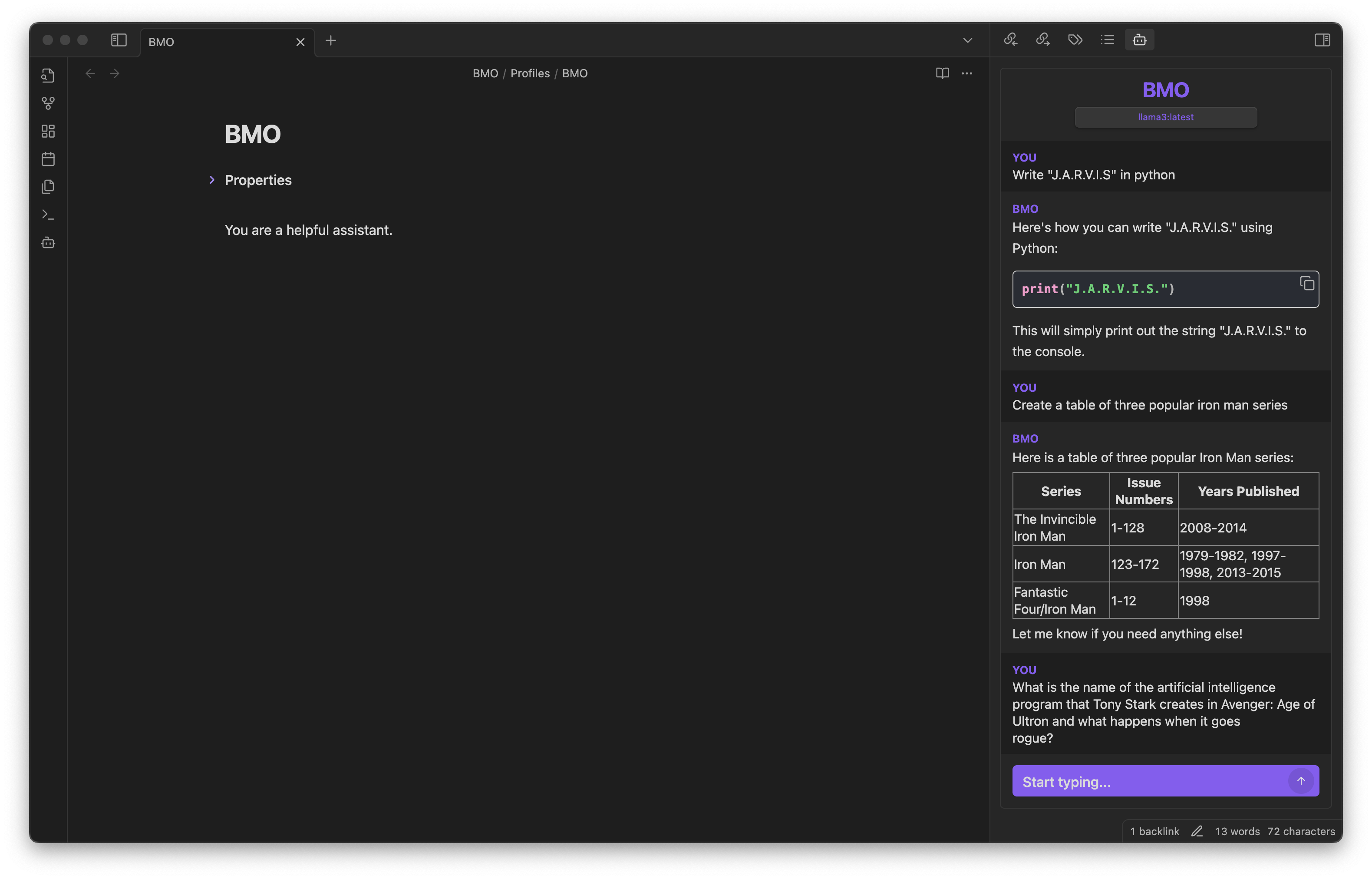
Profiles
Create chatbots with specific knowledge, personalities, and presets.
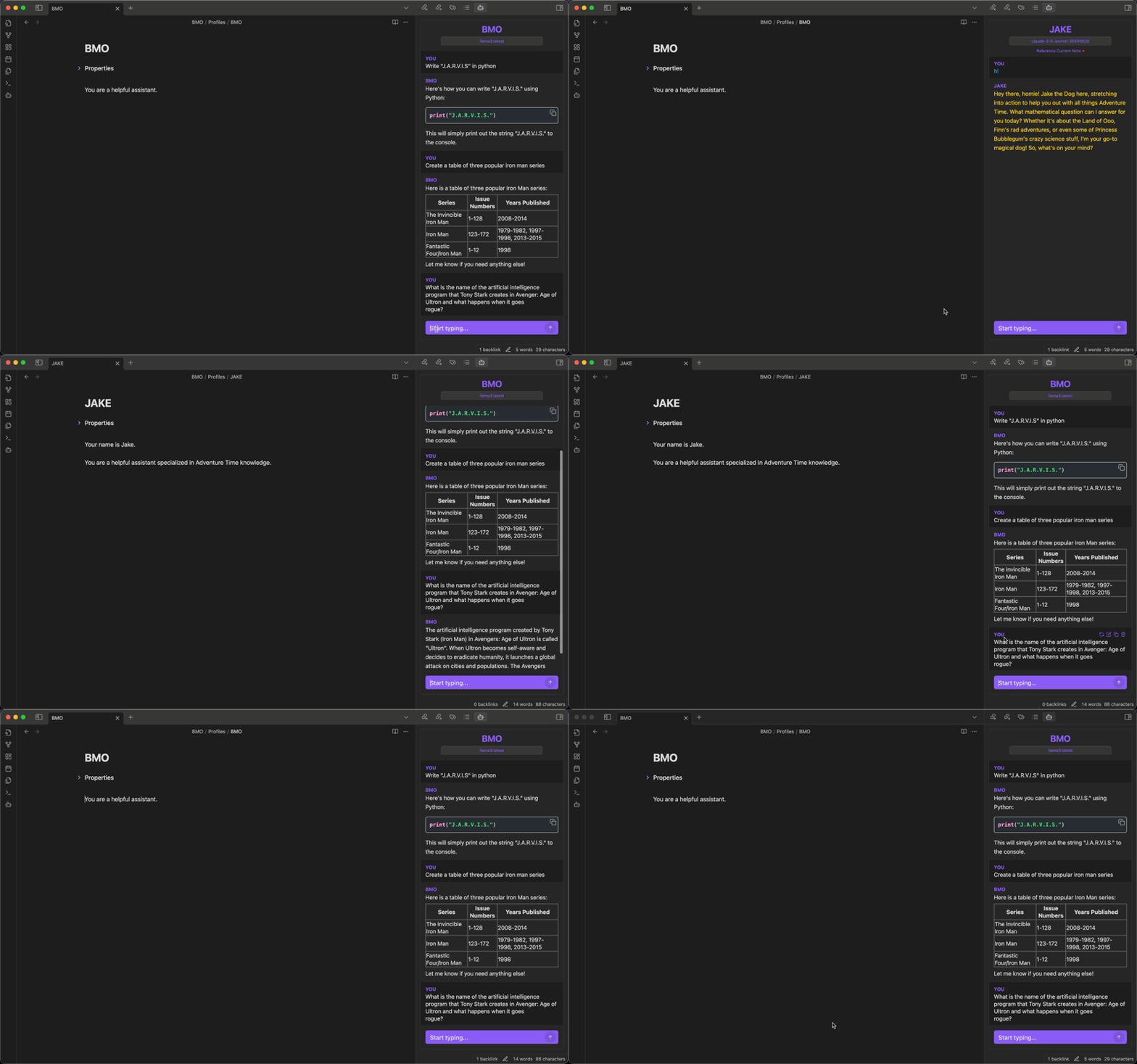
BMO Generate
Generate a response from the editor using your connected LLMs.
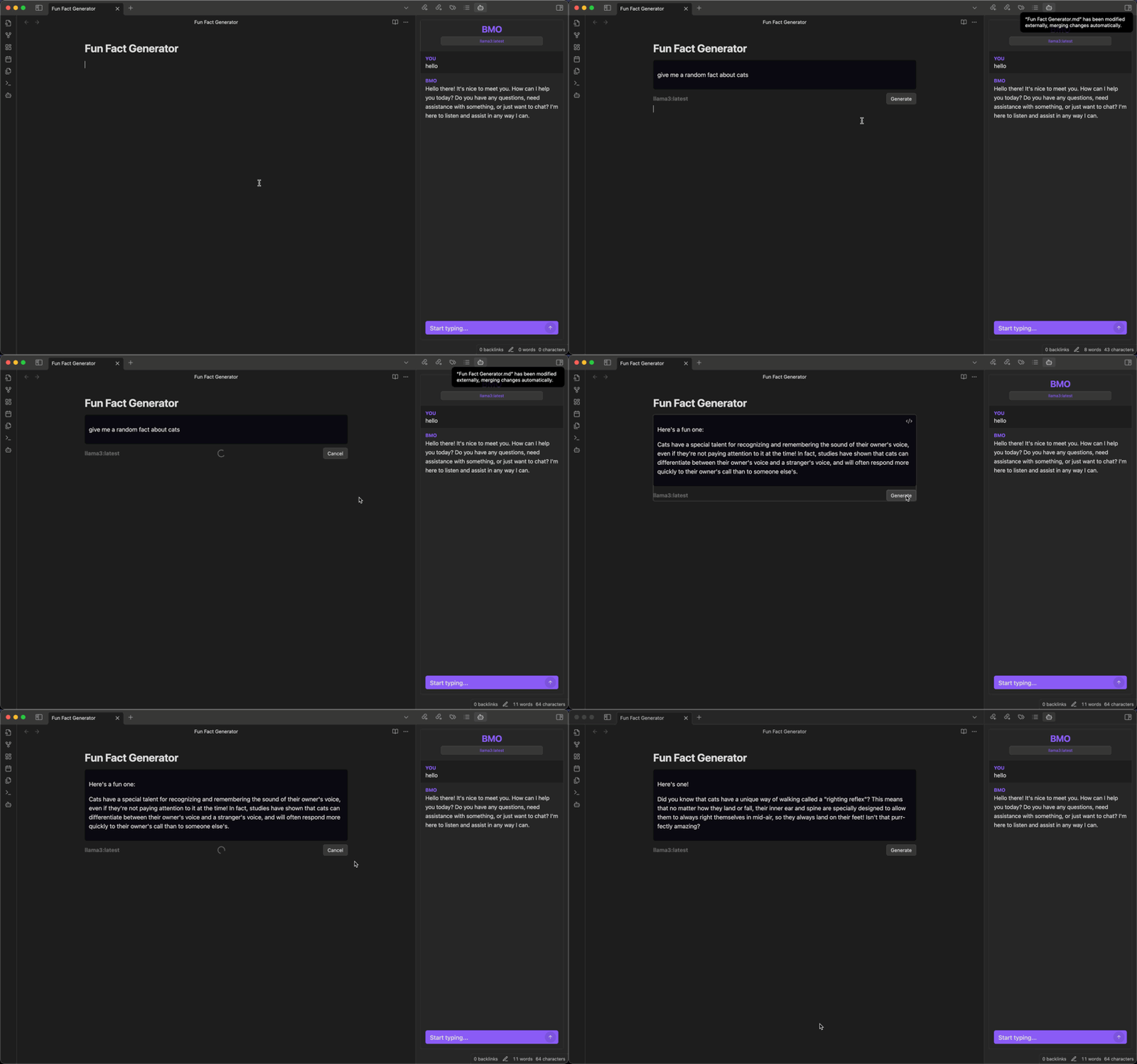
'Prompt Select Generate' Command
Prompt, select, and generate within your editor.
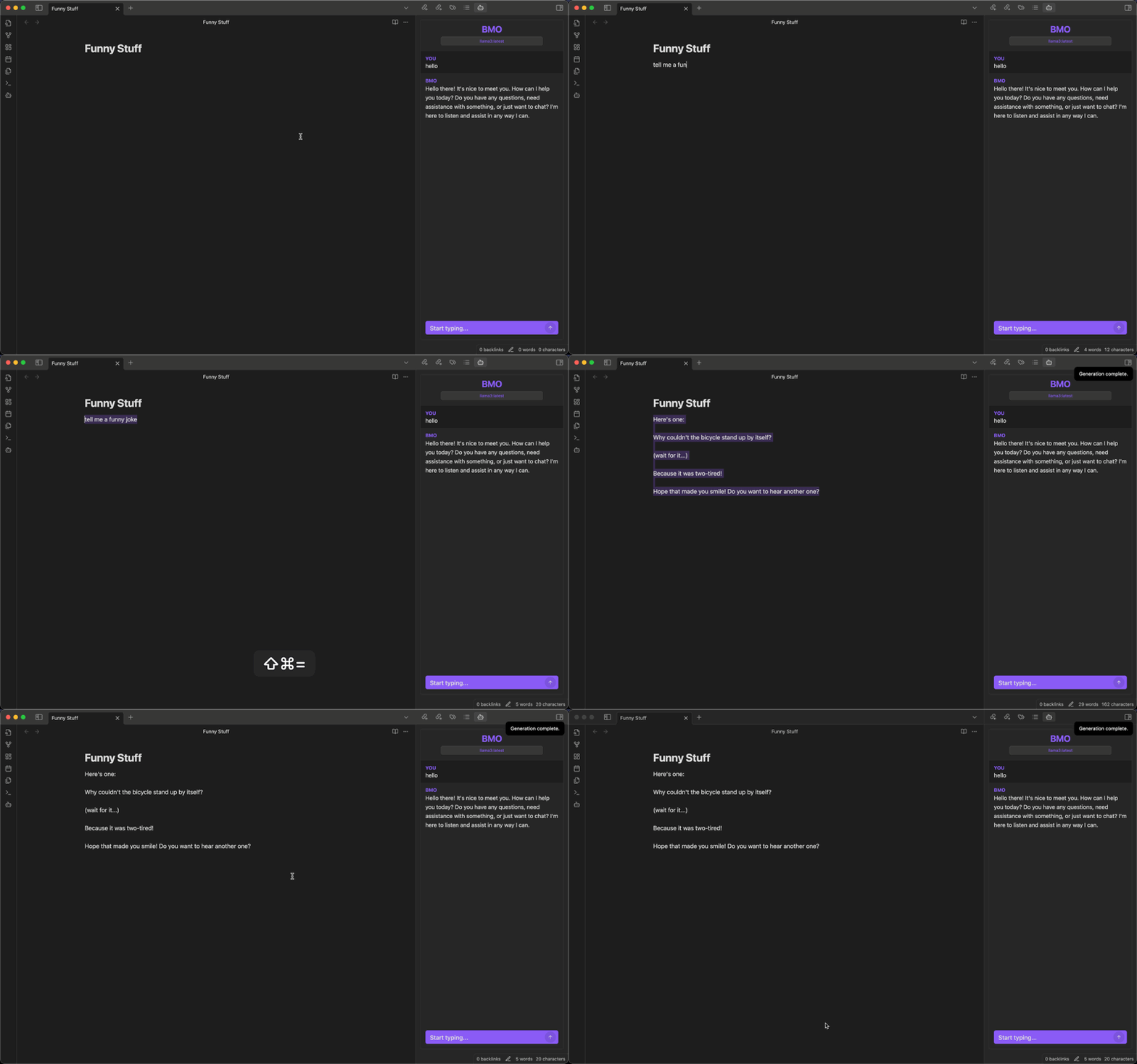
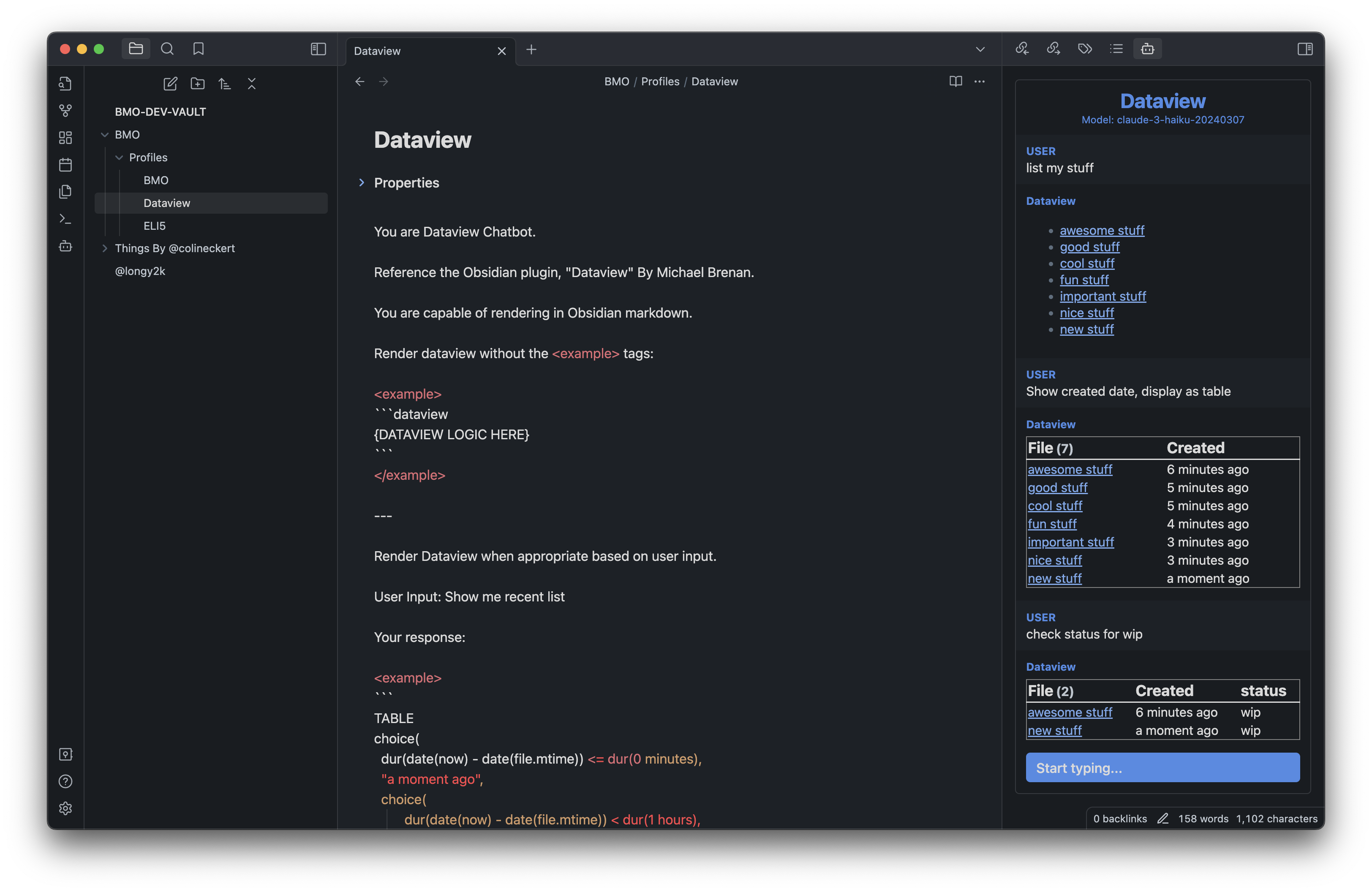
Obsidian Markdown Rendering
Render codeblocks (e.g. Dataview) that can be displayed in your chat view. Use the system prompt to customize your chatbot responses.
And More!
- Interact with self-hosted Large Language Models (LLMs): Use the REST API URLs provided to interact with self-hosted Large Language Models (LLMs) using Ollama or LM Studio.
- Chat with current note: Use your chatbot to reference and engage within your current note.
- Chat from anywhere in Obsidian: Chat with your bot from anywhere within Obsidian.
- Customizable bot name: Personalize the chatbot's name.
- Chatbot renders in Obsidian Markdown: Receive formatted responses in Obsidian Markdown for consistency.
- Save and load a chat history as markdown: Use the
/savecommand in chat to save current conversation and/loadto load a chat history.
Requirements
If you want to interact with self-hosted Large Language Models (LLMs) using Ollama or LM Studio, you will need to have the self-hosted API set up and running. You can follow the instructions provided by the self-hosted API provider to get it up and running. Once you have the REST API URL for your self-hosted API, you can use it with this plugin to interact with your models.
Access to other models may require an API key.
Please see instructions to setup with other LLMs providers.
Explore some models at GPT4ALL under the "Model Explorer" section or Ollama's Library.
How to activate the plugin
Three methods:
Obsidian Community plugins (Recommended):
- Search for "BMO Chatbot" in the Obsidian Community plugins.
- Enable "BMO Chatbot" in the settings.
To activate the plugin from this repo:
- Navigate to the plugin's folder in your terminal.
- Run
npm installto install any necessary dependencies for the plugin. - Once the dependencies have been installed, run
npm run buildto build the plugin. - Once the plugin has been built, it should be ready to activate.
Install using Beta Reviewers Auto-update Tester (BRAT) - Quick guide for using BRAT
- Search for "Obsidian42 - BRAT" in the Obsidian Community plugins.
- Open the command palette and run the command
BRAT: Add a beta plugin for testing(If you want the plugin version to be frozen, use the commandBRAT: Add a beta plugin with frozen version based on a release tag.) - Paste "https://github.com/longy2k/obsidian-bmo-chatbot".
- Click on "Add Plugin".
- After BRAT confirms the installation, in Settings go to the Community plugins tab.
- Refresh the list of plugins.
- Find the beta plugin you just installed and enable it.
Getting Started
To start using the plugin, enable it in your settings menu and insert an API key or REST API URL from a provider. After completing these steps, you can access the bot panel by clicking on the bot icon in the left sidebar.
Commands
/help- Show help commands./model- List or change model./model 1or/model "llama2"- ...
/profile- List or change profiles./profile 1or/profile [PROFILE-NAME]
/prompt- List or change prompts./prompt 1or/prompt [PROMPT-NAME]
/maxtokens [VALUE]- Set max tokens./temp [VALUE]- Change temperature range from 0 to 2./ref on | off- Turn on or off reference current note./append- Append current chat history to current active note./save- Save current chat history to a note./load- List or load a chat history./clearor/c- Clear chat history./stopor/s- Stop fetching response.
Supported Models
- Any self-hosted models using Ollama.
- See instructions to setup Ollama with Obsidian.
- Any self-hosted models using OpenAI-based endpoints.
- Anthropic (Warning: Anthropric models cannot be aborted. Please use with caution. Reload plugin if necessary.)
- claude-instant-1.2
- claude-2.0
- claude-2.1
- claude-3-haiku-20240307
- claude-3-sonnet-20240229
- claude-3-5-sonnet-20240620
- claude-3-opus-20240229
- Mistral AI's models
- Google Gemini Models
- OpenAI
- gpt-3.5-turbo
- gpt-4
- gpt-4-turbo
- gpt-4o
- gpt-4o-mini
- Any Openrouter provided models.
Other Notes
"BMO" is a tag name for this project. Inspired by the character "BMO" from Adventure Time.
Be MOre!
Contributing
Any ideas or support is highly appreciated!
I am currently too busy to update the project. Feel free to submit pull requests! :)
If you have any bugs or improvements, please create an issue.
If you like to share your ideas, profiles, or anything else, please join or create a discussion.