Advanced Progress Bars
 cactuzhead14k downloads
Progress bars that can change color depending on completion value - fully customizable.
- Overview
- Scorecard
- Updates17
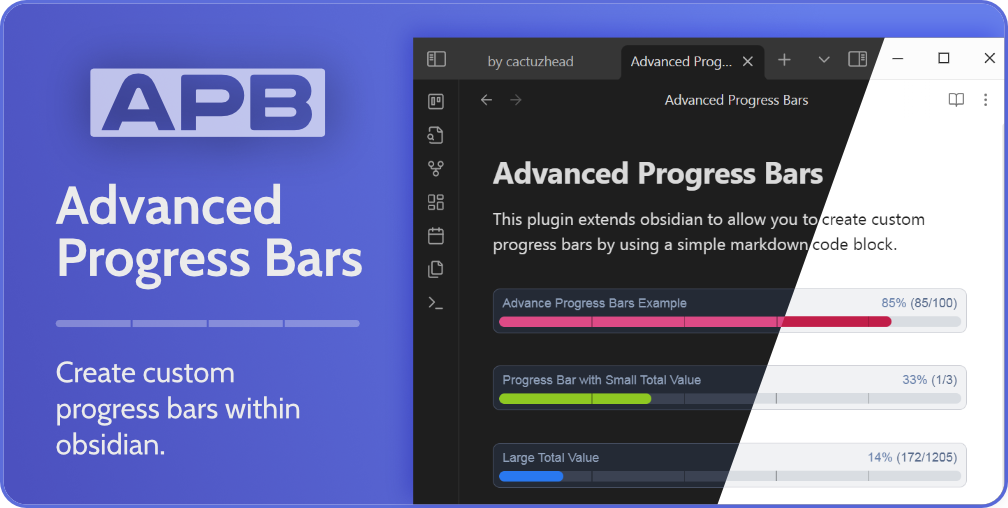 This plugin extends obsidian to allow you to create custom progress bars by using a simple markdown code block.
If you find value in this plugin and would like to support us, please consider using our ko-fi
Installing via Obsidian
- Navigate to Settings -> Community Plugins -> Browse and then search for
Advanced Progress Bars. - Now select the Advanced Progress Bars plugin and click the install button.
- Remember to activate the plugin by going to
Settings->Community Plugins->Installed Pluginsand toggling theAPBplugin on.
Manual Install
- Find the latest release from https://cactuzhead.github.io/Advanced-Progress-Bars/ and download the files (
main.js,manifest.jsonandstyles.css). - Navigate to your vault's plugin folder
[your vault]/.obsidian/plugins, and create a new folder calledobsidian-advanced-progress-bars. - Copy the downloaded files into this new folder.
- Reload Obsidian.
- Remember to activate the plugin by going to
Settings->Community Plugins->Installed Pluginsand toggling theAPBplugin on.
Usage Example Code Block
To insert an Advanced Progress Bar into Obsidian, you use a fenced code block similar to the one below.
```apb
My Title: 57/100
```
In the apb code block, you define the attributes as Title: Value / Total.
Documentation
For full documentation, please visit our github page
HealthExcellent
ReviewSatisfactory
About
Create customizable progress bars in notes using a simple fenced code block. Define Title: Value/Total (e.g., My Title: 57/100) to render visual progress bars directly in your Markdown files.Details
Current version
1.3.1
Last updated
7 months ago
Created
2 years ago
Updates
17 releases
Downloads
14k
Compatible with
Obsidian 0.15.0+
Platforms
Desktop, Mobile
License
GPL-3.0
Sponsor